 ProMapRanker
Best Budgeting Apps for College Students in 2026

Key takeaways
- YNAB offers a free year for college students, which makes it the best learning tool if you will use its workshops and zero-based method.
- Goodbudget and EveryDollar offer usable free plans for manual budgeting, which suit students who do not want to link a bank account.
- PocketGuard, Rocket Money and Simplifi suit students who want automatic tracking and a clear view of what is safe to spend.
- Splitwise is not a full budget app, but it is the best add-on for splitting rent, utilities and groceries with roommates.
- This is not financial advice. These apps track spending and help you plan, but they do not replace advice about loans, credit or aid.
Quick comparison
| Pick | Great for | Pricing starts at | Free tier | |
|---|---|---|---|---|
 YNAB | Learning zero-based budgeting | $109 per year | No | Visit |
 Goodbudget | Free envelope budgeting | Free | Yes | Visit |
 EveryDollar | Simple zero-based budgets | Free | Yes | Visit |
 PocketGuard | Safe-to-spend view | $12.99 per month | No | Visit |
 Rocket Money | Subscription tracking | Free | Yes | Visit |
 Simplifi by Quicken | Low-cost automatic tracking | See website | No | Visit |
 Monarch Money | Full-featured tracking | $14.99 per month | No | Visit |
 Splitwise | Roommate bill splitting | Free | Yes | Visit |
 Copilot Money | iPhone and Mac tracking | $95 per year | No | Visit |
The best budgeting apps for college students
College money is irregular: aid refunds arrive in lumps, part-time pay varies, and rent, food and subscriptions compete for the same balance. The apps below help in different ways, from strict envelope budgets to automatic tracking. We compared them on free tiers, student offers, bank linking, roommate tools and ease of use.
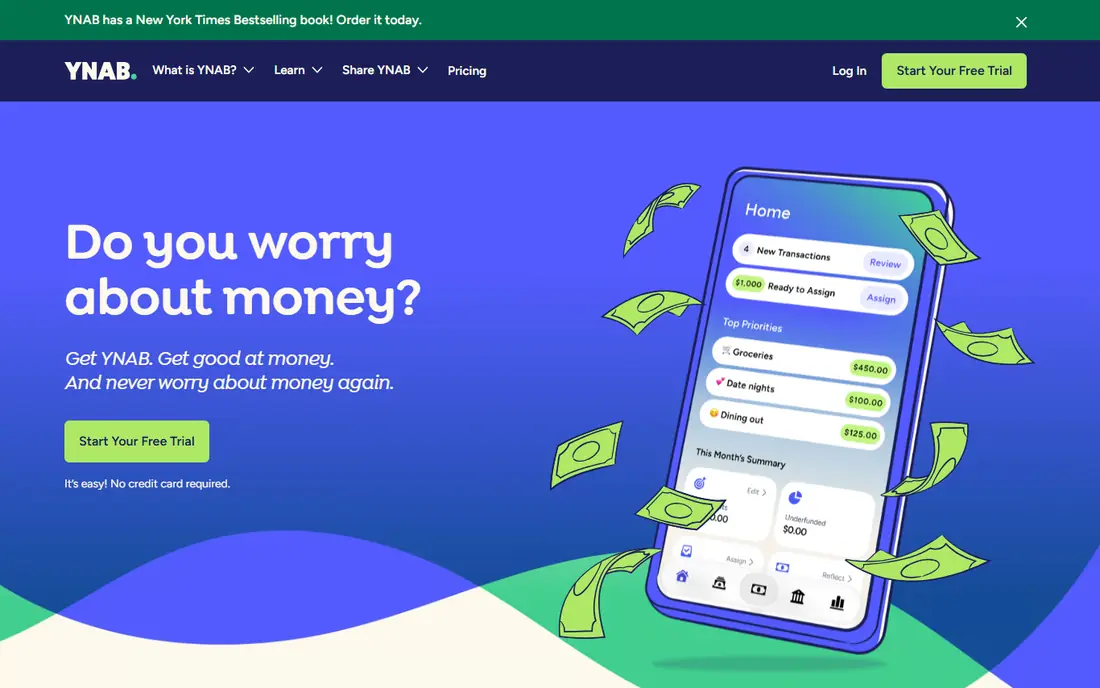
YNAB, short for You Need A Budget, asks you to give every dollar a job before you spend it. That habit helps when aid money arrives at once, since you can assign it to rent, food and books for the whole term instead of spending it in the first month. Guides and live workshops teach the method, which is part of the value for a first-time budgeter.
The catch is price after the student offer ends. College students can claim a free year, but after that the annual plan applies, so set a reminder before renewal. If you will put in a few weeks to learn the method, YNAB builds a habit that lasts beyond college. If you want a quick tracker with no learning, a simpler app may suit you better.
- Strong zero-based method with guides and workshops
- Free year for college students
- Handles irregular income well
- Paid after the free student year
- Learning curve is steeper than simple trackers
- No native roommate splitting
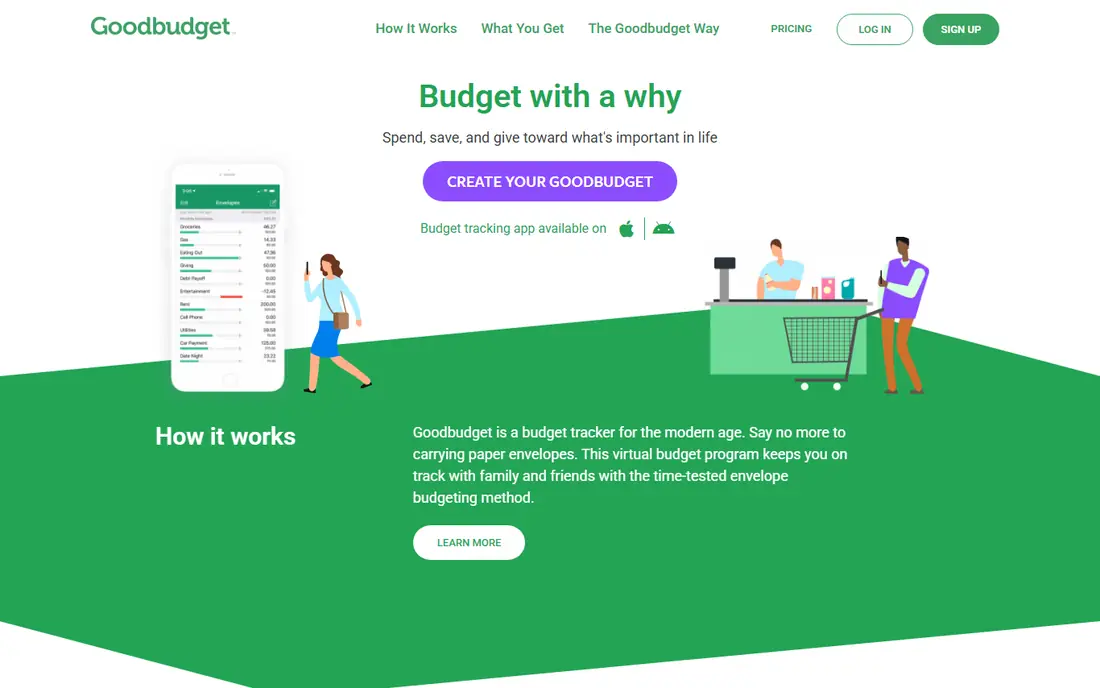
Goodbudget turns the old cash envelope method into digital envelopes for food, transport, fun and other categories. You fill envelopes when money arrives, then spend down each one. The free plan is usable for a simple student budget, and shared budgets help roommates or couples track shared categories together.
Manual entry is both the strength and the weakness. Typing each expense makes spending visible, but it takes a few minutes a day. Bank sync is a paid feature, so automatic tracking fans should look elsewhere. For students who want a free, mindful budget without linking a bank, Goodbudget is a strong pick.
- Free plan with digital envelopes
- Shared budgets sync across devices
- No bank linking needed
- Free plan limits envelopes and accounts
- Bank sync needs a paid plan
- Manual entry takes discipline
EveryDollar offers a clean, simple take on zero-based budgeting. You set income, plan each category to zero, then track spending against that plan. The free plan uses manual entry, which keeps costs at zero and avoids bank linking for students who prefer it.
Paid plans add bank connection and extra features, but the free version already covers the core habit. Students who want detailed reports, investment tracking or automatic categorization may find it basic. For a first budget that takes ten minutes to set up, EveryDollar is easy to recommend.
- Simple zero-based budget setup
- Free manual-entry plan
- Clear monthly planning view
- Bank connection needs a paid plan
- Fewer tracking features than rivals
- No roommate splitting
PocketGuard answers one question well: after bills and savings goals, how much can you spend today. It links accounts, tracks categories and shows that leftover number up front, which helps students with variable part-time income avoid overspending early in the month. The daily view is simpler than a full budget spreadsheet.
It is less of a planning teacher than YNAB, and the monthly price is a real cost on a student budget. A trial helps you test whether the safe-to-spend number changes your habits. If it does, the simplicity may be worth it. If not, a free manual app will do the same job with more effort.
- Clear safe-to-spend number after bills and goals
- Bank linking and categorization
- Simple daily view
- No free plan beyond a trial
- Less of a planning tool than YNAB
- Price adds up over a year
Rocket Money is best known for finding subscriptions you forgot about, from streaming to apps to gym memberships. It links accounts, lists recurring charges and shows spending by category, which helps students spot leaks in a tight budget. The free tier covers basic tracking and alerts.
It is more of a tracker than a strict budget planner. Students who want to plan every dollar in advance may prefer YNAB or Goodbudget, with Rocket Money as a second tool for subscriptions. Used together, that pair covers both planning and leak-finding without much extra cost.
- Finds recurring subscriptions and bills
- Spending alerts and category views
- Free tier for basic tracking
- Full budgeting features need a paid plan
- Cancellation help varies by biller
- Not a strict envelope tool
Simplifi by Quicken offers automatic bank tracking, spending plans, bill reminders and subscription views at a lower price than many full-featured rivals. It suits students who want their transactions categorized for them, but still want a plan for each month rather than just a history chart.
The lack of a free plan means you need a trial or a short subscription to test it. Students who prefer manual budgeting or a free tier may do better with Goodbudget or EveryDollar. For automatic tracking on a budget, Simplifi is one of the best-value paid options.
- Automatic tracking with spending plans
- Bill and subscription views
- Good value for a paid tracker
- No free plan
- Price and offers change often
- Less of a teaching tool than YNAB
Monarch Money is a full-featured replacement for older tracking apps, with bank linking, budgets, cash flow views and a net worth picture. It suits students who also track savings, investments or shared finances with a partner, and who want one dashboard for everything. Setup is straightforward, and categories are flexible.
The monthly price is the main barrier. On a part-time income, that cost needs a clear benefit over free trackers. Students who only need a monthly budget and subscription check may not use enough of Monarch to justify it. For students building a fuller financial picture, it is a polished option.
- Automatic tracking across accounts
- Flexible budgets and net worth view
- Good for couples and shared finances
- Price is high for a student budget
- Trial is short
- More features than many students need
Splitwise solves the roommate problem that budget apps often ignore. One person pays rent or utilities, logs it in a group, and Splitwise tracks who owes what. Balances stay clear, settlements are recorded, and the awkward end-of-month math disappears. The free tier covers the core splitting most student houses need.
It does not replace a budget app, since it tracks shared debts rather than personal spending plans. Pair it with YNAB, Goodbudget or EveryDollar: use Splitwise for shared bills and a budget app for your own money. That pair is the most useful student stack for shared housing.
- Easy splitting for rent, utilities and groceries
- Group balances and settlement records
- Free tier covers core use
- Not a full budget app
- No bank linking for budgets
- Paid plan needed for advanced features
Copilot Money is an iPhone and Mac budgeting app with a clean design, automatic categorization and clear spending insights. It suits Apple users who want a polished tracker without a cluttered interface. Categories, budgets and trends are easy to read, and the app feels made for daily checking.
Android users should skip it, since there is no Android app. The annual price also needs a trial to judge value against free rivals. For iPhone students who want automatic tracking with a refined design, Copilot is a strong, if pricey, pick.
- Clean iPhone and Mac design
- Smart categorization and insights
- Good privacy-focused tracking
- No Android app
- Annual price with no free plan
- Less suited to manual envelope budgeting
How we picked these
We compared official pricing and help pages, app store listings and public reviews for budgeting apps, and we kept only apps that are live in October 2026 and fit student budgets, either through a free tier, a student offer or a low paid price. We favored apps with clear free-plan limits, honest bank-linking terms and roommate or subscription features where relevant, and we wrote See website where pricing was promotional or unclear.
How to build a student budget that sticks
Start with a simple split for the term, not the year. List fixed costs such as rent, phone and transport, then set weekly amounts for food and fun. If aid arrives in a lump, divide it across the term before you spend it, and keep a small buffer for books and emergencies. A budget that only covers one month will fail when a big bill lands.
Next, pick one main app and one helper. Use a budget app for your own plan, Splitwise for shared bills, and Rocket Money or your bank app for subscription checks. Adding three budget apps at once usually leads to none of them being updated. Update your main app twice a week for ten minutes, and review it fully once a month.
Finally, protect your accounts. Use a strong password and two-factor authentication, review bank connections regularly, and never share login details with roommates. Budget apps should use read-only connections where possible, and you should remove any app you stop using. Good habits with security matter as much as good habits with spending.
Frequently asked questions
What is the best budget app for college students?
YNAB is the best learning app if you claim its free student year and use its method, while Goodbudget is the best free app for envelope budgeting. PocketGuard suits students who want a simple safe-to-spend number, and EveryDollar suits students who want a simple free zero-based plan.
What are the best budgeting apps for students that are free?
Goodbudget, EveryDollar and Splitwise offer usable free tiers, and Rocket Money offers free basic tracking. YNAB is free for a year for students, but it becomes paid after that. Check free-plan limits on envelopes, accounts and bank sync before you commit.
What is the best budgeting app for college students with roommates?
Pair a budget app with Splitwise. Use YNAB, Goodbudget or EveryDollar for your personal plan, and Splitwise for rent, utilities and shared groceries. Goodbudget also offers shared budgets, which can work for couples or close roommates.
How do I budget a financial aid refund?
Divide the refund across the term it must cover, assign it to rent, food, books and bills first, and keep a buffer for surprises. A zero-based app such as YNAB or EveryDollar helps here, since it forces you to assign every dollar before spending it.
Should students link a bank account to a budgeting app?
Linking saves time and gives automatic categorization, but it also means trusting an app with transaction data. Use official app store downloads, check the app uses a known data connector, enable two-factor authentication, and review connections regularly. Manual apps such as Goodbudget avoid linking entirely if you prefer that.
Sources
See where you really rank - block by block
ProMapRanker scans Google Maps across a grid of your service area. Simple monthly plans from $19, white-label on every plan.
Start freeKeep reading
 zscaler alternatives
Best Zscaler Alternatives in 2026
Looking for zscaler alternatives? We compare 9 SASE and zero trust platforms on architecture, data protection, pricing, and fit for your network and team.
Read → zapier alternatives free
Best Zapier Alternatives Free in 2026
Nine automation tools for zapier alternatives free in 2026, all with genuinely free tiers, plus free plan limits, starting prices and upgrade paths explained.
Read → which platform is best for online reputation
Which Platform Is Best for Online Reputation in 2026
Wondering which platform is best for online reputation? We compare 8 review, listing, and response tools for small and multi-location businesses and agencies.
Read →