 ProMapRanker
Best Budgeting Apps in 2026: 9 Apps Compared

Key takeaways
- YNAB suits hands-on budgeters who want a method, while Monarch suits households that want budgeting, net worth, and investments in one place.
- EveryDollar, Goodbudget, and Rocket Money offer usable free tiers, so you can start without paying for a subscription.
- Copilot is the strongest Apple-focused choice, but Android users should choose Monarch, YNAB, or Simplifi instead.
- Annual billing usually costs much less per month than monthly billing, so test with a trial before committing for a year.
Quick comparison
| Pick | Great for | Pricing starts at | Free tier | |
|---|---|---|---|---|
 YNAB YNAB | Zero-based budgeting method | $14.99 per month | Free trial | Visit |
 Monarch Money Monarch Money | Household dashboard | $14.99 per month | Free trial | Visit |
 Quicken Simplifi Quicken Simplifi | Low-cost automatic tracking | $5.99 per month | Free trial | Visit |
 Copilot Money Copilot Money | Apple users and design | $13.00 per month | Free trial | Visit |
 EveryDollar EveryDollar | Simple zero-based budgets | Free | Yes | Visit |
 Goodbudget Goodbudget | Envelope budgeting | Free | Yes | Visit |
 Rocket Money Rocket Money | Subscriptions and spending | Free | Yes | Visit |
 PocketGuard PocketGuard | Safe-to-spend number | $12.99 per month | Free trial | Visit |
 PocketSmith PocketSmith | Cash flow forecasting | $14.95 per month | Yes | Visit |
The best budgeting apps
We compared official feature pages, pricing, app store listings, privacy policies, and public reviews. The apps below cover different budgeting styles, from strict zero-based planning to light automatic tracking. The right choice depends on how much time you want to spend, whether you share money with a partner, and whether you need bank sync.
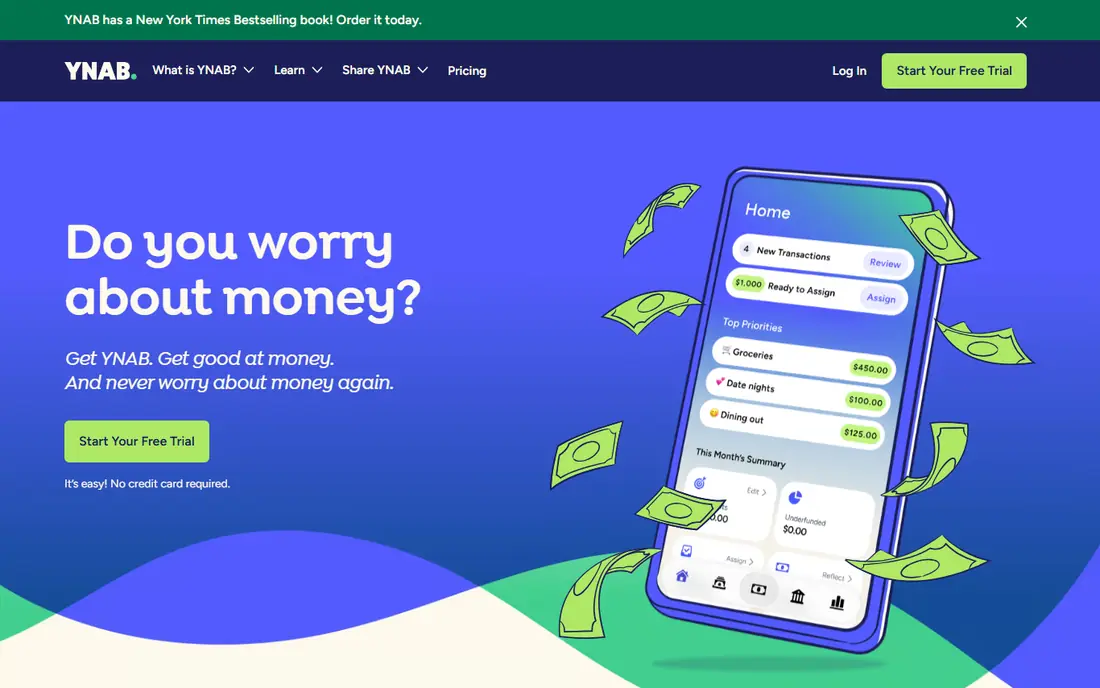
YNAB, short for You Need A Budget, is the most method-driven app on this list. It asks you to give every dollar a job before you spend it, adjust when plans change, and build a buffer for irregular costs. That discipline helps people with variable income, debt payoff goals, or spending that drifts without a plan. The app also includes reports, goal tracking, and loan tools that support the method rather than sitting beside it.
The downside is effort. YNAB rewards regular check-ins, and users who want a set-and-forget tracker may find it too hands-on. The trial lasts 34 days, which gives time to learn the method, and students can check for a longer free period. If you want a budgeting app that changes habits, not just charts spending, YNAB is the strongest pick here.
- Clear method that assigns every dollar a job
- Strong debt and goal tools
- Sharing for up to six people on one plan
- Steep learning curve at first
- Price is high if you only want passive tracking
Monarch Money is the closest all-round replacement for people who miss a single dashboard for all their accounts. It links bank, card, loan, and investment accounts, then shows budgets, cash flow, net worth, and goals together. Couples can share access and set household budgets, which makes it easier to agree on spending without passing spreadsheets back and forth. Custom categories and flexible budgeting also help households with uneven income.
Monarch costs more than Simplifi, and there is no permanent free tier, so the trial matters. A higher-priced Plus tier adds extra features that many households will not need, so check the Core plan first. If you want one polished place to see the full household picture, Monarch is our pick for most couples and families.
- Budgeting, net worth, investments, and goals in one place
- Good for couples and households
- Flexible budget views
- No free tier beyond a trial
- Some advanced features sit on a higher-priced tier
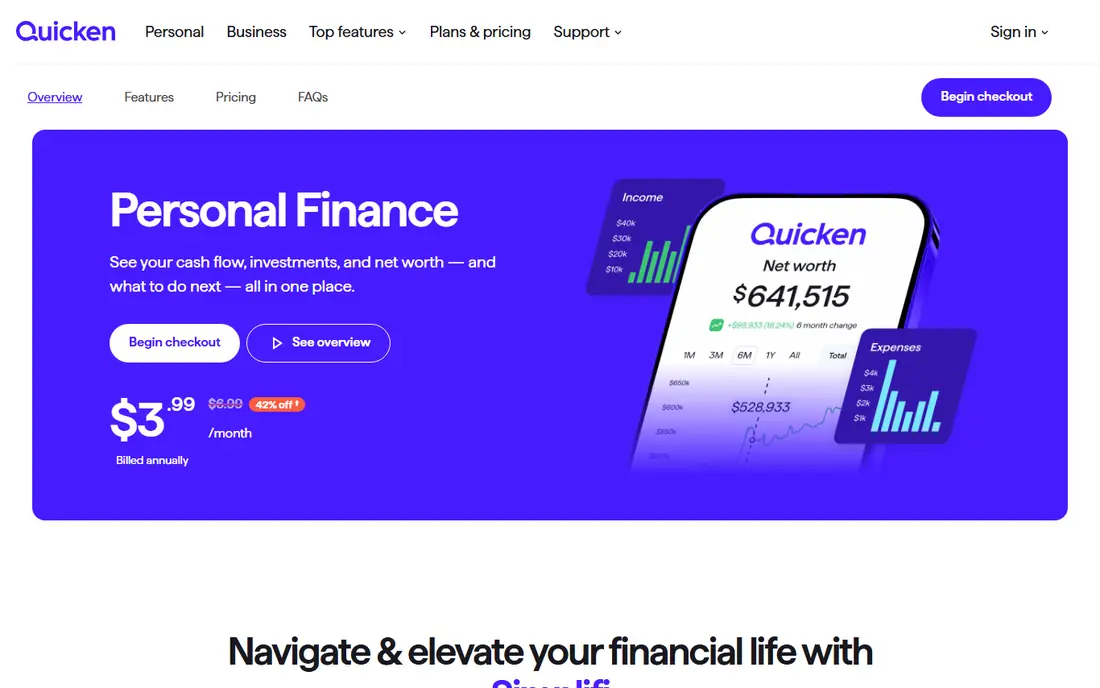
Quicken Simplifi suits people who want automatic tracking without a high subscription. It links accounts, builds a spending plan, projects cash flow, and tracks bills and subscriptions. That mix covers the daily question most users actually ask, which is how much room is left after bills and planned spending. The interface is simpler than a full financial suite, which helps new users get started quickly.
Simplifi is less strict than YNAB, so it will not force the same planning habit. It is also more of a dashboard than a method, which suits passive trackers better than hands-on budgeters. Promotional first-year pricing can differ from the standard rate, so check renewal terms. For the price, Simplifi is the best value all-rounder on this list.
- Lower price than Monarch or YNAB
- Spending plans, cash flow, and watchlists in one app
- Long history from Quicken
- Less of a strict budgeting method than YNAB
- Annual billing is the usual route to the best price
Copilot Money is the design-led choice for Apple households. The apps feel fast and clear, with budgets, transactions, net worth, and cash flow presented in a way that is easy to scan. Smart categorization reduces manual work, and the focus on privacy, including clear data controls, appeals to users who read privacy policies before linking accounts. It also supports shared access for household use in some plans.
The limit is platform. Android users cannot use Copilot as their main app, and there is no free tier beyond a trial. At $13 per month or $95 per year, it sits in the same price band as Monarch and YNAB. If you live in the Apple system and want a beautiful, automatic tracker, Copilot is worth the trial. If you mix devices, choose a cross-platform app instead.
- Polished Apple apps for iPhone, iPad, and Mac
- Smart categorization and cash flow views
- Good privacy controls
- No Android app
- No permanent free tier
EveryDollar offers the simplest free route to zero-based budgeting. You create a monthly budget, assign income to categories, and track spending by hand in the free version. That manual step is a feature for some users, because it forces attention to each expense. The layout is clean, the method is easy to explain, and the free tier is genuinely usable without a trial clock.
Bank sync, automatic transactions, and some extra features require Premium, priced at $17.99 per month or $79.99 per year. EveryDollar also lacks the investment and net worth depth of Monarch or PocketSmith. If you want a free, simple budget and you do not mind manual entry, start here. If you want full automation, compare Premium with Simplifi or Monarch first.
- Free manual budget that follows a simple zero-based method
- Easy to learn
- Useful for Ramsey method fans
- Bank sync requires the paid Premium plan
- Fewer investment and net worth tools than Monarch
Goodbudget turns the classic envelope method into an app. You divide money into envelopes for groceries, rent, transport, and other categories, then record spending against each envelope. That visual limit helps people who overspend in one category without noticing it elsewhere. Because it works without bank links, it also suits users who prefer manual entry or do not want to share bank login details with an app.
The free tier limits envelopes, accounts, and devices, which may push active households toward Plus at $10 per month or $80 per year. Bank sync is paid and limited by region, so check availability before assuming automatic import. Goodbudget is the best choice for envelope fans, manual budgeters, and couples who want a shared, simple system.
- Digital envelope method is easy to understand
- Works without bank links
- Good for couples sharing envelopes
- Free tier caps envelopes and accounts
- Bank sync requires the paid plan in supported regions
Rocket Money is best known for finding subscriptions, but it also offers spending tracking, budgets, and alerts in its free tier. That makes it a useful first app for people who suspect they pay for services they no longer use. The dashboard shows recurring charges clearly, and Premium adds more budgeting, alerts, and cancellation help. For many users, the free tier alone reveals enough to justify a closer look at their spending.
Budgeting depth is the limit. Rocket Money does not offer the same planning method as YNAB, nor the household dashboard depth of Monarch. Premium pricing can vary by the amount you choose to pay within a range, so read the plan details before subscribing. Use Rocket Money as a subscription watchdog and light tracker, then add a stricter budget app if you need one.
- Free spending tracking and subscription detection
- Cancellation help for some subscriptions
- Budget tools included
- Budgeting is thinner than YNAB or Monarch
- Bill negotiation takes a share of savings where offered
PocketGuard answers one question well: after bills, goals, and planned spending, how much can you safely spend today. That single number helps people who feel overwhelmed by full budgets and detailed categories. The app links accounts, tracks spending, and shows upcoming bills, so the safe-to-spend figure stays current without constant manual work.
The trade-off is depth. PocketGuard is not the best tool for complex debt plans, envelope budgeting, or detailed household reporting. The free tier has limits, and Plus at $12.99 per month or $74.99 per year is needed for full features. If simplicity is your main need, and a clear daily number keeps you on track, PocketGuard fits. If you need a method, choose YNAB or EveryDollar instead.
- Clear safe-to-spend figure after bills and goals
- Automatic account linking
- Simple daily view
- Free tier is limited
- Less depth for debt payoff or detailed planning than YNAB
PocketSmith suits planners who think in months and years, not just in weeks. Its calendar view shows projected balances based on income, bills, and budgets, so you can see when money gets tight before it happens. Custom budgets, dashboards, and scenario tools help users test changes, such as a new bill or a savings goal, and see the effect on future balances. That forward view is different from most trackers, which mainly show past spending.
The free plan covers manual imports, limited accounts, and shorter forecasts, which is enough to test the calendar approach. Paid plans add automatic bank feeds and longer forecasts, with Foundation at $14.95 per month or $119.88 per year in recent listings. The interface is less polished than Copilot or Monarch, and bank feed pricing sits above Simplifi. If forecasting is your main need, PocketSmith is a distinctive and useful choice.
- Long-range cash flow forecasts on a calendar
- Custom budgets and dashboards
- Manual import option for privacy-minded users
- Paid bank feeds cost more than Simplifi
- Interface takes time to learn
How we picked these
We compared official feature pages, pricing, app store listings, privacy policies, and public reviews. We included free, paid, method-driven, and dashboard-style apps, and we favored apps with clear bank-linking practices, current availability, and a trial or free tier. We did not claim hands-on testing. Prices reflect published rates that can vary by region and promotion, and bank sync availability can vary by institution. This guide is general information, not financial advice.
How to choose the right budgeting app
Start with how much control you want, not with the app that has the most charts. A tracker shows what happened. A budget helps you decide what happens next. Many people need both, but one app should be your main system, with others as occasional checks.
Pick a method first
Choose zero-based planning if you want strict control, with YNAB or EveryDollar. Choose envelopes if visual limits help you, with Goodbudget. Choose a spending plan if you want automation with light planning, with Simplifi or Copilot. Choose a household dashboard if shared visibility matters most, with Monarch or PocketSmith.
Check bank sync and sharing
Confirm that your banks link reliably, that your partner can share access if needed, and that the app works on all your devices. Copilot is Apple-only, while YNAB, Monarch, Simplifi, and EveryDollar work across major phones and the web. A trial is the fastest way to test sync, because support for smaller banks can vary.
Keep the cost honest
Add up what you pay per year, not per month, and compare it with what the app saves or clarifies. A free app you use beats a paid app you ignore. If you pay for a premium plan, set a review date after three months and cancel if you have not opened it weekly. Also check privacy settings, data sharing, and how to delete your account before linking sensitive accounts.
Frequently asked questions
What is the best budgeting app for free?
EveryDollar, Goodbudget, and Rocket Money offer the most useful free options on this list. EveryDollar gives a free zero-based budget with manual entry, Goodbudget gives free envelope budgeting with caps, and Rocket Money gives free spending and subscription tracking. The best free budgeting apps depend on whether you want a budget, envelopes, or a full account view.
What is the best app for budgeting as a couple?
Monarch Money is a strong choice for couples because it combines shared budgets, account linking, net worth, and goals in one dashboard. Goodbudget also works well for couples who prefer shared envelopes and manual entry. The best budgeting app for a household is the one both partners will actually open, so test sharing during the trial.
Is YNAB worth the price?
YNAB is worth the price for users who follow its method and check their budget regularly, especially for debt payoff or variable income. It is less useful for passive trackers who only want charts, because the price buys a method, not just a dashboard. Use the 34-day trial to see if the habit sticks before paying for a year.
What is the best money management app for automatic tracking?
Monarch, Simplifi, and Copilot are strong for automatic tracking, with Simplifi offering the lowest price of the three. The best personal finance apps for automation link accounts, categorize spending, and project cash flow without daily manual work. Check bank support and privacy controls during the trial, since both vary by app and institution.
What is the best budgeting software for envelope budgeting?
Goodbudget is the clearest digital envelope app on this list, with a free tier and a paid plan for more envelopes and bank sync where supported. YNAB can also work in an envelope-like way, because each category holds assigned money, but Goodbudget matches the classic method more directly. Choose Goodbudget if visual envelope limits help you control spending.
Is it safe to link my bank account to a budgeting app?
Linking accounts carries some risk, so use apps with clear security pages, two-factor authentication, and read-only connections where offered. Avoid sharing login details outside the official linking flow, review connected accounts regularly, and delete accounts you no longer use. If you prefer not to link banks, Goodbudget and the free version of EveryDollar support manual entry.
Sources
See where you really rank - block by block
ProMapRanker scans Google Maps across a grid of your service area. Simple monthly plans from $19, white-label on every plan.
Start freeKeep reading
 youtube alternatives
Best YouTube Alternatives in 2026
Looking for youtube alternatives in 2026? We compare Vimeo, Dailymotion, Twitch, Rumble, and more on price, audience, monetization, control and privacy.
Read → what's the best ai tool for photo editing
What Is the Best AI Tool for Photo Editing in 2026
What is the best AI tool for photo editing? We compare ten tools for 2026, from Photoshop and Lightroom to Luminar, Topaz, Canva and mobile editors today.
Read → twitter alternatives
Best Twitter Alternatives in 2026
Compare the best twitter alternatives for 2026, from Bluesky, Threads, and Mastodon to Reddit, Tumblr, and Micro.blog, with free plans and audience notes.
Read →