 ProMapRanker
Best Budgeting and Forecasting Software in 2026


Finance teams that also manage close and consolidation · Pricing starts at: See website
Key takeaways
- Excel-native tools such as Vena, Cube and Datarails suit teams that do not want to abandon spreadsheets, while Anaplan and Workday Adaptive Planning suit larger, connected planning needs.
- Most enterprise and mid-market tools in this group are quote-based, so budget for implementation and training on top of the licence, not just the monthly fee.
- Jirav is the clearest entry point for smaller companies, with published annual pricing, while Planful adds close and consolidation work beside planning.
- A forecast is only as good as its source data, so check accounting, payroll and sales connections before you compare feature lists.
- This article is general information only, not financial advice, and it does not replace advice from a qualified finance professional for your business.
Quick comparison
| Pick | Great for | Pricing starts at | Free tier | |
|---|---|---|---|---|
| Planful | Finance teams that also manage close and consolidation | See website | No | Visit |
 Anaplan | Large connected planning across departments | See website | No | Visit |
 Vena | Excel-first planning with controls | See website | No | Visit |
 Workday Adaptive Planning | Large companies already using Workday | See website | Free trial | Visit |
 Cube | Spreadsheet teams that want one governed source | See website | No | Visit |
 Datarails | Finance teams that want to keep Excel models | See website | No | Visit |
 Jirav | Small and midsize companies and advisory firms | $10,000 per year | No | Visit |
The best budgeting and forecasting software
These nine tools cover the full range, from small-company forecasting to enterprise planning, and we compared them on planning depth, spreadsheet fit, connections and published pricing.

Planful fits finance teams that want budgeting and forecasting beside the month-end close, rather than in a separate tool that never quite matches the reported numbers. Its planning, consolidation and reporting pieces are built to share the same data, which helps when a forecast has to tie back to actual results without a fresh round of manual checks. Teams that run regular rolling forecasts can also build approval steps around the plan, so changes are visible and controlled instead of living in emailed spreadsheet copies.
The trade-off is scope. Planful is a serious finance platform, and that shows in both the sales process and the time needed to set it up well. A small team with a simple budget may find it heavier than it needs, and quote-based pricing means you cannot judge value until you have had the pricing conversation. For midsize and larger finance teams that already feel the pain of close and planning drifting apart, that depth is the point, and it is where Planful earns its place here.
- Planning, close and reporting in one platform
- Structured workflows and approvals
- Dashboards for plan against actuals
- Quote-based pricing makes early budgeting harder
- Setup takes real effort for larger models
- Smaller teams may pay for depth they do not use
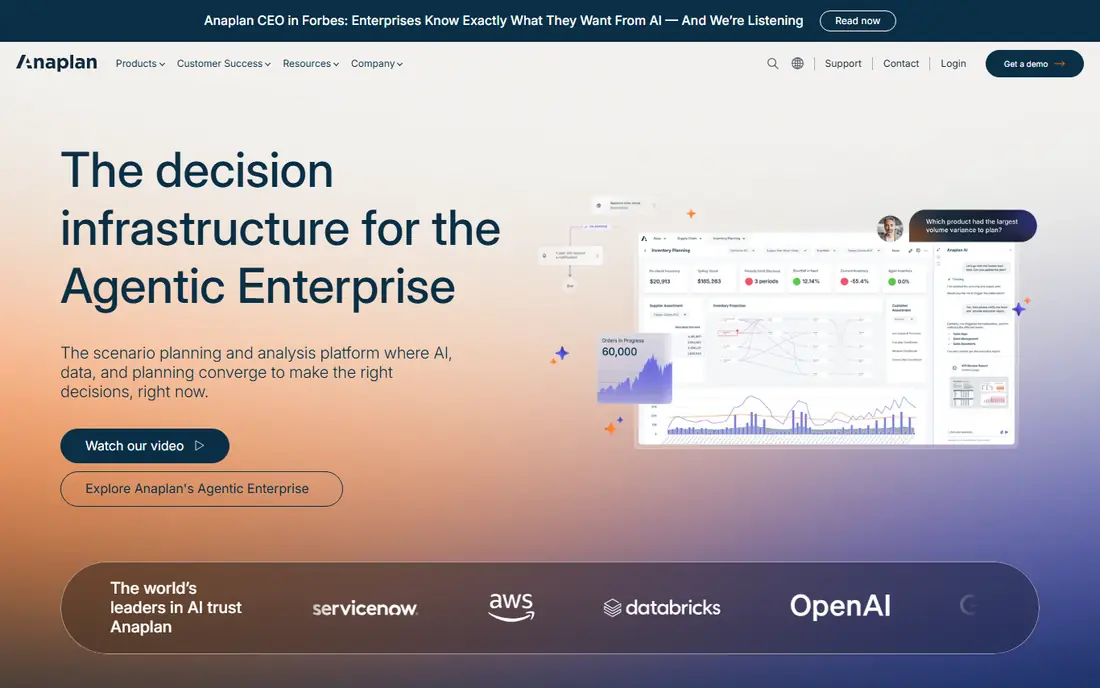
Anaplan is built for companies where a budget is not just a finance document, because sales targets, hiring plans and supply plans all feed the same numbers. Its modelling approach lets teams link drivers across departments, so a change in headcount or sales volume flows through the forecast in a way that a standalone spreadsheet rarely manages cleanly. That connected view is why larger companies choose it even when the price and setup effort are both high.
That strength comes with a clear cost in complexity. Anaplan models need care, governance and often outside help to build well, and smaller companies can spend more time maintaining the model than using it. If your planning stays inside finance, a lighter tool will serve you better and cost far less. If your board wants one consistent plan across the business, Anaplan is one of the few tools in this list built for that job from the start.
- Connected models across finance, sales and workforce planning
- Driver-based forecasting and scenario work
- Handles large, complex models
- Quote-based enterprise pricing
- Implementation often needs specialist help
- Overkill for a single finance team with simple needs
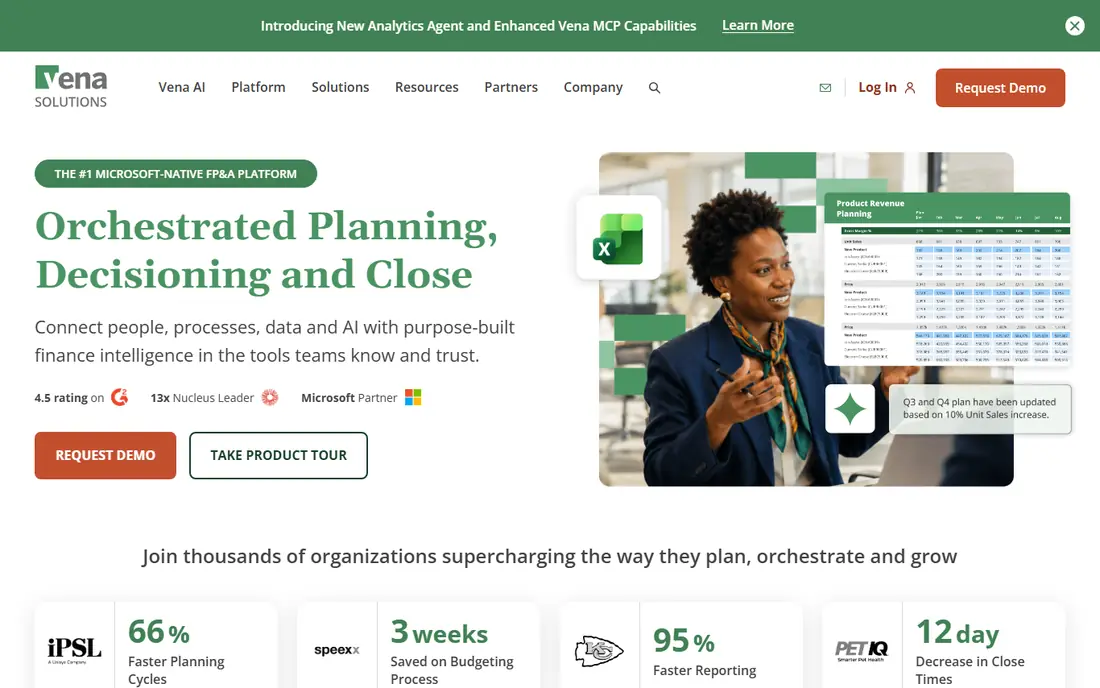
Vena appeals to finance teams that like Excel and simply want it to behave better. Users keep working in spreadsheets they already understand, while Vena adds a central database, version control and approval workflows behind the scenes. That combination cuts down on the classic problems of emailed files, conflicting copies and broken links, without forcing a team to learn a completely new modelling language first.
The honest catch is that Vena is still an Excel-centred product at heart, so teams hoping for a modern web-only planning experience may find the interface familiar in the wrong way. Pricing is also quote-based, which makes direct comparison harder, and the value depends on how messy your current spreadsheet process really is. For mid-market finance teams standardised on Microsoft tools, that familiarity is a genuine advantage, because adoption tends to be faster than with a tool that asks everyone to start again.
- Familiar Excel interface for finance users
- Central control, version history and workflows
- Integrates with common accounting and ERP systems
- Quote-based pricing
- Excel-first design may frustrate teams that want a fully web-native tool
- Implementation time varies with model complexity
Workday Adaptive Planning is the natural shortlist pick for companies already running Workday, because planning, workforce data and financial data sit close together. Teams can model hiring, pay and headcount beside revenue and costs, then run scenarios and rolling forecasts without stitching those pieces together by hand. For larger organisations, that workforce depth is often the deciding factor, since people costs drive so much of the forecast.
Outside the Workday world, the case is weaker. Pricing is quoted, setup can take months for a complex business, and a company with no Workday footprint may get similar planning from a lighter vendor with less effort. Inside that system, though, the integration and shared data model are hard to match. Choose it when your planning problem is really a workforce and finance problem combined, not when you only need a better budget spreadsheet.
- Strong workforce and financial planning
- Scenario modelling and rolling forecasts
- Close fit with Workday human capital and financial systems
- Quote-based pricing
- Best value inside the Workday system
- Implementation can be lengthy for complex organisations
Cube takes a middle path that many finance teams like. Your team keeps building in Excel or Google Sheets, but the numbers behind those sheets come from one governed source, with roles, workflows and audit history attached. That means a forecast can be updated from accounting data without rebuilding the model, and managers can see the same version of the truth instead of five slightly different files. Dashboards and scenario work sit on top of that same source, which keeps reporting consistent.
The limits matter for very large or unusual models, where Cube's predefined structure can feel restrictive compared with a fully open modelling platform. Pricing is also quote-based on its current main pricing page, so small teams cannot judge cost at a glance. For mid-market teams that live in spreadsheets and want control without a long enterprise project, Cube is a practical fit, and its fast setup relative to enterprise tools is part of the appeal.
- Works in Excel and Google Sheets
- Central governed data with audit history
- Dashboards, scenarios and reporting in one place
- Current pricing page asks for a quote
- Dimension limits can frustrate very complex models
- Teams still need spreadsheet discipline
Datarails is for finance teams that have already built good Excel models and do not want to throw them away. It layers a central database, automation and reporting on top of those models, so consolidation and variance work happen from live data instead of copy and paste. Teams that spend each month gathering files from departments will feel the difference quickly, because the same model can pull actuals and show plan against actuals without a rebuild.
Pricing is the main barrier. It is quote-based, with demo material pointing to plans starting around $1,000 per month, which puts it firmly in mid-market territory. A team with simple budgets will not need this much structure, and may find a smaller tool faster and cheaper. For a finance team whose Excel work is already complex and business critical, Datarails protects that investment while adding the control and automation that raw spreadsheets lack.
- Keeps existing Excel models intact
- Central data and automated consolidation
- Dashboards and reporting built from live data
- Quote-based pricing
- Plans reported to start around $1,000 per month, so not a budget pick
- Value depends on existing Excel complexity
Jirav is the most accessible serious planning tool in this list for smaller companies, because its Starter plan is published at $10,000 per year and its Pro plan at $15,000 per year, with enterprise pricing on request. It covers budgeting, forecasting, workforce planning and three-statement models, and it connects with accounting tools such as QuickBooks and Xero, which suits the small and midsize companies it targets. Advisory firms also use it to offer planning as a service to clients, which speaks to how quickly a usable model can be built.
The limits are honest ones. Jirav is not built for the most complex multi-entity consolidation or cross-department enterprise modelling, and buyers should check plan limits on users, history and custom tables before signing. For a growing company moving past spreadsheets, though, that focus is a strength, because you get structure, dashboards and driver-based forecasts without an enterprise project. It is our pick for most smaller teams on this list.
- Published annual pricing for Starter and Pro plans
- Three-statement models, workforce planning and dashboards
- Connects with QuickBooks and Xero
- Entry price is still high for very small firms
- Deeper enterprise consolidation is limited
- Plan limits on users and depth need checking
How we picked these
We compared official feature pages, pricing pages and public documentation for each vendor, and we favoured tools that are live and supported in October 2026, with real budgeting and forecasting features rather than general accounting or reporting alone. We looked for a mix of spreadsheet-native tools, mid-market platforms and enterprise systems, so readers at different sizes can find a realistic shortlist. We also checked where pricing was published and where it was quote-based, and we wrote See website wherever a current vendor price could not be verified, rather than repeating a third-party estimate as fact.
We did not claim hands-on testing, and we did not rank these tools on invented scores. Our picks reflect fit for a stated need, such as Excel familiarity, workforce planning or rolling forecasts, and the honest limits we found in documentation and public reviews. Prices and plan names change often, so confirm the current terms with each vendor before you buy, and ask what implementation, training and data connections cost on top of the licence.
What to check before you buy budgeting and forecasting software
Start with your source data, not the demo. A planning tool is only useful if it can pull clean numbers from your accounting system, payroll system and sales system without constant manual fixes, so list those connections first and test them during any trial or demo. Next, decide how much spreadsheet freedom your team needs. If your finance team will resist leaving Excel, shortlist the Excel-native tools first, because a technically stronger tool that nobody uses will not improve your forecast.
Then model the full cost. Quote-based tools often add implementation, training and support charges, and per-user pricing can grow quickly as more managers get access to plans and dashboards. Ask for the total first-year cost in writing, including setup, and ask how long similar companies took to go live. Finally, run a real forecast in the trial, with your own chart of accounts and a scenario your board actually cares about, such as slower sales or higher hiring. A tool that handles that scenario clearly, with numbers you can trace back to source data, is the one to shortlist, even if another vendor has a longer feature list.
Frequently asked questions
What is the best budgeting and forecasting software for a small business?
Jirav is the strongest starting point for most small and midsize companies, because it offers structured forecasting, workforce planning and published annual pricing without an enterprise project. Smaller teams with very simple needs may also manage with a well-built spreadsheet for a while, but once plan against actuals work takes real time each month, a tool like Jirav pays for itself in saved effort and clearer numbers.
Do I have to give up Excel to use budgeting and forecasting software?
No, and for many finance teams you should not. Vena, Cube and Datarails are built to work with Excel models, adding central data, version control and automation behind a familiar interface. That approach keeps adoption high and protects models your team already trusts, while still fixing the version and consolidation problems that make raw spreadsheets risky at scale.
How much does budgeting and forecasting software cost?
It varies widely, from published small-company plans such as Jirav at $10,000 per year to quote-based mid-market and enterprise platforms that can run to many thousands per month. Always budget separately for implementation, training and data connections, and ask for a first-year total, because licence fees alone often understate what a new planning system costs in its first year.
What is the difference between budgeting software and forecasting software?
Budgeting sets a fixed plan for a period, usually a year, while forecasting updates your expected outcome as new actuals arrive, often on a rolling basis. Most tools in this list do both, and the best ones let you compare forecast against budget and against actuals in one view, so you can see where the plan is holding and where it needs to change.
Can budgeting and forecasting software replace my accounting system?
No, it sits beside it. Your accounting system remains the record of what happened, while planning software uses those actuals, plus payroll and sales data, to model what may happen next. Choose a planning tool that connects cleanly with the accounting system you already use, and keep the accounting system as the source of truth for reported results.
Sources
See where you really rank - block by block
ProMapRanker scans Google Maps across a grid of your service area. Simple monthly plans from $19, white-label on every plan.
Start freeKeep reading
 zscaler alternatives
Best Zscaler Alternatives in 2026
Looking for zscaler alternatives? We compare 9 SASE and zero trust platforms on architecture, data protection, pricing, and fit for your network and team.
Read → zapier alternatives free
Best Zapier Alternatives Free in 2026
Nine automation tools for zapier alternatives free in 2026, all with genuinely free tiers, plus free plan limits, starting prices and upgrade paths explained.
Read → which platform is best for online reputation
Which Platform Is Best for Online Reputation in 2026
Wondering which platform is best for online reputation? We compare 8 review, listing, and response tools for small and multi-location businesses and agencies.
Read →