 ProMapRanker
Best Browser Automation Tool in 2026

Key takeaways
- Playwright is the best default for new projects, with cross-browser support, auto-waiting, and strong debugging tools.
- Puppeteer suits Chromium-only work, while Selenium suits large enterprises with existing multi-language test suites.
- Cypress suits JavaScript teams that want fast feedback inside the browser, with time-travel debugging for front-end tests.
- BrowserStack and Sauce Labs suit teams that need real browsers and devices in the cloud without maintaining their own grid.
- Use these tools only for legitimate automation and testing of sites you own or have permission to test, and respect site terms and rate limits.
Quick comparison
| Pick | Great for | Pricing starts at | Free tier | |
|---|---|---|---|---|
 Playwright | New cross-browser projects | Free | Yes | Visit |
 Puppeteer | Chromium-only automation | Free | Yes | Visit |
 Selenium | Enterprise multi-language suites | Free | Yes | Visit |
 Cypress | JavaScript front-end testing | Free | Yes | Visit |
 WebdriverIO | JavaScript WebDriver testing | Free | Yes | Visit |
 TestCafe | Simple end-to-end testing | Free | Yes | Visit |
 Nightwatch | Node.js browser testing | Free | Yes | Visit |
 BrowserStack Automate | Cloud browsers and devices | See website | Free trial | Visit |
 Sauce Labs | Enterprise cloud testing | See website | Free trial | Visit |
The best browser automation tool
The best browser automation tool below covers free frameworks and cloud testing platforms, framed only for legitimate automation and testing. Use them on your own sites, on test environments, or where you have clear permission, and follow each site's terms of use.
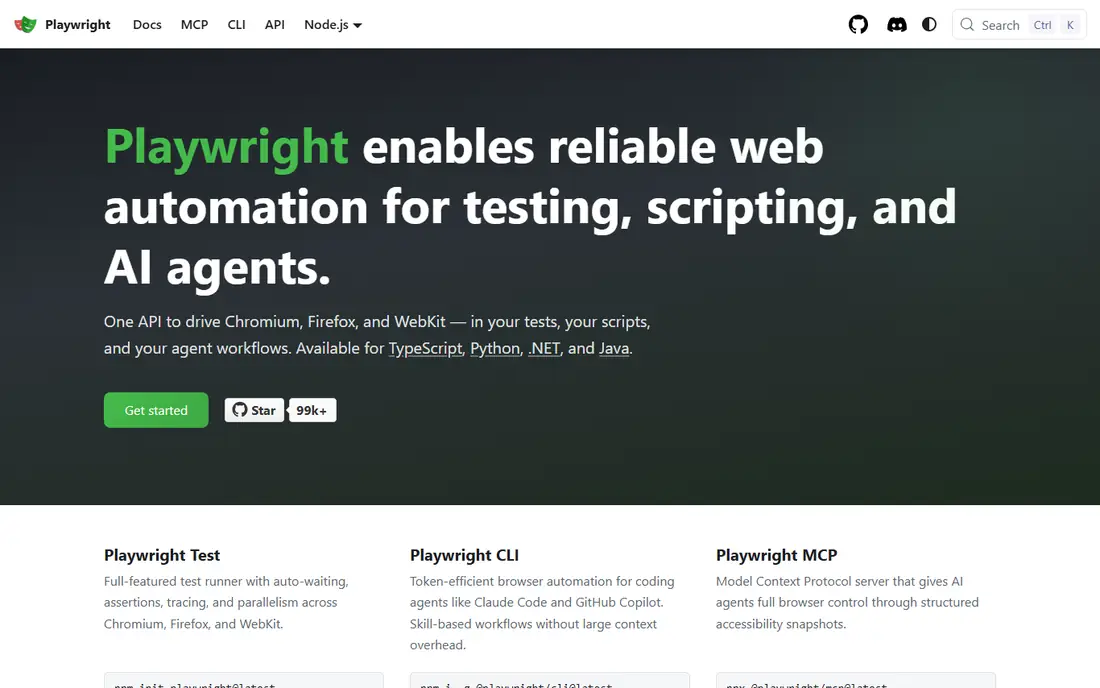
Playwright, from Microsoft, automates Chromium, Firefox, and WebKit with a single API in JavaScript, Python, Java, and .NET. Its auto-waiting locators wait for elements to be ready before acting, which cuts the flaky failures that plague many older suites. The trace viewer, code generator, and parallel test runner make it a strong default for a new project in 2026.
It is a code framework, not a no-code recorder, so a team without developers will find it harder to adopt than a cloud recorder. Browser binaries also add download and update steps to setup. For a team starting fresh, Playwright gives the best mix of speed, stability, and cross-browser coverage in this list.
- Cross-browser with one API
- Auto-waiting reduces flaky tests
- Strong trace and debugging tools
- Needs code skill
- Browser downloads add setup time
- Newer than Selenium, so legacy guides are fewer

Puppeteer, from Google, is a Node.js library for automating Chromium, with direct access to browser features such as network interception, screenshots, PDF generation, and performance tracing. It is fast and simple for Chromium-only tasks, such as generating PDFs from a page, taking screenshots for visual checks, or monitoring your own site. Many small automation scripts start here for good reason.
Its limit is browser scope. Firefox support exists but is not the main focus, and WebKit is not a core target, so a cross-browser test suite will need Playwright or Selenium instead. Puppeteer suits a Node.js team with a clear Chromium task, not a team that must test every browser.
- Fast Chromium automation
- Simple Node.js API
- Good for PDFs, screenshots, and monitoring
- Chromium focused
- Firefox support is limited
- Multi-browser work needs extra effort
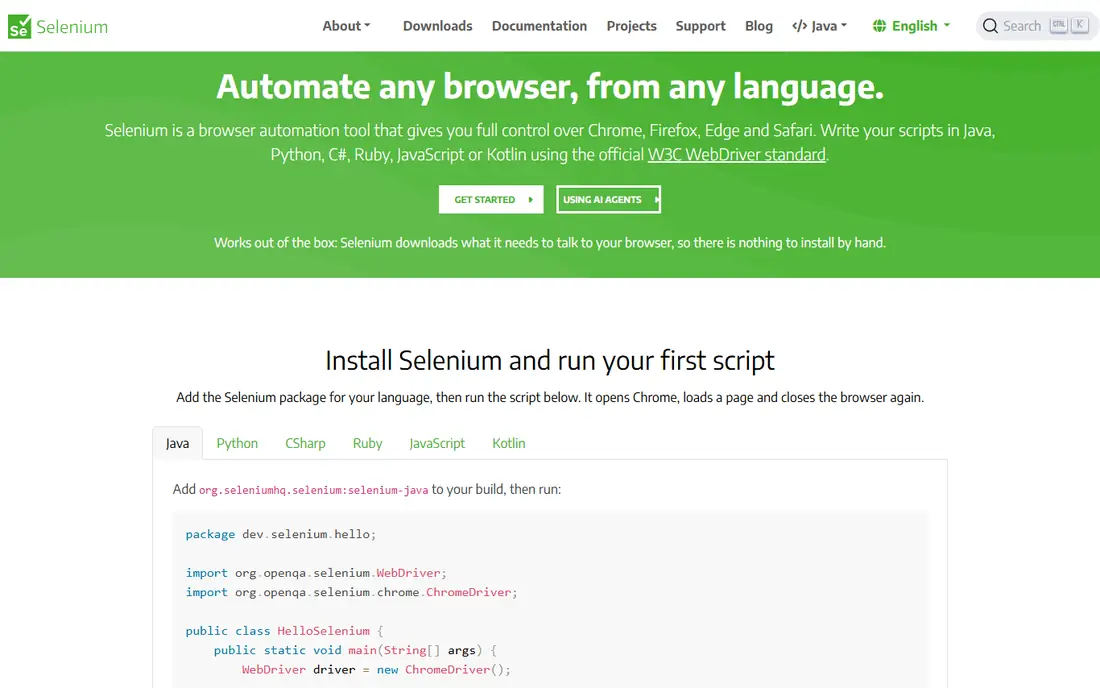
Selenium has been the standard for browser automation since 2004, with support for many languages, including Java, Python, C#, and JavaScript, and for all major browsers through WebDriver. Its Grid lets a team run tests in parallel across browsers and machines, and decades of guides, integrations, and enterprise tooling surround it. For a large firm with an existing Selenium suite, staying put often makes sense.
New projects pay a price in setup and flakiness, since waits and synchronisation need more manual care than in Playwright or Cypress. Test runs can also feel slower. Selenium remains the right pick when you must support many languages, legacy browsers, or an existing suite that would cost too much to rewrite.
- Widest language and browser support
- Mature Grid for parallel runs
- Huge existing test base
- More verbose setup
- Waits need manual care
- Slower feedback than newer frameworks
Cypress runs tests inside the browser, which gives fast feedback, real-time reloading, and time-travel snapshots that let a developer see exactly what happened at each step. For a JavaScript front-end team, that debugging experience is a clear advantage over frameworks that drive the browser from outside. Local use is free and open source, with a cloud service for parallel runs and recording.
Its scope is narrower than Playwright for multi-browser, multi-tab, or multi-origin flows, and it is JavaScript focused, so a Python or Java team will look elsewhere. Cypress Cloud pricing also adds cost for larger teams. Cypress suits a JavaScript team that values debugging speed for its own app above all else.
- Runs inside the browser
- Time-travel debugging
- Automatic waiting for front-end tests
- Limited multi-tab and multi-origin support in some cases
- JavaScript focused
- Cloud features are paid
WebdriverIO is a JavaScript automation framework built on WebDriver, with support for Selenium Grid, cloud providers, and mobile testing through Appium. It suits a JavaScript team that wants WebDriver compatibility without writing raw Selenium code, and its plugin system covers reporters, services, and frameworks. For a team already invested in WebDriver, WebdriverIO is a modern JavaScript front end to that world.
It is JavaScript only, and setup asks you to choose runners, frameworks, and services, which can confuse a first-time user. Its community is smaller than Playwright's in 2026. WebdriverIO fits a JavaScript team that needs WebDriver compatibility, especially for mobile or cloud grid work, rather than a team starting from scratch.
- JavaScript WebDriver support
- Works with Selenium Grid and cloud providers
- Active plugin system
- JavaScript only
- Setup needs choices among runners and services
- Smaller community than Playwright
TestCafe, now under DevExpress, runs end-to-end tests without WebDriver setup, which removes a common setup headache for new teams. Tests are written in JavaScript or TypeScript, with built-in waiting, parallel runs, and screenshot support. For a small team that wants a working test suite quickly, TestCafe's simplicity is appealing.
Its ecosystem is smaller than Playwright's or Selenium's, and advanced browser controls are more limited, so a complex automation task may hit a wall sooner. TestCafe suits a small JavaScript team that values simple setup over the deepest feature set, especially for straightforward web app testing.
- No WebDriver setup
- Simple JavaScript or TypeScript tests
- Built-in waiting and parallel runs
- Smaller ecosystem than Playwright
- Fewer advanced browser controls
- Less suited to complex automation
Nightwatch is a Node.js framework for browser testing with a clean syntax, a built-in test runner, and support for Selenium and cloud grids. It has served Node.js teams for years, with page objects, assertions, and parallel runs built in. For a Node.js team that wants a straightforward, batteries-included test runner, Nightwatch remains a workable choice.
Its community and tooling are smaller than Playwright's in 2026, and its debugging tools feel less modern than Cypress or Playwright. It is also JavaScript only. Nightwatch fits a Node.js team with existing Nightwatch tests, or a small team that prefers its syntax, rather than a team choosing a framework for the first time today.
- Clean Node.js syntax
- Built-in test runner
- Works with Selenium and cloud grids
- Smaller community than Playwright
- JavaScript only
- Fewer modern debugging tools
BrowserStack Automate lets a team run Selenium, Playwright, Cypress, and other tests on real browsers and devices in the cloud, without maintaining a local grid. That matters when you must test Safari, older browsers, or real mobile devices that your team does not own. Integrations with CI systems make it easy to run tests on every pull request.
Cloud testing is a paid service for serious use, and costs rise with parallel sessions, so a large suite needs budget planning. Test speed also depends on cloud capacity and network. BrowserStack suits a team that needs broad browser and device coverage and would rather pay for a cloud grid than build and maintain one.
- Real browsers and devices in the cloud
- Runs Selenium, Playwright, and Cypress tests
- No local grid to maintain
- Paid plans for serious use
- Test speed depends on cloud capacity
- Costs rise with parallel runs
Sauce Labs is an enterprise cloud testing platform for running automated tests across real devices, emulators, and virtual machines. It supports major frameworks, integrates with CI pipelines, and offers analytics and error reporting to help teams find failing patterns. For a large firm with compliance, security, and scale needs, Sauce Labs offers a managed grid with enterprise support.
Pricing and setup reflect that enterprise focus, so a small team or a solo developer will find BrowserStack or a local Playwright run cheaper and simpler. Sauce Labs fits a larger organisation that needs a supported, scalable cloud grid and is willing to pay for it.
- Enterprise cloud grid
- Real devices and virtual machines
- Strong CI and analytics integrations
- Enterprise pricing
- Setup needs planning
- Overkill for a small personal project
How we picked these
We compared official documentation, pricing pages, and public guides for browser automation frameworks and cloud platforms that are still active in October 2026. We favoured tools with clear legitimate uses in testing and automation of sites you own or have permission to test, and we included both free frameworks and paid cloud grids. Where cloud pricing varied by parallel sessions and plan, we wrote See website rather than a figure that could mislead.
How to choose a browser automation tool
Start with your language and your browsers. A new JavaScript, Python, or Java project with cross-browser needs points to Playwright, while a Chromium-only script points to Puppeteer, and an existing multi-language suite points to Selenium. A JavaScript front-end team that values debugging may prefer Cypress, even with its narrower scope.
Then decide where tests will run. Local runs are free and fast for a small suite, while a cloud grid suits broad browser and device coverage. Finally, keep automation legitimate: test your own sites and staging environments, respect terms of use and rate limits, and never use automation to bypass access controls, evade detection, or scrape data you have no right to use. A tool is only as lawful as the task you point it at.
Frequently asked questions
What is the best browser automation tool for beginners?
Playwright is the best default for most beginners in 2026, since its code generator, auto-waiting, and trace viewer make a first suite easier to build and debug. Puppeteer is simpler for a single Chromium task, while TestCafe suits a small JavaScript team that wants no WebDriver setup. The best browser automation tool for you depends on your language, browsers, and on testing versus automating a task.
What are the best browser automation tools for cross-browser testing?
Playwright, Selenium, BrowserStack Automate, and Sauce Labs cover cross-browser testing best in this list. Playwright and Selenium run tests across browsers locally or on a grid, while BrowserStack and Sauce Labs provide real browsers and devices in the cloud. Choose a local framework for a small suite, and add a cloud grid when you need Safari, older browsers, or real mobile devices.
Is Playwright better than Selenium?
For most new projects, yes, since Playwright offers auto-waiting, built-in parallel runs, and stronger debugging, with less setup than Selenium. Selenium remains better for existing multi-language suites, legacy browser coverage, and firms with deep Selenium tooling. The choice depends on starting fresh versus maintaining an existing investment.
Can browser automation tools be used for web scraping?
They can automate a browser to load pages, but you should only scrape data you have a right to use, and you must respect site terms, robots rules, and rate limits. Automation for testing your own site, generating PDFs, or monitoring your own pages is a clear legitimate use. Never use these tools to bypass access controls, evade bot detection, or collect personal data without a lawful basis.
How much do browser automation tools cost?
The frameworks in this list, including Playwright, Puppeteer, Selenium, Cypress, WebdriverIO, TestCafe, and Nightwatch, are free and open source for local use. Cloud platforms such as BrowserStack and Sauce Labs charge by plan and parallel sessions, with free trials for testing. Budget for cloud costs only if you need broad device coverage or high parallel capacity.
Do I need coding skills to use browser automation tools?
Yes, for the frameworks in this list, since they are code libraries and test runners rather than no-code recorders. JavaScript, Python, or Java skills are needed depending on the tool, and Playwright offers a code generator to help you start. Teams without developers should look at no-code testing platforms instead, or pair with a developer for setup.
Sources
See where you really rank - block by block
ProMapRanker scans Google Maps across a grid of your service area. Simple monthly plans from $19, white-label on every plan.
Start freeKeep reading
 zscaler alternatives
Best Zscaler Alternatives in 2026
Looking for zscaler alternatives? We compare 9 SASE and zero trust platforms on architecture, data protection, pricing, and fit for your network and team.
Read → zapier alternatives free
Best Zapier Alternatives Free in 2026
Nine automation tools for zapier alternatives free in 2026, all with genuinely free tiers, plus free plan limits, starting prices and upgrade paths explained.
Read → which platform is best for online reputation
Which Platform Is Best for Online Reputation in 2026
Wondering which platform is best for online reputation? We compare 8 review, listing, and response tools for small and multi-location businesses and agencies.
Read →