 ProMapRanker
Best Brands for IT Services in 2026

Key takeaways
- Large global firms suit complex, regulated, and multi-country IT needs, while mid-market providers suit day-to-day support and predictable pricing.
- The best IT brand for a business is the one that covers help desk, security, cloud, and backup in one clear service agreement.
- Ask for response times, security tooling, and reporting in writing, since sales pages for IT firms often sound alike.
- Per-user pricing is common for small and mid-sized firms, while enterprise work is usually scoped and quoted per project or program.
Quick comparison
| Pick | Great for | Pricing starts at | Free tier | |
|---|---|---|---|---|
 IBM | Enterprise infrastructure and cloud | See website | No | Visit |
 Accenture | Large transformation programs | See website | No | Visit |
 Infosys | Global delivery at scale | See website | No | Visit |
 Cognizant | Industry-focused IT services | See website | No | Visit |
 Dataprise | Mid-market managed IT | See website | No | Visit |
 Ntiva | Small business managed IT | See website | No | Visit |
 Cortavo | Flat-rate SMB support | See website | No | Visit |
 Electric | Modern SMB IT support | See website | No | Visit |
The best brands for it services
We compared IT service brands that provide managed support, security, cloud, and consulting for businesses, looking at scale, service breadth, and fit for different company sizes. The eight below range from global firms to SMB-focused providers.
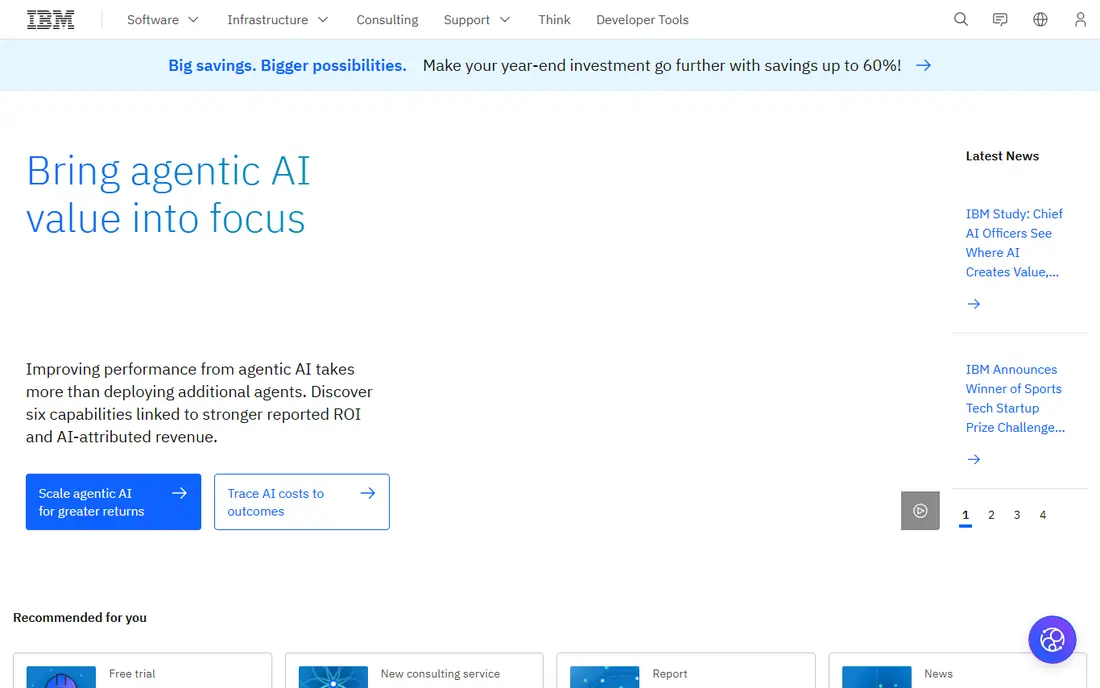
IBM is a global IT services brand with managed infrastructure, hybrid cloud, security, and AI-enabled operations for large firms. Published 2026 comparisons list it as a top pick for enterprise infrastructure, thanks to its scale and its work in regulated sectors. For a company with many sites, legacy systems, and strict compliance needs, that depth is hard to match with a smaller provider.
The trade-off is fit. IBM is built for large programs, not for a 20-person firm that needs a help desk next week. Pricing is scoped per engagement, and onboarding can take time. Smaller firms should use IBM as a benchmark for enterprise capability, and shortlist a mid-market provider for day-to-day support.
- Very large global delivery
- Hybrid cloud and AI infrastructure depth
- Strong regulated-industry experience
- Enterprise pricing and procurement
- Slower onboarding for small firms
- Services are scoped, not off-the-shelf
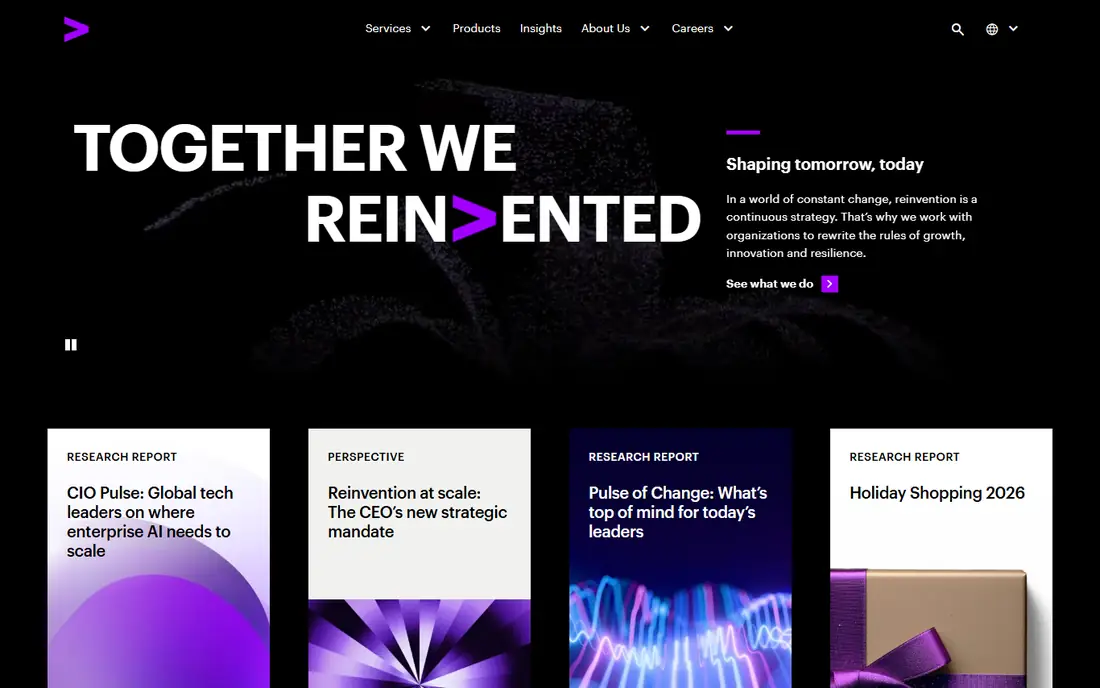
Accenture combines consulting, technology services, and outsourcing at global scale, and it is a frequent choice for large transformation programs that span cloud migration, security, and AI adoption. Its industry teams bring sector knowledge to regulated and complex environments, which can shorten design time for a large program.
The limit is the same as with IBM: cost and scale. Accenture engagements are scoped for large firms, and a small business will not get a simple per-user help desk plan from this route. For a large firm planning a multi-year change, that scale is a strength. For day-to-day support, a dedicated managed provider is a better fit.
- Global consulting and technology scale
- Cloud and AI transformation work
- Industry-specific teams
- High engagement costs
- Best for large programs
- Not a help desk provider for small firms
Infosys is a global IT services firm with delivery centers worldwide, covering application services, cloud, data, and AI-enabled operations. Published comparisons list it alongside IBM, Accenture, and Cognizant as a large-enterprise option. Its scale suits firms that need round-the-clock delivery and a large engineering bench.
For US teams, the main watch point is operating rhythm. Global delivery works well when handoffs, response times, and escalation paths are written into the agreement. Firms that need same-day, on-site help desk support should confirm how Infosys covers local support, or pair it with a local provider for that layer.
- Large global delivery network
- Cloud, data, and AI services
- Cost-efficient delivery models
- Enterprise focus
- Engagement scope can be complex
- Time zones need management for US teams
Cognizant provides IT services, consulting, and digital engineering with industry-focused teams for sectors such as health, finance, and manufacturing. Its US presence and large delivery network make it a common shortlist name for firms that need both consulting and ongoing operations. Published comparisons group it with the other global firms for enterprise work.
The catch is fit for smaller firms. Cognizant engagements are scoped and priced for larger programs, so a small business will find onboarding and minimums a barrier. Larger firms that want industry knowledge baked into delivery, rather than generic support, will get more value from this model.
- Industry-focused teams
- Cloud and digital engineering
- Large US presence
- Enterprise pricing
- Scoped engagements
- Not a simple SMB help desk
Dataprise is a managed IT provider frequently cited in 2026 comparisons for mid-market firms that need co-managed IT and stronger security depth. It covers help desk, network, cloud, and security services, and it can work alongside an internal IT team or take full responsibility for day-to-day operations. That flexibility suits firms that have outgrown a break-fix model.
The honest limit is size fit. Dataprise is strongest for mid-market firms with enough users to justify a managed plan, rather than a five-person office. Teams should ask for the security stack included in the plan, response times by severity, and how reporting shows tickets, patching, and backup status each month.
- Co-managed IT option
- Security depth for mid-market firms
- Predictable managed pricing in comparisons
- Best for mid-market, not very small firms
- Service scope varies by plan
- Onboarding needs planning
Ntiva is a managed IT provider focused on small and mid-sized businesses, with plans that cover help desk support, network management, cloud, and security. Published 2026 guides list it among the strongest outsourced options for small firms, thanks to its SMB focus and its emphasis on responsive support. That focus means its plans are built around the problems small teams actually face, such as onboarding, device setup, and password and access issues.
The trade-off is that pricing and tooling vary by tier, so a headline plan may not include the security tools a firm needs. Ask which endpoint, backup, and monitoring tools are included, and what counts as an extra project versus covered support. A clear service agreement avoids surprise project bills.
- SMB-focused managed plans
- Help desk and security coverage
- US-based support in comparisons
- Pricing is quoted per business
- Service tiers change the included tooling
- Coverage depends on plan
Cortavo is an SMB managed provider known in 2026 comparisons for flat monthly pricing, bundled hardware, and round-the-clock help desk support. That model appeals to owners who want a predictable monthly IT bill and a single provider for devices, support, and security basics. Bundled hardware can also simplify device refresh cycles for small teams.
The watch point is scope. Flat-rate plans still have limits, and complex projects, compliance work, or multi-site networks may fall outside the base plan. Confirm what is included, what is billed as a project, and how hardware is owned and returned at the end of a term before signing.
- Flat monthly pricing in comparisons
- Bundled hardware options
- 24-7 help desk support cited in guides
- Plan scope needs careful reading
- Hardware bundles change total cost
- Not built for large enterprises
Electric provides IT support for small and distributed teams, with a modern support model that covers device management, app access, onboarding, and security basics. It suits firms with remote or hybrid staff, where most work happens in cloud apps rather than on-premise servers. Its onboarding flow is designed to get new hires set up quickly, which is a real time saver for growing teams.
The limit is infrastructure depth. A firm with heavy on-premise systems, industrial networks, or complex compliance needs may need a provider with deeper infrastructure and on-site coverage. For a cloud-first SMB, Electric is a strong fit, but confirm how it handles hardware repairs, network issues, and security incidents in writing.
- Modern, chat-first support model
- Device and app management
- Built for distributed small teams
- Pricing is quoted
- Less suited to heavy on-premise infrastructure
- Enterprise needs may exceed its scope
How we picked these
We compared official provider sites, MSP rankings, and published 2026 guides, keeping only brands with a real managed IT or consulting offer for US businesses. We favored a mix of global firms and SMB providers, so readers can match scale to need. We did not list firms with only a single local office, since readers in other states could not use them, and we did not invent pricing where providers quote per engagement.
What to check before you sign
Start with the service agreement, not the sales deck. It should name response times by severity, included security tools, backup and recovery terms, patching cadence, and reporting. Ask who answers the phone after hours, how tickets are escalated, and what happens during a security incident. A provider that cannot answer those points in writing is not ready for your business.
Managed versus co-managed
Fully managed IT suits firms with no internal IT staff, since the provider owns day-to-day operations. Co-managed IT suits firms with a small internal team that needs help with security, projects, or after-hours cover. Choose the model that matches your team, not the model with the longest feature list, since unused services still cost money.
Security basics to require
At minimum, a managed plan should cover endpoint protection, multi-factor authentication, patching, backup with tested restores, and monitoring for suspicious activity. Ask how often backups are tested, how quickly a compromised account is locked, and whether the provider reports on those items monthly. Security is a service, not a one-time setup.
Pricing and exit terms
Per-user pricing is common for SMB plans, while enterprise work is scoped per program. Ask what counts as a project, how price changes as headcount grows, and what the exit terms are for data, devices, and documentation. A clean exit clause protects a business if the relationship ends, and it is a sign of a confident provider.
Frequently asked questions
What is a managed IT service provider?
A managed IT service provider, or MSP, handles day-to-day IT for a business under a monthly agreement. That usually includes help desk support, device and network management, security monitoring, cloud services, and backup. The goal is predictable cost and coverage without hiring a full internal team.
How much do IT services cost for a small business?
Costs vary by users, devices, sites, and security needs, and most SMB providers quote per user per month or per business. Enterprise firms quote per engagement. Get a written quote that lists included tools and project rates, since a low monthly fee can hide extra charges for work that should be covered.
Should a small business outsource IT or hire in-house?
Outsourcing suits firms that need broad coverage, after-hours support, and security depth without hiring several specialists. Hiring in-house suits firms with constant, specialized needs or strict on-site requirements. Many mid-sized firms use a co-managed model, with an internal lead plus an outsourced provider for depth and cover.
What should an IT provider include for security?
A solid plan should include endpoint protection, multi-factor authentication, patching, backup with tested restores, email filtering, and monitoring for suspicious activity. Ask for monthly reporting on those items, plus an incident response plan. If security tools are listed as extras, price the full stack before comparing providers.
Can an IT provider support remote teams?
Yes, most modern providers support remote and hybrid teams through cloud device management, secure access, and chat or phone help desks. Confirm how hardware is shipped and repaired, how new hires are onboarded, and how the provider secures home networks and personal devices that access company data.
How do I switch IT providers?
Switching starts with documentation: admin credentials, network diagrams, licenses, and backup status. A new provider should plan a handover, audit the current setup, and confirm backups before the old agreement ends. Keep the old provider engaged through the transition where possible, to avoid gaps in support or security monitoring.
Sources
- https://www.ibm.com
- https://www.accenture.com
- https://www.infosys.com
- https://www.cognizant.com
- https://www.dataprise.com
- https://www.ntiva.com
- https://www.cortavo.com
- https://www.electric.ai
- https://themspsummit.com/msp-501-list/
- https://lockbaud.com/best-outsourced-it-providers-for-small-businesses/
- https://aitechfy.com/blog/top-managed-it-services-providers/
See where you really rank - block by block
ProMapRanker scans Google Maps across a grid of your service area. Simple monthly plans from $19, white-label on every plan.
Start freeKeep reading
 zoho inventory alternatives
6 Alternatives to Zoho Inventory, Compared on Price and Fit
Zoho Inventory alternatives: 6 tools compared on price, free plans and fit. Katana leads the list for manufacturers. Fit and flaws are laid out for each entry.
Read → zoho crm alternatives
Best Zoho CRM Alternatives (2026)
Need Zoho CRM alternatives? We compare 7 tools on cost, free access and who each suits. Every pick gets a straight assessment. Built for quick decisions.
Read → zelle alternatives
Best Zelle Alternatives in 2026
Compare the best Zelle alternatives for sending money to friends, paying sellers and moving funds abroad, with honest notes on fees, speed and safety in 2026.
Read →