 ProMapRanker
Best Bookkeeping Software for Self Employed in 2026


Service owners who invoice clients often · Pricing starts at: $23 per month
Key takeaways
- The best bookkeeping software for self employed owners keeps income, expenses and tax estimates in one place, without payroll or inventory tools you will not use.
- Wave and Zoho Books offer free starting plans, while FreshBooks and QuickBooks Solopreneur suit owners who invoice clients or want clear tax categories.
- Client caps, invoice limits and revenue limits matter more than the headline price, so check those limits before you commit.
- A free trial is worth using with real bank transactions, because clean categories at tax time save more than a small monthly saving.
Quick comparison
| Pick | Great for | Pricing starts at | Free tier | |
|---|---|---|---|---|
| FreshBooks | Service owners who invoice clients often | $23 per month | Free trial | Visit |
 Wave | Owners who want free core books | Free | Yes | Visit |
 QuickBooks Solopreneur | Tax-focused solo owners | $20 per month | Yes | Visit |
 Xero | Solo owners planning to grow | $27 per month | Free trial | Visit |
 Zoho Books | Free books for smaller revenue | Free | Yes | Visit |
 Found | Banking with bookkeeping built in | Free | Yes | Visit |
 Hurdlr | Gig workers and mileage-heavy owners | Free | Yes | Visit |
 Kashoo | Simple books shared with helpers | $20 per month | Free trial | Visit |
 Bonsai | Contracts and client workflow | $25 per month | Free trial | Visit |
The best bookkeeping software for self employed workers
Self employed bookkeeping is mostly about three jobs: recording money in, recording money out, and turning those records into a tax return that makes sense. The tools below do those jobs in different ways, and the right one depends on how you earn, how you invoice, and how much help you want at tax time.
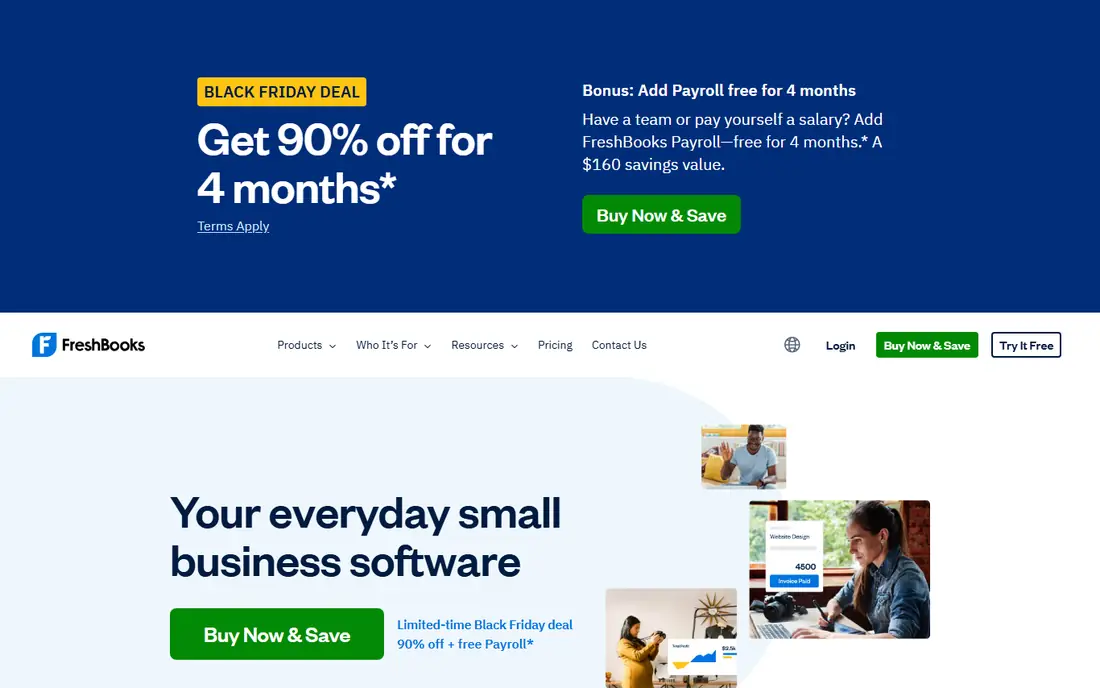
FreshBooks fits a consultant, designer, writer or coach who bills by project or by hour. Invoices look clean, clients can pay online, and time tracked on a job can flow into an invoice without retyping it. That shortens the gap between finishing work and getting paid, which matters when cash flow is uneven.
The catch is the client cap on the entry plan. Lite covers 5 billable clients, so a busy freelancer with more clients needs Plus. FreshBooks also feels lighter on formal accounting than QuickBooks Online or Xero, so owners who want deep reports or inventory tracking may outgrow it. For service work with regular invoicing, it remains our pick for most people.
- Clear invoices
- Time tracking
- Client portal
- Lite plan caps billable clients at 5
- No full double-entry accounting on lower plans
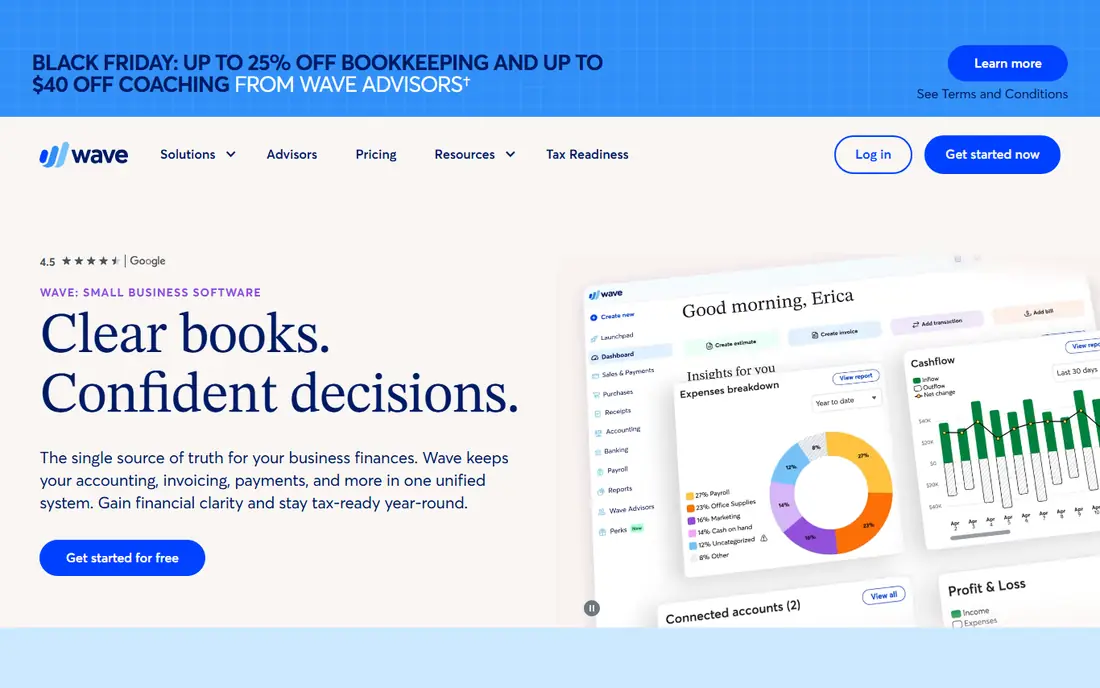
Wave is the easiest way to start without a monthly fee. The free Starter plan covers invoicing and basic bookkeeping, which is enough for a new solo owner with a modest number of transactions. You can send invoices, record expenses and see a profit and loss view without paying for features you do not yet need.
Pro, at $19 per month, adds automatic bank and card imports plus receipt capture. That is the upgrade to consider once manual entry starts taking real time each week. Wave is based in the United States and Canada, so owners elsewhere should check availability first. Payment processing and payroll carry separate fees.
- Free invoicing and accounting
- Simple layout
- Payment processing available
- Automatic bank imports need Pro
- Support is thinner than paid rivals

QuickBooks Solopreneur replaced QuickBooks Self-Employed as the Intuit product aimed at one-person businesses. It sorts expenses into Schedule C categories, tracks mileage and gives quarterly tax estimates, which takes much of the guesswork out of setting money aside. The free plan is useful for a very small operation, with 2 invoices per month and limited mileage trips.
Lite, at $20 per month, removes the invoice cap for practical purposes and gives a fuller picture. Owners who already work with an accountant who uses QuickBooks will find sharing records simple. The trade-off is that Solopreneur is narrower than QuickBooks Online, so a business that hires staff or adds inventory will need to move up later.
- Schedule C expense categories
- Mileage tracking
- TurboTax export path
- Free plan caps invoices at 2 per month
- Mileage caps apply on the free plan
Xero suits a self employed owner who expects growth or works with clients abroad. Bank reconciliation is clear, reports are solid, and many accountants know the system well. Multi-currency handling helps when invoices go out in more than one currency, and the app scales to a small team without a switch of platform.
The Early plan is tight by design, with 20 invoices and 5 bills per month, so check your volume before choosing it. Growing, at $55 per month in recent pricing, fits busier owners better. Xero takes a little longer to learn than Wave or FreshBooks, but that effort pays off if you want proper double-entry books from the start.
- Strong bank reconciliation
- Multi-currency support
- Wide accountant network
- Early plan caps invoices at 20 and bills at 5 per month
- Learning curve is steeper
Zoho Books gives small owners a genuinely useful free plan, provided annual revenue stays under $50,000. It covers invoicing, expenses, bank feeds and a client portal, with up to 1,000 invoices a year on the free plan in recent listings. That is generous for a side business or a new full-time practice.
Paid plans start at $20 per month, or $15 per month billed yearly for Standard, and add more automation and users. Owners already using Zoho Mail, Zoho CRM or Zoho Inventory get extra value from the shared login and data links. The interface is less plain than Wave, so allow time to set up categories and templates properly.
- Free plan for revenue under $50,000
- Automation and client portal
- Zoho app links
- Free plan ends above the revenue limit
- Interface takes time to learn
Found combines a business bank account with bookkeeping tools, which suits owners who want fewer separate apps. Income and spending are categorized as money moves, tax estimates update, and a tax savings pocket helps set aside money for quarterly payments. For a solo owner who mainly needs clean records and a place to hold tax money, that mix is practical.
The limit is scope. Found does not replace full accounting software for owners who need complex reports, inventory or multi-user controls. Paid Plus, at $35 per month, adds more tools, but many owners will stay on the free core features. Check that Found banking fits your state and business type before moving your main account.
- Business account plus bookkeeping
- Tax savings pockets
- Expense categorization
- It is a bank account first, not full accounting software
- Paid Plus adds features at $35 per month
Hurdlr is built for drivers, delivery workers, freelancers and other owners whose deductions depend on mileage. It tracks trips automatically, separates business and personal use, and links income and expenses to tax categories. That focus makes it a strong second tool, or a main tool for a gig worker with simple invoicing needs.
The free plan covers core tracking, while Premium adds more automation and reports. Invoicing exists but is not as polished as FreshBooks, so owners who bill many clients may pair Hurdlr with a separate invoicing tool. For mileage-heavy work, the time saved on trip logs alone can justify the paid plan.
- Automatic mileage tracking
- Gig income tracking
- Tax deduction help
- Premium is $9.99 per month for full features
- Weaker invoicing than FreshBooks
Kashoo keeps bookkeeping plain and honest. It offers double-entry accounting without a maze of menus, and paid plans allow unlimited users, which helps if an accountant, bookkeeper or partner needs access. Reports cover profit and loss, balance sheet and tax summaries in a form most accountants can read quickly.
The trade-off is a smaller integration list than the big names, so owners who rely on many connected apps should check the list first. Invoicing works but lacks the polish and client portal depth of FreshBooks. Kashoo fits owners who want correct books and shared access, not a wide app ecosystem.
- Unlimited users on paid plans
- Simple double-entry books
- Clean reports
- Fewer integrations than Xero or QuickBooks
- Invoicing is basic
Bonsai suits creatives and consultants who need more than invoices. Proposals, contracts, time tracking and payments sit in one workflow, so a new client can move from proposal to signed contract to invoice without switching tools. That reduces admin for owners who run many small projects.
Tax help is lighter than QuickBooks Solopreneur or Hurdlr, so Bonsai works best when paired with a tax tool or an accountant at year end. The price is higher than Wave or Zoho Books, but it replaces several separate tools for client work. Owners who rarely need contracts may get better value from FreshBooks or Wave.
- Contracts, proposals and invoices together
- Time tracking
- Client portal
- Tax features are limited
- Essentials starts at $25 per month
How we picked these
We compared official pricing pages, feature lists and app store listings for tools aimed at one-person businesses, and we favored tools with clear tax categories, invoicing, mileage or bank feeds. We left out full enterprise accounting suites and tools that need a team to run, because they do not fit a self employed workflow. Prices quoted are regular list prices from October 2026 checks, and promo prices can differ, so confirm the live price before you buy. We did not claim hands-on testing; we compared what each vendor publishes and how each tool fits common solo workflows.
What to check before you pay
Start with how you earn. If clients pay by invoice, pick a tool with strong invoicing and a client cap that fits your roster. If income comes from gig platforms or driving, mileage tracking and deduction categories matter more than invoice design. If you sell products, check inventory and sales tax handling, because several tools on this list are built for services first.
Next, look at the limits that trigger an upgrade. Count your monthly invoices, bills, clients and bank transactions, then match those counts to the plan limits. A free plan that caps invoices at 2 per month is not free in practice for an active owner. Also check bank feed support for your bank, export options for your accountant, and how easily you can leave, including data export. A short trial with real transactions will reveal more than a feature list.
Finally, set a tax routine. Record expenses weekly, separate personal spending from business spending, and review tax estimates each quarter. This is general information, not tax advice, and a tax professional can help with your specific return. The best tool is the one you will actually open each week, so choose the simplest option that covers your real needs.
Frequently asked questions
What is the best app for self employed bookkeeping?
For most service owners, FreshBooks is a strong starting point because invoicing and time tracking are central. For tax-focused owners, QuickBooks Solopreneur gives clearer Schedule C categories and mileage tracking. For a zero-cost start, Wave or Zoho Books are better, depending on your revenue and location.
What is the best bookkeeping app for self employed owners on a budget?
Wave Starter is free and covers invoicing and basic books, while Zoho Books is free for revenue under $50,000. Hurdlr also offers a free plan that suits mileage-heavy gig work. Paid upgrades become worth it when manual entry, bank imports or client caps start costing you time.
What is the best self employed bookkeeping software for taxes?
QuickBooks Solopreneur is built around Schedule C categories, mileage and quarterly estimates, which helps at tax time. Hurdlr is strong for mileage deductions, and Xero gives accountants clean double-entry records. None of these tools replace a tax professional, so keep receipts and review estimates each quarter.
Can I use free bookkeeping software and still file correctly?
Yes, if the free plan covers your invoice volume, bank feeds or manual entry needs, and tax categories. Free plans often cap invoices, users or revenue, so track those limits as your business grows. Export your records regularly and share them with your accountant before filing.
Should I switch from a spreadsheet to bookkeeping software?
A spreadsheet works for very few monthly transactions, but software reduces errors once bank feeds, invoicing and tax categories matter. Software also creates a cleaner audit trail and faster year-end reports. If you spend more than an hour a month tidying a spreadsheet, a free plan is usually worth trying.
Sources
See where you really rank - block by block
ProMapRanker scans Google Maps across a grid of your service area. Simple monthly plans from $19, white-label on every plan.
Start freeKeep reading
 zoho inventory alternatives
6 Alternatives to Zoho Inventory, Compared on Price and Fit
Zoho Inventory alternatives: 6 tools compared on price, free plans and fit. Katana leads the list for manufacturers. Fit and flaws are laid out for each entry.
Read → zoho crm alternatives
Best Zoho CRM Alternatives (2026)
Need Zoho CRM alternatives? We compare 7 tools on cost, free access and who each suits. Every pick gets a straight assessment. Built for quick decisions.
Read → zelle alternatives
Best Zelle Alternatives in 2026
Compare the best Zelle alternatives for sending money to friends, paying sellers and moving funds abroad, with honest notes on fees, speed and safety in 2026.
Read →