 ProMapRanker
Best Bookkeeping Software for Freelancers in 2026


Service freelancers who invoice often · Pricing starts at: $23 per month
Key takeaways
- FreshBooks is our pick for service freelancers who invoice clients often, because time tracking flows straight into invoices.
- Wave is the best free starting point, with core accounting and invoicing at no monthly cost.
- QuickBooks Solopreneur suits tax-first freelancers who want mileage tracking and quarterly tax estimates in one place.
- Zoho Books offers a free plan for businesses with revenue up to $50,000, which suits early-stage freelancers.
- Watch client caps and promo prices: the cheapest headline price may not cover the clients or features you actually need.
Quick comparison
| Pick | Great for | Pricing starts at | Free tier | |
|---|---|---|---|---|
| FreshBooks | Service freelancers who invoice often | $23 per month | Free trial | Visit |
 QuickBooks Solopreneur | Tax-first self-employed users | $20 per month | Free trial | Visit |
 Wave | Zero-cost bookkeeping | Free | Yes | Visit |
 Zoho Books | Free books in the Zoho system | Free | Yes | Visit |
 Xero | Growing freelancers with an accountant | $25 per month | Free trial | Visit |
 Kashoo | Simple books with no user limits | $20 per month | Free trial | Visit |
 Hurdlr | Mileage and gig-worker taxes | $9.99 per month | Yes | Visit |
 Found | Banking with bookkeeping built in | Free | Yes | Visit |
The best bookkeeping software for freelancers
We compared official pricing pages, free tiers, invoicing tools, expense tracking and tax features for solo workers. This list focuses on freelancers, not multi-employee firms, so payroll depth and inventory tools matter less here than clean invoices, expense capture and tax-ready reports. This is general information, not tax advice, and a tax professional can help with your specific situation.
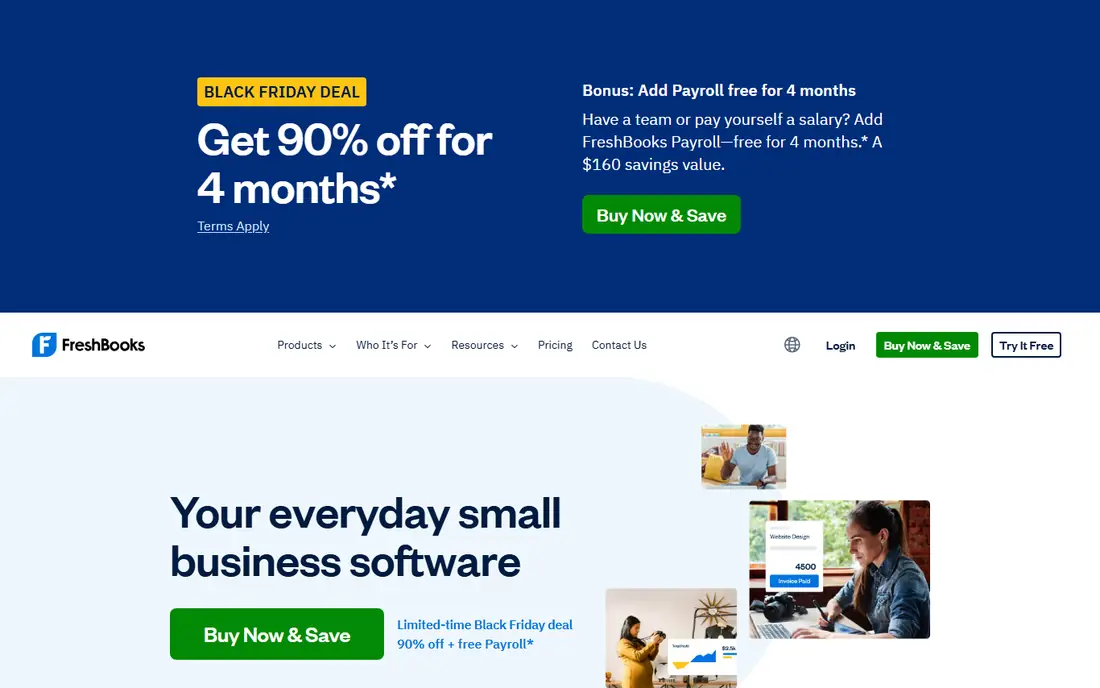
FreshBooks feels built for the freelancer who sends invoices every week. You can track time on a project, turn those hours into an invoice in a few clicks, and let clients pay online and view their history in a portal. That flow saves the manual step of copying hours into a separate invoice tool, and it looks professional to clients who expect a clear, branded bill.
The limit to watch is the client cap. The Lite plan covers only 5 billable clients, so a freelancer with a wider client list will need a higher plan sooner than the headline price suggests. FreshBooks is also less of a full double-entry accounting system than QuickBooks or Xero, so accountants who want deep ledger control may prefer another tool. For service freelancers who live on invoicing, it remains our top pick.
- Strong invoicing and client portals
- Time tracking links to invoices
- Clean reports for service work
- Lite plan allows only 5 billable clients
- Costs rise as client count grows
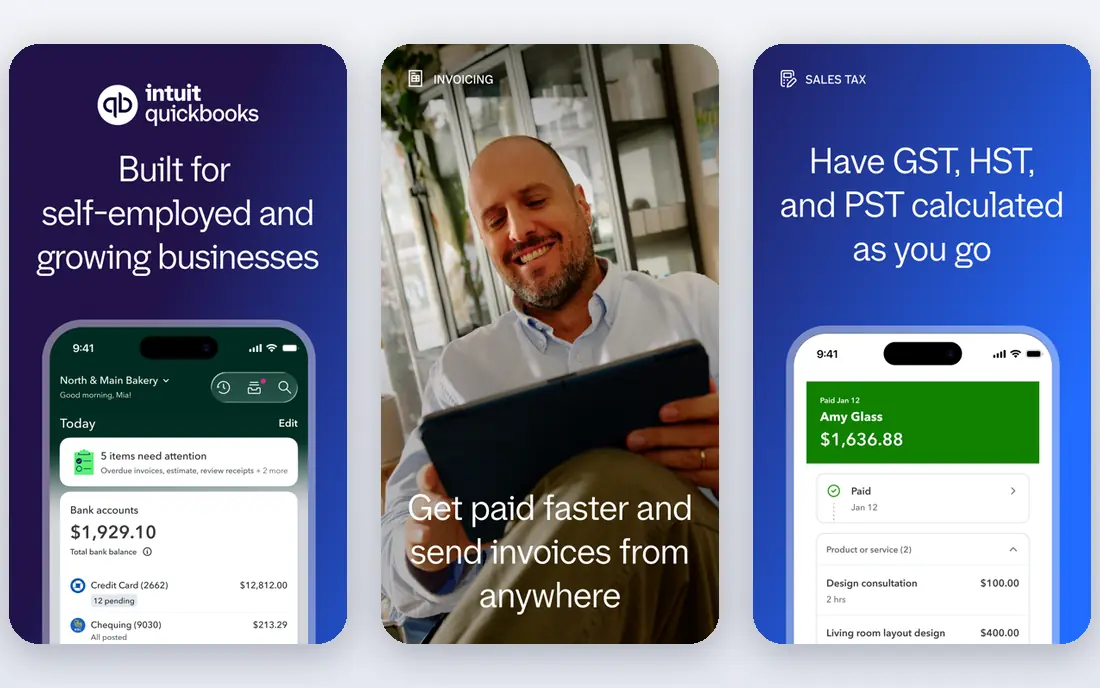
QuickBooks Solopreneur, the successor to QuickBooks Self-Employed, is aimed squarely at solo workers who dread tax season. It tracks mileage, sorts business and personal spending, estimates quarterly taxes and exports data for TurboTax, which covers the jobs many freelancers put off until April. Bank feeds pull transactions in, and expense categories follow Schedule C style groupings that accountants recognize.
The free tier is limited, with only 2 invoices per month, so most freelancers will need the paid plan for regular invoicing. The app can also feel feature-heavy if you only need invoices and a simple expense list. If tax tracking is your main worry, and you want a tool your accountant already knows, Solopreneur is a strong, practical choice.
- Mileage tracking and tax estimates
- Separates business and personal spending
- Links to TurboTax
- Free plan caps invoices at 2 per month
- Interface can feel busy for very simple needs
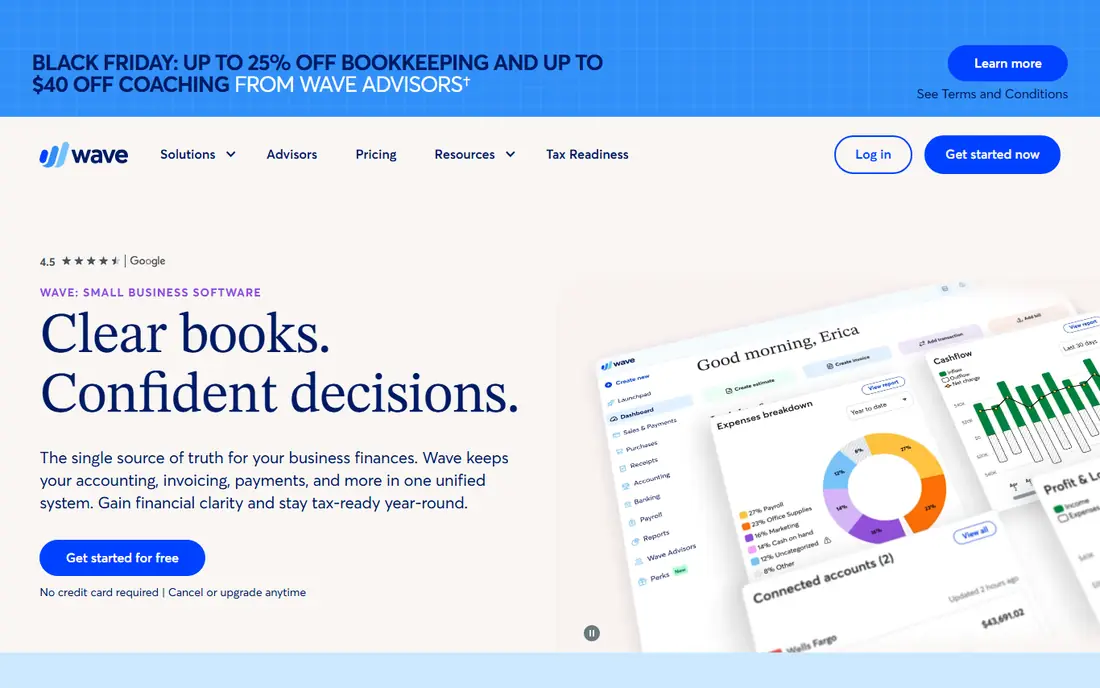
Wave is the best place to start if your budget is zero and your books are simple. Core accounting, invoicing and receipt handling cost nothing, and you can send unlimited invoices without a monthly fee. Payment processing carries fees when clients pay by card, which is how Wave earns money, but the bookkeeping itself stays free. That model suits new freelancers testing a business idea.
The main trade-off is automation. The free Starter plan relies on manual bank entry, while automatic imports sit in the paid Pro plan, so bookkeeping takes more hands-on time. Wave also offers fewer advanced reports and less accountant tooling than QuickBooks or Xero. If you want free, honest bookkeeping and you can handle some manual entry, Wave is hard to beat.
- Free core accounting and invoicing
- Unlimited invoices on the free plan
- Simple setup for new freelancers
- Paid Pro plan needed for automatic bank imports
- Fewer advanced reports than paid rivals
Zoho Books gives freelancers a genuine free plan, as long as annual revenue stays at or below $50,000, with invoicing, expense tracking and basic reports included. That threshold covers many early-stage freelancers, and the paid plans stay competitive once you grow past it. Automation tools, recurring invoices and client portals help solo workers who repeat the same billing each month.
The interface is less immediately friendly than FreshBooks or Wave, and new users may need a few sessions to find every setting. If you already use Zoho tools for email, CRM or projects, the shared login and data flow add real value. For cost-conscious freelancers who want real accounting rather than a simple invoice app, Zoho Books is one of the best value options.
- Free plan for revenue up to $50,000
- Strong invoicing and automation
- Good value on paid plans
- Free plan ends above $50,000 revenue
- Interface takes time to learn
Xero suits freelancers who plan to grow, hire help or work closely with an accountant. It offers proper double-entry accounting, strong bank reconciliation and reports that accountants trust, plus multi-currency support for clients abroad. The dashboard is clean, and the mobile app covers invoicing and expense capture when you are away from your desk.
The Early plan limits invoices and bills, so active freelancers may need the Growing plan sooner than expected. Xero also asks more of new users than a simple invoice tool, with accounting terms that take time to learn. If you want a system that scales from solo work to a small team, and your accountant already uses Xero, it is a sound long-term pick.
- Clean double-entry accounting
- Strong bank reconciliation
- Accountants know it well
- Early plan caps invoices and bills
- Learning curve is steeper than FreshBooks or Wave
Kashoo keeps bookkeeping simple, which is exactly what many solo workers want. The interface avoids accounting jargon where possible, and invoicing, expense tracking and reports sit in one clear workspace. Unlimited users on the plan is a useful bonus if you share access with a bookkeeper or a partner, without paying per seat.
The smaller ecosystem is the trade-off. Kashoo has fewer third-party integrations than QuickBooks, Xero or Zoho, and it is less suited to complex tax setups or inventory-heavy work. For a freelancer with straightforward income, expenses and invoices, that simplicity is a strength, not a gap. Kashoo is a good pick if you want books you can actually maintain week to week.
- Simple, clear interface
- Unlimited users on the plan
- Invoicing and expense tracking included
- Fewer integrations than larger rivals
- Less depth for complex tax or inventory needs
Hurdlr is built for gig workers, drivers and freelancers whose biggest tax job is tracking mileage and expenses. It logs trips automatically, sorts expenses and estimates tax deductions, which helps rideshare drivers, delivery workers and field freelancers who would otherwise lose deductible miles. The free tier covers basic tracking, while the paid plan adds fuller tax tools.
Hurdlr is not a replacement for full bookkeeping software. Invoicing and double-entry reports are thinner than in FreshBooks, Wave or Xero, so many users pair Hurdlr with an invoice tool. If mileage and tax deductions are your main pain, and you already handle invoices elsewhere, Hurdlr earns its place. For most other freelancers, it works best as a companion app.
- Automatic mileage tracking
- Expense tracking for gig and freelance work
- Tax deduction help
- Not a full accounting system
- Invoicing is less developed than FreshBooks or Wave
Found combines a business bank account with bookkeeping tools, which suits freelancers who want income, expenses and tax savings in one place. When money arrives, Found can set aside a share for taxes, track expenses and produce simple reports, without a separate bookkeeping subscription. The core features are free, which makes it easy to try alongside your current bank.
The limit is scope. Found is a banking product with bookkeeping features, not a full accounting system, so accountants may still want exports into QuickBooks or Xero at tax time. Some invoicing and advanced features sit on paid plans. If you want banking and basic books together, and you like automatic tax set-asides, Found is a useful, low-cost option.
- Business banking with built-in bookkeeping
- Automatic tax savings set-aside
- Simple expense tracking
- It is a bank account first, not full accounting software
- Some features need paid plans
How we picked these
We compared official pricing pages, free tiers and feature lists in October 2026, with a focus on solo freelancers rather than larger firms. We kept tools that cover invoicing, expense tracking or tax help for self-employed users, and we noted client caps, revenue limits and promo pricing where they change the real cost. We did not claim hands-on testing, and we treated tax features as general information, not personal tax advice.
How to choose the right bookkeeping app
Start with how you get paid. If clients and invoices drive your work, FreshBooks or Wave should top your list. If tax season drives your stress, QuickBooks Solopreneur or Hurdlr may matter more. If cost is the deciding factor, Wave and Zoho Books offer real free plans, while Found adds banking to the mix. Check the client cap, invoice limit and revenue threshold before you commit, since those limits decide the true monthly cost.
Set up a simple weekly habit, no matter which tool you pick. Log expenses as they happen, send invoices promptly, and reconcile bank transactions at least once a month. That habit matters more than the app itself, and it makes tax time far less painful. If you work with an accountant, ask which platform they prefer, since their familiarity can save you fees and corrections later.
Frequently asked questions
What is the best bookkeeping software for freelancers?
FreshBooks is our pick for service freelancers who invoice often, Wave is best for free bookkeeping, and QuickBooks Solopreneur is best for tax-first users. The right pick depends on whether invoicing, cost or tax help matters most to you.
What is the best bookkeeping app for freelancers on a budget?
Wave offers free core accounting and invoicing, and Zoho Books offers a free plan for revenue up to $50,000. Found also offers free core banking and bookkeeping features. Check the limits of each free plan before you rely on it.
What are the best self employed apps for taxes?
QuickBooks Solopreneur tracks mileage and estimates quarterly taxes, Hurdlr tracks mileage and deductions for gig workers, and Xero and Zoho Books offer tax-ready reports. For personal tax advice, talk to a qualified tax professional.
Do freelancers need double-entry accounting?
Not always. Simple freelancers can manage with invoicing and expense tracking in Wave, FreshBooks or Kashoo. Double-entry tools like Xero and QuickBooks Online suit freelancers who work with an accountant or plan to grow into a larger business.
Can I switch bookkeeping software later?
Yes, but exports and history need care. Before switching, export invoices, expenses and reports, and check that the new tool can import your data. A clean switch at year end is often easier than mid-year, and your accountant can advise on timing.
Is free bookkeeping software safe to use?
Reputable free tools use standard security controls, but you should still use strong passwords, two-factor sign-in where offered, and regular exports of your data. Keep backups of invoices and tax reports outside the app, in case you change tools later.
Sources
See where you really rank - block by block
ProMapRanker scans Google Maps across a grid of your service area. Simple monthly plans from $19, white-label on every plan.
Start freeKeep reading
 zscaler alternatives
Best Zscaler Alternatives in 2026
Looking for zscaler alternatives? We compare 9 SASE and zero trust platforms on architecture, data protection, pricing, and fit for your network and team.
Read → zapier alternatives free
Best Zapier Alternatives Free in 2026
Nine automation tools for zapier alternatives free in 2026, all with genuinely free tiers, plus free plan limits, starting prices and upgrade paths explained.
Read → which platform is best for online reputation
Which Platform Is Best for Online Reputation in 2026
Wondering which platform is best for online reputation? We compare 8 review, listing, and response tools for small and multi-location businesses and agencies.
Read →