 ProMapRanker
Best Booking Software for Photographers in 2026

Key takeaways
- HoneyBook and Dubsado suit photographers who want proposals, contracts, invoices, and payments in one client flow.
- Studio Ninja and Pixieset suit photographers who want photography-specific workflows, with galleries in Pixieset case.
- Calendly and Setmore suit simple scheduling, such as mini-sessions and consultation calls, at low or no cost.
- ShootProof suits photographers who sell prints and want gallery delivery with booking alongside.
- A free booking app works for simple sessions, but full client systems need a paid plan for contracts and automation.
Quick comparison
| Pick | Great for | Pricing starts at | Free tier | |
|---|---|---|---|---|
 HoneyBook | All-in-one client flow | $29 per month | Free trial | Visit |
 Dubsado | Deep workflow customization | See website | Free trial | Visit |
 Studio Ninja | Wedding and portrait workflows | $16 per month | Free trial | Visit |
 Pixieset | Galleries plus booking | See website | Yes | Visit |
 ShootProof | Print sales and galleries | See website | Yes | Visit |
 Acuity Scheduling | Custom booking flows | See website | Free trial | Visit |
 Calendly | Simple scheduling links | Free | Yes | Visit |
 Setmore | Low-cost starting point | Free | Yes | Visit |
 Sprout Studio | CRM plus galleries in one login | See website | Free trial | Visit |
The best booking software for photographers
Photography booking is more than a calendar link. A wedding booking needs a proposal, a contract, a payment plan, and a questionnaire, while a mini-session needs a fast link and a quick payment. The tools below cover both ends, from full client systems to simple schedulers, so pick by the bookings you actually take.
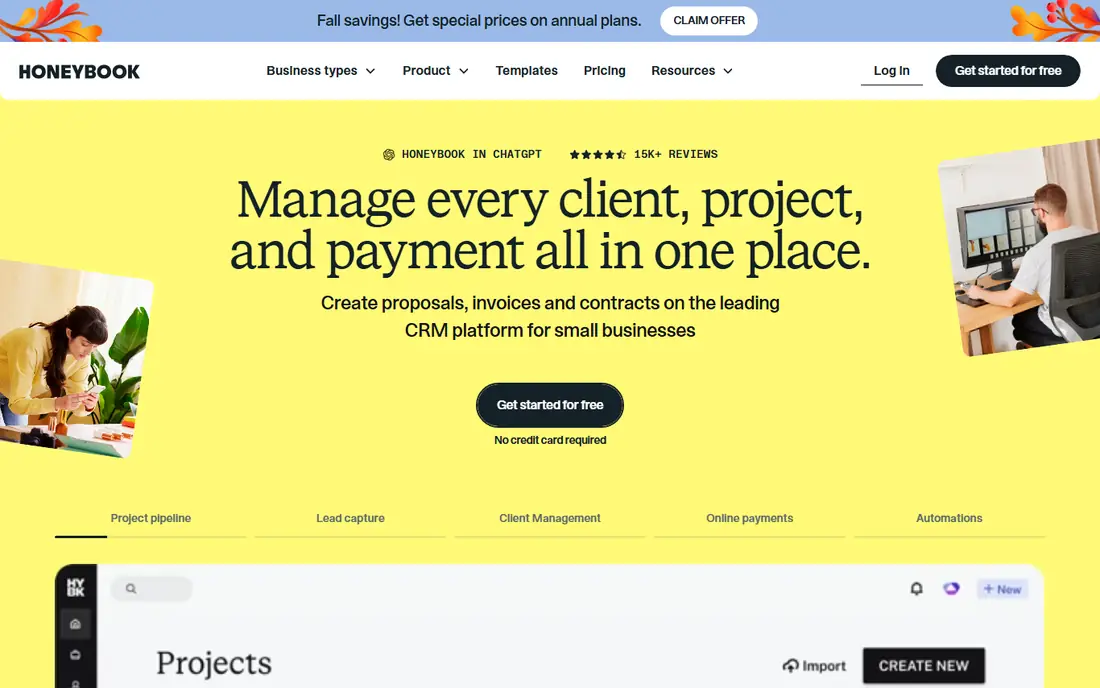
HoneyBook is the most popular all-in-one pick for solo photographers, because a client can review a package, sign a contract, and pay a retainer in one step. Templates built around photography workflows cover wedding packages, session questionnaires, and payment plans, so setup takes days rather than weeks. The mobile app also helps on location, when a lead arrives between sessions.
The limits are real. Automation logic is simpler than in Dubsado, so complex multi-step workflows may need workarounds, and payment processing fees sit on top of the subscription. Still, for a solo photographer who wants bookings handled quickly, HoneyBook is hard to beat.
- Proposals, contracts, invoices, and payments in one flow
- Photography templates
- Mobile app for on-location work
- Automation is simpler than Dubsado
- Payment processing fees apply
- Only available in the US and Canada
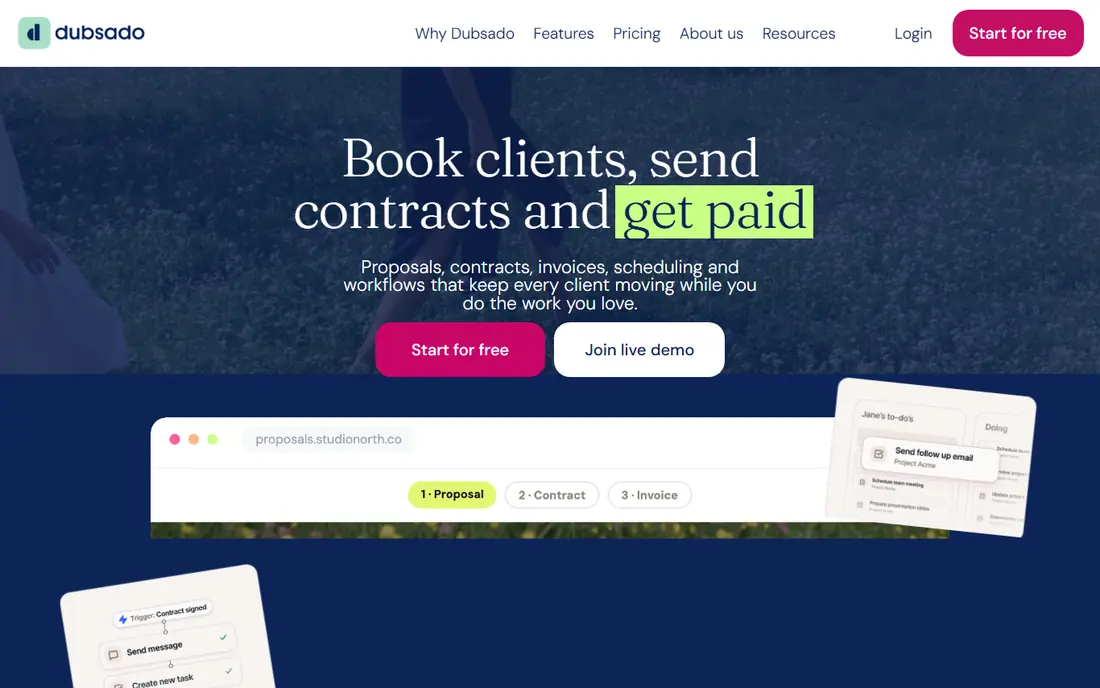
Dubsado suits studios that want the booking flow built around their own process, not a fixed template. You can design forms, questionnaires, contracts, and multi-step workflows that run after a booking, with different paths for weddings, portraits, and commercial work. Multiple brands in one account also suit photographers with separate studio names.
That control comes with a learning curve, and scheduling features sit in higher tiers, so check the plan that includes the scheduler before you buy. If you enjoy building systems and want automation that follows your exact steps, Dubsado rewards the setup time. If you want to be live this weekend, HoneyBook is faster.
- Custom forms, contracts, and automated workflows
- Multiple brands in one account
- Good yearly value
- Steeper learning curve
- Scheduling sits in higher tiers
- Setup takes longer than HoneyBook

Studio Ninja speaks photography from the first screen, with leads, shoots, invoices, and workflows named the way photographers use them. Wedding and portrait studios benefit most, since the system follows a booking from inquiry through shoot day and final payment without extra tools. Setup is quicker than in a general CRM, and the price is modest for a dedicated system.
Gallery delivery is not the focus, so pair Studio Ninja with a gallery tool if print sales and client proofing matter to you. General business users outside photography will also find the language too specific. For a wedding or portrait studio, though, that focus is the point.
- Photography-specific language and workflows
- Leads, bookings, and payments in one place
- Fast setup for wedding pros
- Less suited to general business types
- Integrations are narrower
- Gallery tools are limited
Pixieset grew up as a gallery platform, and that history still shapes it. Client galleries look polished, proofing is simple, and the print store connects to professional labs, which suits photographers who sell prints. Around galleries, Pixieset now offers a website builder and Studio Manager, which adds bookings, contracts, invoices, and questionnaires.
The free tier is genuinely usable for testing with real clients, which is rare in this category. The trade-off is CRM depth, since management tools are newer than the gallery side. If galleries and booking in one login matter most, Pixieset is a strong pick.
- Polished client galleries with print store
- Website builder
- Studio Manager for bookings and contracts
- Pricing details need checking on the vendor page
- CRM depth trails dedicated tools
- Free tier has limits
ShootProof suits photographers who sell prints and want gallery delivery with booking alongside. Print sales carry no commission from ShootProof, which matters when print income is a real part of revenue, and client galleries are simple for clients to use. Booking, contracts, and invoicing tools cover the basics without a separate system.
The CRM side is lighter than a dedicated client system, so studios with complex workflows may need HoneyBook, Dubsado, or Studio Ninja instead. For a photographer whose main need is galleries, print sales, and simple bookings, ShootProof keeps costs and complexity down.
- Commission-free print sales
- Client galleries
- Booking and invoicing tools
- CRM features are lighter than HoneyBook or Dubsado
- Design options are simpler
- Paid plans needed for full use
Acuity Scheduling, now part of Squarespace, is a pure scheduling tool that suits photographers who need a tailored booking flow. You can set session types, durations, buffers, intake questions, and payments, and embed the booking page on your own website. For portrait and headshot studios with repeatable session types, that control works well.
Acuity does not offer galleries, contracts, or a full client CRM, so you will need other tools for those jobs. If scheduling is the only gap in your setup, Acuity fills it cleanly. If you need proposals and workflows too, start with a full client system instead.
- Highly customizable booking pages
- Intake forms and payments
- Calendar sync
- Not photography-specific
- No gallery or CRM depth
- Paid plan needed after trial
Calendly is the simplest tool on this list, and that is its strength. A free plan covers basic scheduling links, which suit consultation calls, discovery calls, and simple mini-session bookings. Setup takes minutes, clients pick a time without email back-and-forth, and calendar sync prevents double bookings.
Calendly does not handle proposals, contracts, galleries, or full client workflows, so it works best as a front door, not as a whole studio system. Pair it with a contract and invoicing tool, or use it alone if your bookings are truly simple. For a new photographer, the free plan is a sensible place to start.
- Free basic plan
- Very fast setup
- Simple links for calls and mini-sessions
- No photography CRM
- Contracts and payments need other tools
- Advanced features are paid
Setmore suits beginners who want a free booking page without paying for a full CRM. The free plan includes appointments, a booking page, and staff calendars, which cover mini-sessions and portrait bookings. Setup is simple, and clients can book from a link shared on social media or a website.
Photography-specific workflows, contracts, and gallery tools are not included, so growing studios will outgrow Setmore. As a starting point, though, it beats a manual email system, and the price, free to start, makes it easy to test with real clients.
- Free plan with appointments included
- Simple booking page
- Staff calendars
- Photography features are basic
- Design options are limited
- Advanced tools are paid
Sprout Studio combines client management, galleries, and booking in one login, which suits studios that want fewer tools. Photography workflows cover leads, bookings, contracts, and gallery delivery, and client proofing sits alongside the booking record. For a studio that wants one system for the client-facing side of the business, that mix is appealing.
The user base is smaller than HoneyBook, so community templates and third-party guides are thinner. Full setup also takes time, since the system covers several jobs at once. If one login for CRM and galleries matters to you, Sprout Studio deserves a trial.
- CRM, galleries, and booking in one system
- Photography-specific workflows
- Client proofing tools
- Smaller user base than HoneyBook
- Learning curve for full setup
- Pricing needs checking on the vendor page
How we picked these
We compared official feature pages, pricing pages, and current photography booking roundups, and we kept tools that are live in October 2026 with a real photography user base or a clear scheduling fit for photographers. Tools that had closed, or that only handle generic calendars without payments or forms, were left out. We did not claim hands-on testing, and we did not invent prices. Where pricing could not be verified from the vendor page at writing time, we wrote See website.
What to look for when you choose booking software
Start with your most common booking, not the rarest one. If most work is weddings, you need contracts, payment plans, and questionnaires. If most work is mini-sessions, you need a fast link and quick payment. Test the client view yourself, from link to signed contract to paid retainer, and count the steps a client must take. Finally, check payment fees, calendar sync, and data export, since switching systems later is harder than choosing well now.
Frequently asked questions
What is the best booking app for photographers?
HoneyBook is a strong general pick, thanks to proposals, contracts, and payments in one flow. Studio Ninja suits wedding and portrait studios, Pixieset suits gallery-led studios, and Calendly suits simple scheduling. The best app follows your booking type, not the longest feature list.
What are the best booking apps for photographers?
The best booking apps for photographers include HoneyBook, Dubsado, Studio Ninja, Pixieset, ShootProof, Acuity Scheduling, Calendly, Setmore, and Sprout Studio. Full client systems suit complex bookings, while simple schedulers suit calls and mini-sessions. Most photographers use one full system plus a simple link for quick bookings.
What is the best free booking app for photographers?
Calendly and Setmore offer free plans that suit simple bookings, and Pixieset and ShootProof offer free tiers with limits. A free app works for scheduling alone, but contracts, automation, and full client workflows need a paid plan. Start free to test your booking flow, then upgrade when contracts and payments matter.
Do photographers need booking software, or is a calendar enough?
A shared calendar works for a few bookings, but it does not handle contracts, payments, questionnaires, or reminders. Booking software reduces no-shows, collects retainers before shoot day, and keeps client details in one place. Even a simple scheduler plus a contract tool is a step up from email and a calendar alone.
How much does photography booking software cost?
Simple schedulers start free, while full client systems in this list start around $16 to $29 per month, with higher tiers for automation and team use. Payment processing fees sit on top of subscriptions, and gallery tools may add print or storage costs. Compare the full monthly cost, not just the headline subscription price.
Can booking software handle mini-sessions?
Yes. Mini-sessions suit simple booking links with set times, quick payments, and automatic reminders, which Calendly, Setmore, Acuity, and Studio Ninja all support. For a full mini-session day, look for back-to-back time slots, buffer settings, and a payment step at booking, so clients commit when they choose a time.
Sources
See where you really rank - block by block
ProMapRanker scans Google Maps across a grid of your service area. Simple monthly plans from $19, white-label on every plan.
Start freeKeep reading
 zscaler alternatives
Best Zscaler Alternatives in 2026
Looking for zscaler alternatives? We compare 9 SASE and zero trust platforms on architecture, data protection, pricing, and fit for your network and team.
Read → zapier alternatives free
Best Zapier Alternatives Free in 2026
Nine automation tools for zapier alternatives free in 2026, all with genuinely free tiers, plus free plan limits, starting prices and upgrade paths explained.
Read → which platform is best for online reputation
Which Platform Is Best for Online Reputation in 2026
Wondering which platform is best for online reputation? We compare 8 review, listing, and response tools for small and multi-location businesses and agencies.
Read →