 ProMapRanker
Best Booking Software in 2026

Key takeaways
- Calendly is the simplest pick for meetings and consultations, while Square Appointments suits service businesses that also take payments.
- Acuity Scheduling is stronger for intake forms, packages and paid appointments, but it has no free plan.
- Setmore and Zoho Bookings offer the most useful free tiers for small teams starting out.
- Price by seat, location or calendar matters more than the headline rate, so count staff and locations before you compare.
- A booking page that syncs with your calendar and sends reminders will cut no shows more than a pretty page alone.
Quick comparison
| Pick | Great for | Pricing starts at | Free tier | |
|---|---|---|---|---|
 Calendly Calendly | Meetings and consultations | Free | Yes | Visit |
 Acuity Scheduling Acuity Scheduling | Paid service appointments | $16 per month | No | Visit |
 Square Appointments Square Appointments | Service businesses with payments | Free | Yes | Visit |
 Setmore Setmore | Small teams on a budget | Free | Yes | Visit |
 SimplyBook.me SimplyBook.me | Configurable booking sites | Free | Yes | Visit |
 Zoho Bookings Zoho Bookings | Zoho users | Free | Yes | Visit |
 Cal.com Cal.com | Open scheduling with teams | Free | Yes | Visit |
 Fresha Fresha | Salons and beauty businesses | See website | No | Visit |
The best booking software
We compared the best booking software for small business on booking pages, calendar sync, reminders, payments, intake forms and price. The eight below cover meetings, services and classes.
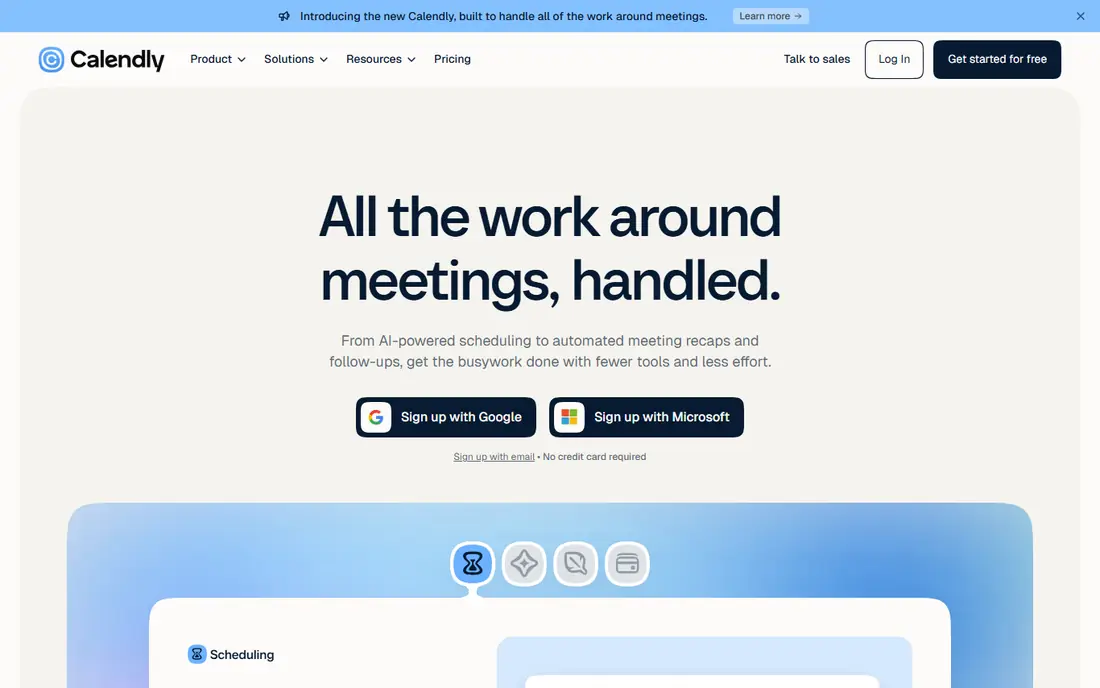
Calendly is the easiest tool for booking a call or consultation. You share a link, the client picks a time that fits your calendar, and both sides get a confirmation without email back and forth. That simplicity is why consultants, coaches and sales teams use it as a default, even when they use another tool for service bookings.
The free plan is limited to one event type and one calendar, which is fine for a solo consultant with one meeting type. Teams that need round robin assignment, group events or payment collection will need a paid plan. Calendly is best when the booking is a meeting, not a paid service with intake forms and packages.
- Clean booking links
- Strong calendar sync
- Easy team routing on paid plans
- Free plan allows one event type
- Payments and round robin need paid plans
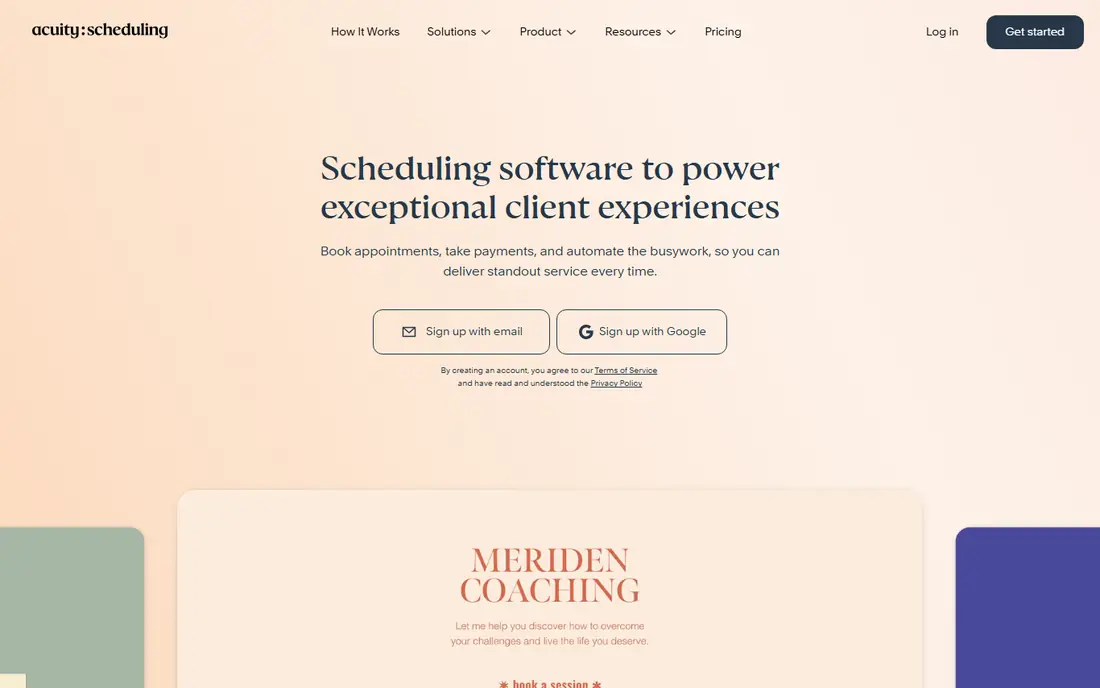
Acuity Scheduling, owned by Squarespace, is built for service businesses that sell time. Intake forms collect the details you need before the appointment, and packages and memberships let clients buy a set of sessions in advance. Deposits and payment collection at booking also reduce no shows for paid services.
There is no free plan, only a trial, so a new business pays from the start. SMS reminders sit on a higher plan, and the price is set by calendars rather than users, which can suit a business with several services. Acuity is the pick when you need intake, packages and payments in one booking flow, and you are past the free trial stage.
- Detailed intake forms
- Packages, memberships and gift certificates
- Deposits and payments
- No free plan
- SMS reminders need a higher plan
- Price rises with calendars
Square Appointments is the natural pick for a salon, spa, barbershop or fitness studio that already takes card payments with Square. The free plan covers a booking site, staff calendars and reminders, and payments flow through the same system as in person sales. That single system saves time at the front desk and at checkout.
Paid plans are priced per location, so a multi location business pays more than a per user tool might charge. You are also tied to Square for payments, which is fine if you already use Square and limiting if you do not. For a single location service business, the free plan is one of the strongest starting points available.
- Free booking site and reminders
- Payments built in
- Staff calendars included
- Paid plans are priced per location
- You are tied to Square payments
- Some features need Plus
Setmore gives a small team a real free booking page. Up to four users can book with unlimited appointments, which is generous compared with most rivals. Payments can run through Stripe, Square or PayPal, so you are not locked into one processor for paid bookings.
The Pro plan adds two way calendar sync, deposits and video appointments, and it costs per user per month on annual billing. Note that each staff calendar counts as a user, so a team with several calendars should count carefully before upgrading. Setmore is best for a solo operator or small team that wants a free start and a low cost upgrade path.
- Free plan for up to four users
- Unlimited bookings on free plan
- Payments through Stripe, Square or PayPal
- Two way sync and deposits need Pro
- Each staff calendar counts as a user on Pro
SimplyBook.me suits businesses that want a booking site shaped to their service. You choose from a large set of features, such as deposits, coupons, intake forms, memberships and class bookings, and you build a site around them. That flexibility helps clinics, studios and multi service businesses that do not fit a simple meeting link.
The free plan allows 50 bookings per month and one custom feature, which is enough to test the tool but not to run a busy business. The range of features can also feel complex during setup, because you must choose which ones to turn on. SimplyBook.me is best when you need a tailored booking site and you are willing to spend time configuring it.
- Large library of booking features
- Custom booking site
- Deposits, coupons and memberships
- Free plan limited to 50 bookings per month
- Feature choices can feel complex at first
Zoho Bookings is a solid, low cost scheduler, and it is especially useful inside the Zoho ecosystem. Booking pages are clean, calendar sync is straightforward, and data can flow into Zoho CRM and other Zoho apps without extra tools. The free plan covers one user, which suits a solo consultant or a small service provider.
Paid plans are priced per user, so a larger team should compare the total with a per account tool such as Acuity. Advanced features also sit on the higher plan. Zoho Bookings is best for a business already using Zoho, or a solo operator who wants a free, simple booking page with a clear upgrade path.
- Free for one user
- Clean booking pages
- Works with other Zoho apps
- Paid plans are per user
- Some advanced features need the higher plan
Cal.com is an open source scheduling tool that works well for teams. You can create booking pages for individuals and teams, route bookings round robin, and connect calendars and video tools. The open approach also means you can self host if you want full control over data and branding.
Self hosting and deeper customization need more technical comfort than Calendly or Setmore. The hosted plans add team features and support, so the free tier is best for testing or for a small team with simple needs. Cal.com suits teams that value openness and flexibility over a fully managed setup.
- Open source scheduling
- Team and round robin booking
- Many integrations
- Setup can need more technical comfort
- Some hosted features are paid
Fresha is designed for beauty and wellness businesses, not general meetings. Salons, spas, barbershops and studios get booking, client records, payments and a marketplace listing that can bring new clients. That industry focus shows in features such as service menus, staff selection and appointment history.
Pricing is per team member and varies by plan and market, so check the current rate on the Fresha site before you budget. Marketplace bookings can also carry commission terms that differ from direct bookings. Fresha is best for a beauty business that wants bookings plus discovery in one place, rather than a generic scheduler.
- Built for salons, spas and barbershops
- Marketplace discovery
- Payments and client records
- Pricing is per team member and varies
- Marketplace commission can apply
- Less suited to general meetings
How we picked these
We compared official pricing pages, free plan limits, booking features and payment options for the leading booking tools in October 2026. We kept only tools that offer a real booking page, calendar sync and reminders, and that work for small businesses in the United States. We left out tools built only for large enterprises or for a single niche, and we did not claim hands on testing that did not happen.
How to choose the right booking tool
Start by naming the booking type. A meeting link suits Calendly or Cal.com, a paid service with intake forms suits Acuity or SimplyBook.me, and a salon or spa that takes payments suits Square Appointments or Fresha. Choosing by booking type first avoids paying for features you will never use, or missing a feature you need on day one.
Next, count the real cost. A per user price grows with staff, a per location price grows with sites, and a per calendar price grows with services. Add payment processing fees, SMS reminder costs and any marketplace commission. A free plan that covers your first months can be worth more than a cheaper paid plan that charges for every user.
Finally, test the client view before you commit. Book a test appointment on a phone, check the confirmation and reminder, and see how easy it is to reschedule or cancel. A booking tool that confuses clients will create more front desk work, not less. Pick the tool with the clearest client flow, even if another tool has a longer feature list.
Frequently asked questions
What is the best booking software for small business?
Calendly is the best pick for meetings, Square Appointments is best for service businesses that take payments, and Acuity is best for paid appointments with intake forms and packages. The right choice depends on the booking type you handle. Setmore is a strong free starting point for small teams.
What is the best free booking app?
Setmore offers a generous free plan for up to four users with unlimited bookings, while Square Appointments offers a free booking site with payments built in. Calendly and Zoho Bookings also offer useful free plans for solo users. Check the limits on event types, users and bookings before you rely on a free plan.
What is the best appointment scheduling app for small business?
For service appointments, Acuity Scheduling and Square Appointments lead, because they combine booking with payments, reminders and staff calendars. SimplyBook.me suits businesses that need a tailored booking site. For simple meeting scheduling, Calendly remains the easiest option.
Does booking software reduce no shows?
Yes, when it sends automatic reminders and collects a deposit or card details at booking. Reminders by email and text, plus an easy reschedule link, give clients a low friction way to change a booking instead of simply not showing up. A deposit also raises commitment for paid services.
Can clients book through my website?
Yes, most tools in this list offer an embeddable booking widget or a link you can add to your website, social profiles and email signature. Square Appointments and SimplyBook.me also offer a standalone booking site. Test the embedded booking flow on a phone, because many clients will book from mobile.
How much does booking software cost?
Free plans cover solo users and small teams on several tools. Paid plans commonly start from 5 to 16 dollars per user or per month, depending on billing and whether the price is per user, per location or per calendar. Confirm the current price on the vendor site, because plans and limits change.
Sources
See where you really rank - block by block
ProMapRanker scans Google Maps across a grid of your service area. Simple monthly plans from $19, white-label on every plan.
Start freeKeep reading
 zendesk alternatives
Best Zendesk Alternatives in 2026
Compare the best Zendesk alternatives in 2026, from budget help desks to AI-first support tools, with current pricing, free plans, and honest trade-offs.
Read → wordpress alternatives
Best WordPress Alternatives in 2026
Looking for the best WordPress alternatives? We compare 8 free and paid options for blogs, business sites, stores, and developer-led projects in 2026.
Read → which real estate company has the best training
Best Real Estate Company Training in 2026
Compare which real estate company has the best training, from Keller Williams and eXp to Compass and Coldwell Banker, by program, mentor, and fit in 2026.
Read →