 ProMapRanker
Best Body Editor App in 2026: 8 Apps Compared

Key takeaways
- YouCam Perfect is the most complete body editor for photos, with reshape, height, and retouch tools in one app.
- AirBrush and Facetune suit owners who want careful, manual control over each edit rather than one-tap presets.
- PrettyUp is the pick for video, since most body editors only work on still photos.
- Fotor and RetouchMe work in a browser or with a human retoucher, which suits desktop editing and careful jobs.
- Only edit photos of yourself or photos you have clear permission to edit, and never use these tools on photos of other people without their consent.
Quick comparison
| Pick | Great for | Pricing starts at | Free tier | |
|---|---|---|---|---|
 YouCam Perfect | All-around photo body editing | Free | Yes | Visit |
 YouCam Makeup | Body and selfie editing together | Free | Yes | Visit |
 AirBrush | Natural, careful retouching | Free | Yes | Visit |
 Facetune | Manual, detailed retouching | Free | Yes | Visit |
 Peachy | Quick one-tap body edits | Free | Yes | Visit |
 PrettyUp | Body editing in video | Free | Yes | Visit |
 Fotor | Browser-based reshape editing | Free | Yes | Visit |
 RetouchMe | Human retouching service | Free | Yes | Visit |
The best body editor apps
These are legitimate photo editing tools with reshape and retouch features for your own photos. A short consent note first: only edit photos of yourself, or photos you have clear permission to edit. Do not use these tools on photos of other people without their consent, and do not use them to create misleading images of real people.
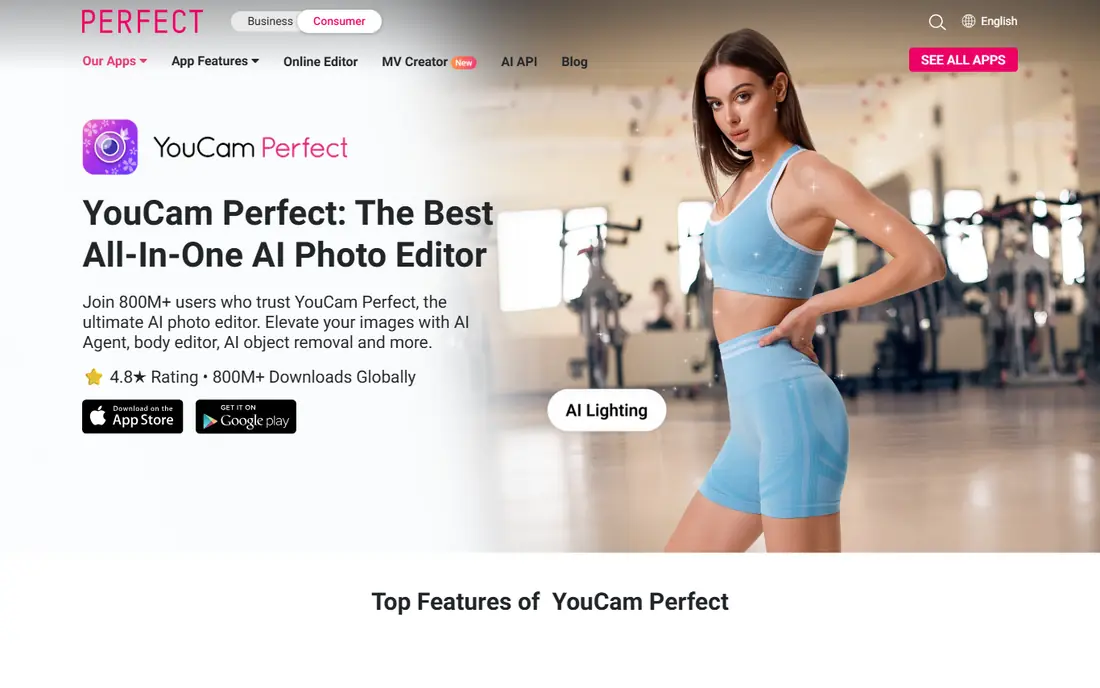
YouCam Perfect is our pick for most people because it covers the whole job in one place. The body editor lets you refine shape in areas like arms, waist, legs, and hips, and the height tool adjusts proportions without forcing you into a separate app. Around those tools you get skin retouching, object removal, and filters, so a photo can go from rough to ready without switching editors.
The free tier is generous enough to test the reshape tools properly, but the full set of features needs a paid plan. That is normal in this category, and the app is clear about which tools are premium. Keep edits small and check the background for warping, since straight lines behind a subject show reshape work faster than anything else.
- Body reshape plus height tools in one app
- Wide retouch and filter range
- Works on iOS and Android
- Best features sit behind a subscription
- Free exports may include watermarks on some features
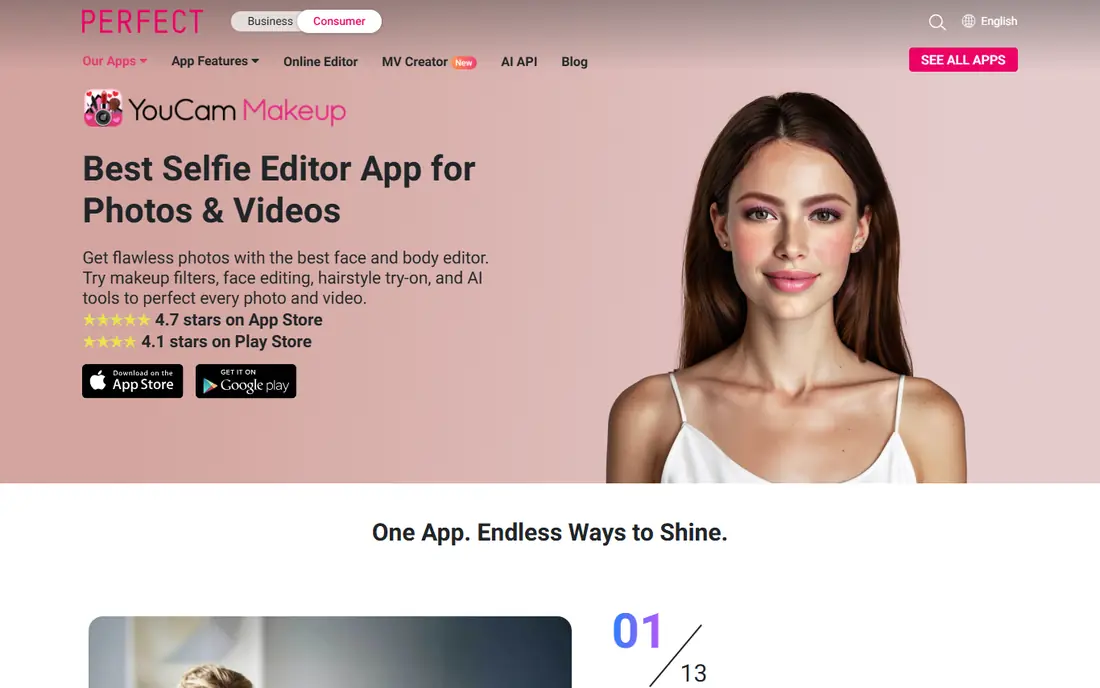
YouCam Makeup suits people who edit selfies and full-body photos in the same session. Its body tune section covers waist, legs, arms, and height, while the rest of the app handles makeup looks, skin smoothing, and face shaping. Having both sides in one app saves time when a photo needs a light touch in several places.
The trade-off is focus. If you only want body editing and nothing else, the makeup features add clutter. The sliders are easy to use, though, and the background protection feature helps avoid the bent-doorframe look that gives away heavy edits. Use it for gentle, believable changes rather than dramatic reshaping.
- Body tune tools plus makeup and face shaping
- Background protection helps keep edits clean
- Simple slider controls
- Body tools are part of a beauty app, not a standalone editor
- Advanced retouching needs a subscription
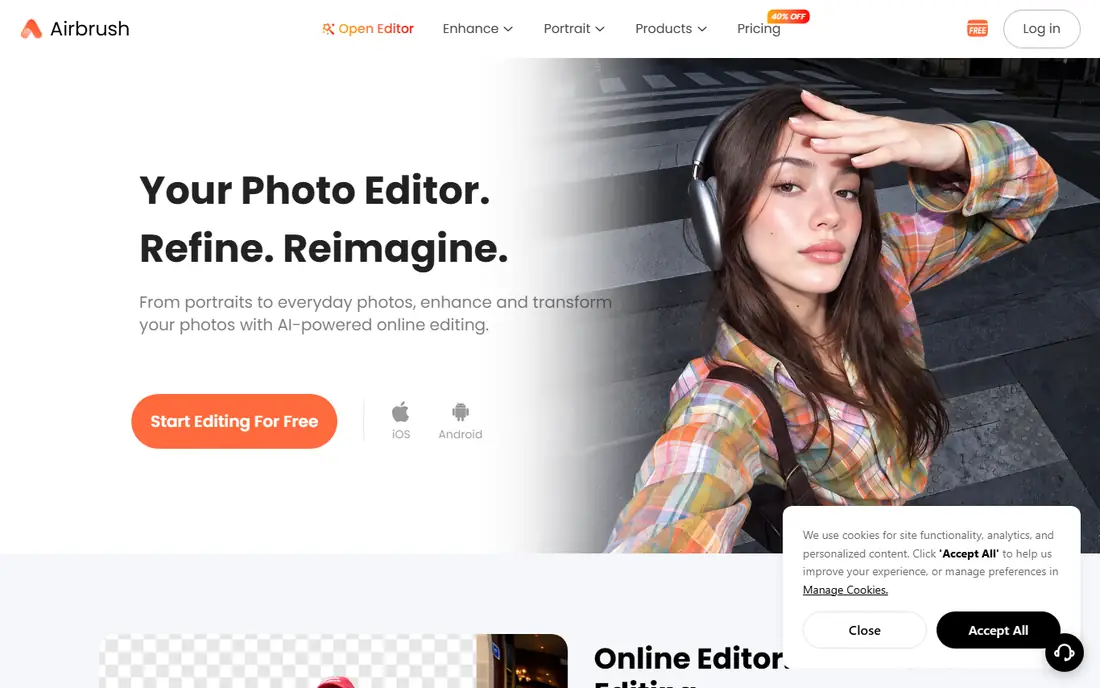
AirBrush has a reputation for natural-looking results, and that comes from restraint in its tools. The reshape feature adjusts body areas smoothly, and the one-tap presets give you a starting point you can then soften by hand. Skin retouching, blemish removal, and detail tools sit alongside, so you can polish a photo without making it look airbrushed flat.
The free tier covers the basics well, but the deeper presets and extra tools need a subscription. AirBrush is a good match for people who post portraits and want edits that survive a close look. Zoom out and review the full image before saving, since small changes at full zoom can look larger in the final photo.
- Reshape tool with one-tap body presets
- Strong skin and detail retouching
- Clean, simple interface
- Some reshape presets need a paid plan
- Editing is photo-only, not video
Facetune is the choice when you want control over every part of an edit. Instead of relying on presets, you paint and adjust reshape, smoothing, and detail by hand, which gives you finer results on portraits and close crops. That control is why it remains popular with creators who edit daily and notice small flaws.
Beginners may find it slower than AirBrush or Peachy, since good results depend on a steady hand and patience. The free tier lets you learn the tools, but the full toolkit sits behind a subscription. If you edit often and care about detail, the extra effort pays off in cleaner results.
- Precise manual reshape and detail controls
- Strong for portraits and close crops
- Long track record as a retouch app
- Learning curve is steeper than one-tap apps
- Full features require a subscription
Peachy is built for speed. Its one-tap enhancement smooths skin and balances light in seconds, and the manual body tools let you adjust height, waist, and hips when you want more control. That mix suits people who edit on the go and post the same day, rather than people who spend an hour on one image.
The catch is the free export. Some free outputs carry a watermark, so check before you share a photo somewhere important. Paid access removes that limit and opens the deeper tools. For quick, light edits, Peachy is one of the easiest body editing apps to pick up.
- Fast one-tap enhancement plus manual body tools
- Height and waist adjustments are simple
- Good for quick social posts
- Free exports may carry watermarks
- Advanced tools need a paid plan
PrettyUp fills a gap most apps in this list leave open: video. If you film short clips for social platforms, a photo-only editor cannot help when your body shape needs the same light touch across moving frames. PrettyUp applies waist and body adjustments to video, along with face tools, so clips stay consistent from start to finish.
Video work costs more processing power, and older phones may run slowly or warm up during longer edits. The free tier also limits some exports, so test a short clip first. For creators who live in video, though, PrettyUp is the clear pick in this list.
- Edits body shape in video clips, not just photos
- Useful for short-form creators
- Face and body tools in one app
- Free version may add watermarks
- Video editing is heavier on older phones
Fotor suits people who prefer a computer and a browser to a phone app. Its reshape tool lets you adjust body and face areas with a mouse, which gives steadier control than a fingertip on a small screen. The wider Fotor editor adds filters, background tools, and design templates, so one photo can move from retouch to a finished post without extra software.
The free tier is a fair way to test the reshape tools, but advanced options need a paid plan. Browser editing also depends on your connection and file size, so very large photos may take longer to process. For desktop users, Fotor is the most practical body editor here.
- Works in a browser with no install
- Reshape tools for waist, arms, and face
- High-resolution output on paid plans
- Free tier limits advanced features
- Large files can feel slow in the browser
RetouchMe works differently from every other app here. Instead of sliders, you send your photo to a human retoucher who makes the adjustments you request, from slimming and shaping to skin and detail work. That human step often produces more natural results, because a person can judge proportions and backgrounds in a way an automatic tool cannot.
The trade-off is time and cost per photo. You wait for the result, and beyond the free allowance you pay in credits for each edit. RetouchMe fits special photos, like portraits or event shots, where a careful result matters more than instant editing. For everyday snaps, an automatic app is faster and cheaper.
- Real retouchers handle each photo
- Body and face adjustments look natural
- Simple order flow in the app
- Results take longer than instant app edits
- Each photo costs credits beyond the free allowance
How we picked these
We compared official app pages, app store listings, and published feature and pricing details, and we kept only legitimate photo editing tools. We left out any tool marketed for undressing people or creating non-consensual imagery, since those products fail a basic safety test no matter how they are described. We favored tools with clear reshape controls, usable free tiers, and honest limits on what the free version does.
How to choose a body editor without overdoing it
Start with the photo type you edit most. Still photos point to YouCam Perfect, AirBrush, or Facetune. Video points to PrettyUp. Desktop work points to Fotor, and a special portrait points to RetouchMe. Picking by format first saves you from paying for tools you will never open.
Keep edits believable
Small changes hold up better than large ones. Adjust one area at a time, zoom out often, and check straight lines, doorframes, and railings in the background for bending. If a change is visible at a glance, pull it back. The best edit is the one a viewer does not notice.
Check privacy before you upload
Many photo editors process images in the cloud, which means your photo leaves your phone. Read the privacy policy, limit permissions you do not need, and avoid uploading sensitive photos to any editor you have not checked. When privacy matters most, prefer apps that process on your device or a desktop tool you control.
Respect consent, always
Only edit your own photos, or photos you have clear permission to edit. Do not edit photos of other people to change how their body looks, and do not share edited photos of someone else as if they were unedited. That rule protects the people in the photos and keeps your own posts honest.
Frequently asked questions
What is the best body editor app?
YouCam Perfect is the best all-around pick for photos, thanks to its reshape, height, and retouch tools in one app. AirBrush suits careful, natural edits, Facetune suits detailed manual work, and PrettyUp is the pick for video.
What are the best free body editing apps?
YouCam Perfect, AirBrush, Peachy, and Fotor all offer free tiers that let you test reshape tools before paying. Free tiers usually limit advanced presets or add watermarks to some exports, so check the export result before sharing.
What is the best body editing app for video?
PrettyUp, because most body editors only work on still photos. It adjusts body shape across video clips, which matters for short-form creators who film rather than shoot stills.
Are body editor apps safe to use?
They are safe when used on your own photos with care. Check the app's privacy policy before uploading photos, avoid sharing sensitive images, and never use these tools on photos of other people without their consent.
Can I edit body shape in photos for free?
Yes, with limits. Free tiers in YouCam Perfect, AirBrush, Peachy, and Fotor cover basic reshape work. Paid plans remove watermarks, open advanced presets, and raise export quality.
Sources
See where you really rank - block by block
ProMapRanker scans Google Maps across a grid of your service area. Simple monthly plans from $19, white-label on every plan.
Start freeKeep reading
 zscaler alternatives
Best Zscaler Alternatives in 2026
Looking for zscaler alternatives? We compare 9 SASE and zero trust platforms on architecture, data protection, pricing, and fit for your network and team.
Read → zapier alternatives free
Best Zapier Alternatives Free in 2026
Nine automation tools for zapier alternatives free in 2026, all with genuinely free tiers, plus free plan limits, starting prices and upgrade paths explained.
Read → which platform is best for online reputation
Which Platform Is Best for Online Reputation in 2026
Wondering which platform is best for online reputation? We compare 8 review, listing, and response tools for small and multi-location businesses and agencies.
Read →