 ProMapRanker
Best Blogging Tools for Beginners in 2026

Key takeaways
- WordPress.com is the easiest managed WordPress start, while WordPress.org gives full control for beginners who plan to grow and monetize.
- Wix and Squarespace suit visual beginners who want drag-and-drop design and hosting in one bill, without separate setup steps.
- Ghost and Substack suit writers who put newsletters first, with paid subscriptions built in rather than added through plugins.
- Medium and Blogger suit hobby writers who want a free start and a built-in audience, but both limit design, branding, and monetization.
- Ownership matters from day one, so check whether you can export posts, subscribers, and your domain before you publish your first post.
Quick comparison
| Pick | Great for | Pricing starts at | Free tier | |
|---|---|---|---|---|
 WordPress.com | Managed WordPress start | Free | Yes | Visit |
 WordPress.org | Full control and growth | Free | Yes | Visit |
 Wix | Drag-and-drop beginners | Free | Yes | Visit |
 Squarespace | Design-led blogs | See website | Free trial | Visit |
 Ghost | Newsletters and memberships | See website | Free trial | Visit |
 Substack | Newsletter-first writing | Free | Yes | Visit |
 Medium | Built-in audience | Free | Yes | Visit |
 Blogger | Truly free hobby blogs | Free | Yes | Visit |
 Weebly | Simple small business blogs | Free | Yes | Visit |
The best blogging tools for beginners
We compared tools that let a beginner publish a first post in an afternoon, with clear costs and a path to grow. The list below covers hosted platforms, self-hosted software, and newsletter-first tools, so you can match the tool to your goal.
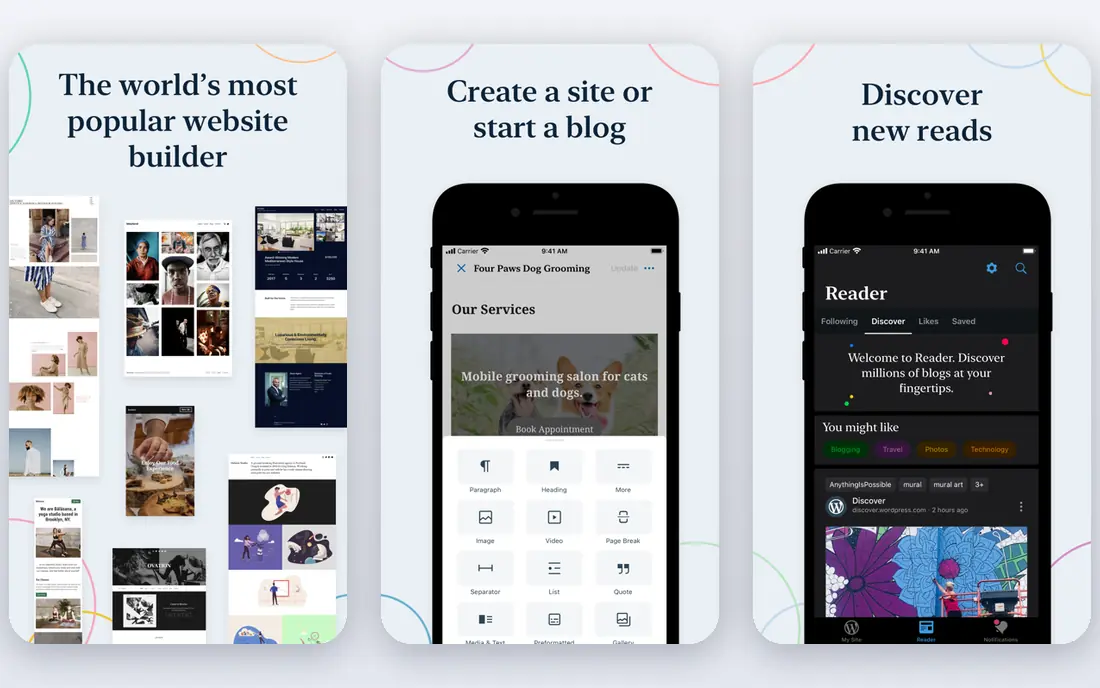
WordPress.com is the simplest way to start with WordPress without arranging hosting yourself. Automattic manages hosting, updates, and security basics, so a beginner can focus on writing rather than server settings. Themes and the block editor make a clean first post possible in an afternoon, and paid plans add a custom domain and more features.
The limit is control on lower plans. Plugins, custom themes, and deeper customization need higher-priced plans, so a blogger who wants full WordPress freedom should compare WordPress.org. For a managed start with a clear upgrade path, WordPress.com is a safe first choice.
- Managed hosting and updates
- WordPress editor and themes
- Free plan to start
- Plugins and advanced customization need higher plans
- WordPress.com branding on free plan

WordPress.org is the self-hosted version of WordPress, and it remains the best choice for beginners who plan to grow a blog into a business. The software itself is free, and you can add plugins for SEO, newsletters, memberships, and stores without platform limits. Full ownership means you can export content, change hosts, and monetize with ads, affiliates, or products as you wish.
The trade-off is setup and maintenance. You need a hosting plan, a domain, and responsibility for updates and backups, though many hosts now offer one-click installs. That extra hour at the start buys years of freedom later. Serious beginners should start here if they are willing to learn basic hosting.
- Free software with full ownership
- Huge plugin and theme choice
- Full monetization freedom
- Needs separate hosting
- Owner handles updates and backups
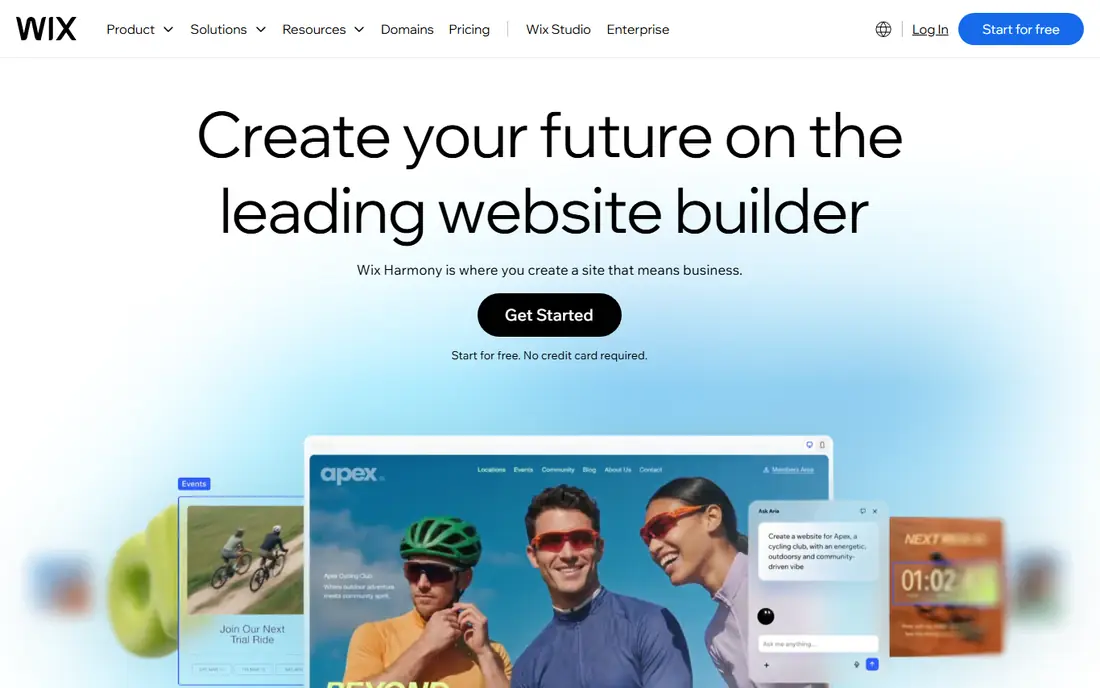
Wix suits beginners who think visually and want to see the blog take shape as they drag blocks into place. Templates cover personal blogs, portfolios, and small business sites, and hosting is included, so there is no separate setup step. The free plan lets you test the editor before paying, which lowers the risk of a wrong first choice.
Free plans carry Wix branding and a Wix subdomain, so a professional blog will need a paid plan and a custom domain. Template switching is also less flexible than on WordPress, since a new template can mean rebuilding parts of a design. For a quick, visual start, Wix is one of the easiest tools available.
- Visual drag-and-drop editor
- Free plan to test
- Built-in hosting and templates
- Free plan shows Wix branding
- Switching templates later can be awkward
Squarespace appeals to beginners who care about how a blog looks on day one. Templates are polished, typography is strong, and hosting, analytics, and basic commerce sit in one account. That single bill suits photographers, designers, and small businesses that want a blog beside a portfolio or store.
The cost is higher than a free start, since Squarespace offers a trial rather than a permanent free plan. Plugin freedom is also narrower than WordPress, so unusual features may need workarounds. For design-led blogs where a clean look matters most, Squarespace justifies its price.
- Polished templates
- Hosting, domain, and analytics in one bill
- Built-in newsletter and store tools
- No permanent free plan
- Less plugin freedom than WordPress
Ghost suits writers who want a blog and a paid newsletter in one tool, without bolting on plugins. Memberships, paid subscriptions, and email sending are built in, and the editor stays focused on writing rather than page building. Hosted Ghost plans take no cut of subscription revenue, which helps writers who grow a paying audience.
Hosted pricing starts higher than free platforms, and self-hosting Ghost for free needs server skills and ongoing maintenance. Ghost is best for newsletter-first writers who plan to charge readers, and less suited to hobby bloggers who only want a free personal page.
- Built-in newsletters and paid memberships
- Clean writing editor
- No platform cut on hosted plans for subscriptions
- Hosted plans cost more than a free start
- Self-hosting needs technical skill
Substack is the fastest route from an idea to a newsletter with subscribers. Writing, email sending, and paid subscriptions work out of the box, and readers can find new writers through the platform itself. That built-in discovery helps new writers more than a standalone blog with no audience.
The cost appears later. Substack takes a share of paid subscription revenue, and design control is limited beside WordPress or Squarespace. Writers who want a full website, custom branding, or many content types may outgrow Substack. For essayists and newsletter writers, the simplicity is the point.
- Free to start
- Built-in audience and subscriptions
- Simple writing and email tools
- Takes a share of paid subscriptions
- Design and site control are limited
Medium suits writers who want readers now, without building an audience from zero. Publishing is free, the reading experience is clean, and stories can reach readers through topics, recommendations, and publications. That distribution is valuable for a first-time writer testing whether anyone cares about a topic.
Control is the price. Branding is limited, SEO options are narrower than on your own site, and payouts depend on Medium partner rules rather than your own ads or products. Medium works well as a second home for writing, but writers who want to own their audience should also build an email list elsewhere.
- Free to publish
- Large built-in readership
- Clean reading experience
- Limited branding and SEO control
- Monetization depends on Medium rules
Blogger remains the simplest truly free blog for hobby writers. A Google account is enough to start, setup takes minutes, and you can connect a custom domain without paying for the platform itself. For a personal diary, a family blog, or a school project, Blogger still does the job.
The platform feels dated beside modern tools, with fewer templates, weaker SEO controls, and a limited path to newsletters or stores. Google has kept Blogger alive, but it receives far less development than WordPress or Ghost. Pick Blogger for a free hobby blog, not for a blog you plan to turn into a business.
- Free with Google account
- Simple setup
- Custom domain support
- Dated design and features
- Limited growth path and plugin choice
Weebly suits small business owners who want a simple site with a blog attached, without learning a complex platform. The drag-and-drop editor is easy, the free plan allows a test run, and basic store and contact tools sit in the same account. That simplicity helps owners who need a web presence fast.
Template choice and advanced blogging features trail Wix and Squarespace, and Weebly is less suited to writers who want newsletters, memberships, or deep SEO control. For a small business blog that supports a main service page, Weebly is enough. For a content-led business, WordPress or Ghost will grow further.
- Simple drag-and-drop editor
- Free plan
- Small business site tools in one place
- Fewer templates and features than Wix or Squarespace
- Growth options are limited
How we picked these
We compared official pricing pages, editor features, hosting models, and export options for blogging tools live in October 2026, and we kept only tools that let beginners publish posts without coding. We favored easy setup, clear costs, ownership and export options, newsletter and monetization paths, and a realistic growth path. We did not claim hands-on testing, and we used vendor pages and public pricing summaries to check plans, since prices change by billing term and region.
How to choose your first blogging tool
Start with your goal, not with a feature list. A hobby writer needs a free, simple tool such as Medium or Blogger, while a newsletter writer needs Ghost or Substack, and a future business needs WordPress.org for full control. A visual beginner who wants a polished site fast should try Wix or Squarespace first.
Next, check ownership before you invest months of writing. Confirm that you can export posts, take your domain with you, and build an email list that you control. A platform audience is useful, but an email list is the asset that survives a platform change. Also check the real cost of a custom domain, since free plans usually add platform branding.
Finally, publish three posts before you judge a tool. Setup excitement fades fast, and the real test is whether writing, adding images, and sharing a post feel easy on a normal week. Pick the tool you will actually open, and upgrade only when a clear limit, such as plugins, memberships, or branding, starts to block your growth.
Frequently asked questions
What are the best blogging tools for beginners?
WordPress.com, Wix, and Squarespace are strong all-round starts, while WordPress.org suits beginners who plan to grow and monetize. Ghost and Substack suit newsletter writers, and Medium and Blogger suit hobby writers who want a free start.
What is the best blog tool for a beginner who wants to make money?
WordPress.org offers the most monetization freedom, with ads, affiliates, digital products, and memberships through plugins, though it needs separate hosting. Ghost and Substack suit paid newsletters, while Wix and Squarespace suit blogs tied to a store or service business.
What are the best blogging platforms for beginners with no experience?
Wix and WordPress.com are among the easiest, since hosting is included and editors guide you through a first post. Medium and Substack are even simpler for pure writing, since they remove design choices almost entirely.
Is WordPress good for beginners?
Yes, with a distinction. WordPress.com is good for managed beginners, while WordPress.org is good for beginners who want full control and are willing to arrange hosting. Both use the same editor, so skills transfer if you move from hosted to self-hosted WordPress later.
What is the best free blogging tool?
Blogger and Medium offer free publishing, while WordPress.com, Wix, Substack, and Weebly offer free plans with limits such as platform branding or a subdomain. Free plans suit testing and hobby blogs, but a custom domain and full control usually need a paid plan.
Can I move my blog to another platform later?
Often, yes, but ease varies. WordPress.org offers the strongest export and ownership options, while Substack and Ghost also allow post and subscriber exports. Closed builders can make migration harder, so check export options before you publish a large archive.
Sources
See where you really rank - block by block
ProMapRanker scans Google Maps across a grid of your service area. Simple monthly plans from $19, white-label on every plan.
Start freeKeep reading
 zscaler alternatives
Best Zscaler Alternatives in 2026
Looking for zscaler alternatives? We compare 9 SASE and zero trust platforms on architecture, data protection, pricing, and fit for your network and team.
Read → zapier alternatives free
Best Zapier Alternatives Free in 2026
Nine automation tools for zapier alternatives free in 2026, all with genuinely free tiers, plus free plan limits, starting prices and upgrade paths explained.
Read → which platform is best for online reputation
Which Platform Is Best for Online Reputation in 2026
Wondering which platform is best for online reputation? We compare 8 review, listing, and response tools for small and multi-location businesses and agencies.
Read →