 ProMapRanker
Best Blogging Platforms Comparison in 2026

Key takeaways
- WordPress.org gives the most control and the widest choice of themes and plugins, but you must arrange hosting and maintenance yourself.
- Ghost and Substack suit writers who want newsletters and paid memberships built in, while Medium suits writers who want readers without running a site.
- Squarespace and Wix trade some control for design polish and simple setup, which suits small business blogs and portfolios.
- Blogger remains the simplest free option, while beehiiv is the newsletter-first pick for writers focused on subscriber growth.
Quick comparison
| Pick | Great for | Pricing starts at | Free tier | |
|---|---|---|---|---|
 WordPress.org | Full ownership and long-term growth | Free | Yes | Visit |
 WordPress.com | Managed WordPress without hosting chores | See website | Yes | Visit |
 Ghost | Newsletters and paid memberships | $15 per month | Free trial | Visit |
 Substack | Email-first paid writing | Free | Yes | Visit |
 Medium | Writers who want readers without a site | Free | Yes | Visit |
 Squarespace | Design-led blogs and portfolios | $16 per month | Free trial | Visit |
 Wix | Small business sites with a blog | $17 per month | Yes | Visit |
 Blogger | Simple free blogging on Google | Free | Yes | Visit |
 beehiiv | Newsletter growth and subscriber tools | Free | Yes | Visit |
The best blogging platforms
We compared official pricing pages, feature pages, and public documentation for these platforms. We focused on what matters to a working blogger: cost, control, audience, design, and how you earn money from the work.
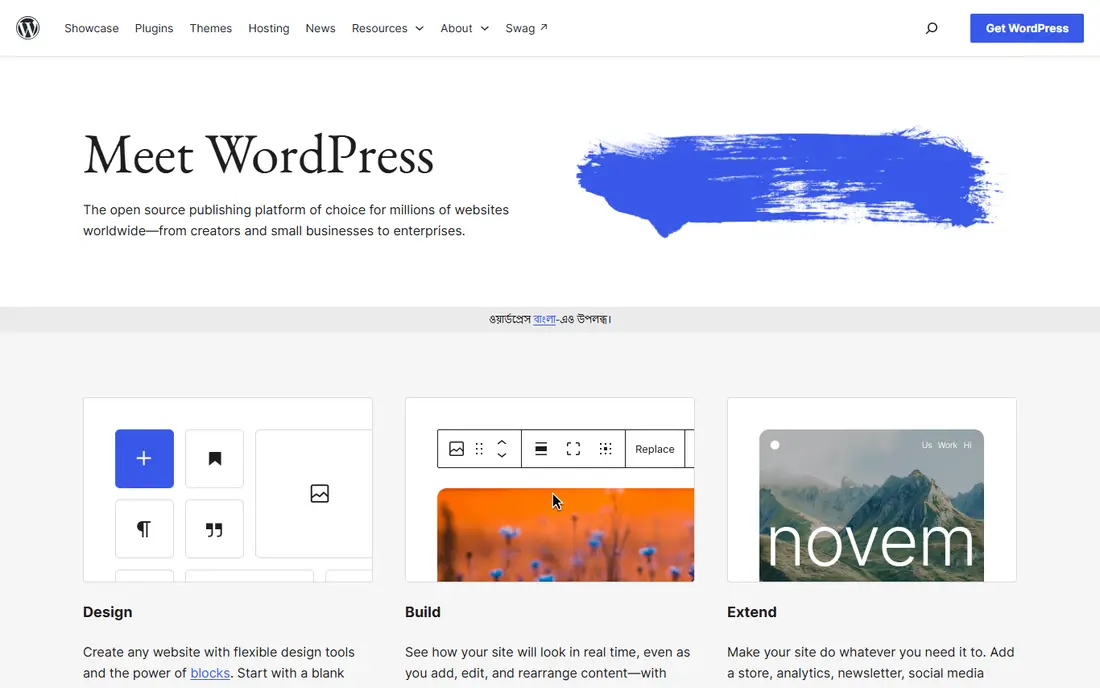
WordPress.org is the self-hosted version of WordPress, and it remains the default for bloggers who plan to grow a site into a business. The software itself is free, and the plugin library covers SEO, forms, memberships, commerce, and almost any other need. You own the content, the domain, and the data, and you can move hosts when you need to.
That freedom comes with work. You pay for hosting separately, commonly a few dollars per month at entry level, and you handle updates, backups, and spam control. For a blogger who wants control and room to grow, that trade is worth it. For a casual writer, a hosted platform will feel lighter.
- Free open-source software
- Huge theme and plugin choice
- Full control over SEO, ads, and monetisation
- Hosting, updates, and security are your job
- Setup takes longer than a hosted platform
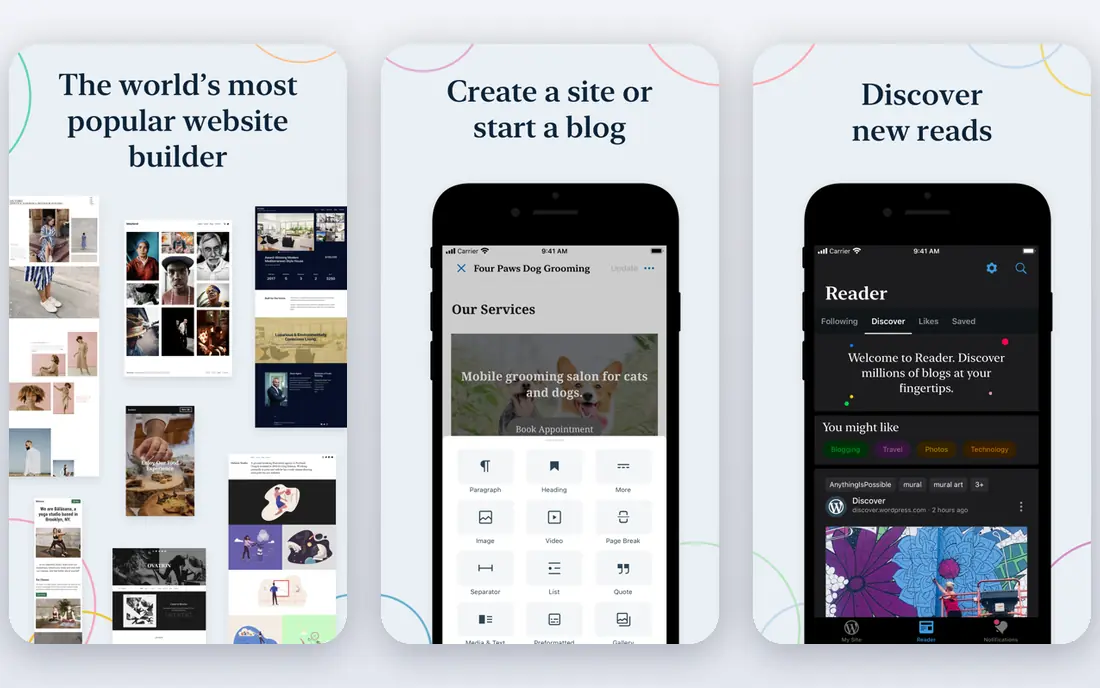
WordPress.com hosts WordPress for you, so you skip server setup and maintenance. The free tier is enough to start writing, and paid plans add a custom domain, more storage, and fewer limits. It suits writers who like WordPress but do not want to manage hosting, updates, or security.
The catch is the plan ladder. Plugin and theme freedom, which is the main draw of WordPress.org, is limited on lower WordPress.com plans and opens up on higher ones. Check the current plan table before assuming a feature is included, and compare the yearly cost with self-hosted WordPress plus hosting.
- WordPress without managing a server
- Free tier for starting
- Paid plans add a custom domain and more features
- Lower tiers limit plugins and themes
- Advanced control needs higher plans
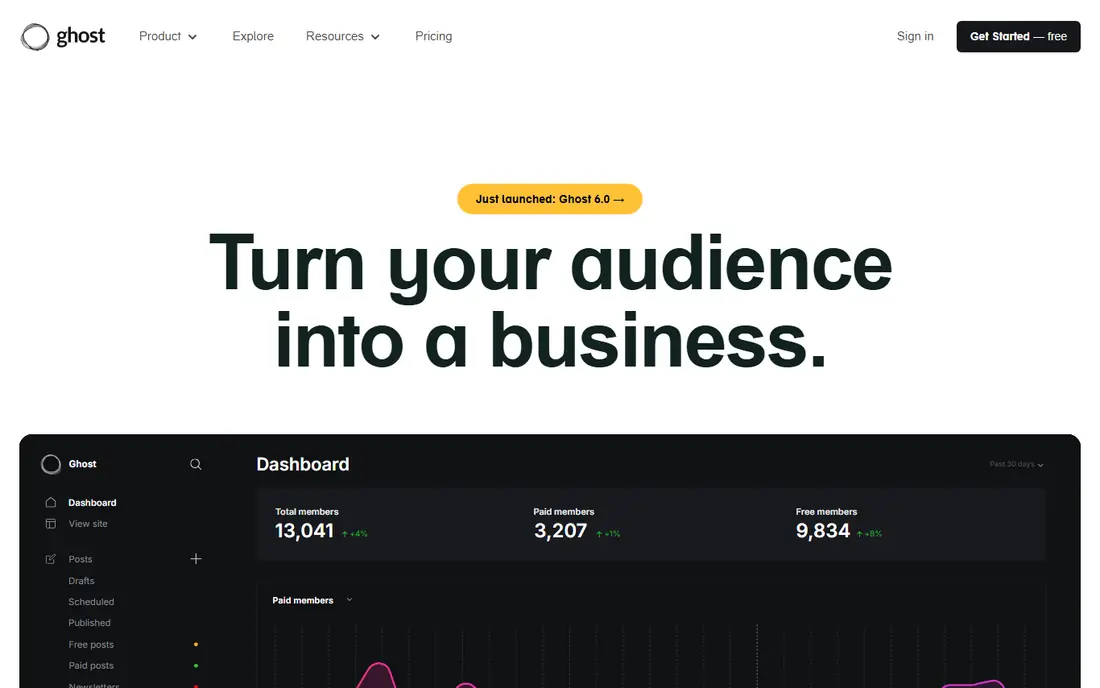
Ghost is built for independent publishers who want writing, email, and memberships in one place. The editor is clean, the membership tools are native rather than bolted on, and paid plans charge no Ghost fee on member revenue, so payment processor fees are the main deduction. Writers who sell subscriptions will appreciate that clarity.
Ghost Pro starts at $15 per month on yearly billing for the Starter plan, and you can also self-host the open-source software if you have the technical skill. The theme and integration range is smaller than WordPress, and there is no built-in store. For a writing-led business, Ghost is a focused and tidy choice.
- Clean editor built for publishing
- Memberships and newsletters built in
- No platform fee on member payments on paid plans
- No free hosted plan
- Smaller theme and plugin range than WordPress
Substack is the lowest-friction way to start a paid newsletter. Publishing is free, setting up paid subscriptions takes minutes, and the recommendation network can bring new readers without paid ads. Many writers use it as a first home for an audience before building a wider site.
The cost arrives when you earn. Substack keeps 10 percent of paid subscription revenue, plus Stripe payment fees, and design control is limited compared with WordPress or Ghost. If you expect large subscription income, compare that 10 percent cut with a flat Ghost or WordPress cost over a year.
- Free to publish
- Paid subscriptions built in
- Recommendation network helps new writers find readers
- Substack takes 10 percent of paid subscription revenue plus payment fees
- Limited site design control
Medium suits writers who want to publish and be read without running a website. You write, publish, and tap into recommendations and topic feeds, and readers can follow you without visiting a separate site. Membership at $5 per month or $50 per year is needed for some features, including a custom domain and Partner Program participation.
The trade is control. You do not own the platform, design options are narrow, and Partner Program income depends on member reading and engagement, so it is uneven. Medium works best as a home for essays and ideas, or as a second channel beside a site you own.
- Free to publish
- Built-in audience and recommendations
- Clean reading experience
- Limited control over design, domain, and monetisation
- Partner Program earnings vary widely
Squarespace is the pick for a blog that must also look like a portfolio or a small business site. Its templates are polished, the editor is visual, and blogging sits beside pages, email campaigns, and a store in one account. That all-in-one shape saves time for a small team.
Pricing starts at $16 per month on yearly billing for the Personal plan, with a 14-day trial instead of a free tier. Plugin freedom is far narrower than WordPress, and custom code options are limited on lower plans. If design and simplicity matter more than deep customisation, Squarespace delivers.
- Polished templates
- Blogging, email, and commerce in one account
- Simple setup for non-technical users
- No free plan, only a trial
- Less plugin freedom than WordPress
Wix suits a small business that needs a website first and a blog second. The drag-and-drop editor is approachable, the free tier lets you test the tools, and paid plans from $17 per month add a custom domain and remove Wix branding. The app market adds bookings, forms, and store features without code.
The limits are familiar for a hosted builder. The free tier carries branding, design freedom is good but not as deep as WordPress, and changing templates after launch can require rebuilding pages. For a business blog that lives inside a broader site, Wix is a practical and fast choice.
- Drag-and-drop editor
- Free tier for trying it
- Large app market for extra features
- Free tier shows Wix branding and a Wix domain
- Switching templates later can mean rebuilding
Blogger, run by Google, remains the simplest truly free blogging platform. You sign in with a Google account, pick a template, and publish, with no hosting bill and no plan ladder. AdSense integration gives a straightforward route to ads for writers who want it.
The downside is age and scope. Templates feel dated, features have changed little in recent years, and there is no membership or newsletter system to match Ghost or Substack. Blogger fits a hobby blog, a classroom project, or a simple personal journal, rather than a growing publishing business.
- Completely free
- Google account sign-in
- AdSense integration for monetisation
- Dated templates and features
- Limited growth path compared with WordPress or Ghost
beehiiv is built for newsletter writers who care about growth. The free tier covers up to 2,500 subscribers, and paid plans add a custom domain, paid subscriptions with no beehiiv take rate, and stronger analytics and growth tools. Its recommendation network helps new newsletters find readers in a similar way to Substack.
The blog side is serviceable but secondary to email, so writers who want a full website may prefer Ghost or WordPress. For a newsletter-first project, beehiiv gives a clear free start and a growth path that does not take a cut of subscription revenue on paid plans.
- Free tier up to 2,500 subscribers
- Recommendation network and growth tools
- No platform fee on paid subscriptions from paid plans
- Custom domain needs a paid plan
- Blogging features are secondary to email
How we picked these
We compared official pricing pages, feature pages, and public documentation, and we favoured platforms that are live and widely used in 2026. We did not claim hands-on testing, and we treated price as a starting point rather than a final bill, since hosting, payment fees, and plan limits change the total. Where pricing varies by billing period, we noted the basis we used.
How to choose the right blogging platform
Start with your main goal. A writer building a paid newsletter needs different tools from a business adding a blog to its site, and a hobby writer needs less than either. Write down whether audience, income, design, or ownership matters most, since no platform wins on all four at once.
Next, check ownership and exit options. Can you export posts and subscribers, use your own domain, and move to another platform without losing your audience list? That question matters more after a year of writing than any template choice on day one. Then compare the true yearly cost, including hosting, domain, payment fees, and any revenue share.
Finally, publish a few real posts before committing. Test the editor, the mobile reading view, and the email or subscription flow from a reader's side. A platform that feels good for one post may feel slow after twenty, and a short trial will show that sooner than a feature list.
Frequently asked questions
Which blogging platform is best for beginners?
WordPress.com, Wix, and Blogger are the easiest starts, with hosted setup and simple editors. WordPress.org takes more setup but gives the most room to grow, so beginners who plan to blog long term often start there despite the learning curve.
Can I earn money from blogging on these platforms?
Yes. WordPress.org and Ghost give the most freedom for ads, affiliates, memberships, and products. Substack and beehiiv focus on paid subscriptions, while Medium pays through its Partner Program. Check each platform's revenue share before choosing.
Is WordPress.org really free?
The software is free, but hosting, a domain, and some premium themes or plugins cost money. Entry hosting often starts at a few dollars per month, so the total is low but not zero.
Should I choose Ghost or Substack?
Choose Ghost if you want a site you control, no platform fee on memberships, and room to grow a publication. Choose Substack if you want the fastest start, a built-in recommendation network, and you accept its 10 percent revenue share.
Can I move my blog to another platform later?
Most platforms allow post exports, and newsletter tools allow subscriber exports, but design, comments, and some features may not transfer cleanly. Keep your own domain and a backup of your subscriber list from the start.
Sources
See where you really rank - block by block
ProMapRanker scans Google Maps across a grid of your service area. Simple monthly plans from $19, white-label on every plan.
Start freeKeep reading
 zoro.to alternatives
Best Zoro.to Alternatives in 2026
We compare the best zoro.to alternatives in 2026, listing only legal licensed anime streaming services, from Crunchyroll to free options for fans today.
Read → zip alternatives
Best Zip Alternatives in 2026
We compare the best zip alternatives for buy now, pay later in 2026, covering pay-in-4 plans, fees, spending limits, and credit reporting options today.
Read → yesware alternatives
Best Yesware Alternatives in 2026
Compare the best yesware alternatives for sales email tracking, templates, and sequences, with current pricing and honest tradeoffs for small sales teams.
Read →