 ProMapRanker
6 Blog Platforms, Compared by Cost and Features


Building a premium newsletter audience · Pricing starts at: Free (10% of premium subscriptions plus Stripe fees)
Key takeaways
- Substack sits first on this list: building a premium newsletter audience.
- Free plans are common here: 6 of 6 tools have one, including Substack, Wix, Webflow and Ghost.
- WordPress.com is the one to check for zero-maintenance WordPress hosting.
- Starting prices begin at Personal $4/mo with WordPress.com.
Direct answer
Our first pick is Substack, best for building a premium newsletter audience. Wix is better for beginners who want the easiest start, and Webflow is better for custom-designed sites without writing code. All 6 tools are compared below on price, free plan and limits.
Quick comparison
| Pick | Great for | Pricing starts at | Free tier | |
|---|---|---|---|---|
| Substack | Building a premium newsletter audience | Free (10% of premium subscriptions plus Stripe fees) | Yes | Visit |
 Wix | Beginners who want the easiest start | Light $17/mo (billed annually) | Yes | Visit |
 Webflow | Custom-designed sites without writing code | Basic $15/mo (billed yearly) | Yes | Visit |
 Ghost | Publishing plus premium newsletters without plugins | $9/mo billed yearly for Ghost(Pro) Starter (self-hosting is free) | Yes | Visit |
 WordPress.org | Full control and the best blog system for SEO | Free (hosting and domain cost extra) | Yes | Visit |
 WordPress.com | Zero-maintenance WordPress hosting | Personal $4/mo (billed annually) | Yes | Visit |
Tool-by-tool breakdown
Short on time? The summary and table above give the quick view of 6 tools for blog platform, and the profiles that follow give the detail behind each entry.
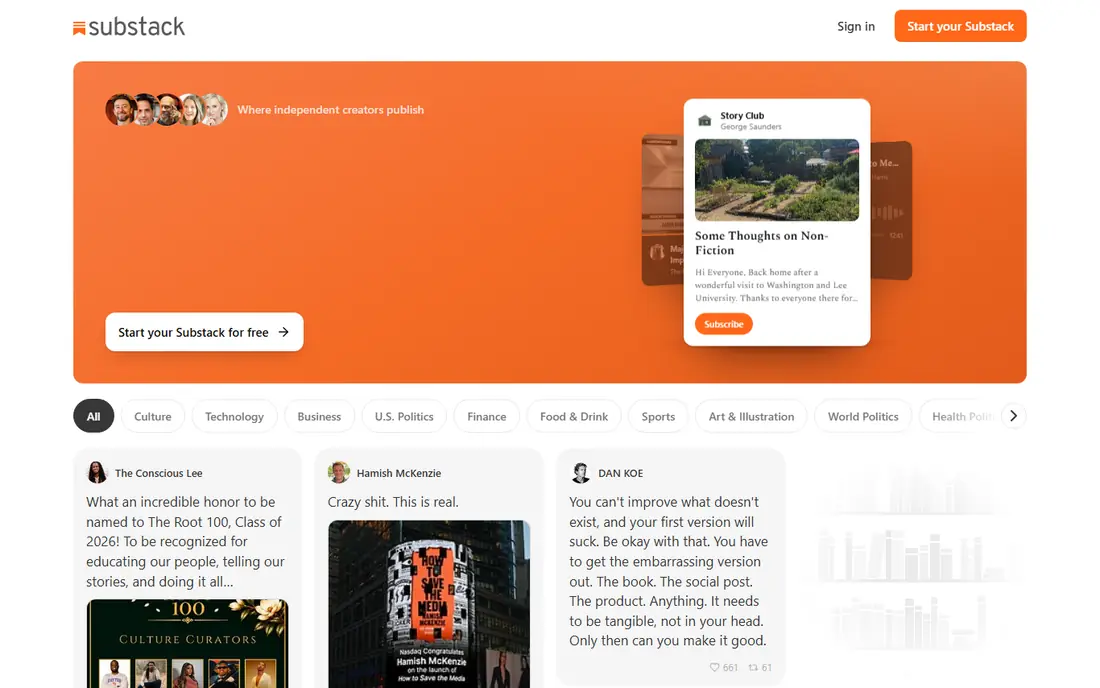
Think of Substack for building a premium newsletter audience. Treat Substack as a business in itself, not as your company's blog product.
Drawbacks to consider: Restricted design control.
On top of that, publishing is free, setting up premium subscriptions takes minutes. The network effect means readers can discover you inside the Substack ecosystem. On cost, Substack starts like this: Free. Substack includes a free tier.
- Straightforward premium subscriptions
- Free to start with a built-in discovery network
- Product lock-in
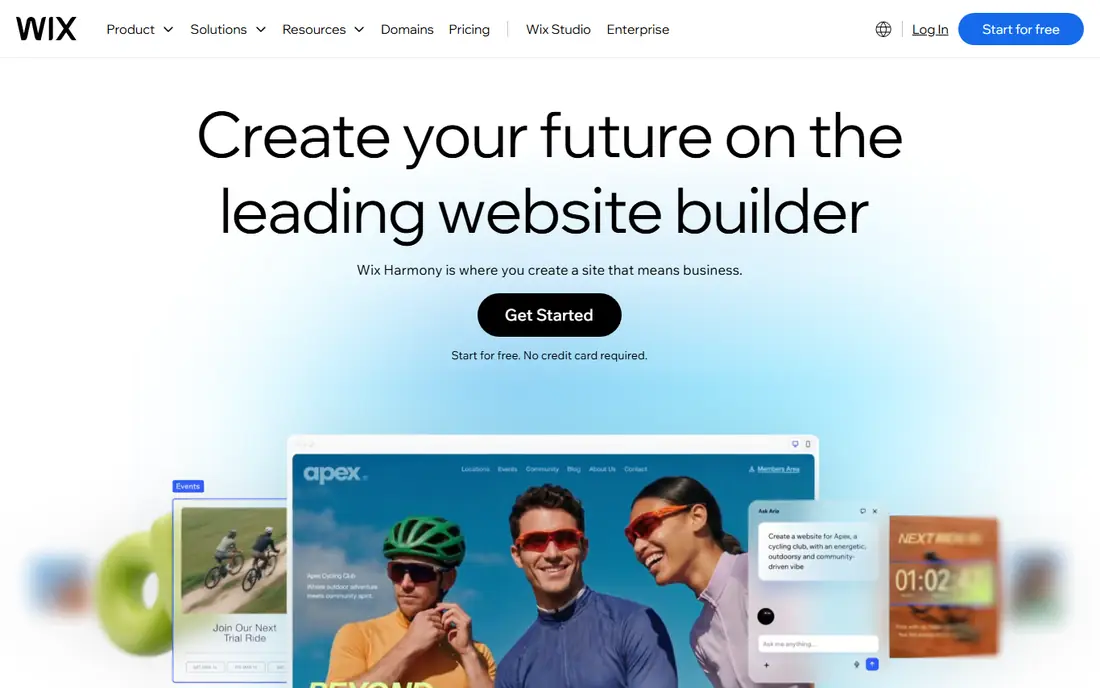
Wix was built for beginners who want the easiest start. Wix's own help center says blog posts cannot currently be exported to other systems, which means your archive is stuck if you ever outgrow the service.
It is a fine home for a blog, provided that you plan to stay. Read the fine print before you commit years of content to it. What you pay to start with Wix: Light $17/mo. Wix includes a free tier.
Points against: Costs climb as you add apps.
- Enormous template library
- True drag-and-drop building
- Blog posts cannot be exported to another product
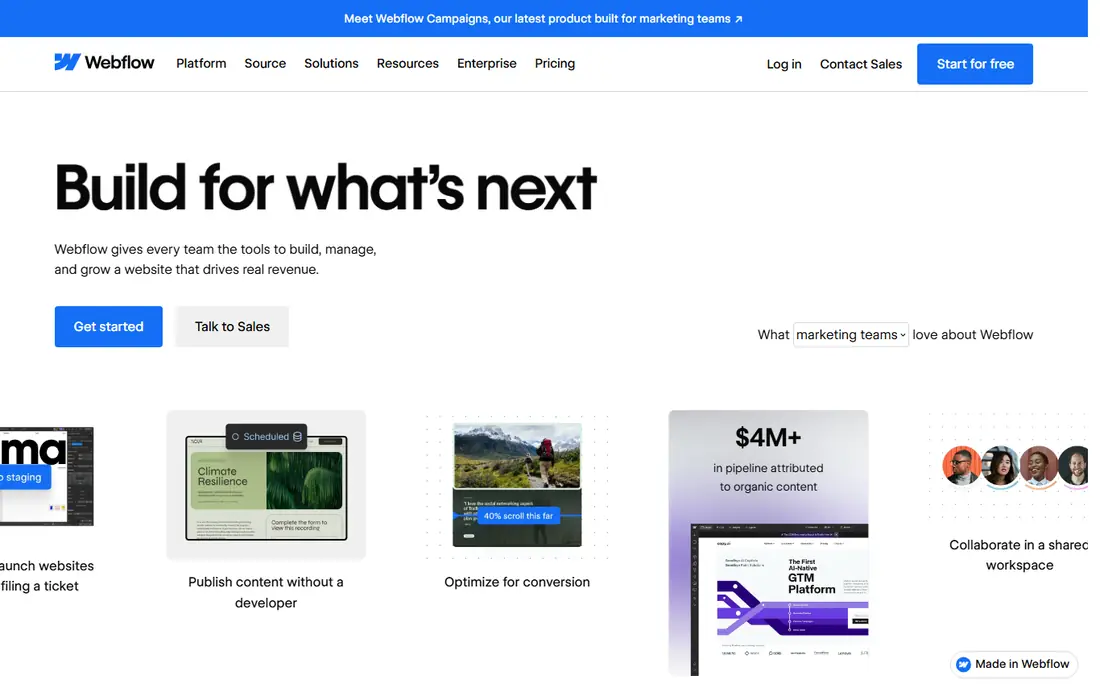
Pick Webflow if this describes you: custom-designed sites without writing code. Webflow sits between website builders and hand-coded sites. Also, Blogging specifically needs the Premium site plan at $25 per month billed yearly, since the $15 Basic plan has no CMS.
That is still reasonable for a business site, but note that Webflow charges separately for site hosting and workspace seats, so team costs need a second look. Agencies love it for client sites where the design cannot look templated. Worth adding: the ramp-up time is real: expect a week of tutorials before the interface feels natural. Webflow pricing: Basic $15/mo. A free plan is available with Webflow.
What to check first: Blog CMS features need the $25/mo Premium plan.
- Solid CMS for content sites
- Clean code output
- Steeper ramp-up time
Ghost works best for publishing plus premium newsletters without plugins. You have two ways to run it.
Watch-outs: Self-hosting needs technical comfort.
For publishers building a subscription business, that trade is normally worth it. In practice, the software is free and open source if you self-host, which fits technical teams. On cost, Ghost starts like this: $9/mo billed annually for Ghost(Pro) Starter. You can start on Ghost without paying.
Where Ghost stands out: focused writing experience.
- Memberships and newsletters built in
- You keep all revenue
- Smaller theme and integration ecosystem
WordPress.org is a good fit for full control and the best blog product for SEO. For a business blog whose job is search traffic, it is still the default answer. More specifically, the trade is responsibility.
Where it is weaker: Real costs add up with hosting and premium plugins.
Budget roughly $50 to $300 per year for a small business blog once hosting, a domain. One or two premium plugins are counted. SEO plugins like Rank Math and Yoast manage the technical checklist, you can tune page speed without asking permission. There is no system standing between you and your content. WordPress.org cost at the entry level: Free. Free access exists with WordPress.org.
- Total control over SEO, design, data
- Thousands of plugins and themes
- You deal with updates, security, backups
Where WordPress.com fits: zero-maintenance WordPress hosting. You get the familiar WordPress editor with none of the server work: no updates, no security plugins, no backup anxiety.
Where it is weaker: Plugins locked until the $25/mo Business plan.
For anything ambitious, the math starts favoring self-hosted WordPress.org. On cost, WordPress.com starts like this: Personal $4/mo. WordPress.com offers a free plan.
- Ample free plan
- Painless upgrade path
- Less control than self-hosted WordPress
How the list was put together
For each of the 6 tools we noted price, free plan or trial, fit for blog platform and the main limit, using vendor pages and documentation. Treat prices as a snapshot: vendors change plans often, so check the vendor site for the figure that applies today. Position on the page reflects fit for a typical buyer first, with price clarity and free access breaking ties. Treat it as a guide, not a ruling.
What to check before you buy
- Confirm the entry price on the vendor page: WordPress.com starts at Personal $4/mo, but seat counts and billing terms change the total.
- Look at free plan limits closely: Substack, Wix, Webflow and others have one, and the caps decide whether it is usable for real work.
- Read the limits listed for Substack first: 10% revenue cut on premium subscriptions.
- Before you load data into Substack, check what an export looks like and who can run it.
- List the apps you already depend on and check that WordPress.org supports each one on the plan you would buy.
Frequently asked questions
Can I try these tools before paying?
Often, yes. Substack, Wix, Webflow and others have a free plan. Use your own data and a real task during the test, and check what the free tier or trial limits before you rely on it.
Do these tools publish their prices?
Yes. Every tool from Substack to WordPress.com shows a starting price, though seats, add-ons and billing terms still change the final cost.
Do I need a custom domain for my blog?
For a business, yes. Most premium plans bundle a free domain for the first year, with renewals running roughly $15 annually after that.
Is Substack the right pick for everyone comparing blog platform?
No single tool suits every team. Substack comes first because it fits building a premium newsletter audience, while Wix suits beginners who want the easiest start and Webflow suits custom-designed sites without writing code. Match the tool to your own size, budget and workflow before deciding.
What is the cheapest option for blog platform in this list?
On published monthly entry prices, WordPress.com is the lowest here at Personal $4/mo. Entry price is only part of the cost, because seats, add-ons and billing terms can change the total.
Which is better for a small business, Wix or WordPress?
WordPress.org is better for firms investing in search traffic, since it gives you deeper SEO control and full ownership of the site. The deciding factor is normally whether organic search is part of the marketing plan.
Sources
See where you really rank - block by block
ProMapRanker scans Google Maps across a grid of your service area. Simple monthly plans from $19, white-label on every plan.
Start freeKeep reading
 zoho inventory alternatives
6 Alternatives to Zoho Inventory, Compared on Price and Fit
Zoho Inventory alternatives: 6 tools compared on price, free plans and fit. Katana leads the list for manufacturers. Fit and flaws are laid out for each entry.
Read → zoho crm alternatives
Best Zoho CRM Alternatives (2026)
Need Zoho CRM alternatives? We compare 7 tools on cost, free access and who each suits. Every pick gets a straight assessment. Built for quick decisions.
Read → zelle alternatives
Best Zelle Alternatives in 2026
Compare the best Zelle alternatives for sending money to friends, paying sellers and moving funds abroad, with honest notes on fees, speed and safety in 2026.
Read →