 ProMapRanker
Best Billing Software for Small Business in 2026


Service billing and time tracking · Pricing starts at: $23 per month
Key takeaways
- FreshBooks is the best invoicing-first pick for service businesses, while QuickBooks Online is the best choice when you need full accounting with billing.
- Zoho Invoice, Wave, Square Invoices, and Invoice Ninja all offer genuinely free invoicing, with payment fees still applying.
- Xero suits growing teams that want unlimited users, while Stripe Invoicing suits businesses that already use Stripe for payments.
- The real cost is subscription plus payment fees, so compare both before you pick a free or paid tool.
Quick comparison
| Pick | Great for | Pricing starts at | Free tier | |
|---|---|---|---|---|
| FreshBooks | Service billing and time tracking | $23 per month | Free trial | Visit |
 QuickBooks Online | Billing plus full accounting | $38 per month | Free trial | Visit |
 Xero | Growing teams and unlimited users | $27 per month | Free trial | Visit |
 Zoho Invoice | Free invoicing with recurring billing | Free | Yes | Visit |
 Wave | Free invoicing and bookkeeping | Free | Yes | Visit |
 Square Invoices | In-person and online payments | Free | Yes | Visit |
 Invoice Ninja | Self-hosted and open invoicing | Free | Yes | Visit |
 Stripe Invoicing | Stripe-based recurring billing | Free | Yes | Visit |
 BILL | B2B payables and receivables | $45 per month | Free trial | Visit |
The best billing software for small business
Billing software should do three jobs: create a professional invoice, collect payment with as little chasing as possible, and show you what customers still owe. The tools below cover those jobs in different ways, from free invoicing to full accounting, and the notes say where each tool fits so you do not pay for accounting depth you will not use.
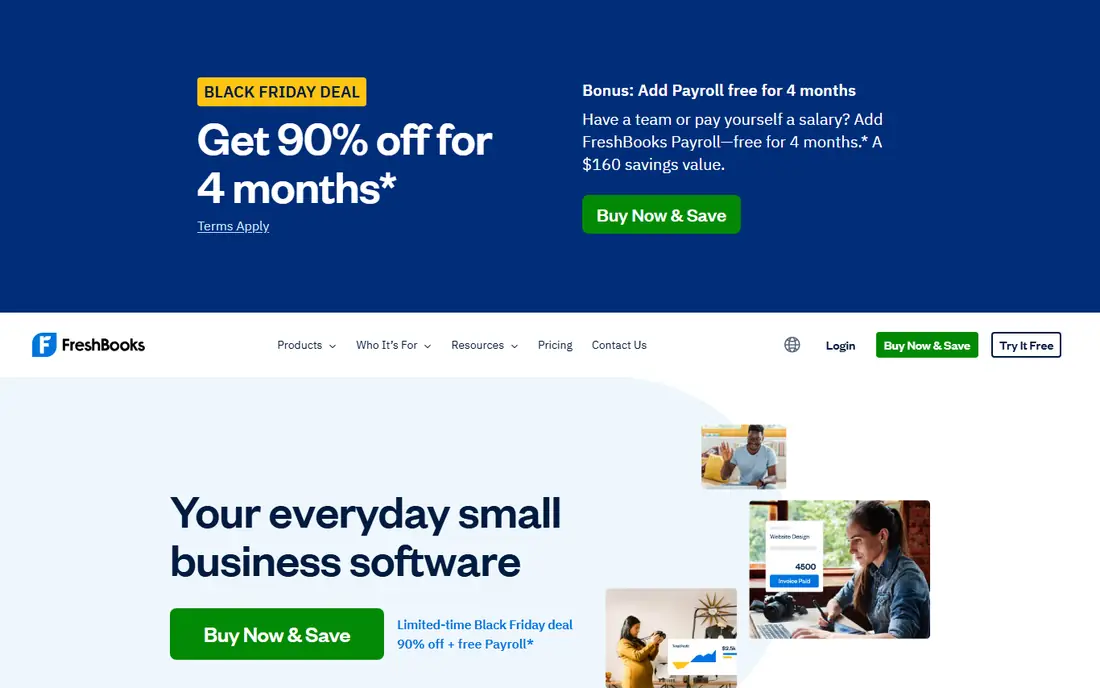
FreshBooks is the invoicing-first pick for freelancers and service businesses. Its Lite plan at $23 per month covers invoicing for up to 5 billable clients, with time tracking, expenses, estimates, and automated payment reminders in the workflow. That combination suits a consultant, designer, or agency that bills for hours and needs to turn tracked time into an invoice without extra steps.
The client cap is the limit to watch. Lite allows 5 billable clients, Plus at $43 per month allows 50, and Premium at $70 per month allows unlimited clients, with additional users at $11 each per month. If your client list is growing, price the plan you will need in six months, not only the plan that fits today. For service billing, FreshBooks remains the most polished invoicing workflow here.
- Clean invoices and automated reminders
- Time tracking converts to invoices
- Expense tracking included
- Lite plan caps billable clients at 5
- Only one user on base plans
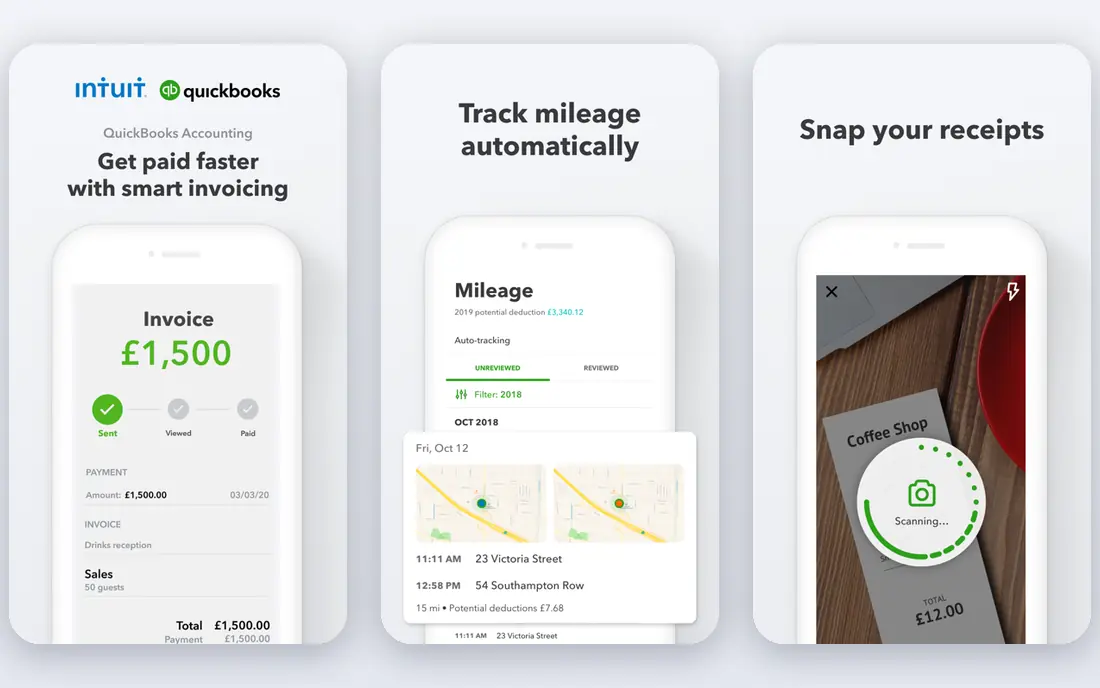
QuickBooks Online is the best choice when billing is part of full accounting, not a standalone job. Simple Start at $38 per month includes invoicing, estimates, expense tracking, and bank feeds, with accounts receivable, general ledger, and reporting built in. That depth matters when you need tax-ready books, an accountant who already knows the system, and reports that go beyond what is owed.
The price and complexity are the trade-offs. A business that only sends a few invoices a month may find FreshBooks or a free tool simpler and cheaper, while a business with payroll, inventory, or multi-user accounting will use more of what QuickBooks offers. Take the 30-day free trial, connect a bank feed, and test invoicing plus reporting before you commit.
- Full accounting with invoicing
- Wide accountant familiarity
- Bank feeds and reporting
- Higher starting price
- Cost rises fast with users and features
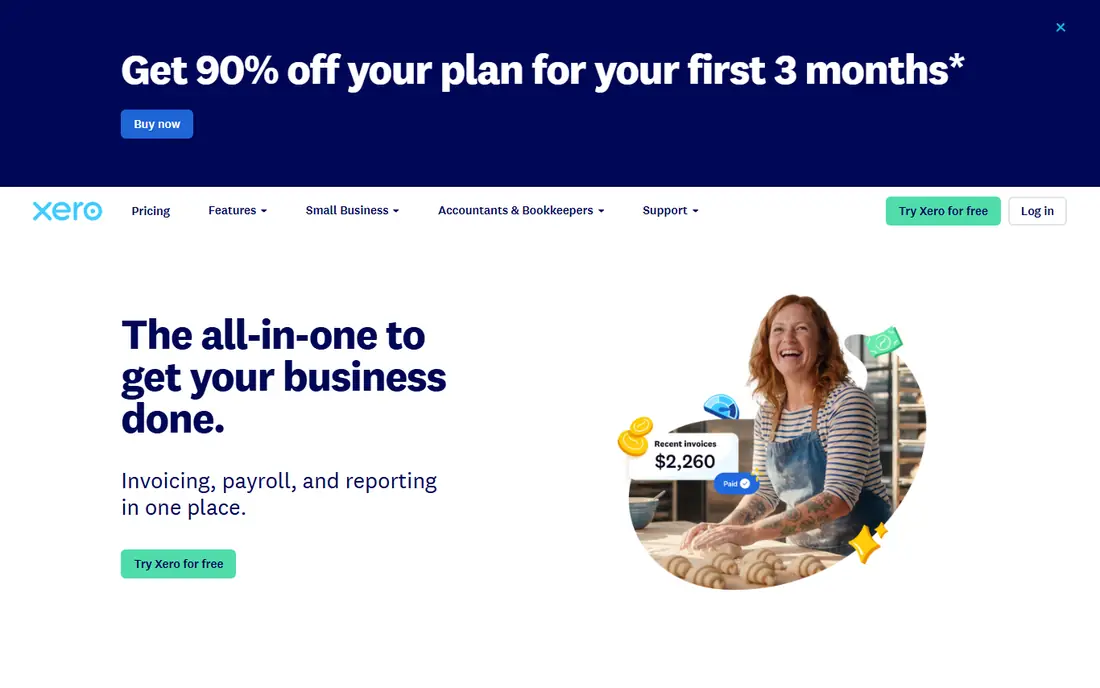
Xero suits growing businesses that want to add team members without paying per seat. Every plan includes unlimited users, which is a real saving for a small team, and the Early plan at $27 per month covers basic invoicing and bookkeeping. Bank reconciliation and multi-currency support are strengths for businesses that sell internationally or handle many transactions.
The Early plan limits matter: it allows 20 invoices and 5 bills in published summaries, so a business sending more invoices needs a higher plan. Check the current plan limits on the vendor site, and price the plan that fits your monthly invoice volume. For a team that will grow, Xero's unlimited-user model is a strong long-term advantage.
- Unlimited users on every plan
- Strong bank reconciliation
- Multi-currency support
- Early plan caps invoices at 20 and bills at 5
- Advanced features need higher plans
Zoho Invoice is the best genuinely free invoicing tool for a small business that needs recurring billing without a monthly fee. The free plan includes invoicing, recurring invoices, estimates, and a client portal, with caps of 2 users and 500 invoices per year in published summaries. That covers many freelancers and small firms for a full year at no subscription cost.
Payment processing fees still apply when a customer pays by card or through a payment gateway, so free does not mean cost-free. Zoho Invoice also fits best when you already use other Zoho apps, since the integration is tighter inside that suite. For standalone free invoicing with recurring billing, it is hard to beat.
- Free plan with recurring invoices
- Client portal
- Integrates with other Zoho apps
- Free plan caps at 2 users and 500 invoices per year in summaries
- Payment fees still apply
Wave gives freelancers and very small businesses free invoicing plus basic bookkeeping, with no monthly subscription for core functions. You can create unlimited invoices, track expenses, and connect a bank account, then pay only for payment processing and add-ons such as payroll. That model suits a solo operator who wants clean books without a monthly bill.
The limits are geography and depth. Wave is built for US and Canadian businesses, and its Pro plan at $19 per month adds features such as receipt scanning and faster support that some users will want. Payroll costs extra, and integrations are fewer than QuickBooks or Xero. For a US or Canadian freelancer, Wave is the best free starting point.
- Free invoicing and basic accounting
- Simple setup
- US and Canada focus
- Pro plan at $19 per month adds features
- Payroll and support cost extra
- US and Canada only
Square Invoices suits businesses that sell in person and invoice on the side, such as a contractor, salon, or retailer. The free tier covers invoicing and online payments, and the Square ecosystem adds in-person card readers, point of sale, and Cash App payments. That blend is useful when some customers pay at the counter and others pay an invoice link later.
Transaction fees apply on every payment, so compare the fee rate with Stripe or a bank payment option for your volume. Advanced invoicing features such as deposits and milestones sit on paid tiers, with Plus listed at $49 per month in some summaries. For a business already using Square for payments, Square Invoices is the natural billing add-on.
- Free tier for invoicing
- Strong in-person payment options
- Deposits and milestones on paid plans
- Transaction fees apply
- Plus plan at $49 per month in some summaries for advanced features
Invoice Ninja is the choice for businesses that want control over their invoicing data. The hosted free tier covers invoicing, recurring billing, and client portals, while the open-source version can be self-hosted on your own server. That control appeals to privacy-minded owners and to developers who want to customize invoicing or connect many payment gateways.
Self-hosting needs technical skill for setup, updates, and backups, so most small businesses should use the hosted version instead. The interface is functional rather than polished, and support is thinner than a large vendor such as Intuit. For a business that values open source and data control, Invoice Ninja is the best fit here.
- Free tier and open-source self-hosting
- Recurring invoices
- Many payment gateways
- Self-hosting needs technical setup
- Interface is less polished than FreshBooks
Stripe Invoicing suits businesses that already use Stripe for online payments. There is no monthly fee for the invoicing tool itself, and it handles one-off invoices, recurring billing, and international payments in the same system as your checkout. That integration saves time when a customer moves from a subscription to a one-off invoice.
The cost model needs a careful read. Published summaries list a fee of 0.4 percent per paid invoice for Stripe Invoicing, on top of standard payment processing fees, so high-volume invoicing can cost more than a flat monthly plan. For a business with moderate volume already on Stripe, the convenience often outweighs that fee. For a business that rarely uses Stripe, a free tool such as Zoho Invoice or Wave may be cheaper.
- No monthly fee for invoicing
- Strong recurring billing
- International payments
- Fee of 0.4 percent per paid invoice in summaries, plus payment fees
- Needs a Stripe account
BILL, formerly Bill.com, is the B2B pick for businesses that need more than invoicing. It automates accounts payable and receivable, with approval workflows, vendor payments by ACH, wire, and check, and customer payment collection in one system. The starting price of $45 per month in published summaries reflects that broader automation, not a simple invoice tool.
A solo freelancer sending a handful of invoices a month will not use most of what BILL offers, and a free tool will be cheaper. A growing business with many vendors, approval steps, and B2B customers will benefit from the automation and audit trail. Choose BILL when payables and approvals are a real bottleneck, not when you only need to send invoices.
- Automates payables and receivables
- Approval workflows
- ACH, wire, and check payments
- Higher starting price
- Overkill for a solo freelancer with a few invoices
How we picked these
We compared official pricing pages, feature pages, and published comparisons, and we favored tools that are live and working in October 2026 for US small businesses. We kept a mix of free invoicing, invoicing-first tools, full accounting, and B2B automation, because billing needs differ by business size and type. We did not claim hands-on testing that did not happen, and we based the notes on published prices, plan caps, and payment fee models.
We also flagged pricing change. Several vendors raised prices in 2026, including Xero, whose Early plan moved to $27 per month from October 1, 2026 in published summaries, and QuickBooks, whose Simple Start price varies by promotion. Check the vendor pricing page at signup, since the price you see may differ from a summary by a few dollars.
How to choose billing software that gets you paid
Start with invoice volume and team size. A solo freelancer with a few invoices a month can use Wave or Zoho Invoice free. A service business billing for time should shortlist FreshBooks. A business that needs tax-ready books should shortlist QuickBooks Online or Xero. A business with many vendors and approvals should shortlist BILL.
Next, add up subscription plus payment fees. A free tool with card fees can cost more per month than a paid tool with lower fees, depending on your average invoice and payment mix. Model a typical month: subscription, card fees, ACH fees, and any per-invoice fees such as Stripe Invoicing's 0.4 percent charge. That total, not the headline price, is the real cost.
Then test the payment experience from the customer side. Send yourself a test invoice, pay it on a phone, and check how long the receipt and confirmation take. A confusing payment page or a missing reminder can delay payment more than any feature gap. Turn on automated reminders, recurring billing for repeat clients, and late-fee settings where your contracts allow them.
Finally, check the exit path. Can you export invoices, clients, and payment history if you switch tools later? A tool that locks your data in makes a future move painful, while a tool with clean export keeps your options open. Pick a tool that fits today and lets you leave cleanly if your business outgrows it.
Frequently asked questions
What is the best billing software for small business overall?
FreshBooks is the best invoicing-first pick for service businesses, while QuickBooks Online is the best overall pick when you need billing plus full accounting. For a free starting point, Zoho Invoice and Wave are the strongest options. The right overall pick depends on whether you need accounting depth or only clean invoicing.
What is the top invoice software for freelancers?
FreshBooks and Wave are the strongest freelancer picks, for different reasons. FreshBooks gives the most polished time-to-invoice workflow for service work, while Wave gives free invoicing and basic bookkeeping for US and Canadian freelancers. Zoho Invoice is the best free pick when you need recurring billing at no monthly cost.
Is there free billing software for small business?
Yes, Zoho Invoice, Wave, Square Invoices, Invoice Ninja, and Stripe Invoicing all offer free invoicing tiers. Free means no monthly subscription, not no cost at all, since card and payment gateway fees still apply. Check caps on users, invoices, and clients, since free plans often limit one of those.
What is the difference between billing software and accounting software?
Billing software focuses on invoices, payments, and what customers owe, while accounting software adds the general ledger, bank reconciliation, tax reporting, and financial statements. FreshBooks and Zoho Invoice lean toward billing, while QuickBooks Online, Xero, and Zoho Books lean toward full accounting with billing included. Pick billing-only when invoicing is the main job, and accounting when you need tax-ready books.
Can billing software handle recurring invoices?
Yes, most tools on this list support recurring invoices, including FreshBooks, QuickBooks Online, Xero, Zoho Invoice, Wave, Invoice Ninja, and Stripe Invoicing. Set the schedule, payment method, and reminder rules once, then review the recurring list monthly to catch failed payments or outdated prices. Recurring billing saves time, but it still needs a monthly check.
How do payment fees affect the cost of billing software?
Payment fees often matter more than the subscription, especially for high invoice values. Card fees, ACH fees, and per-invoice fees such as Stripe Invoicing's 0.4 percent charge add up across a month. Compare the total monthly cost, including subscription and fees, for your typical invoice mix before you pick a tool.
Sources
See where you really rank - block by block
ProMapRanker scans Google Maps across a grid of your service area. Simple monthly plans from $19, white-label on every plan.
Start freeKeep reading
 zoho inventory alternatives
6 Alternatives to Zoho Inventory, Compared on Price and Fit
Zoho Inventory alternatives: 6 tools compared on price, free plans and fit. Katana leads the list for manufacturers. Fit and flaws are laid out for each entry.
Read → zoho crm alternatives
Best Zoho CRM Alternatives (2026)
Need Zoho CRM alternatives? We compare 7 tools on cost, free access and who each suits. Every pick gets a straight assessment. Built for quick decisions.
Read → zelle alternatives
Best Zelle Alternatives in 2026
Compare the best Zelle alternatives for sending money to friends, paying sellers and moving funds abroad, with honest notes on fees, speed and safety in 2026.
Read →