 ProMapRanker
Best Bill of Materials Software in 2026

Key takeaways
- Katana suits makers who sell online, while MRPeasy suits small manufacturers that need detailed production control.
- Multi-level bills, revisions, and costing separate real BOM tools from simple inventory apps.
- Most prices depend on users, locations, or add-ons, so check the full configuration before you buy.
- A free plan or trial helps you test a real bill with your own parts before you commit.
Quick comparison
| Pick | Great for | Pricing starts at | Free tier | |
|---|---|---|---|---|
 Katana | Makers selling online | $299 per month | Free trial | Visit |
 MRPeasy | Small manufacturers with complex bills | $49 per user per month | Free trial | Visit |
 Fishbowl | QuickBooks users needing manufacturing | See website | Free trial | Visit |
 OpenBOM | Engineering teams managing parts | See website | Free trial | Visit |
 Aligni | Electronics and hardware teams | See website | Free trial | Visit |
 Cetec ERP | Small manufacturers wanting one ERP | See website | Free trial | Visit |
 Unleashed | Inventory-led makers and wholesalers | See website | Free trial | Visit |
 Odoo | Teams wanting modular manufacturing | See website | Free trial | Visit |
The best bill of materials software
A bill of materials (BOM) is the recipe for what you make, and the right tool keeps every part, quantity, and cost in one place. We focused on tools that handle multi-level bills, revisions, and production planning without forcing a full enterprise system on a small team.
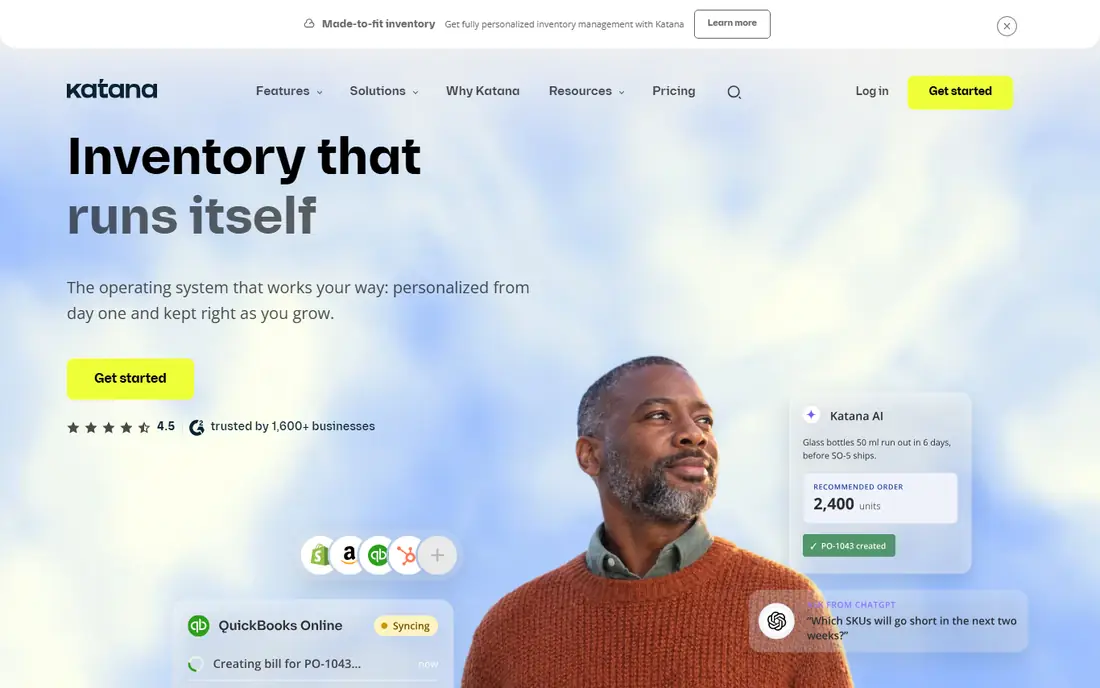
Katana puts inventory, sales orders, and production on one screen, which helps a small maker who is tired of juggling spreadsheets. You build a multi-level bill, set reorder points, and watch raw material stock fall as manufacturing orders move forward. The Shopify and WooCommerce links matter for teams that sell direct, since orders can flow into production without retyping.
The catch is the add-on model. Core covers inventory and sales, while manufacturing management and other advanced features cost extra, so the price for a full setup is higher than the headline plan. If you only assemble simple products, that extra depth may sit unused. For a growing maker with variants and subassemblies, the structure is worth the step up.
- Live inventory tied to production
- Shopify and WooCommerce links
- Multi-level bills
- Manufacturing features sit in paid add-ons
- Entry cost rises with add-ons
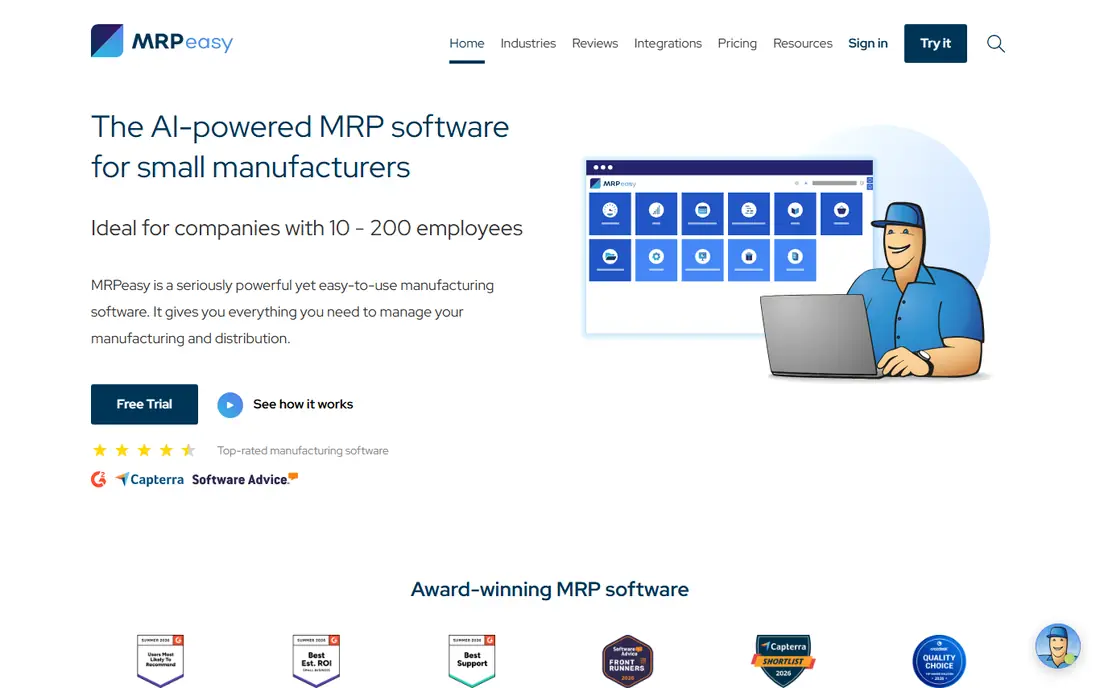
MRPeasy is built for manufacturers that need the detail: operations, routings, workstations, and bills that vary by size, color, or configuration. Matrix bills let one product family share a structure while options change the parts, which saves a lot of duplicate work. Serial tracking and quality checks on higher tiers help teams that need traceability for customers or regulators.
Pricing is per user, so a larger shop floor team pays more than a flat-rate rival. The interface is practical rather than pretty, and a complex routing needs careful setup before it feels smooth. Still, for the price, few tools cover this much manufacturing ground, and the trial is a fair way to test a real bill.
- Per-user pricing
- Matrix bills and co-products
- Serial number tracking
- Costs grow with each user
- Setup takes care with complex routings
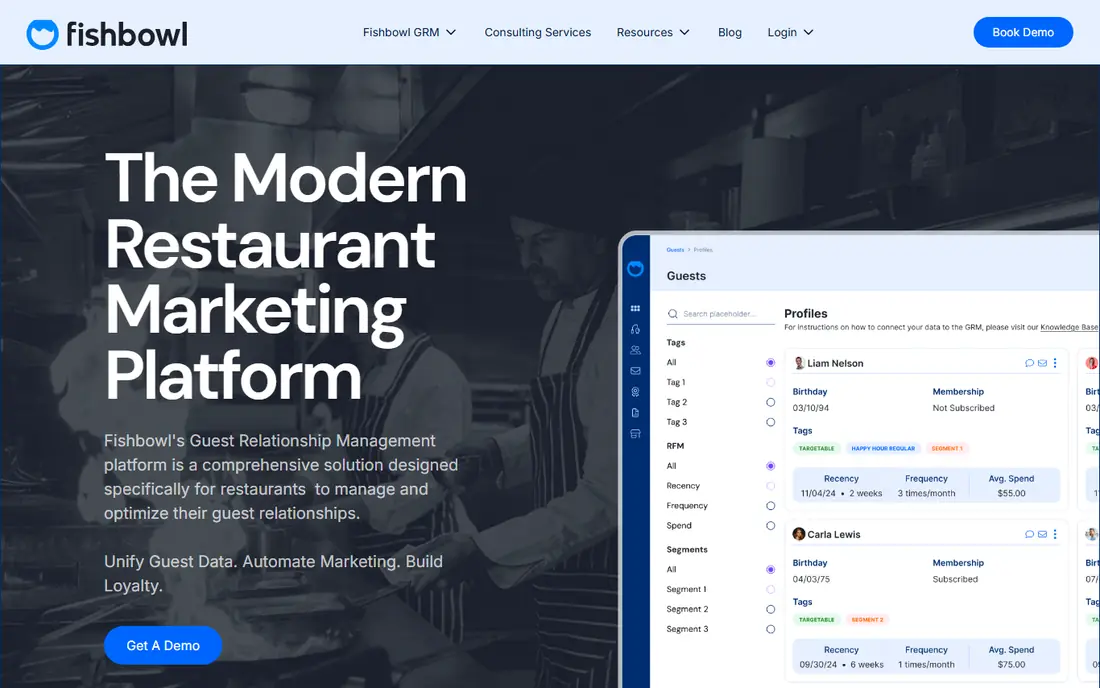
Fishbowl is the natural pick when QuickBooks already runs the accounts and the warehouse needs proper control. Parts, lots, serial numbers, and barcodes are handled in depth, and orders, purchasing, and shipping sit in the same system. For a distributor that also assembles, that breadth keeps stock and accounts in step without constant manual checks.
The warning is to price the manufacturing package, not the basic inventory plan. Advanced Manufacturing is quoted by users and deployment, and the total can be well above the entry figure. Implementation also deserves a realistic timetable. If your main need is simple bills, a lighter tool may be faster to run.
- Strong QuickBooks link
- Part tracking and barcoding
- Multi-location inventory
- Manufacturing sits in a higher package
- Implementation can take time
OpenBOM starts from the engineering side, which is where many bills go wrong. Parts live in a shared catalog, bills carry revisions, and changes can be tracked instead of passed around in email attachments. Supplier information sits beside the part, so purchasing can see alternatives and lead times while the design is still being settled.
It is not a full manufacturing planning system in the way MRPeasy or Katana are, so production scheduling and shop floor control are thinner. Teams that mainly need to design, document, and hand a clean bill to production will like it most. Teams that need scheduling, costing, and inventory in one place should pair it with another system or pick a fuller MRP tool.
- Part catalogs and revision control
- Engineering change support
- Supplier links
- Manufacturing planning is lighter than full MRP tools
- Pricing is quote based
Aligni is shaped around electronics and hardware, where a bill can hold hundreds of small parts from many suppliers. It tracks revisions, manages part lifecycles, and helps purchasing see stock and sourcing options for each component. That focus makes it a strong fit for contract manufacturers, hardware startups, and engineering teams building physical products.
The trade is scope. Food, chemical, or other process makers will find less that matches their way of working, since the tool leans toward discrete parts and assemblies. Pricing is not published as a simple list, so a quote is needed. If your bills are electronic assemblies, the fit is close; if they are recipes or formulas, look elsewhere.
- Electronics-focused parts and sourcing
- Revision history
- Low-volume friendly
- Less suited to process manufacturing
- Quote-based pricing
Cetec ERP takes the wider route: bills, quoting, inventory, production, and shipping in a single cloud system. A quote can turn into a work order without re-entering the bill, and lot or serial tracking follows parts through production. For a small manufacturer that has outgrown separate tools, that single flow removes a lot of copy work and version confusion.
Breadth is also the cost. A full ERP takes longer to set up than a focused BOM tool, and the team needs to agree on how quotes, stock, and production will work before go-live. Pricing is quoted, so budget talks come before a firm number. If you want one system for the whole shop, Cetec ERP deserves a demo with your own bill.
- Bills, quoting, and shop floor in one system
- Cloud based
- Lot and serial tracking
- Quote-based pricing
- Broad scope needs setup time
Unleashed starts with inventory and adds production when you need it, which suits wholesalers and makers whose first problem is stock accuracy. Bills, assemblies, and finished goods sit beside purchasing and sales, and batch or serial tracking covers traceability. Links to accounting tools such as Xero and QuickBooks keep the money side in step with the warehouse.
Production is an add-on rather than part of the core plan, so again the headline price is not the manufacturing price. Currency and plan differences also make direct comparison harder, so get a quote in your own terms. For a team that values clean inventory first and production second, Unleashed is a steady, practical choice.
- Clear inventory and production add-on
- Batch and serial tracking
- Accounting links
- Production is an add-on
- Pricing varies by currency and plan
Odoo is a set of apps rather than one fixed product, so a manufacturer can start with inventory and manufacturing and add sales, purchasing, or accounting later. Bills, work orders, and work centers are covered, and the modular shape means you pay for the apps you use rather than a single large suite. An open source edition exists for teams with technical help.
The flexibility needs work. Configuration, testing, and training take real time, and a poorly planned setup can feel scattered across apps. Small teams without an implementer should start narrow, with one bill and one work order flow, and expand only when that works. For a team that wants to grow into a wider system, Odoo is a sound long-term base.
- Modular apps
- Manufacturing and inventory together
- Open source option
- Setup and customization take effort
- Pricing depends on apps chosen
How we picked these
We compared official feature pages, pricing pages, and product documentation for BOM and manufacturing tools, and we favored tools that handle multi-level bills, revisions, costing, and stock in a single flow. We left out generic inventory apps with only a flat parts list, and we left out tools that no longer work as live products. Prices shown are starting figures from vendor or recent pricing pages; where a vendor quotes by users or deployment, we say so instead of guessing a number.
What to check before you buy
Start with one real bill, not a demo sample. Enter your most complex product, with subassemblies, options, and shared parts, and watch how the tool handles a change to one component. A good BOM tool updates costs and stock effects at once, keeps the old revision for reference, and shows where the part is used elsewhere.
Then check costing and purchasing together. A bill that lists parts but not supplier prices, lead times, and scrap or yield will still leave costing to a spreadsheet. Ask how the tool rolls up material and labor costs, how it handles substitute parts, and what happens when a supplier price changes.
Finally, test the handoff to production. Can a sales order create a work order, reserve stock, and show shortages before work starts? That single flow is the difference between a bill editor and a manufacturing tool, and it is worth more than a long feature list.
Frequently asked questions
What is the best bill of materials tool?
It depends on what you make. Katana suits makers selling online, MRPeasy suits small manufacturers with detailed routings, and OpenBOM suits engineering-led teams. Start from your bill complexity, not from a general ranking.
What is the best bill of materials app for a small manufacturer?
MRPeasy and Katana are the most practical starting points for small teams, since both cover multi-level bills, stock, and production without enterprise contracts. Run a trial with your own parts before you pay.
What software is best for a bill of materials?
Software that keeps revisions, costing, and stock together is best. A flat spreadsheet or a simple inventory list will break once you have subassemblies, shared parts, or frequent design changes.
Do I need a full ERP for BOMs?
Not always. A focused BOM or MRP tool is enough for many small makers. A full ERP makes sense when quoting, accounting, purchasing, and production all need to share the same data without re-entry.
How much does bill of materials software cost?
Entry prices in this guide range from $49 per user per month to several hundred dollars per month for fuller plans, and several vendors quote by users or deployment. Always price the manufacturing configuration, including add-ons, before comparing.
Sources
See where you really rank - block by block
ProMapRanker scans Google Maps across a grid of your service area. Simple monthly plans from $19, white-label on every plan.
Start freeKeep reading
 zscaler alternatives
Best Zscaler Alternatives in 2026
Looking for zscaler alternatives? We compare 9 SASE and zero trust platforms on architecture, data protection, pricing, and fit for your network and team.
Read → zapier alternatives free
Best Zapier Alternatives Free in 2026
Nine automation tools for zapier alternatives free in 2026, all with genuinely free tiers, plus free plan limits, starting prices and upgrade paths explained.
Read → which platform is best for online reputation
Which Platform Is Best for Online Reputation in 2026
Wondering which platform is best for online reputation? We compare 8 review, listing, and response tools for small and multi-location businesses and agencies.
Read →