 ProMapRanker
Best Big Data Platform in 2026


Spark engineering and machine learning · Pricing starts at: See website
Key takeaways
- Databricks is our pick for engineering and machine learning teams that need Spark-based pipelines at large scale.
- Snowflake suits SQL-heavy analytics teams that want separate storage and compute with per-second billing.
- Google BigQuery suits Google Cloud teams with spiky workloads, with on-demand pricing at $6.25 per TiB scanned.
- Microsoft Fabric suits Microsoft shops that want one capacity meter across data, analytics, and reporting.
- Amazon EMR suits AWS teams that want control over open-source frameworks, but it needs more engineering skill than a managed warehouse.
Quick comparison
| Pick | Great for | Pricing starts at | Free tier | |
|---|---|---|---|---|
| Databricks | Spark engineering and machine learning | See website | Yes | Visit |
 Snowflake | SQL analytics at scale | $2 per credit | Yes | Visit |
 Google BigQuery | Serverless Google Cloud analytics | $6.25 per TiB scanned | Yes | Visit |
 Amazon EMR | AWS open-source big data | See website | No | Visit |
 Microsoft Fabric | Microsoft data and reporting | See website | Yes | Visit |
 Cloudera Data Platform | Hybrid and regulated data | See website | No | Visit |
 Dremio | Fast SQL on data lake storage | See website | Yes | Visit |
 Starburst | Federated SQL across sources | See website | No | Visit |
 ClickHouse Cloud | Real-time analytical queries | See website | Yes | Visit |
The best big data platform
A big data platform stores large volumes of data, runs analytical queries, and supports reporting and machine learning. The platforms below differ in cloud fit, pricing shape, and how much engineering work they need.
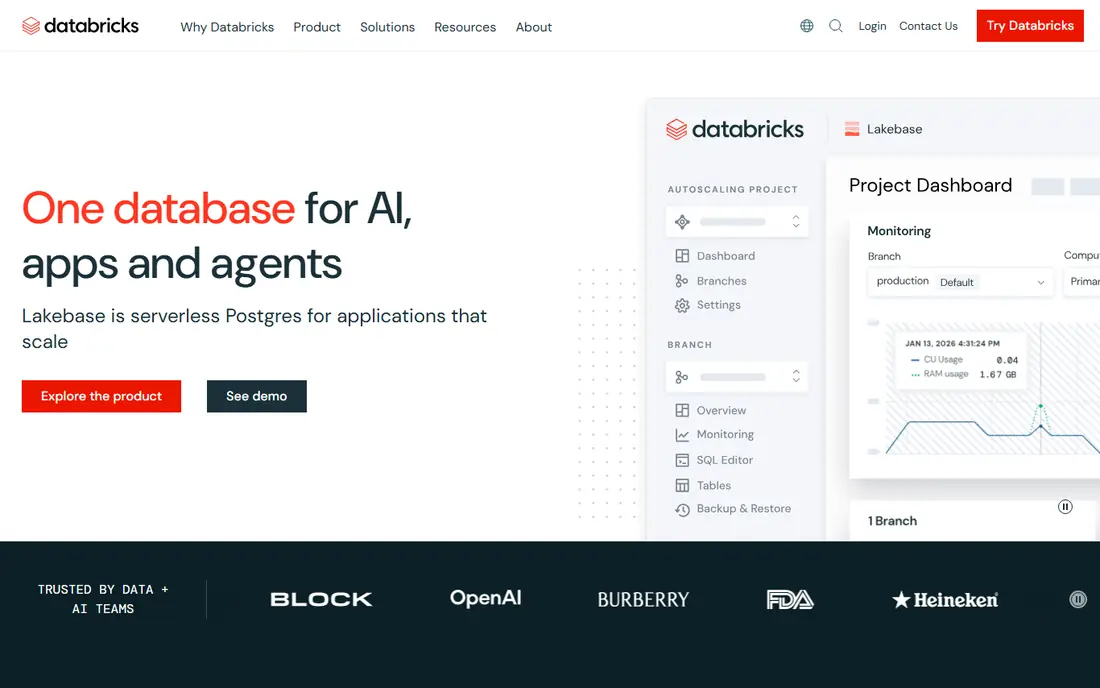
Databricks is built around the lakehouse idea: one platform for data engineering, SQL analytics, and machine learning, with storage in open formats. Teams can run Spark jobs, build pipelines, train models, and serve dashboards without moving data between separate systems. Serverless SQL and Photon acceleration help analytical workloads, while notebooks support collaborative engineering work. For teams that build data products rather than just run reports, that breadth is the main draw.
The cost model needs care. Databricks bills in Databricks Units, which vary by workload and cloud, on top of cloud infrastructure costs. That makes budgeting harder than a simple per-user price, and large or poorly tuned jobs can raise the bill quickly. Spark skill also matters, since the platform rewards teams that can tune jobs. Databricks is best for engineering-led teams that will use its full range.
- Unified lakehouse for engineering, SQL, and machine learning
- Strong Spark and Delta Lake support
- Multi-cloud availability
- Pricing is usage-based and complex
- Needs Spark skill for best results
- Costs can rise with large workloads
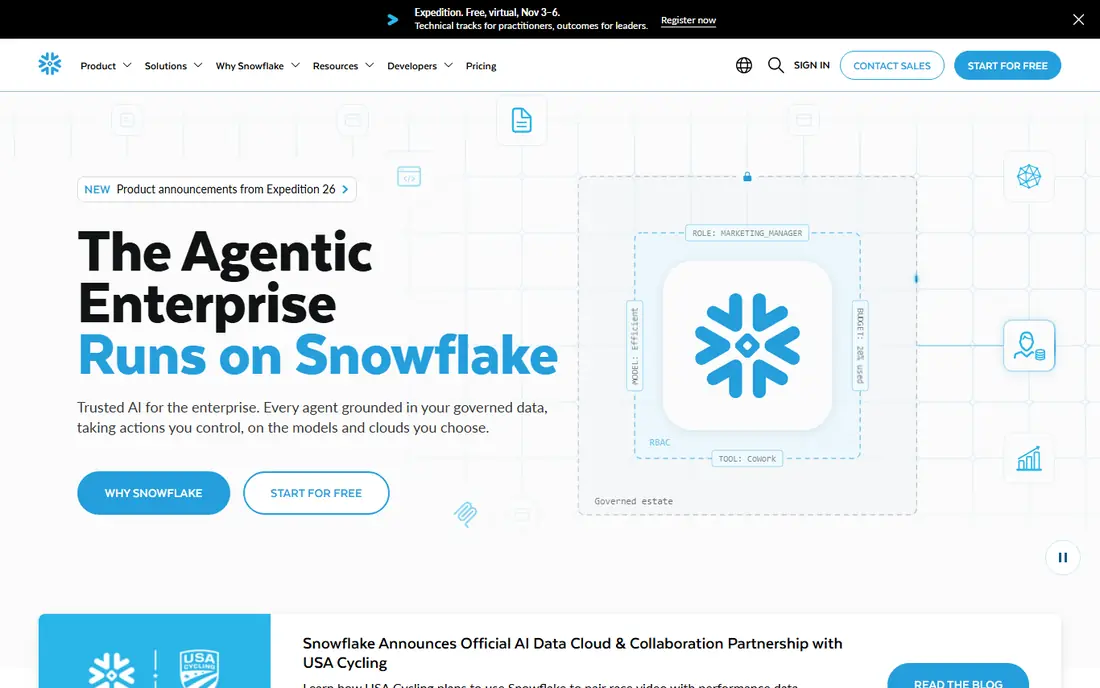
Snowflake suits teams that think in SQL and want a managed warehouse that scales without cluster management. Storage and compute are billed separately, warehouses can be sized up or down, and auto-suspend stops charges when a warehouse is idle. That design helps teams with many concurrent analysts and dashboard users, since workloads can be isolated. Data sharing and marketplace features also help when data needs to move between teams or partners.
Credit pricing at about $2 per credit on Standard, with higher rates on larger editions, means the bill depends on warehouse size and run time. Teams that leave large warehouses running will pay for it, so resource monitors and auto-suspend settings matter. Snowflake is less of a machine learning engineering platform than Databricks, though it has added AI features. For SQL analytics at scale, it remains a leading choice.
- Separate storage and compute
- Per-second credit billing
- Strong SQL and sharing features
- Credit costs vary by edition and warehouse size
- Compute must be managed with auto-suspend
- Machine learning is less central
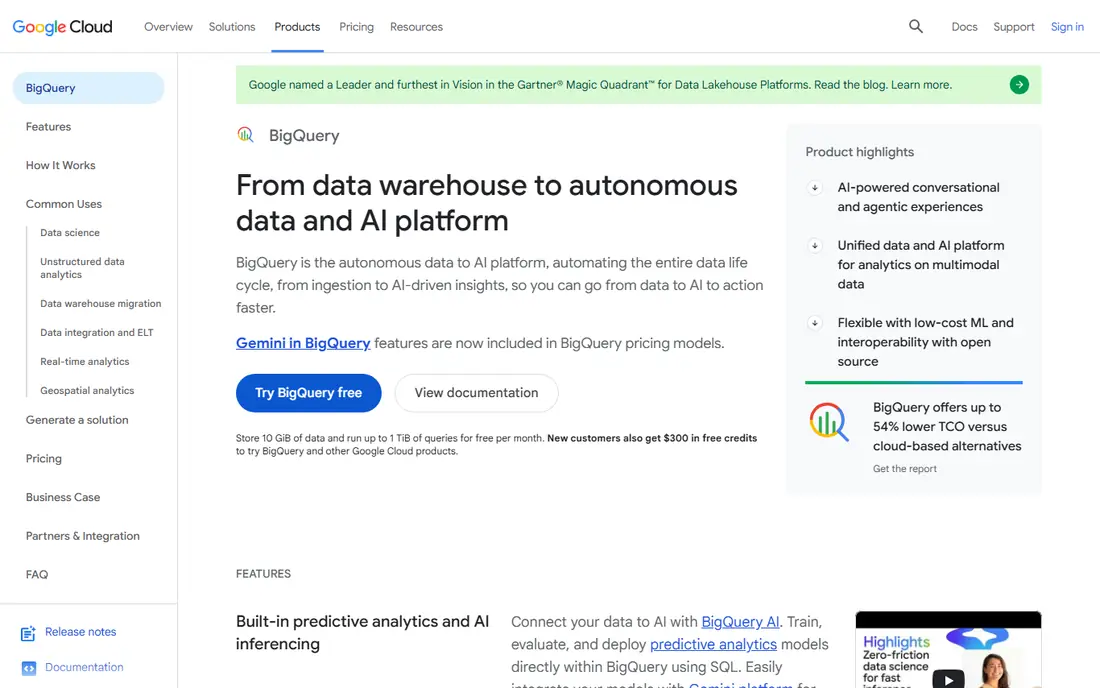
BigQuery is the simplest platform to start with on Google Cloud, because there is no cluster to size or manage. You load data, run SQL, and pay for what you scan on demand, at $6.25 per TiB scanned, or reserve slot capacity for steadier workloads. A free tier covers small monthly usage, which helps evaluation and small projects. Integration with Google Cloud storage, Looker, and AI tools suits teams already on GCP.
The risk is scan cost. Queries that scan whole tables repeatedly will cost more than partitioned, clustered, and filtered queries, so data modelling matters. BigQuery is GCP-native, with cross-cloud reach mainly through its Omni offering, so multi-cloud teams should weigh that. For Google Cloud teams with spiky analytical workloads, BigQuery is a strong, low-operations choice.
- Serverless with no cluster management
- On-demand and capacity pricing
- Deep Google Cloud integration
- On-demand costs rise with unfiltered scans
- GCP-centric
- Slot capacity planning takes care
Amazon EMR gives AWS teams control over open-source big data frameworks without building clusters from scratch. You can run Spark, Hive, Presto, and related tools on EC2 instances, use spot pricing to lower cost, and store data in S3. That flexibility suits teams with existing Spark jobs, custom processing needs, or data that already lives on AWS. EMR also works with other AWS analytics services for a full pipeline.
Control comes with work. Teams must size clusters, tune jobs, manage security, and monitor costs, which is more effort than a managed warehouse. Pricing depends on EC2 instances plus a small EMR fee per instance, so the total varies with job design. EMR is best for AWS engineering teams that want framework choice and can own operations.
- Runs Spark, Hive, Presto, and other frameworks on AWS
- Flexible instance and spot pricing
- Deep S3 integration
- Needs AWS and framework skill
- Cluster management and tuning take time
- Costs vary with instance choices
Microsoft Fabric brings data engineering, warehousing, real-time analytics, and Power BI reporting under one capacity model. Data is stored in OneLake, and teams can move between workloads without separate billing for each tool. For organisations already using Microsoft 365, Azure, and Power BI, that integration reduces friction and gives business users a familiar reporting path. A free trial helps teams test the capacity model before committing.
Capacity units are the main planning challenge. Buying too little capacity can slow work, while buying too much wastes budget, so teams need to model their workloads. Fabric is Azure-centric, which suits Microsoft shops but is less natural for GCP or AWS-first teams. For a Microsoft-centred data strategy, Fabric is a coherent single platform.
- One capacity meter across data engineering, warehousing, and Power BI
- OneLake storage
- Microsoft 365 integration
- Capacity pricing needs planning
- Azure-centric
- Newer platform with evolving features
Cloudera Data Platform suits organisations that run data across on-premise systems, private cloud, and public cloud, or that face strict governance rules. It offers a broad open-source stack, central governance, and security controls that help regulated industries manage sensitive data. Hybrid deployment means data can stay where policy requires it, while analytics still run in a managed platform. For large enterprises with legacy Hadoop investments, Cloudera provides a migration path.
The platform is complex and quote-based, and it needs skilled teams to deploy and operate well. Smaller teams will find a managed cloud warehouse simpler and cheaper to start. Cloudera earns its place for hybrid, regulated, and large-scale programmes where control and governance outweigh self-serve simplicity.
- Hybrid and multi-cloud deployment
- Strong governance and security
- Broad open-source stack
- Quote-based pricing
- Complex deployment
- Needs skilled operations teams
Dremio helps teams query data where it already sits in lake storage, using SQL, without first loading everything into a warehouse. Its query engine and reflections can speed up repeated analytical queries, and support for open formats such as Apache Iceberg helps avoid lock-in. For teams with large lakes in S3 or similar storage, Dremio can reduce data movement and duplication.
Lake design still matters, since poorly organised storage will not query well even with a fast engine. Cloud pricing is quote-based for larger use, though a free tier supports evaluation. Dremio suits teams that want warehouse-style SQL speed on lake data, and it pairs well with ingestion tools that land data in open formats.
- SQL engine over lake storage without heavy data movement
- Reflections speed up queries
- Open formats support
- Quote-based cloud pricing for larger use
- Needs lake storage design skill
- Smaller ecosystem than Snowflake
Starburst, built on Trino, lets teams run SQL across data in different systems without copying it all into one warehouse first. That federated approach helps when data lives in several warehouses, lakes, and operational stores, and moving it would be slow or costly. Starburst also supports lakehouse formats, so teams can query open table formats with a consistent SQL layer. For organisations with scattered data, that single query layer is valuable.
Performance depends on the underlying sources, since a slow source can slow the whole query. Pricing is quote-based, and teams need data engineering skill to model and govern federated access well. Starburst is best when federated access is the main problem, rather than as a first warehouse for a single team.
- Trino-based federated queries across many sources
- Avoids full data copying
- Strong data lakehouse support
- Quote-based pricing
- Query performance depends on source systems
- Needs data engineering skill
ClickHouse Cloud suits real-time analytics, such as event streams, logs, and high-concurrency dashboards. Its columnar engine returns aggregate queries over large datasets quickly, which matters when many users hit the same dashboard at once. The open-source core can be self-hosted, while the cloud version removes much of the operations burden. A free tier helps small teams test performance on their own data.
ClickHouse is an analytical database, not a general transactional system, so it fits reporting and event analysis better than operational workloads. Large deployments still need tuning, and the BI ecosystem is smaller than Snowflake or BigQuery. For real-time, high-volume analytics, ClickHouse Cloud is a strong specialist choice.
- Very fast analytical queries on large event data
- Usage-based cloud pricing
- Open-source core
- Operational tuning for large deployments
- Less suited to heavy transactional workloads
- Smaller BI ecosystem
How we picked these
We compared official pricing pages, documentation, and current 2026 reporting on pricing models and platform direction. We kept platforms that are live in October 2026 and that can handle large-scale analytical workloads, not just small business intelligence tools. We included managed warehouses, lakehouse platforms, federated engines, and a real-time specialist, so readers can match the platform shape to their cloud and team skill. Where a vendor does not publish a simple starting price, we used See website rather than inventing a figure.
What to check before you buy
Start with your cloud and your team. A GCP team will usually get more value from BigQuery, a Microsoft team from Fabric, and an AWS team from EMR or a multi-cloud platform such as Databricks or Snowflake. Check your main workload too: SQL reporting, Spark engineering, machine learning, or real-time dashboards each favour a different platform. Run a pilot on your real data volume, not a demo dataset, and measure query time and cost together.
Pricing models that change the bill
Warehouses bill by credits, BigQuery bills by data scanned or slot capacity, Databricks bills by units plus cloud costs, and Fabric bills by capacity. Each model rewards different habits: auto-suspend warehouses, partition BigQuery tables, tune Spark jobs, and size Fabric capacity to real peaks. Set budget alerts early, since a single unfiltered query or oversized job can create a surprise bill on any platform.
Governance and data formats
Check how each platform handles access control, audit logs, and data sharing, especially if you work with sensitive data. Open formats such as Iceberg and Delta Lake reduce lock-in and make it easier to query data from more than one engine. If your data must stay in a specific region or on-premise system, that requirement may narrow the list faster than any feature comparison.
Frequently asked questions
What is the best big data platform for a small team?
BigQuery is a good starting point for a small team on Google Cloud, with serverless operation and a free tier. Snowflake suits small SQL teams that want a managed warehouse with per-second billing. Databricks suits small engineering teams that need Spark and machine learning, though its pricing needs closer monitoring.
What are the best big data tools for analytics?
Snowflake, BigQuery, and Databricks are the most common choices for large-scale analytics, with different strengths in SQL, serverless operation, and engineering. ClickHouse Cloud suits real-time dashboards, while Dremio and Starburst suit teams querying lake or federated data. The best tool depends on your cloud, data location, and query pattern.
Is Databricks better than Snowflake?
Databricks is better for Spark engineering and machine learning, while Snowflake is better for managed SQL analytics with separate storage and compute. Many large companies use both, with Databricks handling engineering pipelines and Snowflake serving analysts and dashboards. Choose by workload and team skill, not by brand alone.
How much does a big data platform cost?
Costs vary widely by model and volume. BigQuery on-demand pricing is $6.25 per TiB scanned, Snowflake credits start around $2 per credit, and Databricks, Fabric, and EMR depend on units, capacity, or instances plus cloud costs. Always model your real query volume and data size, and use free tiers or trials to test before committing.
Do I need a big data platform if my data is small?
Probably not. If your data fits comfortably in a standard database or spreadsheet and your queries run quickly, a big data platform adds cost and complexity without benefit. Consider one when data volume, query concurrency, or machine learning workloads outgrow a single database, or when you need governed sharing across many teams.
Sources
See where you really rank - block by block
ProMapRanker scans Google Maps across a grid of your service area. Simple monthly plans from $19, white-label on every plan.
Start freeKeep reading
 who has the best home internet service
Who Has the Best Home Internet Service in 2026
Who has the best home internet service in 2026? Compare fiber, cable, and 5G providers on speed, price, data caps, and availability at your address today.
Read → visio alternatives
Best Visio Alternatives in 2026
Compare 9 Visio alternatives for flowcharts, org charts, and network diagrams, with free plans, pricing, and the best pick for teams and solo users in 2026.
Read → top 10 logistics software
Top 10 Logistics Software in 2026
We compared the top 10 logistics software tools for transport, warehousing, visibility and shipping, for shippers, carriers and 3PL teams in 2026 today.
Read →