 ProMapRanker
Best Big Data Analytics Software in 2026


Data engineering, analytics, and machine learning on a lakehouse · Pricing starts at: See website
Key takeaways
- The best big data analytics software depends on whether your main work is storing data, transforming it, or showing it in dashboards.
- Warehouse and lakehouse platforms charge mainly for compute and storage, so a small pilot with real queries tells you more than a price list.
- Dashboard tools only help if they connect cleanly to the warehouse or lakehouse you already use, so check connectors before you commit.
- Teams without dedicated data engineers often do better with managed, serverless options than with platforms that need constant tuning.
- Start with one use case, such as weekly sales reporting, and expand only after the data pipeline proves reliable.
Quick comparison
| Pick | Great for | Pricing starts at | Free tier | |
|---|---|---|---|---|
| Databricks | Data engineering, analytics, and machine learning on a lakehouse | See website | Free trial | Visit |
 Snowflake | SQL analytics teams that need separate compute and storage | See website | Free trial | Visit |
 Google BigQuery | Serverless SQL analytics without managing servers | See website | Yes | Visit |
 Amazon Redshift | Analytics teams already built on Amazon Web Services | See website | Free trial | Visit |
 Microsoft Fabric | Microsoft shops that want warehousing, pipelines, and dashboards together | See website | Free trial | Visit |
 Tableau | Visual analysis and polished dashboards | See website | Free trial | Visit |
 Microsoft Power BI | Affordable dashboards for Microsoft 365 and Azure teams | See website | Yes | Visit |
 Looker | Governed metrics and shared definitions across a company | See website | Free trial | Visit |
 Qlik Sense | Associative exploration across linked data sets | See website | Free trial | Visit |
 Domo | Business dashboards with many built-in connectors | See website | Free trial | Visit |
The best big data analytics software
These tools handle data volumes, query speeds, and team sizes that break a spreadsheet or a small database. We compared official feature pages, pricing pages, and documentation, and we focused on fit, cost model, and day-to-day usability.
Databricks
Great for: Data engineering, analytics, and machine learning on a lakehouse
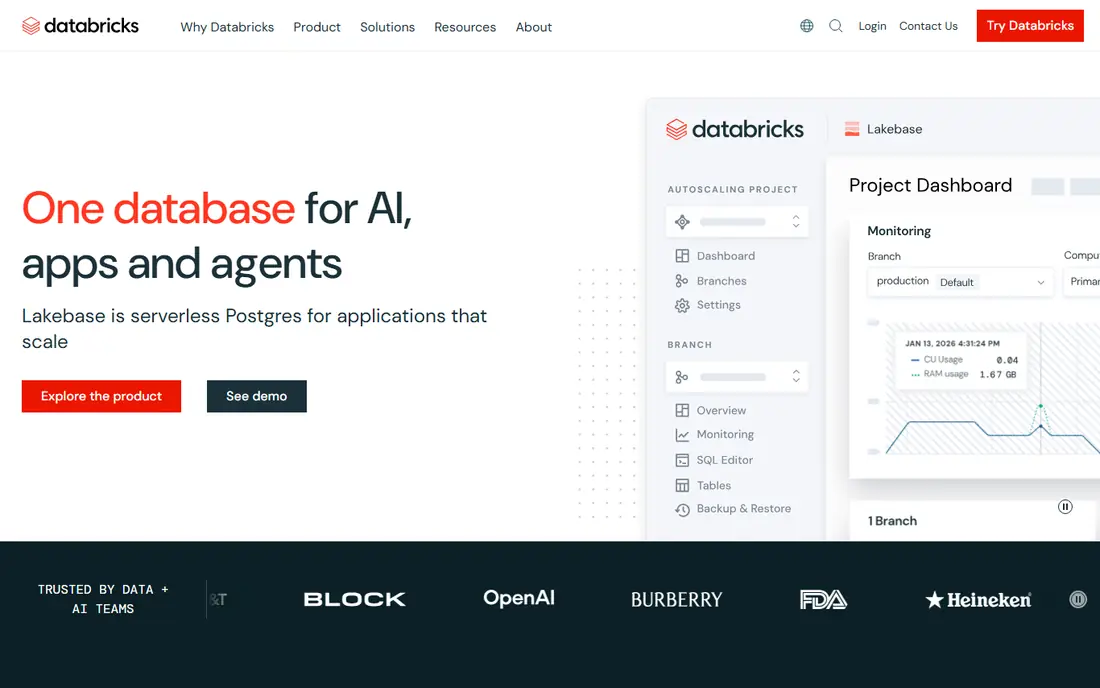
Databricks suits teams that build pipelines and models from very large, varied data. It brings data engineering, SQL analytics, and machine learning into one workspace, which reduces the need to move data between separate systems. The lakehouse approach keeps data in open file formats in your own cloud storage, so you are not locked into one proprietary store for the raw data itself.
The trade-off is complexity and cost control. Databricks units, cloud virtual machines, and storage are billed in different ways, and a poorly written job can run up a bill quickly. It works best when at least one person on the team owns cost monitoring and pipeline design. For a team that mainly needs dashboards, Databricks alone may be more platform than the job requires.
- Unified work for pipelines, SQL, and models
- Open Delta Lake storage format
- Strong Spark performance for large jobs
- Pricing in Databricks units plus cloud costs can be hard to forecast
- Smaller teams may find setup heavy
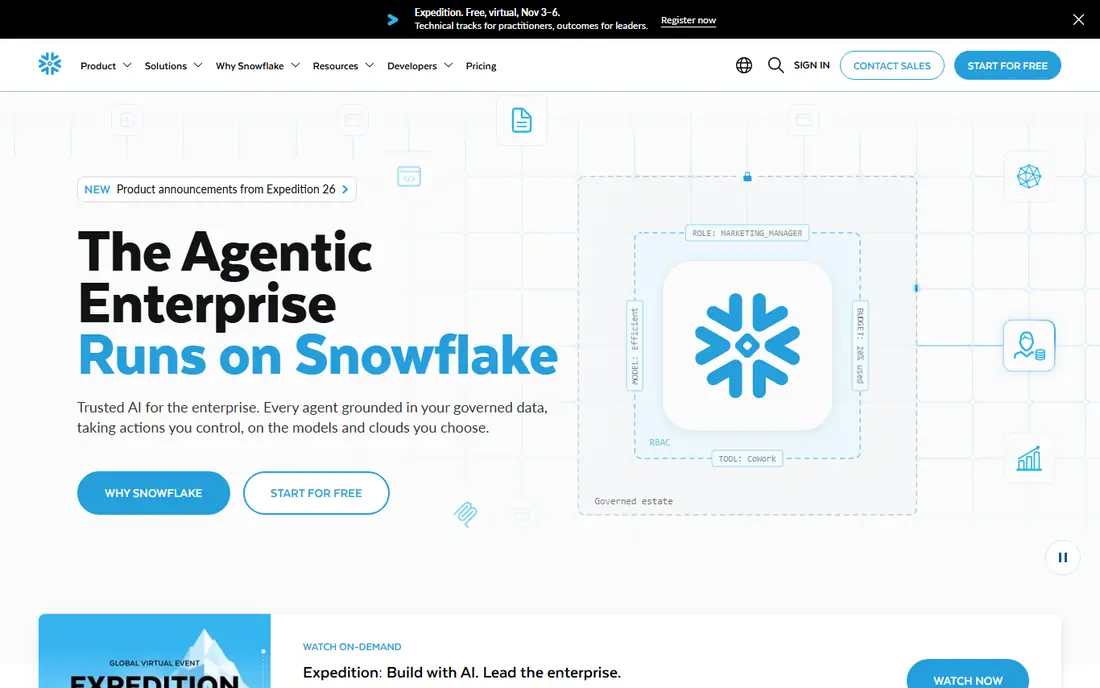
Snowflake is a cloud data warehouse built around SQL, and it is a natural fit for analysts who already think in tables and queries. Compute warehouses can be sized up for a heavy report and suspended when idle, while storage stays separate. That separation helps teams pay for the power they use at a given moment rather than for one fixed cluster.
Snowflake also offers data sharing and a marketplace, which can matter when you need outside data sets or want to share results without copying files around. The main risk is the same as with any credit-based system. Warehouse size, run time, and edition all affect the bill, so a team should set auto-suspend rules, monitor credit use, and test a typical workload before signing a larger commitment.
- Independent scaling of compute and storage
- Strong SQL support
- Broad partner and marketplace ecosystem
- Credits and editions make total cost hard to predict
- Idle warehouses need careful auto-suspend settings
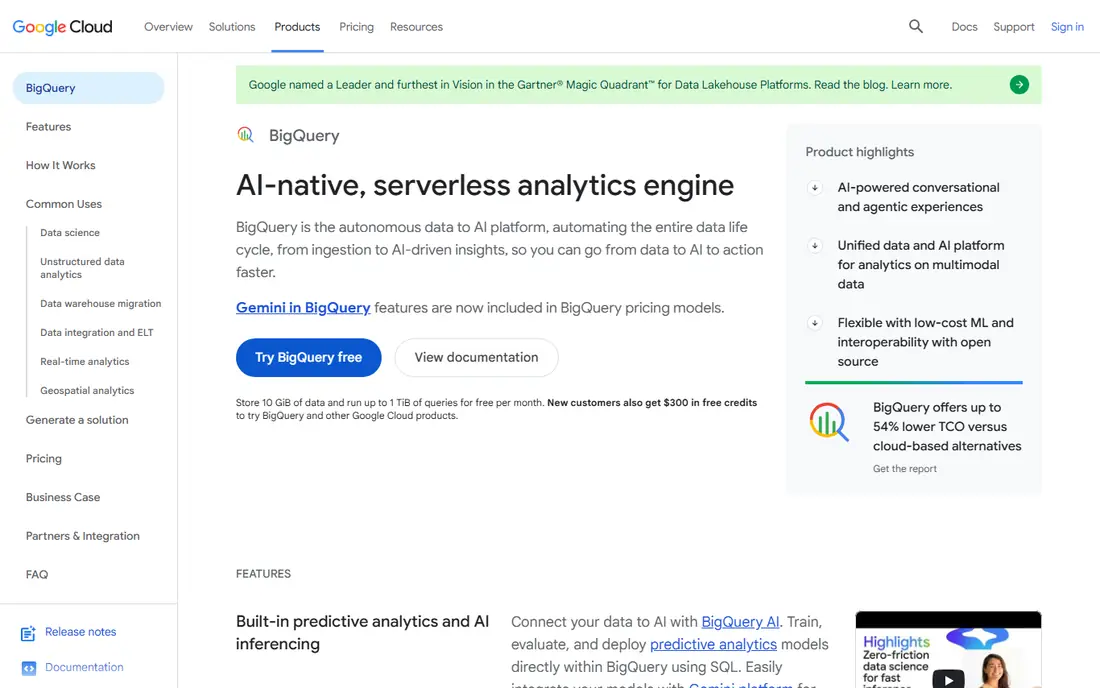
BigQuery answers a simple question for many teams: what if we could run SQL over billions of rows without running a cluster. Because it is serverless, there is no warehouse to size or keep running. You load or connect data, write SQL, and pay mainly for storage and for the data your queries scan, or for reserved slot capacity if you choose that model.
That model rewards good habits. Partitioned tables, clustered tables, and careful query design keep scanned data down, while careless select-all queries over huge tables do the opposite. BigQuery fits well inside Google Cloud, and it pairs naturally with Google Sheets, Looker Studio, and other Google tools. Teams on other clouds should check data movement costs before making it their main warehouse.
- No servers to manage
- On-demand pricing by data scanned
- Fast queries over very large tables
- On-demand scans can get expensive without cost controls
- Slot pricing needs planning for steady workloads
Redshift is Amazon's cloud data warehouse, and its strongest case is for teams that already store data in Amazon S3 or run other services in Amazon Web Services. The serverless option removes much of the cluster sizing work, while provisioned clusters give larger teams more control over capacity and cost. Either way, the tool is built for structured SQL analytics at scale.
The honest catch is operational care. Provisioned Redshift rewards teams that tune distribution, sorting, and vacuuming, and it punishes teams that expect it to manage itself. Serverless pricing, based on Redshift Processing Units, also needs monitoring, since a busy dashboard can consume capacity steadily. If your data and team already live in Amazon's cloud, those trade-offs are usually worth it.
- Deep integration with Amazon storage and tools
- Serverless option
- Mature SQL warehouse features
- Provisioned clusters need sizing and tuning
- Costs rise with steady, always-on use
Microsoft Fabric
Great for: Microsoft shops that want warehousing, pipelines, and dashboards together
Microsoft Fabric bundles data engineering, warehousing, real-time analytics, and Power BI reporting into one Software as a Service platform. Data lands in OneLake, a shared storage layer, so different workloads can use the same data without repeated copies. For a team that already uses Microsoft 365, Azure, and Power BI, that single sign-on and shared model can cut down on integration work.
Fabric is newer than some rivals, so feature depth and third-party tooling can vary by workload. Capacity units are the main pricing lever, and choosing too little capacity leads to slowdowns while choosing too much wastes money. It is a strong shortlist option for Microsoft-centered teams, and a less obvious pick for teams that want a best-of-breed tool for one job only.
- One platform for lakehouse, warehouse, pipelines, and Power BI
- Shared OneLake storage
- Familiar Microsoft interface
- Newer platform with evolving features
- Capacity pricing needs careful sizing
Tableau has long been the reference point for visual analytics, and it still earns that place when exploration matters more than a fixed report. Analysts can drag fields onto a canvas, test a hunch, and reshape a view in minutes. The result is often a dashboard that non-technical readers can actually read, not just a table with colors added.
Tableau works best as the presentation layer on top of a warehouse or lakehouse, rather than as the place where raw big data is stored. Licensing is the main budget question, since creators, explorers, and viewers sit on different plans. Teams should map who truly needs to build versus who only needs to view, and they should set up governed data sources so different dashboards do not quietly disagree.
- Flexible visual exploration
- Strong dashboard design
- Wide range of data connectors
- Licensing costs add up for larger viewer groups
- Governance needs planning at scale
Microsoft Power BI
Great for: Affordable dashboards for Microsoft 365 and Azure teams
Power BI is often the most practical dashboard choice for small and mid-sized businesses, mainly because the entry price is low and the Microsoft integration is deep. A team can pull data from Excel, a warehouse, or a cloud service, build a model, and publish a report that colleagues open in Teams or a browser. The free desktop tool also lets one person learn the product before the company pays for sharing.
Sharing is where costs appear. Publishing reports to a wide audience, refreshing data often, and handling large models usually require a paid license or capacity plan. Model design matters too. A well-built star schema runs fast, while a flat import of a huge table can feel slow. For Microsoft-centered teams, though, the balance of price and capability is hard to beat.
- Low entry cost
- Strong Microsoft integration
- Large library of visuals and connectors
- Advanced sharing needs paid capacity
- Performance depends on model design
Looker takes a different approach from drag-and-drop dashboard tools. Metrics are defined once in a modeling layer, so sales, finance, and marketing all see the same definition of revenue or active users. That consistency is valuable when a company has grown past the stage where every team builds its own spreadsheet version of the truth.
The cost is expertise. Someone needs to write and maintain the model, and business users who only want a quick chart may find the workflow slower than in Tableau or Power BI. Pricing is also sales-led, which suits larger teams with a data budget. If your main problem is conflicting numbers rather than a lack of charts, Looker deserves a serious look.
- Central metric definitions in LookML
- Consistent numbers across dashboards
- Strong Google Cloud integration
- Requires modeling skill
- Pricing is quote-based and can suit larger budgets
Qlik Sense uses an associative engine, which means selections in one chart immediately show what is related, and just as usefully, what is excluded. That design helps analysts spot gaps and follow a thread through linked data, such as orders, customers, products, and regions, without writing a new query for each step. It suits teams that explore data rather than only reading fixed reports.
Qlik can feel less straightforward than Power BI at first, both in its interface and in how plans are packaged. Administration, security rules, and data reloads need a clear owner. Once that owner is in place, though, Qlik is a capable choice for mid-sized and large teams that want analysts to ask their own questions safely.
- Associative engine shows related and unrelated values
- Strong self-service exploration
- Good for varied data sources
- Interface and pricing can feel complex for first-time buyers
- Administration needs planning
Domo aims at business users who want a dashboard without waiting for a data team to build every view. It offers hundreds of connectors to common business systems, plus tools for alerts, data apps, and mobile viewing. A manager can check sales, marketing spend, and operations in one place, and set an alert when a number crosses a threshold.
That convenience comes with quote-based pricing, so small teams should ask for a full quote early, including connector and user costs, before falling in love with a demo. Domo also works best when the underlying data is already reasonably clean. If your source systems are messy, budget time for data preparation, either in Domo or in a warehouse upstream.
- Large connector library
- Dashboards, alerts, and apps in one place
- Usable by non-technical managers
- Pricing is quote-based
- Heavy customization may need Domo specialists
How we picked these
We compared official product pages, pricing pages, and documentation for tools that handle large data volumes in production use, and we left out tools that are discontinued, narrowly focused on one small task, or no longer maintained. We favored platforms with clear connectors to common warehouses, dashboards, and cloud services, and we noted where pricing is consumption-based or quote-based so readers can plan a pilot. We did not run hands-on tests for this roundup, and we did not invent performance scores, customer counts, or feature claims that vendor pages did not support.
What to check before you buy
Start with the data you already have. List your main sources, how often they change, and how large they are today and in a year. A warehouse choice that fits a nightly batch of sales data may not fit streaming sensor data, and a dashboard choice that fits ten viewers may not fit five hundred. Write down the one report or decision the tool must support first, and judge every demo against that job.
Next, run a costed pilot. Load a realistic sample, build the report, and watch the bill for compute, storage, and any per-user licenses over two to four weeks. Ask each vendor how idle costs, query scans, and user growth change the total, and get those answers in writing where possible. Also check security and access controls, including single sign-on, row-level permissions, and audit logs, before you connect sensitive data.
Finally, plan for ownership. Big data tools fail quietly when no one owns pipelines, metric definitions, or dashboard maintenance. Name an owner, set a review date for costs and usage, and keep a simple record of which dashboard uses which data source. That record will save hours when a number looks wrong or a team asks why two reports disagree.
Frequently asked questions
Which tool is best for big data analytics?
There is no single winner, since warehouses, lakehouses, and dashboards solve different parts of the job. Snowflake, BigQuery, and Redshift suit SQL analytics at scale, Databricks suits engineering and machine learning, and Tableau or Power BI suit presentation. Pick the layer where your current bottleneck sits, then add the other layers as needed.
Do I need a data warehouse and a dashboard tool?
Most teams do, since a warehouse stores and queries large data well, while a dashboard tool presents it clearly and controls who sees what. Some platforms bundle both, such as Microsoft Fabric, but even then you still need to separate storage, modeling, and presentation in your planning. A dashboard alone cannot fix messy or scattered source data.
How much does big data analytics software cost?
It varies widely, from free tiers and low-cost dashboard licenses to consumption bills that depend on query volume and storage. Warehouse and lakehouse costs are driven by compute time, data scanned, and storage size, so a pilot with real queries is the only honest way to estimate your bill. Always ask what idle time, extra users, and data growth will add.
Can a small business use these tools?
Yes, if the use case is real and the scope stays narrow. A small business can start with BigQuery or Power BI on a free or low-cost tier, connect one or two sources, and build one trusted report. The mistake is buying an enterprise platform for a job that a managed dashboard and a tidy warehouse could already handle.
Is Databricks or Snowflake better for SQL analytics?
Snowflake is often simpler for teams whose main work is SQL reporting, since it is built as a warehouse with separate compute and storage. Databricks is often stronger when the same team also builds pipelines and machine learning models on large, varied data. The right answer depends on how much of your work is pure SQL versus engineering and modeling.
Sources
- https://www.databricks.com
- https://www.snowflake.com
- https://cloud.google.com/bigquery
- https://aws.amazon.com/redshift
- https://www.microsoft.com/en-us/microsoft-fabric
- https://www.tableau.com
- https://www.microsoft.com/en-us/power-bi
- https://cloud.google.com/looker
- https://www.qlik.com/us/products/qlik-sense
- https://www.domo.com
See where you really rank - block by block
ProMapRanker scans Google Maps across a grid of your service area. Simple monthly plans from $19, white-label on every plan.
Start freeKeep reading
 zoro.to alternatives
Best Zoro.to Alternatives in 2026
We compare the best zoro.to alternatives in 2026, listing only legal licensed anime streaming services, from Crunchyroll to free options for fans today.
Read → zip alternatives
Best Zip Alternatives in 2026
We compare the best zip alternatives for buy now, pay later in 2026, covering pay-in-4 plans, fees, spending limits, and credit reporting options today.
Read → yesware alternatives
Best Yesware Alternatives in 2026
Compare the best yesware alternatives for sales email tracking, templates, and sequences, with current pricing and honest tradeoffs for small sales teams.
Read →