 ProMapRanker
Best BI Tools for Small Businesses in 2026


Free Google-based dashboards · Pricing starts at: Free
Key takeaways
- Google Looker Studio is the lowest-cost starting point for teams that already use Google Sheets, Analytics, or Ads.
- Microsoft Power BI suits teams that live in Excel and Microsoft 365, while Tableau suits teams with a dedicated analyst.
- Zoho Analytics and Databox give non-technical owners a faster path from spreadsheet to dashboard.
- Metabase and Qlik Sense suit teams that need stronger data modelling, but they ask more of the person setting them up.
- Price per user is only part of the cost, so check data limits, viewer seats, and the time needed to build the first dashboards.
Quick comparison
| Pick | Great for | Pricing starts at | Free tier | |
|---|---|---|---|---|
| Google Looker Studio | Free Google-based dashboards | Free | Yes | Visit |
 Microsoft Power BI | Microsoft 365 teams | $14 per user per month | Yes | Visit |
 Tableau | Advanced visual analysis | $15 per user per month | Free trial | Visit |
 Zoho Analytics | Budget dashboards for small teams | $24 per month | Yes | Visit |
 Metabase | Open-source dashboards | See website | Yes | Visit |
 Qlik Sense | Associative data exploration | See website | Free trial | Visit |
 Domo | Fast cloud dashboards | See website | Free trial | Visit |
 Sisense | Embedded and team analytics | See website | Free trial | Visit |
 Databox | Simple KPI dashboards | See website | Yes | Visit |
The best bi tools for small businesses
We compared official pricing and feature pages for business intelligence tools that a small business can run without a data team. The list mixes free tools, low-cost dashboards, and fuller platforms, so you can match the tool to your data sources, your budget, and the skill level of the person who will build the reports.
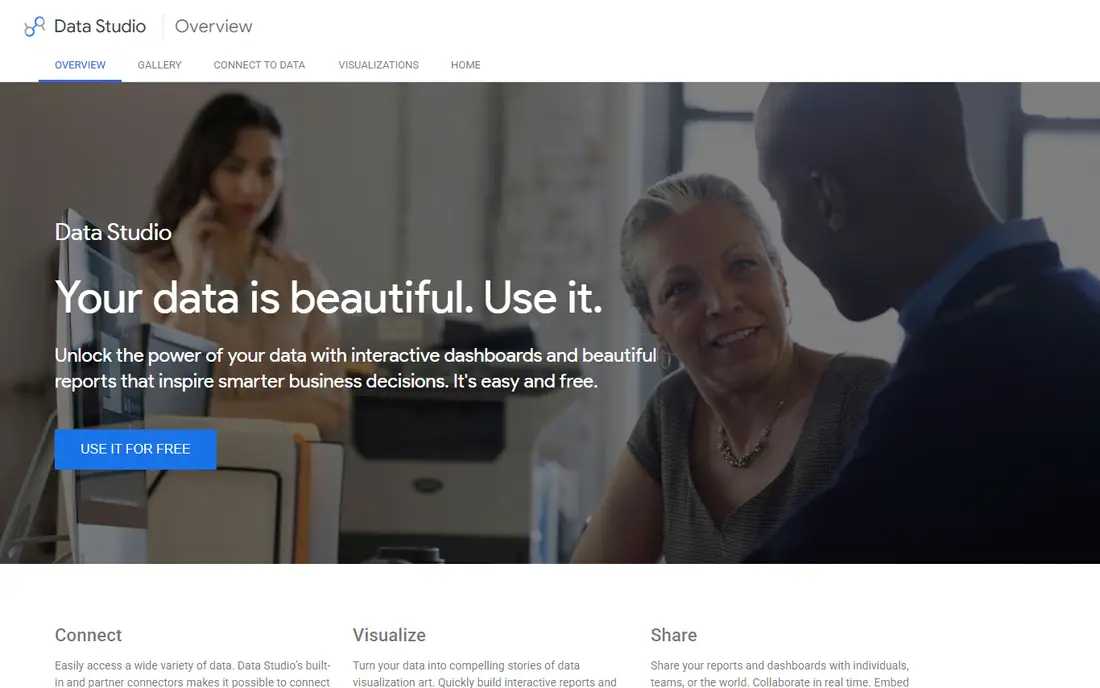
Looker Studio is the easiest place to start if your data already lives in Google tools. You can connect a Sheet, an Analytics property, or an Ads account, drag fields onto a chart, and share a live dashboard link with your team. For a small business tracking sales, website traffic, and ad spend in one view, that is often enough, and the price is hard to argue with.
The limits show up as your reporting grows. Looker Studio is less suited to heavy data modelling, complex permissions, or large warehouse workloads, and some connectors need paid third-party tools. We still recommend it as a first step. Build your core dashboards here, learn which metrics your team actually checks, and only pay for a fuller platform when you hit a clear limit.
- Free to use
- Connects well to Google Sheets, Analytics, and Ads
- Easy sharing
- Weaker for complex data modelling
- Fewer advanced controls than paid BI platforms
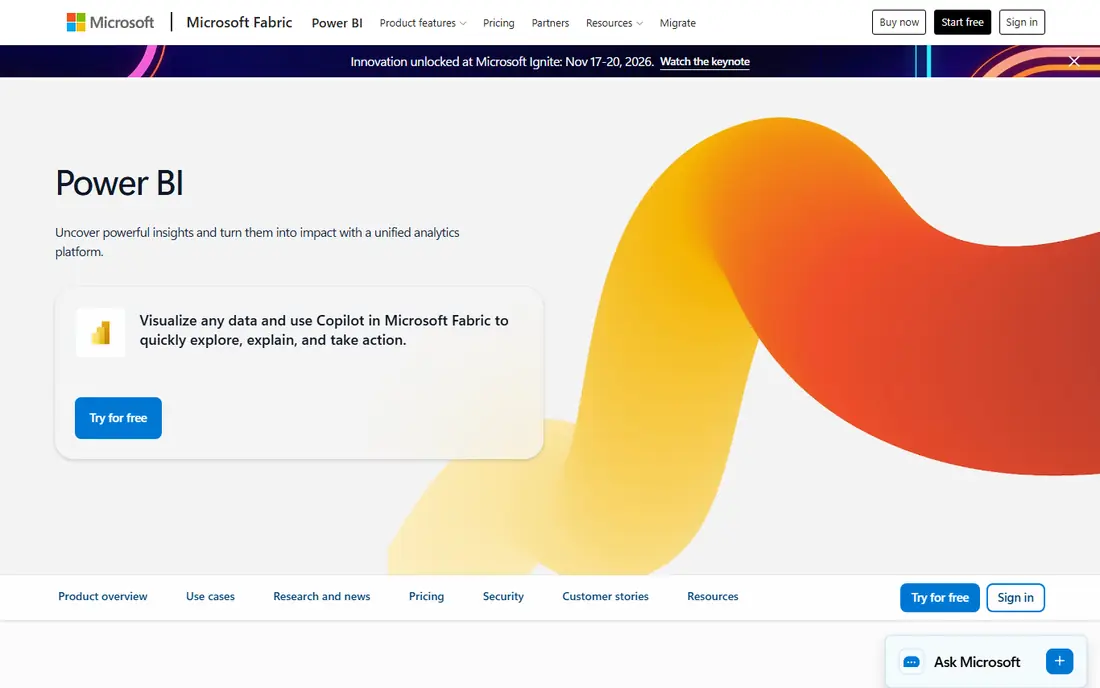
Power BI is the natural pick for teams that already use Excel, Teams, and Microsoft 365. It connects to a wide range of sources, from spreadsheets to databases and cloud apps, and it turns them into interactive dashboards that can be shared inside your organisation. The desktop app is free for building reports, which lets you test the workflow before you pay for sharing.
The honest catch is licensing. Publishing and sharing reports across a team generally needs paid per-user plans, so a five-person team should price the full set of seats, not just one licence. Learning DAX formulas and Power Query also takes effort. If your business already pays for Microsoft 365, Power BI is usually the best value full BI platform on this list.
- Strong Excel and Microsoft 365 links
- Large connector library
- Mature sharing and security controls
- Full sharing needs paid licences
- DAX and Power Query take time to learn
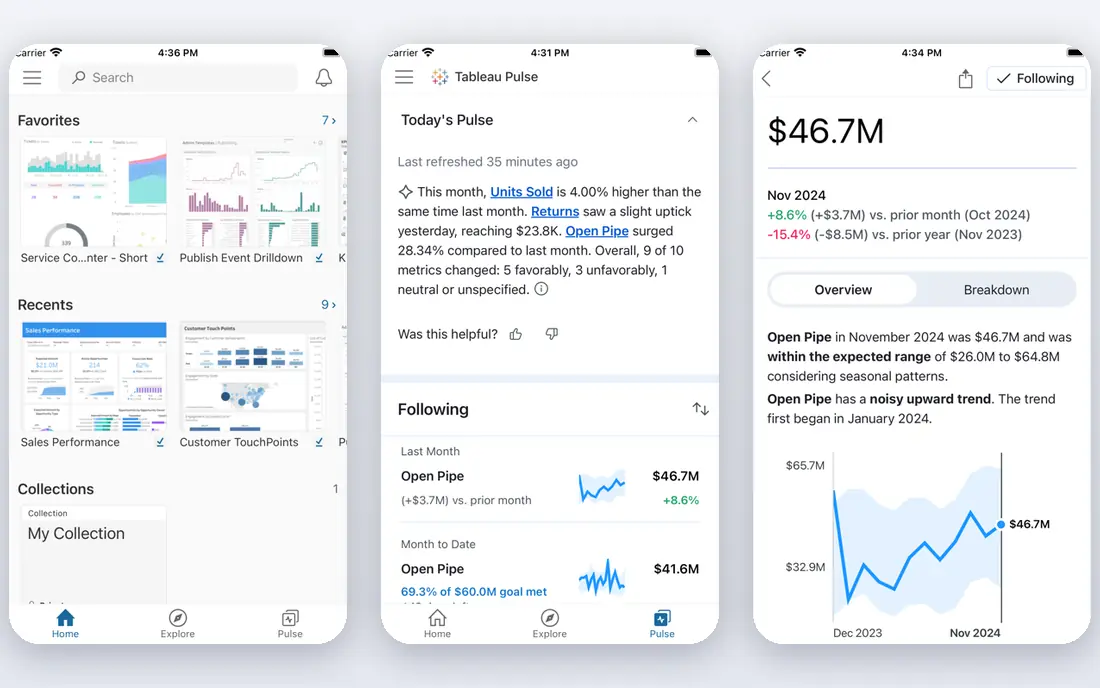
Tableau has long been known for visual analysis, and it still shines when an analyst needs to explore data freely, test ideas, and build polished views. Viewer pricing is accessible, and the platform handles large and varied datasets well. For a small business with one analyst who builds dashboards for owners and managers, Tableau can be a strong investment.
For most small teams, though, Tableau is more tool than they need. Creator licences cost far more than viewer licences, and the learning curve is steeper than Looker Studio or Zoho Analytics. We would only choose Tableau if visual exploration is central to your work, or if you already use Salesforce and want tight links to that data. Otherwise, a simpler tool will get dashboards in front of your team faster.
- Excellent visual analysis
- Flexible charting
- Strong Salesforce links
- Creator pricing is much higher than viewer pricing
- Steeper learning curve
Zoho Analytics is designed for non-technical users. It offers drag-and-drop report building, a large connector library, and an AI assistant that can answer plain-language questions about your data. For a small business owner who wants sales, marketing, and support numbers in one place without learning a query language, that approach saves time.
Pricing is also friendly for small teams, with a free tier for limited use and paid plans priced per organisation rather than per viewer in many cases. Check the current plan details for user counts and row limits, because those decide whether the entry plan fits your data volume. If you already use Zoho CRM or Zoho Books, the links between those apps and Zoho Analytics make this an even easier pick.
- Drag-and-drop dashboards
- Many connectors
- AI assistant for plain-language questions
- Some advanced features sit on higher plans
- Less depth than Tableau or Power BI for complex modelling
Metabase gives teams two paths: a free open-source version you can host yourself, or a paid cloud version. The question builder lets non-technical users filter and chart data without writing SQL, while technical users can write SQL directly when they need more control. That mix suits small technical teams that want ownership of their data and hosting.
Self-hosting is the trade-off. It needs someone comfortable with servers, updates, and backups, and that time has a cost even when the software itself is free. The cloud version removes that work but adds a monthly fee. We recommend Metabase for teams with some technical skill that value open source and control. Teams without that skill will move faster with Looker Studio or Zoho Analytics.
- Open-source option with self-hosting
- Clean question builder
- Good for SQL users
- Self-hosting needs technical setup
- Cloud pricing rises with scale
Qlik Sense uses an associative engine, which means users can click through data freely and see related values update across charts. That style suits exploration, where you do not yet know which question to ask and want to follow patterns in the data. It also offers data preparation tools that help teams clean and join sources before building dashboards.
The main drawback for small businesses is fit and price. Qlik Sense is positioned for larger teams, and its pricing and setup effort reflect that. A small team should only shortlist it if it needs that style of exploration, or if it already uses Qlik tools. For standard KPI dashboards, simpler and cheaper tools on this list will do the job with less setup.
- Associative engine for free exploration
- Strong data preparation
- Good for varied data sources
- Pricing is not a simple small-business plan
- Setup takes more effort than drag-and-drop tools
Domo is a cloud BI platform that connects to many sources and presents dashboards that teams can view on desktop and mobile. It suits growing businesses that need to bring sales, marketing, finance, and operations data into one place, with sharing and alerts that keep managers informed. The connector range is a real strength for teams with data in several apps.
Pricing is custom, which makes it harder for a small business to judge value upfront. You will need a quote, and the total may be higher than the per-user tools on this list. We include Domo for teams that have outgrown free dashboards and need a fuller cloud platform, but we would not start here if a free or low-cost tool still meets your needs.
- Cloud dashboards with many connectors
- Mobile access
- Collaboration features
- Custom pricing can be high for small teams
- Some features need onboarding help
Sisense suits businesses that want analytics inside their own product or internal tools, as well as standard team dashboards. It can join varied sources, build custom dashboards, and embed charts where staff or customers already work. That flexibility is valuable for software companies and growing service businesses that want analytics to feel part of their workflow.
As with Domo, pricing is custom and implementation takes more effort than a drag-and-drop dashboard tool. Small businesses should only consider Sisense when they need embedded analytics or complex data work that simpler tools cannot handle. For a basic sales and marketing dashboard, Zoho Analytics or Power BI will be faster and cheaper.
- Strong embedded analytics
- Handles varied data sources
- Customisable dashboards
- Custom pricing
- Implementation effort is higher than simple dashboard tools
Databox focuses on KPI dashboards rather than deep analysis. You pick metrics from connected apps, set targets, and view progress on desktop or mobile, with alerts when a metric moves. That simplicity suits owners and managers who want a daily snapshot of sales, marketing, and support numbers without building complex reports.
The limit is depth. Databox is not the tool for heavy data modelling or free-form exploration, and larger data volumes need paid plans. We recommend it for teams that already know their key metrics and want them visible every day. If you are still figuring out which metrics matter, a more exploratory tool like Power BI or Tableau may serve you better at the start.
- Simple KPI tracking
- Many integrations
- Mobile dashboards and alerts
- Less depth for deep analysis
- Higher plans needed for larger data volumes
How we picked these
We compared official pricing pages, feature pages, and public documentation, and we favoured tools that are live in October 2026, that a small business can set up without a large data team, and that cover the main jobs: connecting common sources, building dashboards, and sharing them with a team. We did not claim hands-on testing. We noted free tiers, starting prices, and the limits that affect small teams, such as viewer licences and data volume caps.
What to check before you choose
Start with your data sources, not the feature list. List every app and spreadsheet that holds numbers your team needs, then check that your shortlisted tool connects to each one without a paid third-party connector. A tool that cannot reach your CRM or accounting app will force manual exports, and manual exports are where dashboards go stale.
Next, price the whole team. Some tools charge per creator, some per viewer, and some per organisation, and those models give very different totals for the same team. Ask how many people will build reports, how many will only view them, and whether viewers need a paid seat. Also check data row limits and refresh frequency, because a dashboard that updates once a day may not suit a sales team that needs current numbers.
Finally, test with one real dashboard. Pick the five metrics your team checks most often, build that dashboard in your top two tools, and see which one your team actually opens the next week. The best BI tool for a small business is the one that gets used, not the one with the longest feature list. If nobody opens it, a simpler tool is the better buy.
Frequently asked questions
Which BI tools are best for small businesses on a tight budget?
Google Looker Studio is free and suits teams using Google tools, while Zoho Analytics offers a low-cost paid path with a free tier. Power BI also offers a free desktop app for building reports, though sharing needs paid licences. Start free, then pay only when you need sharing, larger data volumes, or deeper analysis.
What is the best BI software for small business owners who are not technical?
Zoho Analytics and Databox are strong picks, because both focus on drag-and-drop building and simple KPI views. Looker Studio is also friendly if your data lives in Google Sheets or Analytics. Avoid tools that need SQL or complex modelling unless someone on your team already has those skills.
Which BI tools are best for small businesses using Microsoft 365?
Microsoft Power BI is the natural fit, with strong Excel, Teams, and Microsoft 365 links. It also offers a large connector library and mature sharing controls. Price the full set of viewer and creator seats before you commit, since sharing is where the cost sits.
Do small businesses need Tableau or Qlik Sense?
Most do not. Tableau suits teams with a dedicated analyst who needs advanced visual exploration, and Qlik Sense suits teams that need associative exploration across varied sources. For standard sales, marketing, and finance dashboards, Looker Studio, Zoho Analytics, or Power BI will usually be faster and cheaper.
Can a small business use a free BI tool long term?
Yes, if your data sources and volumes fit the free tier. Looker Studio can serve many small businesses long term, and Metabase open source can serve technical teams that self-host. Move to a paid plan when you need more connectors, faster refreshes, stronger permissions, or support for more viewers.
Sources
- https://lookerstudio.google.com
- https://www.microsoft.com/en-us/power-platform/products/power-bi
- https://www.tableau.com
- https://www.zoho.com/analytics/
- https://www.metabase.com
- https://www.qlik.com/us/products/qlik-sense
- https://www.domo.com
- https://www.sisense.com
- https://databox.com
- https://www.zoho.com/analytics/insightshq/zoho-analytics-vs-power-bi-vs-tableau-smbs-2026.html
- https://mkceo.com/articles/data-analytics/top-5-bi-tools-small-business.html
See where you really rank - block by block
ProMapRanker scans Google Maps across a grid of your service area. Simple monthly plans from $19, white-label on every plan.
Start freeKeep reading
 zscaler alternatives
Best Zscaler Alternatives in 2026
Looking for zscaler alternatives? We compare 9 SASE and zero trust platforms on architecture, data protection, pricing, and fit for your network and team.
Read → zapier alternatives free
Best Zapier Alternatives Free in 2026
Nine automation tools for zapier alternatives free in 2026, all with genuinely free tiers, plus free plan limits, starting prices and upgrade paths explained.
Read → which platform is best for online reputation
Which Platform Is Best for Online Reputation in 2026
Wondering which platform is best for online reputation? We compare 8 review, listing, and response tools for small and multi-location businesses and agencies.
Read →