 ProMapRanker
How to Pick Benefits Management Software


Expanding businesses that want HR, IT and finance on one employee record · Pricing starts at: See website (quote-based, per-employee modular pricing)
Key takeaways
- Rippling is the opening pick, best for expanding businesses that want HR, IT and finance on one employee record.
- The lowest published monthly entry price here is $49/month + $6 per employee/month, from Gusto.
- Rippling, Justworks and the 4 others all need a premium plan or a trial, since no free plan is listed.
- Check the limits for Rippling before you commit: no published pricing, so budgeting needs a sales call.
- Justworks fits small firms that want a PEO without a long enterprise sales cycle.
Direct answer
Start with Rippling if you need expanding businesses that want HR, IT and finance on one employee record. Alternatives: TriNet Zenefits for small firms that want software plus access to real HR experts, and PlanSource for HR teams that want a dedicated benefits partner instead of just software. All 6 tools are compared below on price, free plan and limits.
Quick comparison
| Pick | Great for | Pricing starts at | Free tier | |
|---|---|---|---|---|
| Rippling | Expanding businesses that want HR, IT and finance on one employee record | See website (quote-based, per-employee modular pricing) | No | Visit |
 TriNet Zenefits | Small firms that want software plus access to real HR experts | See website (quote-based) | No | Visit |
 PlanSource | HR teams that want a dedicated benefits partner instead of just software | See website (quote-based) | No | Visit |
 Namely | Midsize businesses that want HCM software plus managed services | See website (quote-based) | No | Visit |
 Gusto | Small teams that want payroll and benefits in one place | $49/month + $6 per employee/month (Simple plan) | Free trial | Visit |
 Justworks | Small companies that want a PEO without a long enterprise sales cycle | $50/month + $8 per employee/month (Payroll plan) | No | Visit |
Benefits Management Software, one by one
Short on time? The summary and table above give the quick view of 6 tools for benefits management software, and the profiles that follow give the detail behind each entry.
Rippling
Great for: Expanding businesses that want HR, IT and finance on one employee record
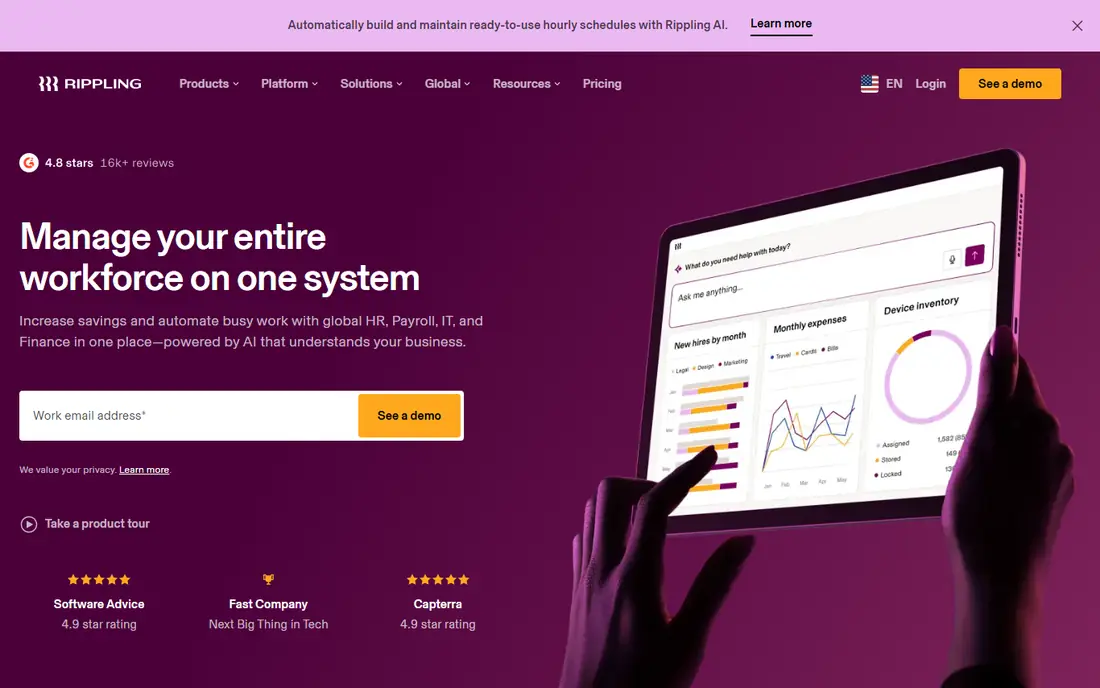
Rippling serves expanding businesses that want HR, IT and finance on one employee record. For benefits specifically, that shared record pays off at open enrollment and onboarding. Businesses between 50 and 500 employees that already feel the pain of five disconnected systems get the most from it.
Limits to weigh: Costs stack up as you add modules.
On top of that, change a job title once and payroll, device permissions, app access and benefits update together. Each product, from payroll to benefits administration to device management, is bought separately on top of the required core system. From a buyer's view, the tradeoff is cost and complexity: modular pricing climbs with every app you switch on. You cannot get a number without talking to sales. This comparison lists no price for Rippling; ask the vendor. No free plan comes with Rippling.
- Benefits administration automates open enrollment and new-hire elections
- One employee record drives HR
- Support responsiveness is a recurring complaint in reviews
TriNet Zenefits
Great for: Small firms that want software plus access to real HR experts
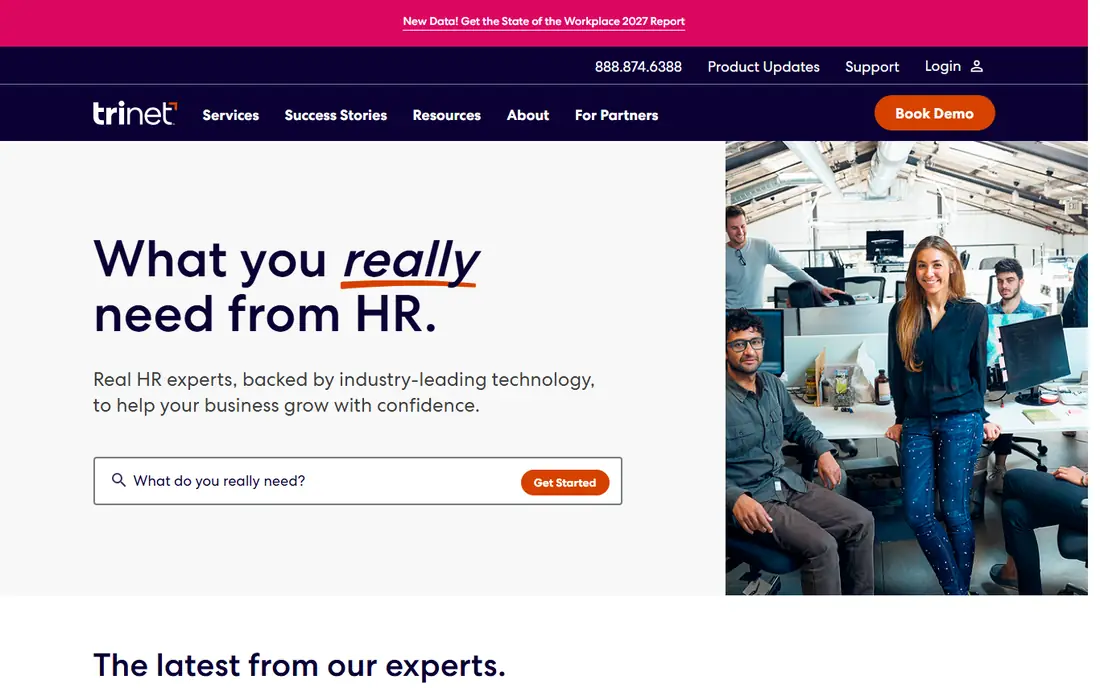
Pick TriNet Zenefits if this describes you: small companies that want software plus access to real HR experts. The Zenefits name still exists, but the company is now TriNet. Both live under the same roof now, which matters since the benefits story is fully different between them.
In daily use, the main limit is commitment. PEO pricing relies on your industry, location and headcount, and leaving a PEO mid-year builds real administrative pain. Beyond that, the PEO route makes TriNet the co-employer, letting a 20-person company buy at large-group rates and offload ACA, COBRA and compliance work. For benefits quality per dollar, the PEO is typically the more solid play under 100 people. This comparison lists no price for TriNet Zenefits; ask the vendor. No free plan comes with TriNet Zenefits.
Limits to weigh: Two products (HR Platform software vs PEO) confuse buyers.
- The PEO choice opens large-group health plan rates to small employers
- Serves more than 22,000 companies
- The PEO route means co-employment
PlanSource
Great for: HR teams that want a dedicated benefits partner instead of just software
PlanSource is a good fit for HR teams that want a dedicated benefits partner instead of just software. No payroll, no HRIS, no time tracking. As for the details, the main limit is that you will always pair PlanSource with something else for payroll and HR.
What users get: Serves HR leaders, brokers.
In daily use, the company positions itself as a partner instead of a vendor, with service teams that stay involved after go-live. It refreshed its brand and product in 2026. It sells to three audiences at once: HR and benefits leaders at employers, brokers and resellers who deploy it for clients, and carriers who link plans through it. That multi-sided model is why its EDI connections and enrollment data quality tend to be capable. PlanSource does not show a starting price in this comparison, so check the vendor site for current pricing. No free plan comes with PlanSource.
Downsides: Implementation is a real project.
- Solid decision support and employee communication tools
- Resellers and carriers
- Quote-only pricing
Pick Namely if this describes you: midsize businesses that want HCM software plus managed services. Namely aims at the awkward middle: firms too big for Gusto, too small for Workday.
As for the details, the product handles core HCM, payroll and time, and benefits administration arrives as an enhanced module. Namely does not show a starting price in this comparison, so check the vendor site for current pricing. There is no free plan with Namely.
What to check first: Smaller carrier network than ADP or TriNet.
- Modular system grows with the company
- Managed Benefits puts real specialists on your account
- Implementation takes weeks, not days
Gusto is a good fit for small teams that want payroll and benefits in one place. More than 500,000 companies run on it. One $200 annual charge includes HSA, FSA, dependent care FSA and commuter benefits together.
What to check first: Keeping your own broker costs $6 per eligible employee a month.
Reasons to shortlist it: Health insurance admin included at no additional cost when Gusto is your broker. You pay nothing until that first payroll runs, and every plan is month-to-month with no setup fee. You produce a free account, add your team, and run your first payroll. The main limit is the plan ladder: Straightforward is single-state payroll. So a second state forces you to Plus at $80 plus $12 per person. And Gusto is still payroll software first. Starting cost for Gusto: $49/month + $6 per employee/month. Free options: Free trial.
- Published pricing with month-to-month terms
- Frequently under an hour
- Real HR advisory needs the Premium plan
Justworks
Great for: Small companies that want a PEO without a long enterprise sales cycle
For small companies that want a PEO without a long enterprise sales cycle, Justworks is a natural candidate. A 40-person company pays over $3,000 per month on PEO Basic before premiums. Justworks did for PEOs what Gusto did for payroll: it made buying self-serve.
Where it falls short: Time tracking costs $8 per employee per month additional.
The company processed over $31 billion in payroll in 2025 and supports more than 4,000 tax localities, so multi-state compliance is handled. Per-employee PEO pricing gets pricey past 30 or so people. PEO Basic is $79 per employee a month and PEO Plus is $124, both with access to national carriers and benefits like One Medical and Kindbody on the higher level. For everyday use, support is a genuine differentiator, with 24/7 coverage on PEO plans. On cost, Justworks starts like this: $50/month + $8 per employee/month. No free plan comes with Justworks.
- No implementation fee
- 24/7 support on PEO plans
- PEO Basic at $79 per employee a month layers on up rapidly
How the list was put together
We compared the tools on published pricing, free plan or trial availability, feature coverage for benefits management software, and the limits each vendor documents. Treat prices as a snapshot: vendors change plans often, so check the vendor site for the figure that applies today. Position on the page reflects fit for a typical buyer first, with price clarity and free access breaking ties. Treat it as a guide, not a ruling.
A buyer's checklist
- Get a written quote from Rippling, TriNet Zenefits, PlanSource and Namely; the list shows no starting price for them.
- Take the trial from Gusto and push a live task through it before you pay.
- Read the limits listed for Rippling first: no published pricing, so budgeting needs a sales call.
- Let daily users try Justworks on real work; their feedback beats any feature checklist.
- Get the contract term, renewal terms and any onboarding fees from TriNet Zenefits in writing.
Frequently asked questions
Can a small business get large-company insurance rates?
Through a PEO, yes. PEOs like TriNet and Justworks co-employ your workers, which lets them buy health insurance as one large group and pass those rates to small clients. Standalone software does not change your rates. That rate difference is commonly the real financial case for a PEO.
Do these tools publish their prices?
Not all of them. Rippling, TriNet Zenefits, PlanSource and Namely publish no starting price, so expect a quote request for those. The rest, Gusto included, show a starting price, though seats and billing terms still change the final cost.
Can I try these options before paying?
Often, yes. Gusto offers a free trial. Use your own data and a real task during the test, and check what the free tier or trial limits before you rely on it.
How are the tools for benefits management software ordered?
Rippling sits first and Justworks last because the order follows typical fit for benefits management software, then price clarity and free access. It is a judgement call, so read each profile for fit and limits.
Is Ease still a safe choice?
No. Ease announced it will stop accepting new businesses in January 2027 and become read-only in July 2027, with integrations and support ending. New buyers should pick a product with a future.
Is Rippling the right pick for everyone comparing benefits management software?
No single tool suits every team. Rippling comes first because it fits growing companies that want HR, IT and finance on one employee record, while TriNet Zenefits suits small businesses that want software plus access to real HR experts and PlanSource suits HR teams that want a dedicated benefits partner rather than just software. Match the tool to your own size, budget and workflow before deciding.
Sources
See where you really rank - block by block
ProMapRanker scans Google Maps across a grid of your service area. Simple monthly plans from $19, white-label on every plan.
Start freeKeep reading
 zscaler alternatives
Best Zscaler Alternatives in 2026
Looking for zscaler alternatives? We compare 9 SASE and zero trust platforms on architecture, data protection, pricing, and fit for your network and team.
Read → zapier alternatives free
Best Zapier Alternatives Free in 2026
Nine automation tools for zapier alternatives free in 2026, all with genuinely free tiers, plus free plan limits, starting prices and upgrade paths explained.
Read → which platform is best for online reputation
Which Platform Is Best for Online Reputation in 2026
Wondering which platform is best for online reputation? We compare 8 review, listing, and response tools for small and multi-location businesses and agencies.
Read →