 ProMapRanker
7 Benefits Administration Software Options Ranked for 2026


Small companies bundling payroll, benefits and HR in one bill · Pricing starts at: $49/month + $6/employee/month (Simple plan)
Direct answer
For small companies bundling payroll, benefits and HR in one bill, Gusto is where this list starts. Look at PlanSource for HR teams that want technology plus human service, and at Ease for Brokers and small firms going paperless. The remaining 4 options are covered below with prices and limits.
Key takeaways
- Number one here is Gusto, a fit for small businesses bundling payroll, benefits and HR in one bill.
- Rippling has the lowest monthly starting price in this list: $35/month + $12/employee/month.
- One limit worth knowing about Gusto: benefits depth trails the dedicated admin systems for complicated eligibility.
- Rippling is the one to check for businesses that want benefits data unified with HR, payroll and IT.
Quick comparison
| Pick | Great for | Pricing starts at | Free tier | |
|---|---|---|---|---|
| Gusto | Small companies bundling payroll, benefits and HR in one bill | $49/month + $6/employee/month (Simple plan) | No | Visit |
 PlanSource | HR teams that want technology plus human service | See website (quote only) | No | Visit |
 Ease | Brokers and small firms going paperless | See website (quote only) | No | Visit |
 Employee Navigator | Small and mid-sized companies working through a broker | See website (quote only, typically broker-sold) | No | Visit |
 Businessolver | HR teams that want proactive guidance rather than reactive admin | See website (quote only) | No | Visit |
 bswift | Large, complicated employers with layered eligibility and compliance needs | See website (quote only) | No | Visit |
 Rippling | Firms that want benefits data unified | $35/month + $12/employee/month (payroll starting point; benefits quoted with platform) | No | Visit |
Our 7 picks for benefits administration software
Short on time? The summary and table above give the quick view of 7 tools for benefits administration software, and the profiles that follow give the detail behind each entry.
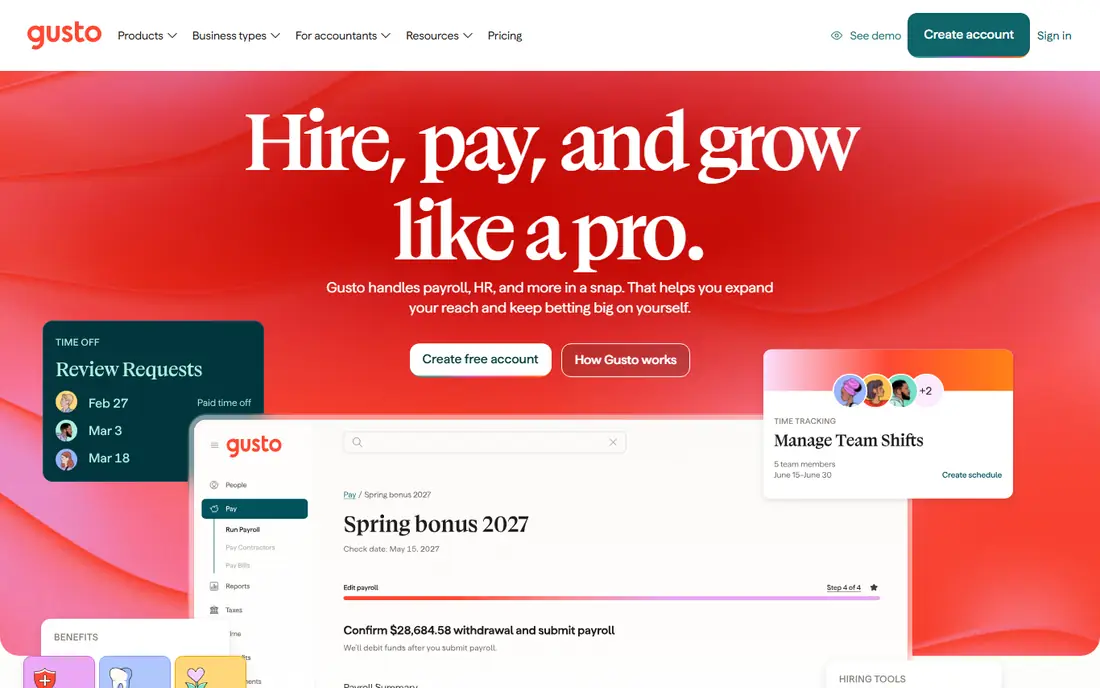
Gusto was built for small companies bundling payroll, benefits and HR in one bill. Gusto deals with standard small-business benefits beautifully and complicated eligibility rules less so.
Where it falls short: Benefits depth trails the dedicated admin products for complicated eligibility.
For $49 per month plus $6 per employee, you get payroll with full tax filing, plus benefits administration handling health, dental, vision, life and 401(k), plus onboarding, time tracking and compliance tools. What you pay to start with Gusto: $49/month + $6/employee/month. Gusto has no permanent free option.
- 401(k) and more with broker-quality plan choices
- Transparent published pricing with payroll, benefits
- Per-employee fees add up as headcount grows

PlanSource serves HR teams that want technology plus human service. PlanSource positions itself as more than a product: a presence. The honest catch is consistency.
The main drawbacks: No published pricing and implementations vary by partner.
On top of that, the idea is that benefits administration works better when software is paired with service people who help employees choose and admins stay compliant. Pricing is quote-only. Choose PlanSource when the service layer matters as much as the software: HR teams without benefits expertise get more hand-holding here than with the self-serve products. This comparison lists no price for PlanSource; ask the vendor. PlanSource has no permanent free option.
- Capable carrier and payroll integrations
- Blends the platform with steady human guidance for employees and admins
- Ease-of-setup scores trail Employee Navigator
Think of Ease for Brokers and small firms going paperless. The main limit is scope. Ease shines for small and mid-sized groups; a 10,000-person enterprise with unions and variable workforces will hit walls.
Beyond that, for the broker managing dozens of small employer clients, Ease is the workflow product the enterprise suites never bothered to build. Beyond that, the product is designed around how benefits brokers actually work: quick client setup, custom quoting, simplified open enrollment and a 24/7 employee portal. This comparison lists no price for Ease; ask the vendor. There is no free plan with Ease.
Where it falls short: Depth for very large or complicated employers trails the enterprise products.
- Online enrollment that employees complete 24/7
- Purpose-built for the small-group broker workflow with quick setup and custom quoting
- Quote-only pricing with no public plans
Employee Navigator
Great for: Small and mid-sized companies working through a broker
Employee Navigator was built for small and mid-sized firms working through a broker. Implementation is consistently described as straightforward, with broker-led setup doing the heavy lifting. The honest catch is the channel.
Pricing is quote-only. In daily use, the 600-plus integrations mean enrollment data flows to carriers and payroll without rekeying. Employee Navigator does not show a starting price in this comparison, so check the vendor site for current pricing. Employee Navigator has no free plan.
Points against: No published pricing and no direct free level.
- Links 195,000-plus employers through 7,000-plus brokers
- 600-plus integrations with carriers and payroll systems
- Sold through brokers, so direct buyers have an additional step
Businessolver
Great for: HR teams that want proactive guidance rather than reactive admin
Businessolver was built for HR teams that want proactive guidance rather than reactive admin. Businessolver's pitch is anticipation over reaction. From a buyer's view, pricing is quote-only.
Watch-outs: Quote-only pricing with no public entry point.
Main advantages: consumer accounts, compliance; member services and communications. For HR teams that feel buried in reactive benefits firefighting, Businessolver's proactive framing is genuinely different from the enrollment-focused systems. As for the details, the main limit is that the AI story, like every vendor's in 2026, deserves a demo with your data instead of trust in marketing copy. Businessolver does not show a starting price in this comparison, so check the vendor site for current pricing. Businessolver has no free plan.
- Solid client retention story
- Sofia AI surfaces guidance
- The AI-forward positioning needs validation against your actual use cases
bswift
Great for: Large, complicated employers with layered eligibility and compliance needs
bswift was built for large, complicated employers with layered eligibility and compliance needs. bswift is the complexity specialist. For everyday use, two configuration paths split the market: Ease for expanding groups that want a quicker pre-defined implementation, and Unlimited for enterprises needing full customization.
Beyond that, the main limit is access. bswift sells exclusively through brokers and channel partners, so direct buyers must go through that channel, and pricing is enterprise and quote-only. More specifically, the 550-plus integrations and full COBRA and compliance services mean HR teams can offload the regulatory workload. As for the details, the system manages multi-location workforces, unions, variable-hour employees and layered eligibility rules that break more straightforward tools. Check the vendor site for bswift pricing; none is listed in this comparison. There is no free plan with bswift.
Strengths: Full COBRA. Downsides: Available exclusively through brokers and channel partners, not direct.
- Two implementation paths (Simplify for expanding groups, Unlimited for full customization)
- ADP and UKG
- Enterprise deal sizes with no public pricing
Rippling works best for firms that want benefits data unified with HR, payroll and IT. A new hire's start date triggers payroll, benefits enrollment, device provisioning and app access from a single record. That unified data model is the differentiator: no rekeying between HR, payroll and benefits systems, and reporting that joins workforce data across departments.
Strengths: One employee record drives HR, payroll, benefits.
What to check first: Benefits administration is a module.
Worth adding: firms that just need benefits admin should look at the specialists above. Beyond that, businesses consolidating five HR tools into one will find Rippling's unified model compelling. The starting price for Rippling: $35/month + $12/employee/month. Rippling does not include a free plan.
- Automatic benefits enrollment tied to HR events
- Deep automation for onboarding and offboarding
- Modular pricing stacks on top of system fees, so the real monthly cost needs a full quote
How the list was put together
We compared the tools on published pricing, free plan or trial availability, feature coverage for benefits administration software, and the limits each vendor documents. Treat prices as a snapshot: vendors change plans often, so check the vendor site for the figure that applies today. Order on the page follows fit for the typical buyer first, then price transparency and free access. Your own requirements should decide the final pick.
Before you commit
- Ask PlanSource, Ease, Employee Navigator and others for a written quote, since no starting price is shown.
- Before choosing Gusto, weigh its main limit: benefits depth trails the dedicated admin products for complicated eligibility.
- Let daily users try bswift on real work; their feedback beats any feature checklist.
- Ask Businessolver which support channels and response times come with the plan you would buy.
- Check whether Employee Navigator bills monthly or annually, and what cancelling early costs.
Frequently asked questions
What is the difference between benefits administration and an HRIS?
Benefits administration includes enrollment, eligibility, carrier data exchange, COBRA and compliance. Gusto and Rippling bundle both; the dedicated systems connect with your HRIS or payroll system rather than replacing it.
Is Gusto the right pick for everyone comparing benefits administration software?
No single tool suits every team. Gusto comes first because it fits small businesses bundling payroll, benefits and HR in one bill, while PlanSource suits HR teams that want technology plus human service and Ease suits Brokers and small businesses going paperless. Match the tool to your own size, budget and workflow before deciding.
What is the cheapest option for benefits administration software in this list?
On published monthly entry prices, Rippling is the lowest here at $35/month + $12/employee/month. Entry price is only part of the cost, because seats, add-ons and billing terms can change the total.
Does any tool for benefits administration software here have a free plan?
A permanent free plan is not offered by Gusto, Rippling or the other tools here. Plan a short evaluation period instead.
How are the tools for benefits administration software ordered?
The order follows typical fit for benefits administration software, with Gusto first and Rippling last, then price clarity and free access. It is editorial judgement, not a score, so another team could rank the tools differently.
When should a small business switch from a broker spreadsheet to software?
Below that, the broker typically runs fine; above it, the error rate and time cost of manual administration exceed the software cost.
Sources
See where you really rank - block by block
ProMapRanker scans Google Maps across a grid of your service area. Simple monthly plans from $19, white-label on every plan.
Start freeKeep reading
 zoho inventory alternatives
6 Alternatives to Zoho Inventory, Compared on Price and Fit
Zoho Inventory alternatives: 6 tools compared on price, free plans and fit. Katana leads the list for manufacturers. Fit and flaws are laid out for each entry.
Read → zoho crm alternatives
Best Zoho CRM Alternatives (2026)
Need Zoho CRM alternatives? We compare 7 tools on cost, free access and who each suits. Every pick gets a straight assessment. Built for quick decisions.
Read → zelle alternatives
Best Zelle Alternatives in 2026
Compare the best Zelle alternatives for sending money to friends, paying sellers and moving funds abroad, with honest notes on fees, speed and safety in 2026.
Read →