 ProMapRanker
Best Benchmark Software in 2026

Key takeaways
- Geekbench is the best cross-platform pick, since it compares phones, Macs, and PCs on a common scale.
- Cinebench is the free standard for CPU rendering performance, and CrystalDiskMark is the free standard for drive speeds.
- 3DMark remains the go-to benchmark for gaming graphics, while PCMark 10 suits whole-system, real-world performance testing.
- PassMark PerformanceTest and AIDA64 suit testers who want deep system data and large comparison databases.
- Scores only compare fairly within the same tool and version, so use one tool consistently when you compare machines.
Quick comparison
| Pick | Great for | Pricing starts at | Free tier | |
|---|---|---|---|---|
 Geekbench | cross-platform CPU and GPU | Free | Yes | Visit |
 Cinebench | CPU rendering | Free | Yes | Visit |
 3DMark | gaming graphics | $34.99 | Free trial | Visit |
 PCMark 10 | whole-system performance | $29.99 | Yes | Visit |
 PassMark PerformanceTest | detailed component analysis | $29 | Free trial | Visit |
 CrystalDiskMark | drive speed testing | Free | Yes | Visit |
 Novabench | quick overall health check | Free | Yes | Visit |
 AIDA64 | diagnostics and stress testing | See website | Free trial | Visit |
 UserBenchmark | fast free system comparison | Free | Yes | Visit |
The best benchmark software
We compared CPU, GPU, storage, and whole-system benchmarks for tools that are actively maintained in 2026. The best benchmark software depends on what you want to test. A CPU rendering test, a gaming graphics test, and a drive speed test measure different things, and no single score tells the whole story about a machine.
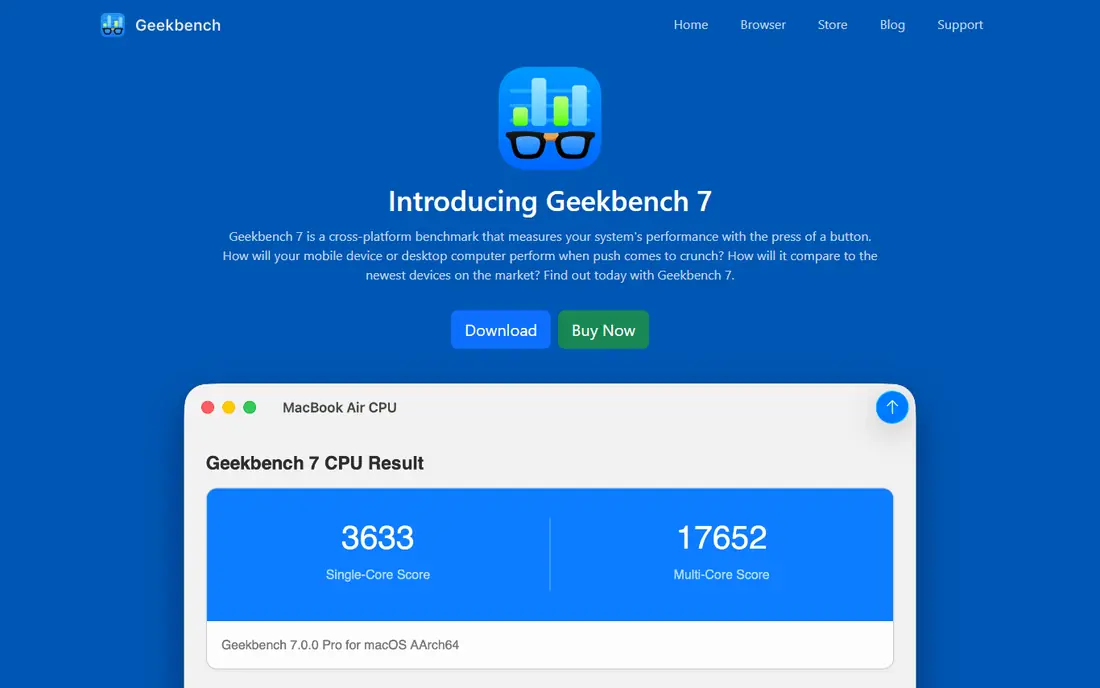
Geekbench is our pick for most people who want a quick, comparable performance score. It runs CPU and GPU tests on phones, tablets, Macs, and PCs, and its online database lets you compare your result with similar devices. That cross-platform scale is useful when you are choosing between a laptop, a desktop, and a phone, or when you want to check whether a new machine performs as advertised.
The tests are short, so they do not reveal how a machine performs under sustained load or heat. For that, pair Geekbench with a stress test such as AIDA64 or a longer rendering test. The personal version is free, while commercial use requires a paid license, so check the license if you test machines for clients.
- Compares Windows, Mac, Linux, Android, and iOS on one scale
- Fast CPU and GPU tests
- Large online result database
- Paid Pro features needed for commercial use
- Short tests do not show long-term thermal performance

Cinebench from Maxon is the free standard for CPU rendering performance. It uses a real rendering workload to produce single-core and multi-core scores, which makes it useful for comparing CPUs for video editing, 3D work, and other rendering tasks. Reviewers and builders use it widely, so you can find comparable scores for most modern CPUs.
It measures rendering, not general office speed or gaming, so a high Cinebench score does not guarantee a fast gaming machine. It also runs long enough to show some thermal effects, but it is not a dedicated stress test. Use it alongside Geekbench for a fuller picture of CPU performance.
- Free and widely used for CPU rendering
- Single-core and multi-core scores
- Standard for comparing CPUs
- Focuses on rendering, not gaming or office work
- Longer runs needed for thermal checks
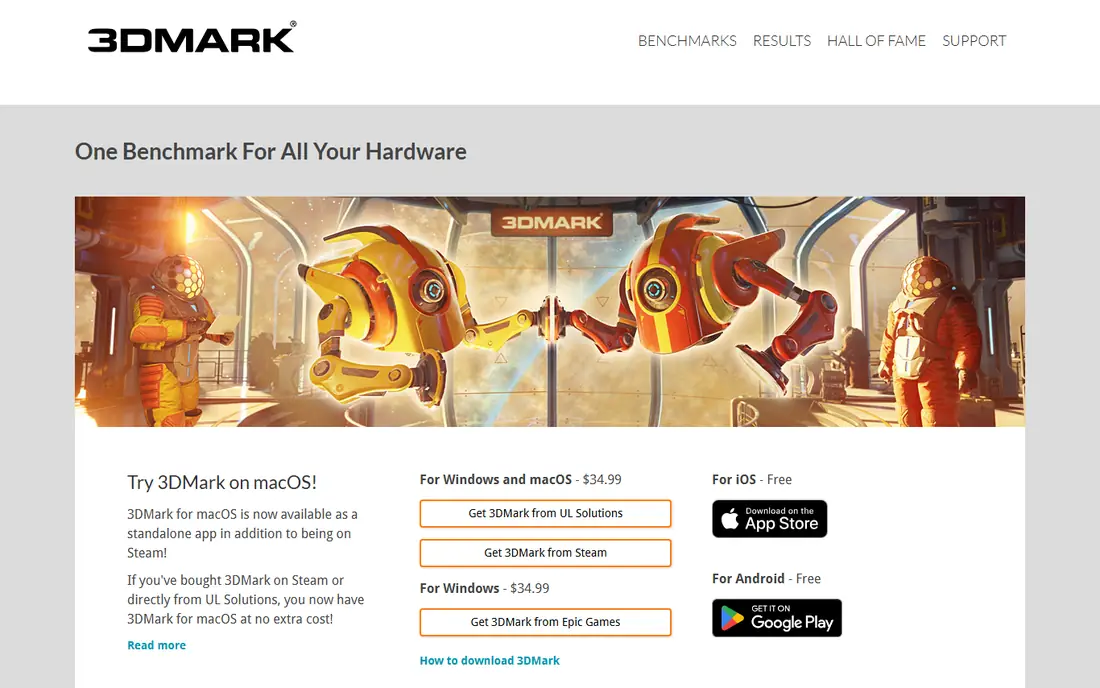
3DMark is the benchmark most gamers and reviewers reach for when they want to test a graphics card. Its tests cover a range of hardware, from integrated graphics to high-end GPUs, and its scores are widely published, so you can compare your card with others easily. The full Windows suite costs $34.99, while a free demo on Steam covers the most popular tests.
The paid price is the main barrier, and the full suite can take a while to run if you test every scenario. For a quick check, run one or two relevant tests rather than the whole suite. If you mainly care about CPU or storage, Cinebench or CrystalDiskMark will serve you better at no cost.
- Industry-standard gaming graphics tests
- Wide range of tests for different hardware levels
- Large comparison database
- Full Windows suite is paid
- Some tests are heavy and take time to run
PCMark 10 tests how a whole system handles everyday work, including web browsing, document editing, spreadsheets, and video conferencing. That makes it a better guide than a pure CPU or GPU score when you are buying an office laptop or a family PC, since it reflects the tasks most people actually do. The Basic Edition is free and includes the main benchmark test.
The Advanced Edition, at $29.99, adds express and extended tests, hardware monitoring, and custom settings. Gamers and renderers should use 3DMark or Cinebench for their specific workloads, but for general system performance, PCMark 10 gives a practical, real-world score.
- Tests real-world tasks such as browsing, writing, and video calls
- Basic Edition is free
- Good for office and laptop comparisons
- Advanced Edition is paid
- Less useful for pure gaming or rendering comparisons
PassMark PerformanceTest suits testers who want a detailed breakdown rather than a single overall score. It tests CPU, 2D and 3D graphics, memory, and disk separately, and its online database lets you compare each component with thousands of other systems. That detail helps when you are troubleshooting a slow machine and want to know which part is holding it back.
The full version costs $29 after a trial, which is reasonable for a detailed tool, but casual users may prefer a free option such as Novabench or UserBenchmark. The interface is more technical than Geekbench, so beginners should start with the overall score and then explore the component results.
- Detailed scores for CPU, GPU, memory, disk, and 2D graphics
- Huge comparison database
- Clear per-component breakdown
- Paid after the trial for full use
- Interface feels technical for beginners
CrystalDiskMark is the free standard for measuring drive speeds. It reports sequential and random read and write speeds, which help you compare SSDs, check whether a new drive performs as advertised, and spot a slow or failing drive. It is small, fast, and easy to use, which is why reviewers cite it so often.
It only tests storage, so it will not tell you whether your CPU or graphics card is the bottleneck. Repeated benchmarking also writes data to an SSD, so avoid running it constantly on the same drive. For a quick drive check before or after an upgrade, it is the simplest tool on this list.
- Free and simple for SSD and hard drive speeds
- Clear sequential and random speed results
- Widely used for drive comparisons
- Measures drive speed only, not whole-system performance
- Repeated runs write data to SSDs
Novabench is a good first check when someone asks whether a computer is performing normally. It runs CPU, GPU, memory, and disk tests in a few minutes and gives an overall score plus per-component scores that are easy to read. That speed makes it useful for checking a new laptop, a second-hand machine, or a system that feels slow.
It does not go as deep as PassMark or AIDA64, and its comparison database is smaller than the big names. Use Novabench for a quick health check, then move to Cinebench, 3DMark, or CrystalDiskMark when you need a detailed test of a specific component.
- Free and fast overall system score
- Tests CPU, GPU, memory, and disk
- Simple results for non-technical users
- Less detailed than PassMark or AIDA64
- Smaller comparison database than Geekbench or 3DMark
AIDA64 is a diagnostics and stress-testing tool as much as a benchmark. It reports detailed hardware information, monitors temperatures, voltages, and fan speeds, and runs stability tests that push CPU, memory, and disks under sustained load. Technicians and overclockers use it to verify that a system stays stable and cool when stressed.
That depth comes with complexity and cost. AIDA64 is paid after a trial, and its many options can overwhelm a casual user. If you only need a quick score, Geekbench or Novabench is simpler. If you need to verify stability, cooling, or detailed hardware data, AIDA64 earns its place.
- Deep hardware diagnostics and sensor data
- System stability and stress tests
- Detailed reports for technicians
- Paid after the trial
- More complex than a simple benchmark
UserBenchmark offers a fast, free way to test a whole PC and compare each part with results submitted by other users. The test runs quickly, the results page is easy to read, and sharing a result link makes it simple to ask for help with a slow machine. For a quick, free check, it remains popular.
Its scoring choices have drawn criticism, particularly for how it weights components, so treat its overall percentages with caution and cross-check important results with Geekbench, Cinebench, or PassMark. Used as a quick first look rather than a final verdict, UserBenchmark is still useful.
- Free and fast full-system test
- Compares your parts with user-submitted results
- Easy to share results
- Scoring and weighting have drawn criticism from reviewers
- Less suited to professional testing
How we picked these
We compared official product pages, pricing pages, and documentation for benchmark tools that are actively maintained in October 2026. We favored tools with a clear testing job, from CPU rendering to drive speeds to whole-system performance, and we left out discontinued benchmarks and monitoring-only tools that do not produce scores. Where a tool offers a free basic edition and a paid advanced edition, we reported both clearly.
How to choose the right benchmark
Start with the question you want to answer. CPU comparisons point to Cinebench or Geekbench, gaming graphics point to 3DMark, drive speed points to CrystalDiskMark, and whole-system office performance points to PCMark 10. For a quick health check, Novabench or UserBenchmark will do, and for deep diagnostics, PassMark or AIDA64 will give more detail.
Run tests consistently. Close background apps, plug in a laptop, let the machine cool between runs, and compare only scores from the same tool and version. A single score never tells the whole story, so pair a synthetic benchmark with a real task, such as rendering a video or playing a game, before you judge a machine. Watch temperatures during stress tests, and stop a test if a machine overheats.
Frequently asked questions
What is the best benchmark software overall?
Geekbench is the best all-round pick for cross-platform CPU and GPU comparisons, while Cinebench is best for free CPU rendering tests. Gamers should add 3DMark, and office buyers should add PCMark 10 for real-world system performance.
What is the best free benchmark software?
Cinebench, Geekbench for personal use, CrystalDiskMark, and Novabench are all free for basic testing. PCMark 10 Basic Edition is also free, and 3DMark offers a free demo for its most popular tests.
What is the best benchmark tool for gaming PCs?
3DMark is the best benchmark for gaming PCs, since its graphics tests are widely published and comparable across cards. Pair it with Cinebench for CPU performance and CrystalDiskMark for drive speed to cover the full system.
Can benchmark scores damage my computer?
Normal benchmarking is safe, since it loads components the way demanding software does. Sustained stress tests on a machine with poor cooling can cause overheating, so watch temperatures and stop a test if heat becomes a problem.
Why do my scores differ from reviews of the same hardware?
Background programs, power settings, thermal conditions, driver versions, and room temperature all affect scores. Reviews often test on clean installs in controlled conditions, so close background apps, use a high-performance power plan, and let the system cool between runs for your best comparison.
Sources
See where you really rank - block by block
ProMapRanker scans Google Maps across a grid of your service area. Simple monthly plans from $19, white-label on every plan.
Start freeKeep reading
 outreach alternatives
Outreach Alternatives in 2026
Compare outreach alternatives for 2026, from Salesloft and Apollo to HubSpot and Lemlist, with pricing, channels, features, limits, and honest trade-offs.
Read → best web conference tools
Best Web Conference Tools in 2026
Compare the best web conference tools for meetings, webinars and team calls, with current pricing, free plans and honest limits for each option here today.
Read → best voice cloning tools
Best Voice Cloning Tools in 2026
Compare the best voice cloning tools in 2026, from ElevenLabs and Descript to Resemble and Cartesia, with consent rules, pricing, licenses, and limits.
Read →