 ProMapRanker
Bare Metal Backup Software Buyer's Guide


One-click backup for home and small office · Pricing starts at: Free (free version); premium editions available
Direct answer
EaseUS Todo Backup leads the list, best for one-click backup for home and small office. If your case is different, AOMEI Backupper suits budget-friendly imaging for Windows PCs and Paragon Hard Disk Manager suits disk imaging plus partition management. Details, prices and limits for the rest of the 6 tools are below.
Key takeaways
- EaseUS Todo Backup takes the first slot, best suited to one-click backup for home and small office.
- Check the limits for AOMEI Backupper before you commit: advanced server features cost much more.
- Free plans exist at 5 of 6 tools (EaseUS Todo Backup, AOMEI Backupper, Paragon Hard Disk Manager, Iperius Backup, Veeam).
- Pricing for Macrium Reflect is quote-based, which adds a sales step before you can compare cost.
- Macrium Reflect suits quick, dependable Windows system imaging.
Quick comparison
| Pick | Great for | Pricing starts at | Free tier | |
|---|---|---|---|---|
| EaseUS Todo Backup | One-click backup for home and small office | Free (free version); premium editions available | Yes | Visit |
 AOMEI Backupper | Budget-friendly imaging for Windows PCs | Free (Standard edition); Pro from $39.95 | Yes | Visit |
 Paragon Hard Disk Manager | Disk imaging plus partition management | Free (basic); advanced functionality from $79.95 | Yes | Visit |
 Iperius Backup | Adaptable backup for servers, VMs and cloud | From $30 (one-time); free edition available | Yes | Visit |
 Veeam | Servers, VMs and endpoints at any scale | Free (Agent and Community Edition); premium per workload | Yes | Visit |
 Macrium Reflect | Quick, dependable Windows system imaging | See website | Free trial | Visit |
The 6 tools in detail
ProMapRanker compared 6 tools for bare metal backup software. The goal is a practical shortlist: published prices, free plan facts, best-fit use cases and honest limits for every entry.
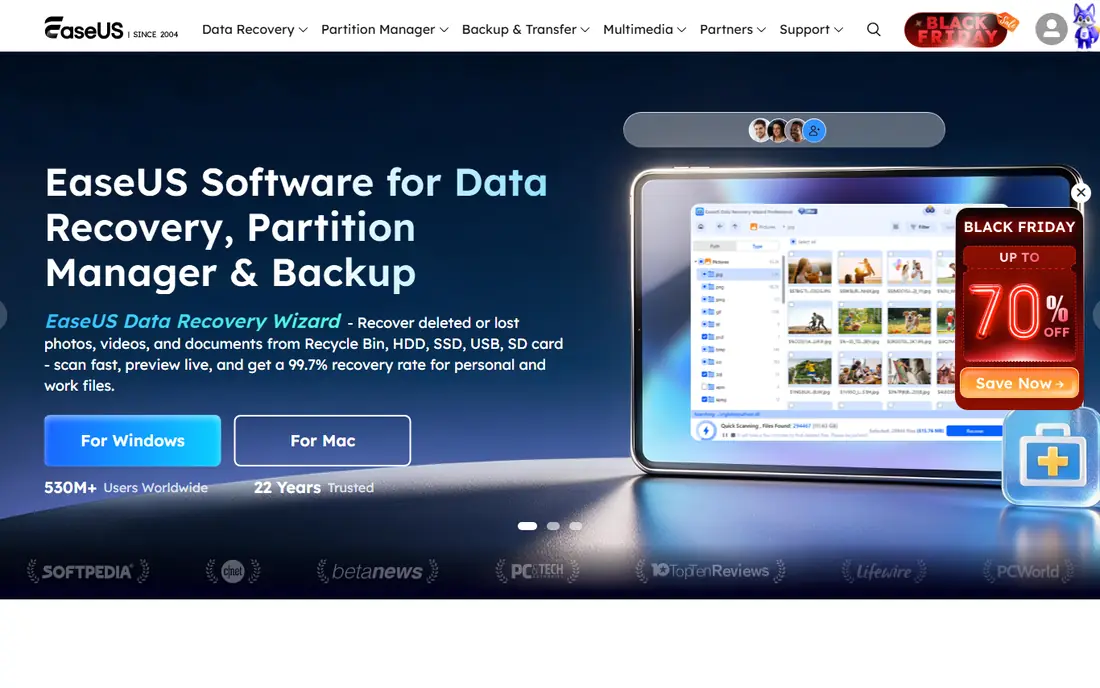
EaseUS Todo Backup makes the most sense for one-click backup for home and small office. Smart backup choices keep protection running automatically once configured. Worth adding: bare-metal recovery restores a full system image to a new or repaired machine.
EaseUS's store and upsell tactics are the primary complaint: pricing lives behind product pages and the free version nudges toward premium upgrades. In practice, the product itself is capable and widely used, with over 20 million users across the company's tools. For a home user or tiny office that wants imaging without a ramp-up time, it gets the job done. Starting cost for EaseUS Todo Backup: Free. EaseUS Todo Backup includes a free tier.
Points against: Upsells can be aggressive.
- Free version for entry-level imaging
- Very easy one-click backup and recovery
- Premium pricing needs a store visit

AOMEI Backupper is aimed squarely at budget-friendly imaging for Windows PCs. The interface is functional instead of beautiful, and the marketing leans on discounts and giveaways that can make pricing feel slippery.
What to check first: Advanced server features cost much more.
Beyond that, AOMEI Backupper is the budget-friendly workhorse of Windows imaging. On top of that, file sync keeps an exact copy of folders as a secondary backup. Starting cost for AOMEI Backupper: Free. AOMEI Backupper includes a free tier.
Main advantages: disk and partition backup plus cloning.
- Free Standard edition
- One-time Pro license
- Interface feels utilitarian
Paragon Hard Disk Manager
Great for: Disk imaging plus partition management

Paragon Hard Disk Manager is aimed squarely at disk imaging plus partition management. Back up a whole PC in three clicks, restore disks, partitions or individual files, and migrate Windows to a new SSD with partition alignment handled automatically. From a buyer's view, the product lineup can confuse: several editions, home compared with business, version numbers that change the offer.
Business and Technician licenses extend coverage to corporate endpoints with bootable media that can service machines without installation. For everyday use, Paragon has been in storage software since 1994, and that depth presents in edge cases like dissimilar hardware restore and legacy file systems. The free entry-level level handles core backup and restore, with advanced functionality at $79.95 opening up the full toolset. Price to start with Paragon Hard Disk Manager: Free. A free plan is available with Paragon Hard Disk Manager.
Where it is weaker: Business editions are quote-based.
- Free entry-level level
- Decades of storage expertise
- Product line is confusing
Iperius Backup is built with adaptable backup for servers, VMs and cloud in mind. Iperius Backup is the value pick for technical users who want a lot of backup for very little money. The interface looks like it has not changed in a decade, and English documentation at times lags the Italian original.
Downsides: Interface is dated.
Budget-conscious IT admins should take the free edition for a spin. Ransomware protection includes immutable backups on S3 with object lock, air-gap strategies and file analysis during backup. The software is light and can run portably, which fits technicians who carry it between client sites. In daily use, perpetual licenses start around $30 one-time, with a free edition handling entry-level backup. Iperius Backup cost at the entry level: From $30. Iperius Backup offers a free plan.
- Very budget-friendly perpetual licenses
- Drive image plus VM
- Documentation can be thin in English
Veeam serves servers, VMs and endpoints at any scale. An IT admin restoring a failed Hyper-V host needs image-level recovery in minutes. The honest catch is complexity.
Limits to weigh: Full product is more than a home user needs.
On top of that, premium levels add instant recovery, immutable repositories that ransomware cannot alter, continuous data protection with seconds-level recovery points, and verified clean restores that scan backups for malware before recovery. A home user wants their laptop back exactly as it was. What you pay to start with Veeam: Free. Veeam offers a free plan.
- Free agent for one PC and Community Edition for 10 workloads
- Instant recovery
- Premium levels are quote-based
Macrium Reflect targets quick, dependable Windows system imaging. Macrium has spent two decades doing one thing: making system images that restore exactly as expected. From a buyer's view, the trade-off is focus and system.
Business editions include servers and critical endpoints, whereas home editions protect personal PCs. The Reflect imaging engine produces complete, dependable images and recovers them quick, with rapid delta restore that only writes the blocks that changed, cutting recovery time dramatically on large systems. For everyday use, deployment can run completely offline, which matters for secure and remote sites. Macrium Reflect shows no starting price here, so confirm the cost on the vendor site. On free options: Free trial.
Downsides: Windows-only.
- Rapid delta restore
- Works offline and on legacy systems
- Pricing not published on homepage
How we chose
ProMapRanker looked at what each vendor publishes: pricing, plan limits, feature coverage for bare metal backup software and stated drawbacks. No hands-on testing is claimed. Prices and plan limits come from vendor pages and can change, so confirm them on the vendor site before you buy. The ranking is editorial: typical fit first, then clear pricing, then free access. If your needs are unusual, read the profiles rather than relying on position.
A buyer's checklist
- Get a written quote from Macrium Reflect; the list shows no starting price for them.
- Read the fine print on the free plans from EaseUS Todo Backup, AOMEI Backupper, Paragon Hard Disk Manager and others; seat, project and feature caps differ.
- Run a trial of Macrium Reflect with real work before paying for a year; your own workflow is the best test.
- Read the limits listed for EaseUS Todo Backup first: premium pricing needs a store visit.
- Confirm you can export your data from EaseUS Todo Backup, so leaving later does not mean losing records.
- Check whether AOMEI Backupper bills monthly or annually, and what cancelling early costs.
Frequently asked questions
Can I restore a bare metal backup to different hardware?
Veeam, Acronis, Macrium Reflect, AOMEI, Paragon and Iperius all support restore to dissimilar hardware, injecting the right drivers during recovery. This is essential when the original machine is dead and the replacement has different components.
Is EaseUS Todo Backup the right pick for everyone comparing bare metal backup software?
No single tool suits every team. EaseUS Todo Backup comes first because it fits one-click backup for home and small office, while AOMEI Backupper suits affordable imaging for Windows PCs and Paragon Hard Disk Manager suits disk imaging plus partition management. Match the tool to your own size, budget and workflow before deciding.
What is bare metal backup software?
Bare metal backup software produces a complete image of a computer's hard drive, including the operating system, applications, settings and data. Also, if the hardware fails or the system is corrupted, you restore the image to the same machine or different hardware and boot back into a working system, without reinstalling anything.
How are the tools for bare metal backup software ordered?
The order follows typical fit for bare metal backup software, with EaseUS Todo Backup first and Macrium Reflect last, then price clarity and free access. It is editorial judgement, not a score, so another team could rank the tools differently.
How commonly should I take a full system image?
Take a full image when the system changes meaningfully: after initial setup, after major software installs, and before big updates. Servers and critical workstations deserve daily incrementals; a home PC is normally fine with weekly.
Can I try these options before paying?
Often, yes. EaseUS Todo Backup, AOMEI Backupper, Paragon Hard Disk Manager and others have a free plan and Macrium Reflect offers a free trial. Use your own data and a real task during the test, and check what the free tier or trial limits before you rely on it.
Sources
See where you really rank - block by block
ProMapRanker scans Google Maps across a grid of your service area. Simple monthly plans from $19, white-label on every plan.
Start freeKeep reading
 zscaler alternatives
Best Zscaler Alternatives in 2026
Looking for zscaler alternatives? We compare 9 SASE and zero trust platforms on architecture, data protection, pricing, and fit for your network and team.
Read → zapier alternatives free
Best Zapier Alternatives Free in 2026
Nine automation tools for zapier alternatives free in 2026, all with genuinely free tiers, plus free plan limits, starting prices and upgrade paths explained.
Read → which platform is best for online reputation
Which Platform Is Best for Online Reputation in 2026
Wondering which platform is best for online reputation? We compare 8 review, listing, and response tools for small and multi-location businesses and agencies.
Read →