 ProMapRanker
Best Bank Reconciliation Software in 2026


Small business bank reconciliation · Pricing starts at: $38 per month
Key takeaways
- QuickBooks Online and Xero cover bank reconciliation well for small businesses, with bank feeds, suggested matches and bulk reconciliation.
- Zoho Books offers a genuine free plan with bank reconciliation, while Wave offers a free plan with paid bank feed options.
- FloQast, BlackLine, AutoRek and ReconArt suit larger teams that need close management, controls and high-volume matching.
- Sage Intacct adds reconciliation inside a full mid-market ERP, which suits firms already running that system.
- Move from accounting software to a dedicated platform when multiple preparers, many entities or audit scrutiny make spreadsheet close work slow.
Quick comparison
| Pick | Great for | Pricing starts at | Free tier | |
|---|---|---|---|---|
| QuickBooks Online | Small business bank reconciliation | $38 per month | Free trial | Visit |
 Xero | Small teams with unlimited users | $27 per month | Free trial | Visit |
 Zoho Books | Free plan with bank reconciliation | $20 per month | Yes | Visit |
 Wave | Simple free accounting | Free | Yes | Visit |
 FloQast | Close management for accounting teams | See website | No | Visit |
 BlackLine | Enterprise close and reconciliation | See website | No | Visit |
 AutoRek | High-volume transaction matching | See website | No | Visit |
 ReconArt | Flexible corporate reconciliation | See website | No | Visit |
 Sage Intacct | Mid-market ERP reconciliation | See website | No | Visit |
The best bank reconciliation software
Bank reconciliation matches bank activity to the books, so every deposit and withdrawal is accounted for and differences are explained. Small firms usually need bank feeds and auto-matching inside accounting software, while larger teams need controls, preparer and reviewer sign-offs and transaction matching at volume. This list covers both, with a plain note on pricing and scope.
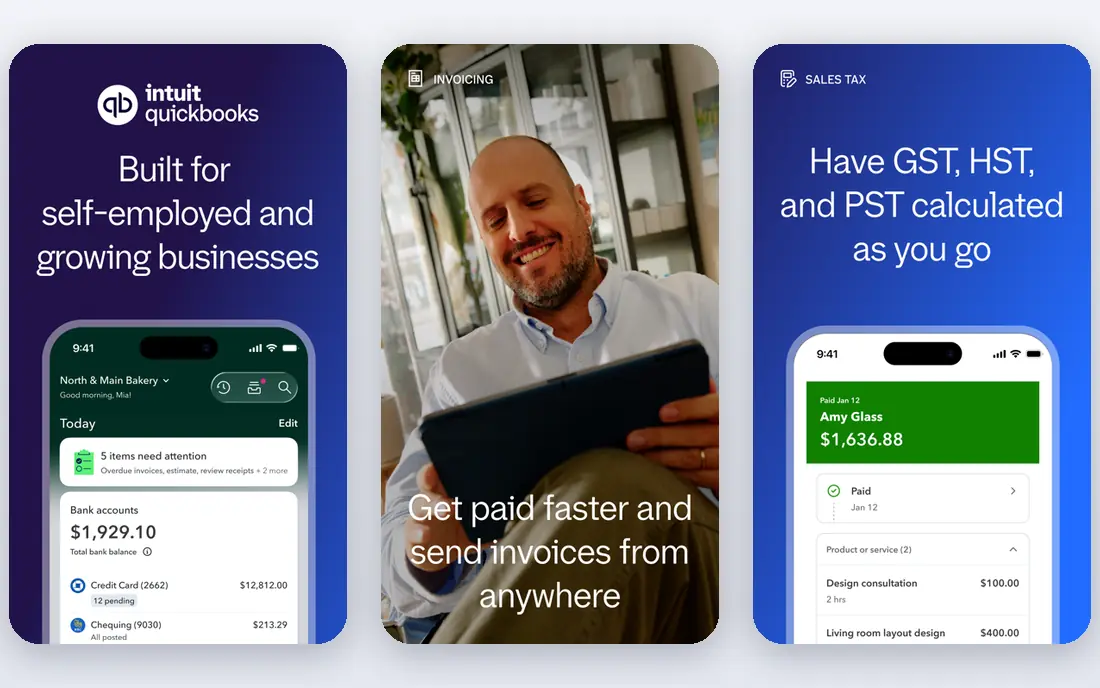
QuickBooks Online is the all-round pick for small US businesses because bank reconciliation sits inside the accounting system most accountants already know. Bank feeds import activity, suggested matches speed up routine items, and bulk tools help clear a month of transactions fast. That integration means a reconciled bank account feeds directly into reports, tax prep and cash tracking.
Pricing starts at $38 per month for Simple Start in published plans, with higher tiers adding users, inventory and project features. Bank reconciliation itself is available across plans, so small firms do not need the top tier for core matching. If your accountant uses QuickBooks, that familiarity alone can save time at year-end.
- Bank feeds with suggested matches and bulk reconciliation
- Broad bank coverage
- Familiar to US accountants
- Price rises across tiers
- Bank feed sync issues still appear in some reports
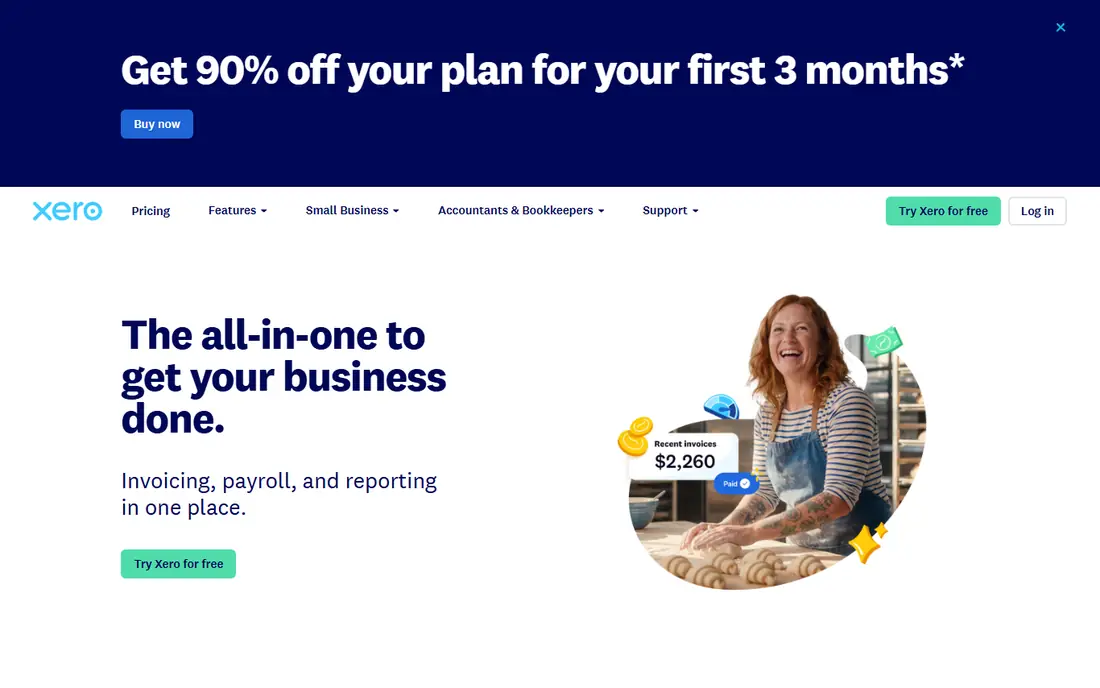
Xero suits small teams that want every staff member and their accountant in the same books without per-seat charges. Bank feeds, reconciliation and suggested matches are central to the product, and many users report that feeds feel reliable in daily use. The interface stays clear even with several bank accounts, which helps firms that reconcile weekly rather than monthly.
Pricing starts at $27 per month for Early in published plans, with a 30-day free trial, though invoice and bill limits on Early push active firms to Standard. US payroll is not native and needs a connected app such as Gusto. For teams that value unlimited users and a clean reconciliation flow, Xero is a strong alternative to QuickBooks.
- Unlimited users on every plan
- Strong bank feeds and reconciliation
- Clean interface for small teams
- Entry plan limits invoices and bills
- US payroll needs a connected app
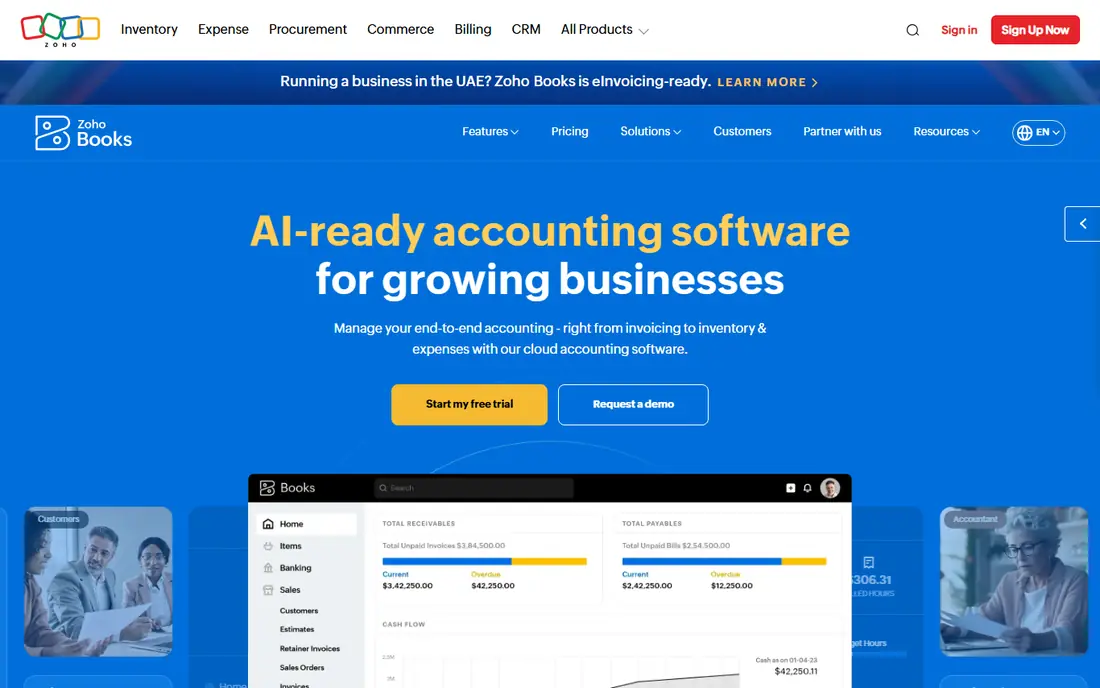
Zoho Books suits small firms and freelancers who want bank reconciliation without paying from day one. The free plan includes bank reconciliation for firms under its revenue limit, which is rare in this category. Paid Standard plans start at $20 per month and add more users, automation and integrations as a firm grows.
The free plan limits matter: check revenue, user and transaction caps before relying on it for a growing business. Zoho Books also fits best inside the Zoho ecosystem, where CRM, inventory and payroll connect cleanly. For a small firm on a tight budget, it offers the best free reconciliation value in this list.
- Genuine free plan with bank reconciliation
- Bank feeds and matching on paid plans
- Good value for small firms
- Free plan has revenue and user limits
- Larger firms may need Zoho One or a stronger ERP
Wave suits freelancers and very small businesses that need simple accounting and bank reconciliation at no software cost. Invoicing, expense tracking and bank reconciliation cover the core loop, and setup is fast for a single owner. That simplicity helps people who reconcile a small number of transactions each month.
Larger firms will outgrow Wave, since reporting, inventory and multi-user controls are thinner than in QuickBooks or Xero. Some bank feed features sit in the paid Pro tier, so check current Wave pricing before relying on automatic feeds. For a solo business with straightforward banking, Wave is a practical free starting point.
- Free accounting and invoicing
- Simple bank reconciliation for freelancers
- Easy setup
- Paid Pro tier needed for some bank feed features
- Less depth than QuickBooks or Xero for growing firms
FloQast suits accounting teams that need a managed month-end close, not just bank matching. Close checklists, account reconciliations, journal entries and reviewer sign-offs sit in one workflow, with ERP sync keeping balances current. That structure helps teams where several preparers and reviewers touch the close each month.
Pricing is quote-based with no per-user fees in published plans, so request a scoped quote for your entity count and volume. FloQast focuses on account-level reconciliation, so firms with millions of transactions to match may need AutoRek or ReconArt alongside it. For mid-size teams formalizing the close, FloQast is a strong pick.
- Close checklist, reconciliations and sign-offs in one place
- ERP sync for balances
- Good adoption for mid-size teams
- Quote-based pricing
- Account-level focus rather than high-volume transaction matching
BlackLine suits large enterprises with many entities, high volumes and audit scrutiny. Auto-certification can certify clean, low-risk reconciliations that meet defined rules, so accountants review only exceptions. Transaction matching, journal entries, intercompany work and controls cover the full close, with audit trails that support external review.
Pricing is quote-based and implementation is a larger project than a mid-market rollout, so budget time and internal resources accordingly. Small firms will find QuickBooks or Xero far more practical. Enterprises with complex closes, many entities and strict controls will find BlackLine's depth worth the enterprise cost and setup.
- Auto-certification for clean low-risk reconciliations
- Strong controls and audit trails
- High-volume transaction matching
- Quote-based enterprise pricing
- Implementation takes longer than mid-market tools
AutoRek suits firms that match high volumes of transactions across banks, payment providers and internal systems. Its rule engine handles complex cases, including many-to-many matches and multi-currency activity, and dashboards flag breaks by risk score. That focus helps financial services, insurance and payments firms where matching accuracy supports regulatory reporting.
Pricing is quote-based, and the product feels enterprise-grade, so small teams should not expect a quick self-serve setup. Implementation and rule design take planning, especially for firms with many data sources. For high-volume matching where accuracy and audit evidence matter, AutoRek is a specialist pick worth a scoped demo.
- Rule engine for complex matching across many sources
- Dashboards by risk and break type
- Strong for financial services
- Quote-based pricing
- Enterprise feel and learning curve for small teams
ReconArt suits corporate finance teams that need flexible reconciliation across varied accounts and data sources. It covers transaction matching, balance sheet reconciliations, close tasks and journal entries, with rules that adapt to different account types. That flexibility helps firms where bank, card, intercompany and ledger data arrive in different formats.
Pricing is quote-based, so request a quote based on account count, volume and entity structure. Setup quality matters: clean data and clear matching rules produce high auto-match rates, while messy source data will need cleanup first. For mid-size and large firms moving off spreadsheets, ReconArt offers a practical middle path between accounting software and a full enterprise close suite.
- Flexible matching for varied data sources
- Balance sheet reconciliations and close tasks
- Good for corporate finance teams
- Quote-based pricing
- Setup needs clear data and matching rules
Sage Intacct suits mid-market firms that already run, or plan to run, a full ERP. Bank and account reconciliation sit inside general ledger, accounts payable, receivables and reporting, so reconciled balances feed directly into consolidated reports. Multi-entity and multi-currency support helps firms with subsidiaries or international activity.
As an ERP, Sage Intacct is quote-based and larger than a standalone reconciliation tool. Firms that only need bank matching should stay with QuickBooks, Xero or Zoho Books. Firms that need ERP depth plus reconciliation, with controls and dimensional reporting, will find Sage Intacct a coherent single-system choice.
- Reconciliation inside a full ERP
- Multi-entity and multi-currency support
- Strong reporting for finance teams
- Quote-based ERP pricing
- Overkill for firms that only need bank matching
How we picked these
We compared official pricing pages, product documentation and public comparisons, and we favored tools that are actively available in October 2026 with a clear reconciliation use. We looked for bank feeds, matching quality, controls and sign-offs, plus a pricing model a buyer can test or quote. We did not claim hands-on testing; our comparison rests on published features, pricing and documented limits. We kept both accounting software and dedicated close platforms, since the right pick depends on team size and close complexity.
What to check before you buy
Start with your close today: how many bank accounts, how many transactions per month, how many preparers and reviewers, and how many entities. One person reconciling a few accounts each month needs accounting software, not an enterprise platform. Multiple preparers, many entities or audit scrutiny point toward FloQast, BlackLine, AutoRek or ReconArt. That simple count prevents both underbuying and overbuying.
Test bank feeds with your actual banks before committing. Connect each account, import a full month and check match rates, duplicate handling and feed reliability. Confirm how unmatched items, fees, interest and transfers are handled, and who can approve adjustments. A tool with clean feeds and clear exception handling saves more time than a tool with a longer feature list but weak bank coverage.
Check controls, audit trails and export options before a larger rollout. Confirm preparer and reviewer roles, sign-off history, auto-certification rules where offered, and how data exports for auditors. Also confirm contract terms: implementation scope, training, support hours and what happens to historical reconciliations if you leave. A written quote with entity and volume assumptions prevents surprises after signing.
Frequently asked questions
What is the best bank reconciliation software for a small business?
QuickBooks Online and Xero lead for most small businesses, with bank feeds, suggested matches and bulk reconciliation. Zoho Books is the best free option with bank reconciliation, while Wave suits freelancers with simple banking. Pick based on your accountant's familiarity and your bank feed needs.
What are the top bank reconciliation software options?
Top options include QuickBooks Online, Xero, Zoho Books and Wave for small firms, plus FloQast, BlackLine, AutoRek and ReconArt for larger finance teams. Sage Intacct suits mid-market firms that need reconciliation inside an ERP. Compare match rates, controls and total cost, not just headline price.
How much does bank reconciliation software cost?
Built-in reconciliation in QuickBooks Online starts at $38 per month and Xero at $27 per month in published plans, while Zoho Books offers a free plan and Wave is free for core accounting. Dedicated close platforms are quote-based, so request a scoped quote for your accounts, volume and entities before budgeting.
Do I need dedicated reconciliation software or is my accounting tool enough?
Your accounting tool is enough if one person reconciles a few bank accounts with straightforward transactions. Move to a dedicated platform when multiple preparers and reviewers, many entities, high transaction volumes or audit scrutiny make the close slow or hard to control. That shift usually happens around five to ten bank accounts or several entities.
What is the difference between bank reconciliation and account reconciliation?
Bank reconciliation matches bank activity to the books for a specific account. Account reconciliation is broader: it ties balance sheet accounts such as accruals, prepaids and intercompany balances to supporting detail, with preparer and reviewer sign-offs. Accounting tools cover bank reconciliation, while close platforms cover full account reconciliation.
How long does implementation take for a close platform?
It varies by scope. Accounting software can be live in days with bank feeds connected, while mid-market close tools often take weeks and enterprise platforms such as BlackLine can take months. Ask for a written implementation plan with data, rule design and training milestones before signing, especially before a busy close period.
Sources
See where you really rank - block by block
ProMapRanker scans Google Maps across a grid of your service area. Simple monthly plans from $19, white-label on every plan.
Start freeKeep reading
 zscaler alternatives
Best Zscaler Alternatives in 2026
Looking for zscaler alternatives? We compare 9 SASE and zero trust platforms on architecture, data protection, pricing, and fit for your network and team.
Read → zapier alternatives free
Best Zapier Alternatives Free in 2026
Nine automation tools for zapier alternatives free in 2026, all with genuinely free tiers, plus free plan limits, starting prices and upgrade paths explained.
Read → which platform is best for online reputation
Which Platform Is Best for Online Reputation in 2026
Wondering which platform is best for online reputation? We compare 8 review, listing, and response tools for small and multi-location businesses and agencies.
Read →