 ProMapRanker
Best Bank Apps for Teens and Parents in 2026

Key takeaways
- Every product here needs a parent or guardian in the account structure, so a teen does not open a full adult bank account alone.
- Parental controls vary widely, from simple alerts to category limits, card locks, and approval for extra money requests.
- Free teen accounts suit older teens with a job, while paid family apps suit younger children who need chores, allowance, and lessons.
- This is general information only and not financial advice, so check fees, age limits, and terms on the provider's own site before signing up.
Quick comparison
| Pick | Great for | Pricing starts at | Free tier | |
|---|---|---|---|---|
 Greenlight | Full family money controls | $5.99 per month | No | Visit |
 Step | Older teens building credit habits | Free | Yes | Visit |
 Chase High School Checking | Existing Chase families | Free | Yes | Visit |
 Capital One MONEY | Free teen checking | Free | Yes | Visit |
 Current | Teen budgeting with alerts | See website | No | Visit |
 Acorns Early | Chores plus investing lessons | See website | No | Visit |
 GoHenry | Younger teens and goal tracking | See website | No | Visit |
 FamZoo | Family banking with custom rules | See website | No | Visit |
 BusyKid | Chores tied to pay and investing | See website | No | Visit |
The best bank apps for teens and parents
We compared official product pages, pricing, app store listings, and privacy and supervision features, and kept only real teen banking products with a parent or guardian account structure. A parent stays involved in every pick below, even when the teen gains more freedom over time.
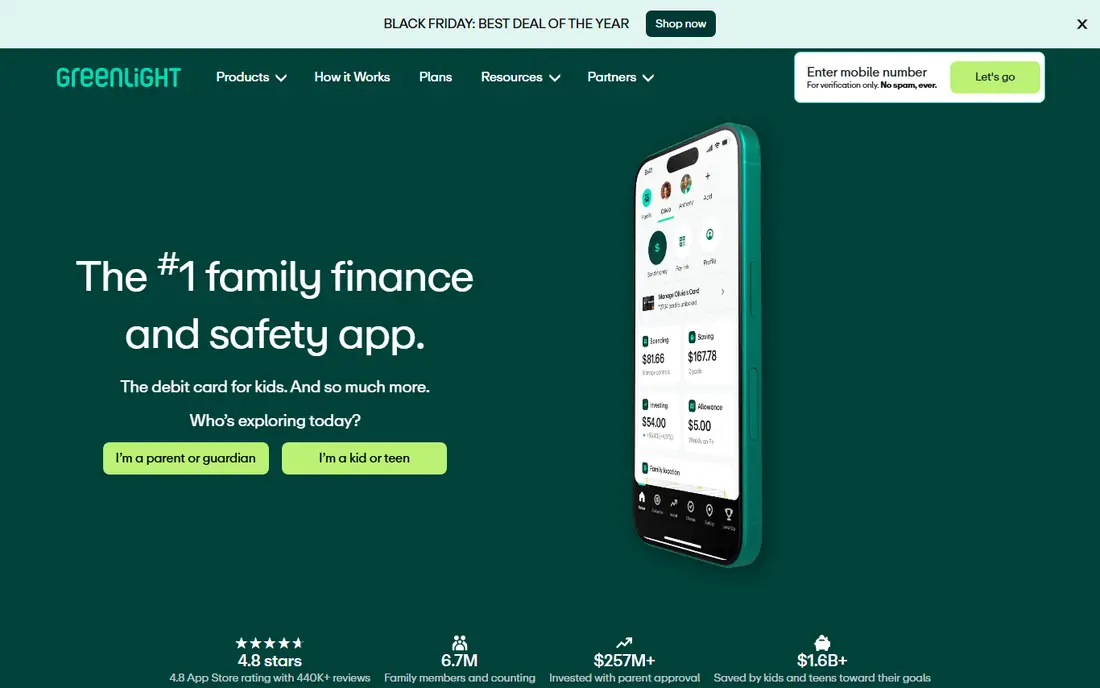
Greenlight is the most complete family option in this list, because it combines a teen debit card with spending controls, savings goals, chores, allowance, and investing that needs parent approval. Parents can set category limits, receive real-time notifications, and lock a card quickly, which gives younger teens room to learn while keeping clear bounds. The app also covers up to several children on one family plan, which helps larger families.
The main drawback is cost. Greenlight charges a monthly subscription, so a family that only needs a simple card may pay for features it never uses. Check the current plan tiers before signing up, since higher tiers add features that younger children may not need yet.
- Strong spending controls
- Chores and allowance tools
- Investing with parent approval
- Monthly subscription
- No free plan for the core family product
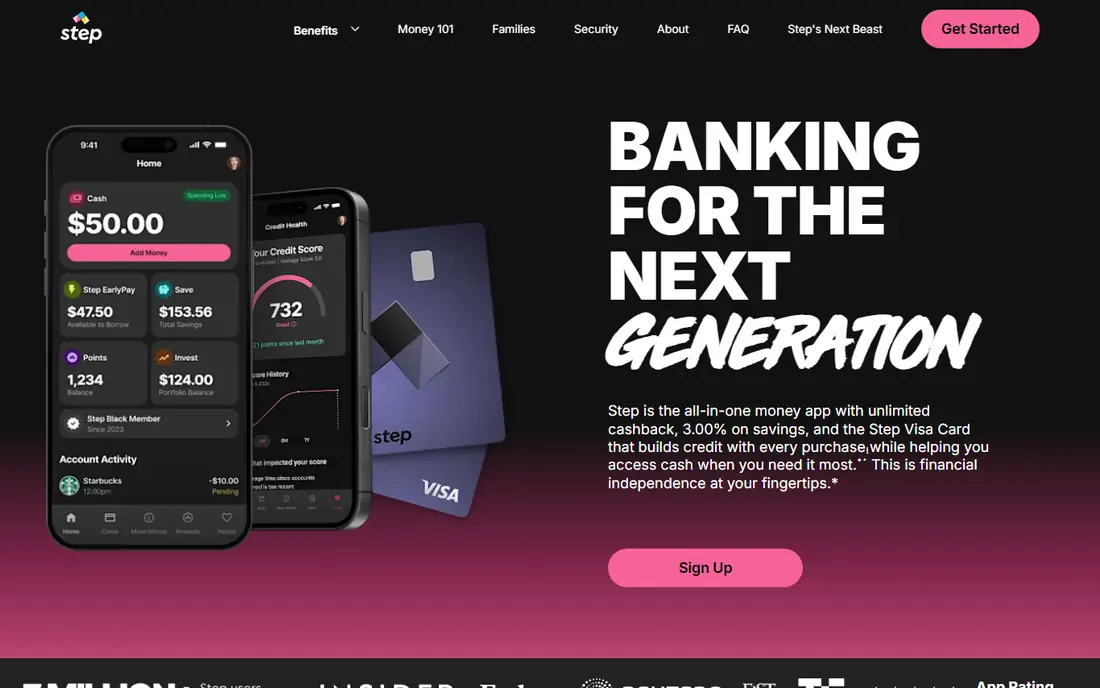
Step suits teens aged 13 and older who are ready for more independence, with a parent still able to supervise the account. The basic account has no monthly fee, and the card works with mobile wallets, which fits teens who pay by phone. Its credit-building feature is a clear point of difference, since it can help a teen start a credit history under supervision.
Step is weaker for younger families. It does not offer the chore and allowance system that Greenlight, BusyKid, and FamZoo provide, and its age range starts higher. For a teen with a part-time job, that trade-off may be fine, but for a younger child it is a gap.
- No monthly fee for the basic account
- Parent supervision tools
- Credit-building option
- No chore or allowance system
- Aimed at teens, not younger children
Chase High School Checking is a practical pick for families who already bank with Chase. The teen account links to a parent account, carries no monthly service fee on its own terms, and gives the teen a debit card, app access, and savings goals. For a teen aged 13 to 17, it feels like real banking rather than a prepaid card, with a parent still connected.
The limits are structural. A parent must hold a qualifying Chase checking account, and the teen account must be opened at a branch, which is less handy than a fully online sign-up. Families who do not already use Chase may find a free app-only option simpler.
- No monthly service fee for the teen account
- Branch and app access
- Parent-linked account
- Parent must hold a qualifying Chase account
- Account must be opened in a branch
Capital One MONEY is a teen checking account for children and teens, with a parent or guardian account structure and a debit card for the teen. Parents can monitor transactions, receive alerts, and lock the card, while the teen gains practice with a real checking account. The lack of a monthly fee makes it easy to try without a subscription commitment.
It is less of a teaching platform than Greenlight or BusyKid. There is no built-in chore system, and money lessons are thinner than in family-focused apps. For a teen who mainly needs a safe place for earnings and spending, that simplicity is a strength rather than a flaw.
- No monthly fee
- Parent monitoring and alerts
- Teen debit card
- No chore system
- Investing and lessons are limited
Current gives teens a modern banking app with instant notifications, budgeting tools, and parent controls over spending and transfers. Parents can see activity as it happens, which makes it easier to talk about a purchase soon after it occurs rather than at the end of the month. The teen app is clear and mobile-first, which suits teens who live on their phones.
Pricing needs a check before sign-up, since parent plan terms have changed over time and some features sit on paid tiers. Current also lacks the chore depth of family-first apps, so it fits teens who already receive an allowance or earnings outside the app.
- Instant spending notifications
- Parent controls
- Budgeting tools for teens
- Paid parent plan on some tiers
- Features vary by plan
Acorns Early pairs a teen debit card with chores, allowance, and supervised investing, which makes it useful for families who want money lessons to go past spending. Parents can set spending limits, receive alerts, and approve investing activity, while children can track goals in the app. The family plan covers several children, which helps when siblings are at different stages.
Investing needs a plain warning. This is general information only and not financial advice, and investing can lose value, so families should treat it as a lesson with real risk rather than a safe savings tool. The monthly subscription also means the cost should be weighed against simpler free teen accounts.
- Debit card for kids and teens
- Chore and allowance tools
- Investing lessons with supervision
- Monthly family subscription
- Investing involves risk and is not a savings account
GoHenry is built for younger children and early teens, with visual savings goals, spending caps, merchant controls, and instant alerts for parents. The goal tracking is a clear strength, since a child can see progress toward a bike, a game, or a trip in a simple bar rather than a bare balance. Parents can adjust limits as the child grows, which keeps the same account useful for several years.
The subscription cost is the main drawback, and families should confirm current US pricing and age limits on the official site before signing up. GoHenry is less suited to an older teen who mainly needs a free checking account and a card for work pay.
- Strong parental controls
- Visual savings goals
- Custom card options
- Monthly subscription
- US availability and pricing vary by plan
FamZoo works like a private family bank, where parents set up accounts for earning, spending, saving, and even family loans with clear rules. Parents can automate allowance, require approval for extra money, and track every move in one place. That structure suits families who want to teach budgeting with rules that match their own household, rather than a fixed bank product.
FamZoo uses a prepaid card model, so it is not a full bank checking account in the same way as Chase or Capital One. The monthly subscription is also a factor for small families. For teaching purposes, though, its custom rules are hard to match.
- Custom family banking rules
- Allowance automation
- Parent approval tools
- Monthly subscription
- Prepaid card model, not a full bank account
BusyKid links chores to earnings in a direct way, so a child sees the link between work done and money received. Parents assign chores, approve completed work, and set how earnings split between spending, saving, and investing. That structure makes it a strong pick for families who want allowance to follow effort rather than arrive on a fixed date.
The subscription and setup time are the drawbacks. Parents need to configure chores and rules at the start, and investing again carries risk and is not financial advice. Once set up, though, BusyKid gives younger children a clear routine that a plain teen card does not provide.
- Chore tracking linked to pay
- Investing lessons under supervision
- Supports several children
- Monthly subscription
- Card and investing features need parent setup
How we picked these
We compared official product pages, pricing, app store listings, and privacy policies, and we kept only products that offer a teen card or account with a parent or guardian account structure. We left out adult-only banking apps, general budgeting apps with no teen account, and products that only offer a prepaid card with no parental controls. Age limits, fees, and supervision features were checked against provider pages and recent public comparisons.
Choosing by age and supervision
Start with age. Younger children do best with GoHenry, BusyKid, or FamZoo, where chores, goals, and tight controls are central. Older teens often do better with Step, Capital One MONEY, or Chase, where the account feels closer to adult banking but a parent remains linked.
Controls worth checking
Check four controls before you choose: spending limits by category, instant alerts, card lock, and approval for extra money or investing. Also check who can see transactions, how a teen can ask for more money, and what happens when the teen turns 18. A product that looks simple on the surface may still offer strong controls once you open the parent settings.
Fees and the move to adult banking
Add up the monthly fee over a year, and compare it with what the family actually uses. A free teen checking account may beat a paid family app if chores and lessons already happen at home. Ask also how the account changes at 18, since some teen accounts convert to adult accounts and others close or need a new application.
Frequently asked questions
What age can a teen get a bank app?
Age limits vary by product, with many teen accounts starting at 13 and family apps covering younger children under a parent account. Check the provider's own age rules, since a parent or guardian must be part of the account for minors.
Do parents control a teen bank app?
Yes, in every product listed here a parent or guardian supervises the account, with tools such as alerts, spending limits, card locks, and approval steps. The level of control varies, so compare the parent settings before you sign up.
Is a teen bank app the same as a teen debit card?
Not always. Some products are full teen checking accounts linked to a bank, while others are prepaid cards managed inside a family app. Both can work, but only a bank account gives the teen a direct banking relationship.
Can teens invest through these apps?
Some family apps allow supervised investing, with parent approval for trades, but investing can lose value. This article is general information only and not financial advice, so discuss risk with your teen before enabling investing features.
Which teen bank app is free?
Step, Chase High School Checking, and Capital One MONEY offer free teen accounts on their stated terms, while family apps such as Greenlight and BusyKid charge a subscription. Always confirm current fees on the provider's site, since plans change.
What happens when a teen turns 18?
Many teen accounts convert to an adult account or require a new application, and parental controls may end at that point. Check the provider's terms in advance so the change does not catch your family by surprise.
Sources
See where you really rank - block by block
ProMapRanker scans Google Maps across a grid of your service area. Simple monthly plans from $19, white-label on every plan.
Start freeKeep reading
 worlds best local seo company
8 Worlds Best Local SEO Companies for Map Pack Growth in 2026
Compare the worlds best local seo company options for Google Business Profile work, citations, reviews, and multi-location rankings and reporting in 2026.
Read → world's best web hosting company
World's Best Web Hosting Company in 2026
Searching for the world's best web hosting company? We compared 10 hosts on price, renewal rates, speed, and support to help you choose well today in 2026.
Read → who's got the best nanny tax services
Who's Got the Best Nanny Tax Services in 2026
We answer who's got the best nanny tax services, comparing full filing, back taxes, software, and pricing so families can handle nanny taxes correctly.
Read →