 ProMapRanker
Best Babysitting Apps in 2026

Key takeaways
- Bambino and Wyndy put identity and background checks at the centre of joining, while other platforms vary in what they check and when.
- Care.com has the widest range of care types, but its size means parents should still interview, check references and confirm details themselves.
- UrbanSitter is strongest where parents can see sitters already used by people in their school or neighbourhood groups.
- No check replaces an in-person meeting, a reference call and a trial sitting before regular care starts.
- Check coverage in your postcode first, because several of these apps are much stronger in larger cities than in smaller towns.
Quick comparison
| Pick | Great for | Pricing starts at | Free tier | |
|---|---|---|---|---|
 Care.com | Widest choice of caregivers | See website | No | Visit |
 Sittercity | Detailed sitter profiles | $35 per month | No | Visit |
 UrbanSitter | Sitters known to your community | $34.95 per month | No | Visit |
 Bambino | App-only booking with checks | See website | No | Visit |
 Babysits | Simple browsing by postcode | See website | No | Visit |
 Wyndy | College-checked sitters | See website | No | Visit |
 Helpr | Vetted backup and regular care | See website | No | Visit |
 SeekingSitters | Local sitters with reviews | See website | No | Visit |
The best babysitting apps
These apps help parents find, message, book and pay sitters in one place. We compared official feature pages, safety pages, app store listings and public reviews, with a focus on how each service checks sitters and what it leaves to parents to confirm.
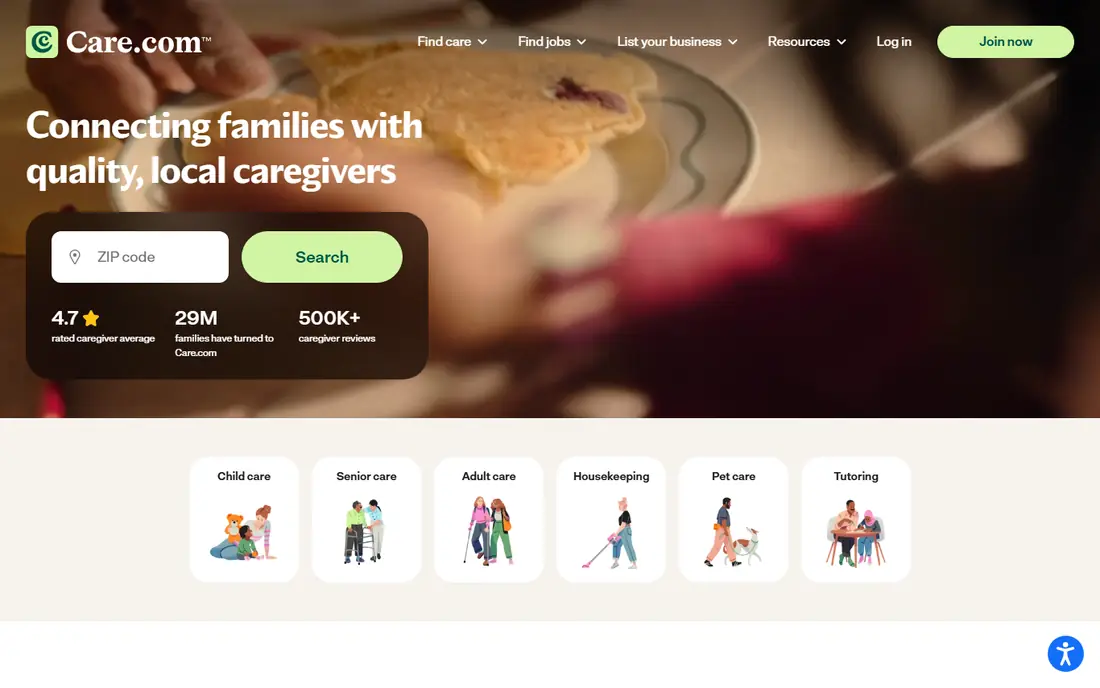
Care.com suits parents who want the largest pool to search, especially outside major cities where smaller apps may show few profiles. Filters cover experience, ages cared for, availability, rates and services, which helps narrow a long list to a workable shortlist. The platform also covers nannies and other care types, so families can use one account as needs change.
The catch is that scale is both the strength and the work. A large pool still needs careful screening, so we suggest messaging several sitters, asking for references and meeting in person before a first solo sitting. Read the membership terms before paying, including how billing renews and how to cancel, and keep a note of the renewal date.
- Large caregiver pool
- Covers nannies, sitters, tutors and pet care
- Detailed filters for experience and availability
- Size can make shortlisting slow
- Membership is needed to contact many caregivers
- Cancellation terms need a close read
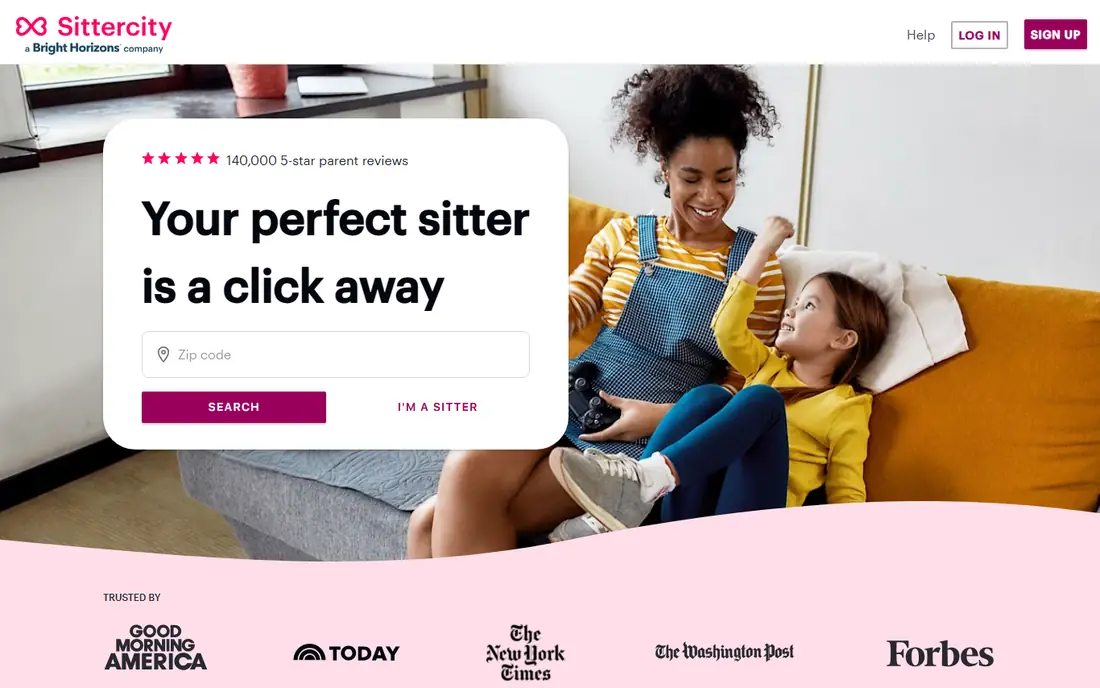
Sittercity works well for parents who like to compare profiles in detail before making contact. Sitters can list skills such as first aid, tutoring or help with homework, and families can filter by the kind of care they need. Messaging, booking and payment stay inside the platform, which keeps a clear record of what was agreed.
Safety is a shared job here. The service offers background check options, but parents should confirm exactly which check applies to a given sitter and whether extra checks are available. Ask for references, confirm first aid training directly and agree on rates, hours and house rules in writing before the first sitting.
- Profiles with skills and availability
- Background check options for families
- Booking, payment and messaging in one place
- Key features sit behind paid membership
- Background checks can cost extra
- Coverage varies by area
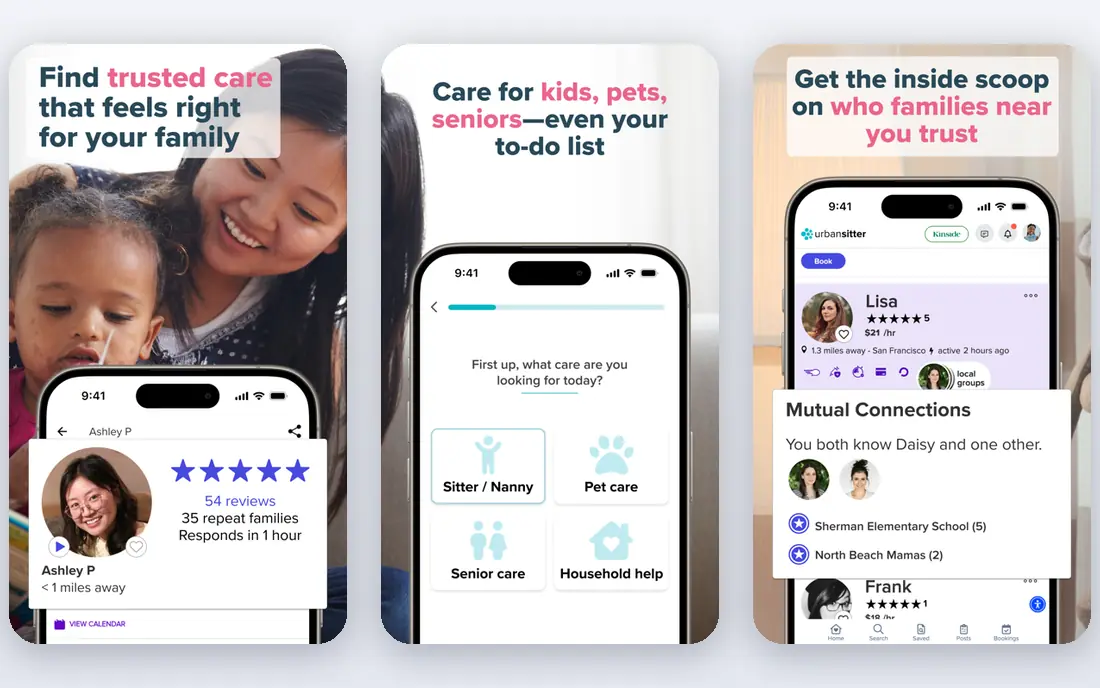
UrbanSitter stands out for parents who trust recommendations from people they already know. The app can show which sitters have been booked by parents at the same school, daycare or neighbourhood group, which adds context that a star rating alone cannot give. Intro videos also help parents judge warmth and communication style before messaging.
That community angle works best in larger cities and busy school networks. In smaller towns, the list may be short, so search by postcode before subscribing. As with every service here, a background check result is a starting point, not a full picture, so interview and reference checks still matter.
- Shows sitters used by your school or parent groups
- Intro videos on many profiles
- Fast booking for last-minute needs
- Thinner coverage outside larger cities
- Membership needed for full access
- Sitter quality still varies by individual
Bambino is built for parents who want the whole process inside one app, from first search to payment. Sitters complete identity verification and background checks, and profiles include reviews from previous families. That structure suits date nights and short notice bookings, where parents do not want to chase separate payment or messaging tools.
The trade-off is coverage. Bambino is stronger in the cities it serves well and thinner elsewhere, so check your area before paying. Parents should still ask about experience with their children's ages, confirm emergency contacts and agree on what happens if a sitting runs late or is cancelled.
- ID verification and background checks for sitters
- In-app messaging, scheduling and payment
- Parent reviews on profiles
- Parents must also verify to browse in some areas
- Coverage is uneven outside supported cities
- Sitter rates vary widely
Babysits appeals to parents who want a quick, low-friction search. Entering a postcode can surface nearby sitters, and profile markers show who has provided ID or passed checks. That makes an early shortlist easier to build without committing to a long sign-up process first.
The honest limit is local depth. Some areas return only a handful of sitters, so parents may need to widen the search radius or try a second app. Treat check markers as a prompt to ask more questions, not as proof of suitability, and confirm availability, rates and references directly.
- Easy postcode search without a long setup
- ID and background check markers on profiles
- Monitored messaging
- Sitter numbers can be low in some postcodes
- Check depth varies
- Fewer booking extras than larger apps
Wyndy focuses on college students who have been verified, background checked and interviewed. That narrow focus can reassure parents who want sitters with a clear institutional link and recent references. It is a natural fit for after-school pickups, homework help and evening care.
Coverage follows colleges, so families far from a campus may find few options. Parents should still confirm driving arrangements, experience with younger children and comfort with bedtime or homework routines. For full-time nanny care, a broader platform may give more choice.
- College verification plus background checks
- Professional interviews for sitters
- Good fit for after-school and date-night care
- Sitter pool is tied to college communities
- Limited in areas without partner colleges
- Regular nanny care may need another service
Helpr suits families who need dependable backup care as well as regular sitters, and it is also used through employer programmes. The emphasis on vetting and experience makes it a calmer choice when a parent needs cover at short notice and cannot spend days screening. Booking support can also help when a first-choice sitter cancels.
The limit is reach. Helpr is not equally strong everywhere, so confirm local availability before relying on it for urgent cover. Ask what vetting steps were completed for the specific caregiver offered, and confirm rates and cancellation terms in advance.
- Vetted caregivers for backup and ongoing care
- Booking support for families and employers
- Focus on screened, experienced sitters
- Availability depends on your city
- Pricing is not always published upfront
- Less useful for a single casual search
SeekingSitters works for parents who prefer a local service feel over a national marketplace. Profiles and reviews help families find sitters who already work in their area, which can make repeat bookings easier. Once a family finds a good match, repeat care becomes simpler because routines and house rules are already known.
Because the footprint is smaller, parents in some areas may find a short list. That is not a reason to lower safety standards. Interview each candidate, call at least one reference and start with a shorter sitting while a parent is nearby or reachable.
- Local sitter focus
- Reviews from families
- Booking and payment tools for repeat care
- Smaller national footprint than Care.com
- Coverage varies by city
- Parents must still verify references
How we picked these
We compared official safety and feature pages, pricing pages, app store listings and public reviews for each service. We favoured services that describe identity checks or background checks in plain terms, that keep messaging and payment inside the platform, and that are still operating in the United States in October 2026. We left out services that could not show a clear safety process or that had no usable sitter coverage for ordinary families.
What to check before you book any sitter
Start with your non-negotiables, such as ages, hours, driving, allergies and bedtime routines, then filter for those first. A profile that looks perfect on paper can still be wrong for your family, so use messaging to ask about experience with similar ages and about how the sitter handles illness, late pickups and emergencies. Keep the first meeting low pressure, with a parent present, and watch how the sitter talks with your children.
Safety checks that matter most
Ask which identity and background checks were completed, when they were done and what they covered. A basic check may not include driving records or checks in every state where a sitter has lived, so ask whether a deeper check is available. Call references yourself and ask about reliability, punctuality and how the sitter handled a difficult evening. Keep emergency contacts, medical notes and house rules in writing, and agree on payment, cancellation and late fees before the sitting starts.
Cost and booking tips
Compare membership cost with sitter hourly rates, because a cheap membership can still mean a high total if rates are high in your city. Book repeat sitters early for weekends and school holidays, and keep a backup name for cancellations. If a sitter is excellent, say so in a review, because detailed reviews help other parents and help good sitters keep working.
Frequently asked questions
Do babysitting apps run background checks on every sitter?
Not in the same way. Some services require checks before a profile goes live, while others offer checks as an option or rely on ID verification plus reviews. Always ask which check was done, what it covered and when, and add your own reference calls and interview.
How much do babysitting apps cost?
Most charge a monthly or annual membership for parents, plus the sitter's hourly rate, which varies by city, ages and experience. Some list membership prices openly, while others ask you to check pricing after entering your area. Compare the total cost, not only the membership fee.
Is Care.com or Sittercity better for small towns?
Care.com often shows more profiles in smaller areas because its pool is larger. Sittercity can still work well if local sitters are active there. Search both by postcode before paying, and use whichever returns real, responsive sitters near you.
Can I book a sitter at short notice?
Yes, on several of these apps, especially UrbanSitter, Bambino and Wyndy in supported cities. Short notice bookings still need a basic safety pass, so keep a shortlist of sitters you have already screened for evenings when time is tight.
Should I meet a sitter before leaving my children alone with them?
Yes, whenever possible. A short introductory visit lets you see how the sitter interacts with your children and lets you explain routines, allergies and emergency plans. For regular care, a trial sitting is worth the extra cost.
What should I put in writing before a sitting?
Agree on hours, rate, payment method, cancellation terms, driving rules, screen time, food and allergies, and emergency contacts. Put house rules in a short note the sitter can keep on their phone, and confirm who to call if plans change.
Sources
See where you really rank - block by block
ProMapRanker scans Google Maps across a grid of your service area. Simple monthly plans from $19, white-label on every plan.
Start freeKeep reading
 zyte alternatives
Best Zyte Alternatives in 2026
These zyte alternatives cover managed scraping APIs, proxy networks and no code tools for lawful collection from your own or consented sources only in 2026.
Read → zerto alternatives
Best Zerto Alternatives in 2026
Compare the best zerto alternatives for disaster recovery and replication, with recovery targets, cloud options and honest trade-offs for teams in 2026.
Read → zerofox alternatives
Best ZeroFox Alternatives in 2026
We compared 9 zerofox alternatives for brand protection, phishing takedowns, dark web monitoring, and social impersonation, with clear coverage notes.
Read →