 ProMapRanker
Best Baby Apps in 2026: 9 Apps Compared

Key takeaways
- Huckleberry is the best all round tracker for parents who want sleep predictions plus feeding and diaper logs.
- Baby Tracker by Nighp and Nara Baby are the best low cost options, with generous free tiers and simple shared logging.
- Baby Connect suits families with many caregivers, while Ovia Parenting and BabyCenter suit parents who want trusted articles beside tracking.
- These apps give general information only, not medical advice, and any health worry should go to a pediatrician.
Quick comparison
| Pick | Great for | Pricing starts at | Free tier | |
|---|---|---|---|---|
 Huckleberry | Sleep predictions and tracking | Free | Yes | Visit |
 Baby Tracker by Nighp | Simple free logging | Free | Yes | Visit |
 Nara Baby | Free ad free family tracking | Free | Yes | Visit |
 Baby Connect | Many caregivers on one record | See website | Free trial | Visit |
 Glow Baby | Tracking inside the Glow family of apps | Free | Yes | Visit |
 Ovia Parenting | Tracking plus expert backed content | Free | Yes | Visit |
 What to Expect | Week by week guides and community | Free | Yes | Visit |
 BabyCenter | Trusted articles and tools | Free | Yes | Visit |
 The Wonder Weeks | Development leaps and guidance | See website | No | Visit |
The best baby apps
We compared official app pages, app store listings, and feature descriptions for these apps, looking at tracking, sleep help, sharing, content quality, and price. New parents use these apps at night, often one handed, so ease of logging mattered as much as feature count. This article is general information only. It is not medical advice, and it does not replace guidance from your pediatrician, especially for feeding, sleep safety, illness, or development concerns.
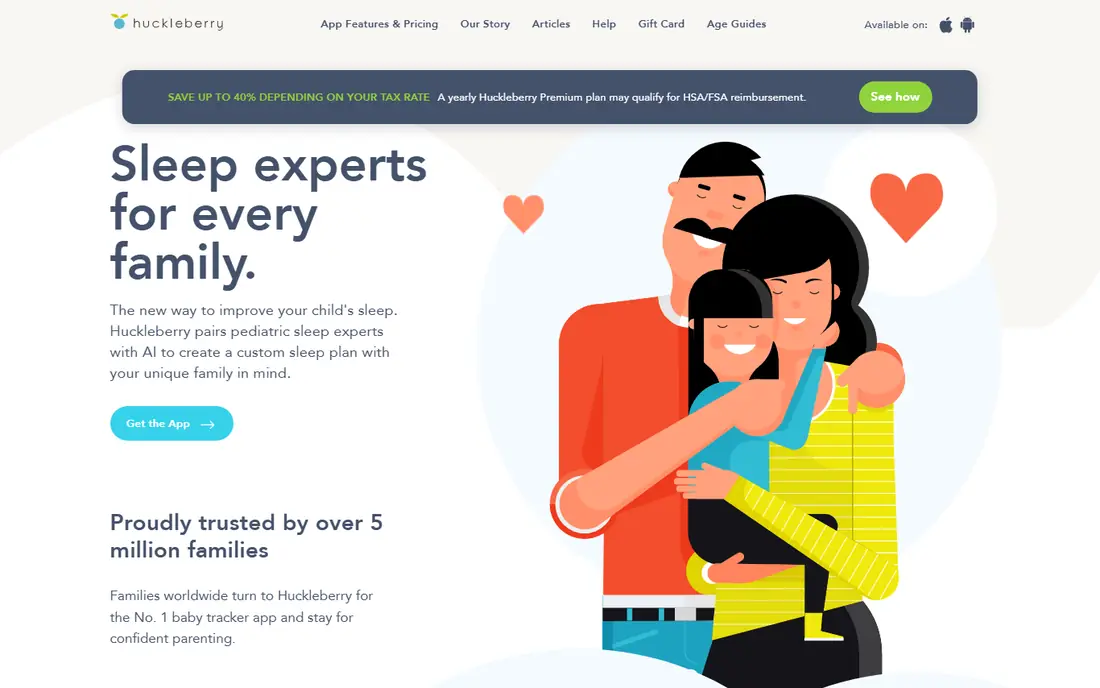
Huckleberry pairs a solid tracker with sleep predictions that many parents find genuinely helpful. You log sleep, feeds, and diapers, and the app suggests the best window for the next nap or bedtime. That guidance is the reason most families try it, and it works best when you log for at least a week without long gaps.
The free tier covers basic tracking, while Plus, listed at $9.99 per month or $58.99 per year, and Premium, at $14.99 per month or $119.99 per year, add deeper sleep plans and expert help. If sleep is your main struggle and you will log daily, Huckleberry is our pick for most new parents. If you only want a simple log, a free app below will do.
- Nap and bedtime predictions from your logs
- Feeding, diaper, and growth tracking
- Optional expert sleep plans
- Predictions need consistent logging
- Paid plans are needed for full sleep guidance
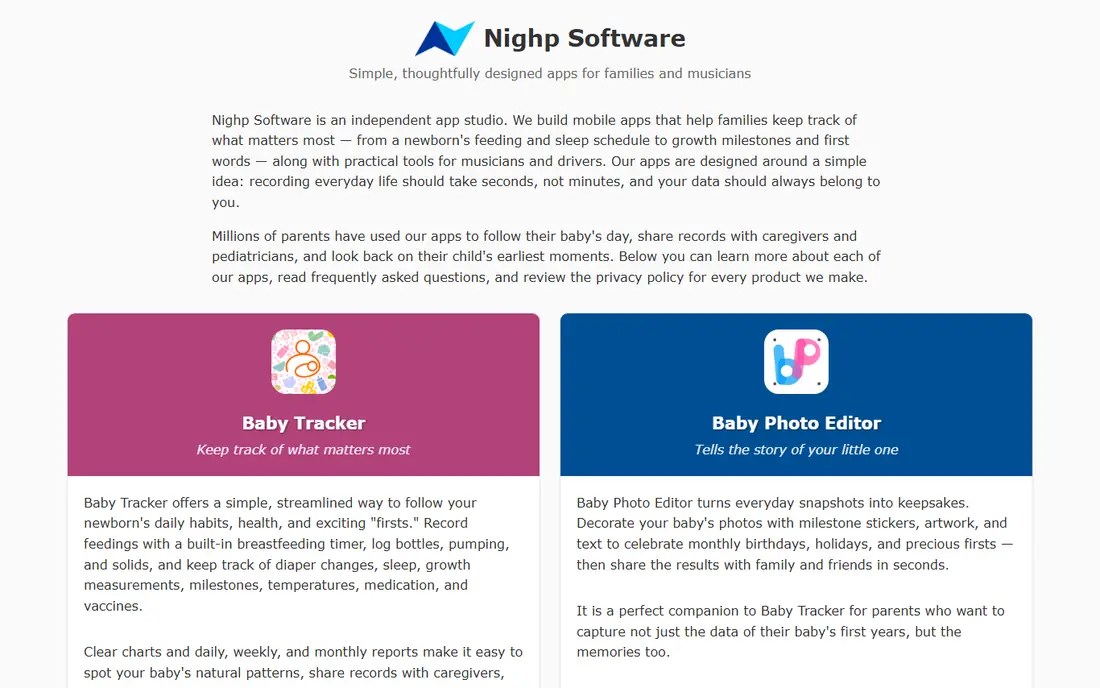
Baby Tracker by Nighp is the no fuss option. Its home screen lets you start a feed, a sleep session, or a diaper log in one tap, which matters at 3 a.m. Charts show patterns over days and weeks, and you can share the log with a partner by signing in on more than one device.
The free tier is generous, with a paid Plus option listed in app stores for extra features. It does not try to predict naps with the same depth as Huckleberry, and its look is simple rather than polished. For parents who want a reliable, private feeling log without a subscription push, this is an excellent choice.
- Fast one handed logging
- Works offline
- Clear charts for feeds, sleep, and diapers
- Sleep predictions are limited
- Design is plain compared with Huckleberry
Nara Baby stands out because it is free and ad free, with no paywall locking core tracking. Families can share one baby record, log feeds, sleep, diapers, and pumping, and see the same timeline on each phone. The design is calm and simple, which helps when you are short on sleep and patience.
It does not offer the same depth of sleep coaching or expert plans as paid rivals, and its article library is smaller. That trade is easy to accept for many families, since the core job is logging, not coaching. If cost and simplicity matter most, start with Nara Baby.
- Fully free and ad free
- Simple shared family logging
- Clean design for tired parents
- Fewer expert sleep plans than Huckleberry
- Smaller content library
Baby Connect is built for handoffs. Parents, grandparents, nannies, and daycare staff can all log to the same child record, with entries synced across phones and the web. That shared timeline avoids the common problem of one parent knowing the last feed time while the other guesses.
The catch is price: the app is free to download, but a subscription is needed to save entries after the trial period, with rates shown in the app stores and on the vendor site. Check the current plan before you commit, since family plans cover up to five children. If many caregivers share care, Baby Connect is worth the cost.
- Unlimited caregivers and sync across devices
- Detailed logs and charts
- Web access for daycare and grandparents
- Subscription is needed to keep entries after the trial
- Price varies by store and plan
Glow Baby suits families already using Glow for pregnancy or fertility tracking, since the apps share an account and a familiar design. It covers the core logs well, adds growth tracking, and offers insights based on your entries. The interface is friendly, and the log categories are easy to find.
Premium, listed at around $59.99 per year in app store listings, adds comparative insights and extra articles, while the free tier covers daily tracking. Read the privacy settings before you start, as with any app that holds family health data, and use the export options if you want your own copy. For Glow users, this is the natural tracker pick.
- Feeding, sleep, diaper, and pumping logs
- Growth charts
- Links to other Glow apps for pregnancy and fertility
- Premium features sit behind a subscription
- Data sharing settings deserve a careful read
Ovia Parenting combines tracking with articles and milestone guides that are reviewed for accuracy. You can log daily care, follow development milestones, and read short guides tied to your baby age. That mix suits parents who want one app for both logging and learning, without paying for a separate course.
The app is free, which makes it easy to try beside a dedicated tracker. Its tracking is solid but less focused on sleep prediction than Huckleberry, and some tools live in companion Ovia apps. If you value trusted content beside your logs, Ovia Parenting is a strong free choice.
- Free tracking for feeds, sleep, and diapers
- Milestone and development content
- Family sharing
- Content can feel general for older babies
- Some features link to other Ovia apps
What to Expect is best known for its books and week by week guides, and its app carries that strength into the baby months. You can follow development week by week, read articles on feeding, sleep, and milestones, and join community groups for parents at the same stage. That community support helps many new parents feel less alone.
Tracking is present but lighter than in Huckleberry or Baby Connect, so many families use What to Expect for learning and a second app for detailed logs. Community posts are peer advice, not medical guidance, so check health questions with your pediatrician. For guides and support, it remains a top free pick.
- Week by week baby and parent guides
- Large community forums
- Pregnancy to toddler coverage
- Tracking tools are lighter than dedicated trackers
- Community advice varies in quality
BabyCenter has published parenting content for many years, and its app brings that library to your phone with tools for milestones, growth, and daily care. Articles are written and reviewed with experts, which gives parents a steadier source than random social posts. Community groups add peer support for common worries.
The app is free, and its main limit is focus: it is a content and community app first, and a tracker second. Pair it with Nara Baby or Baby Tracker if you want detailed daily logs. If you want one trusted place to check what is normal at each stage, BabyCenter is a reliable free option.
- Large library of expert reviewed articles
- Development and milestone tools
- Community groups
- Tracking is secondary to articles
- App can feel busy with content and offers
The Wonder Weeks explains the mental development leaps babies go through, and why a calm baby can suddenly become fussy, clingy, or wake more at night. Its calendar is based on due date, and each leap chapter gives signs to watch for and activities to try. Many parents find that explanation reassuring during hard weeks.
It is a paid app, with pricing shown in the app stores, and it does not try to be a full feeding and diaper tracker. Buy it for understanding development, not for daily logging. Used that way, it is a useful companion to any tracker on this list, and it helps parents respond with patience during leap weeks.
- Clear explanation of development leaps
- Practical tips for fussy periods
- Calendar tied to due date
- Paid app with no full free tier
- Narrow focus compared with full trackers
How we picked these
We compared official app pages and app store listings, and we kept apps that work in October 2026, that cover tracking, sleep, development, or trusted parenting content, and that are widely used by US parents. We left out apps that had shut down, apps with only a single narrow tool, and apps that made medical claims without clear expert review. Prices shown are current app store or vendor listings, and we used See website where store prices varied by region or plan.
How to choose without app overload
One tracker plus one learning app is enough for most families. Pick the tracker first, based on who will log and how often, then add a learning app only if you actually read it. Too many apps lead to half finished logs, which help no one.
Sharing, privacy, and sleep safety
Decide who can see and edit the baby record, and check whether the app allows export. Read the privacy policy for data sharing and ad settings, especially for apps that are free. For sleep, follow safe sleep guidance from your pediatrician and trusted health bodies, not app tips alone: a tracker can suggest timing, but it cannot make a sleep setup safe.
Cost over the first year
Free apps such as Nara Baby and Baby Tracker can cover the whole first year at no cost. Paid sleep plans from Huckleberry or a Baby Connect subscription add up, so try the free tier for two weeks before paying. Cancel any trial you do not use, and keep a simple backup, such as a weekly export or a notebook note, in case you switch apps later.
Frequently asked questions
What is the best baby app for new parents?
Huckleberry is our best all round pick for new parents who want tracking plus sleep predictions. If you want a free and simple start, Nara Baby or Baby Tracker by Nighp will cover daily logs without a subscription.
What is the best app for new moms tracking feeds and sleep?
Huckleberry, Baby Tracker, Nara Baby, Glow Baby, and Ovia Parenting all track feeds, sleep, and diapers well. Choose Huckleberry for sleep predictions, Baby Connect if many caregivers log, and Nara Baby if you want a free, ad free log.
Are baby tracker apps safe for baby data?
Reputable apps let you control sharing, delete data, and export records, but policies differ. Read the privacy settings, limit caregiver access to people you trust, and avoid posting identifiable baby photos or health details in public community areas.
Do baby apps give medical advice?
No, or they should not be used that way. These apps give general information and tracking, not diagnosis or treatment. Call your pediatrician for fever, poor feeding, breathing concerns, unusual rashes, or any worry that feels urgent.
What is the best free baby app?
Nara Baby is the best fully free option, since it is free and ad free with shared family logging. Baby Tracker by Nighp is a close second, with a generous free tier and fast one handed logging.
Can grandparents and nannies use the same baby app?
Yes, with the right app. Baby Connect is built for many caregivers, while Nara Baby, Glow Baby, and Ovia Parenting also support family sharing. Check whether each caregiver needs a paid seat or can join free under one family account.
Sources
See where you really rank - block by block
ProMapRanker scans Google Maps across a grid of your service area. Simple monthly plans from $19, white-label on every plan.
Start freeKeep reading
 outreach alternatives
Outreach Alternatives in 2026
Compare outreach alternatives for 2026, from Salesloft and Apollo to HubSpot and Lemlist, with pricing, channels, features, limits, and honest trade-offs.
Read → best web conference tools
Best Web Conference Tools in 2026
Compare the best web conference tools for meetings, webinars and team calls, with current pricing, free plans and honest limits for each option here today.
Read → best voice cloning tools
Best Voice Cloning Tools in 2026
Compare the best voice cloning tools in 2026, from ElevenLabs and Descript to Resemble and Cartesia, with consent rules, pricing, licenses, and limits.
Read →