 ProMapRanker
Best AVD Management Platforms in 2026


Full AVD management and cost control · Pricing starts at: See website
Key takeaways
- Nerdio Manager is our first pick for most AVD teams, because it adds provisioning, autoscaling, image management, and cost control on top of Azure.
- ControlUp, Lakeside SysTrack, eG Enterprise, and Nexthink suit teams that need deep monitoring and digital experience data for AVD sessions.
- Liquidware, Parallels RAS, and IGEL suit teams that need application delivery, endpoint management, or a wider virtual desktop mix.
- Microsoft Azure Virtual Desktop itself, managed through the Azure portal, is the baseline, and third-party tools should add clear value over it.
- Start with a trial on one host pool, and measure logon time, session performance, and Azure cost before you roll out to all users.
Quick comparison
| Pick | Great for | Pricing starts at | Free tier | |
|---|---|---|---|---|
| Nerdio Manager | Full AVD management and cost control | See website | Free trial | Visit |
 ControlUp | Real-time AVD monitoring and remediation | See website | Free trial | Visit |
 Lakeside SysTrack | Digital experience data for AVD | See website | Free trial | Visit |
 eG Enterprise | AVD and application performance monitoring | See website | Free trial | Visit |
 Nexthink | Employee experience analytics for AVD | See website | Free trial | Visit |
 Liquidware | Application and profile management for AVD | See website | Free trial | Visit |
 Parallels RAS | Application and desktop delivery alongside AVD | See website | Free trial | Visit |
 IGEL | Endpoint management for AVD devices | See website | Free trial | Visit |
 Azure Virtual Desktop | The Microsoft baseline platform | See website | No | Visit |
The best AVD management platforms
Azure Virtual Desktop, often called AVD, is Microsoft cloud service for delivering Windows desktops and apps from Azure. It includes host pools, session hosts, and workspace management in the Azure portal, but many teams find the portal slow for day-to-day work at scale. The platforms on this list add automation, monitoring, or endpoint control on top of AVD, and each one suits a different team size and problem. We did not include general cloud tools that do not speak to AVD host pools, session hosts, or user sessions in a direct way.
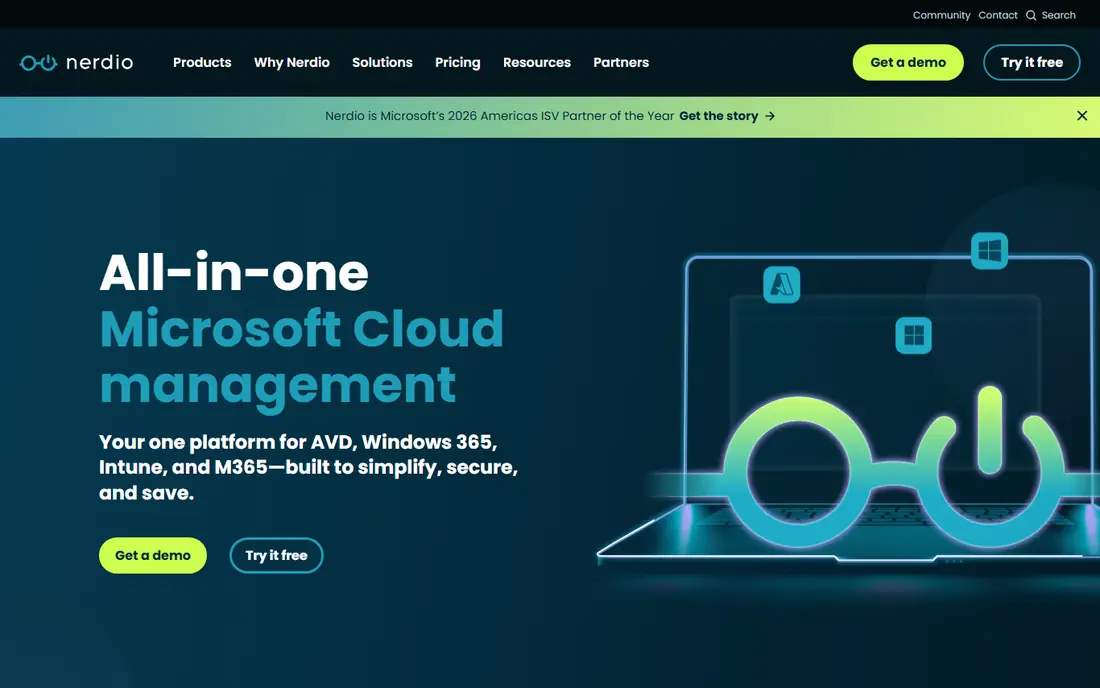
Nerdio Manager is our first pick for most AVD teams, because it covers the daily jobs that take the most time in the Azure portal. You can provision host pools, manage images, set autoscaling rules, and control power schedules from one console, rather than clicking through many Azure blades. The vendor also highlights cost savings from right-sizing and powering down unused hosts, which matters when AVD bills grow with session host uptime.
The trade-off is price transparency. Nerdio pricing is quote-based, so you will need a conversation to get a figure for your user count and host pools. Smaller teams with one host pool may also find the full platform more than they need, and the Azure portal alone may be enough for them. For a team with several host pools, Nerdio is the clearest time saver on this list.
- Built for AVD, Windows 365, and Intune
- Autoscaling and image management
- Cost optimisation through power and sizing controls
- Pricing is quote-based, so budgeting needs a vendor conversation
- Smaller teams may find the full feature set more than they need
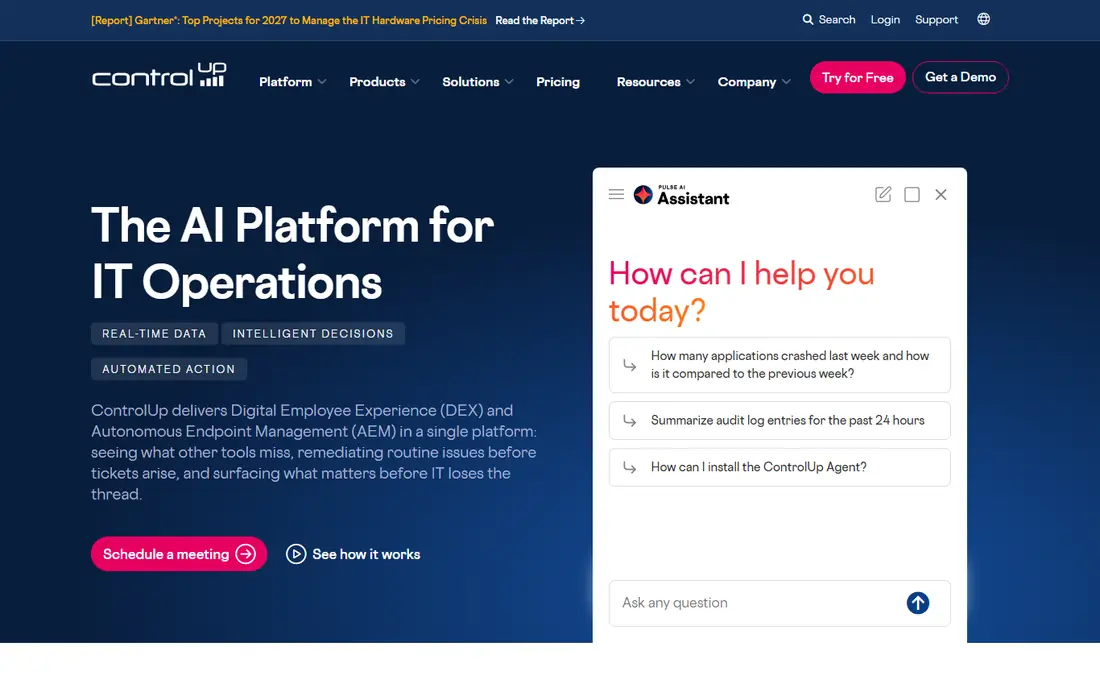
ControlUp suits teams whose main AVD problem is troubleshooting, not provisioning. It collects real-time metrics on sessions, hosts, and user experience, and it lets an admin take remote actions such as logging off a stuck session or restarting a process. That live view helps when users report slow logons or frozen apps, because you can see the session state rather than guessing from a ticket description.
ControlUp does not replace Nerdio for provisioning and autoscaling, so many teams run both tools for different jobs. Agent setup also takes planning, because agents must run on session hosts and report to a monitor. If your team spends most of its AVD time on incident tickets, ControlUp is a strong pick.
- Real-time session and host metrics
- Remote actions to fix sessions
- Historical data for troubleshooting
- Monitoring focus means it does not replace a provisioning tool
- Setup needs agents on session hosts
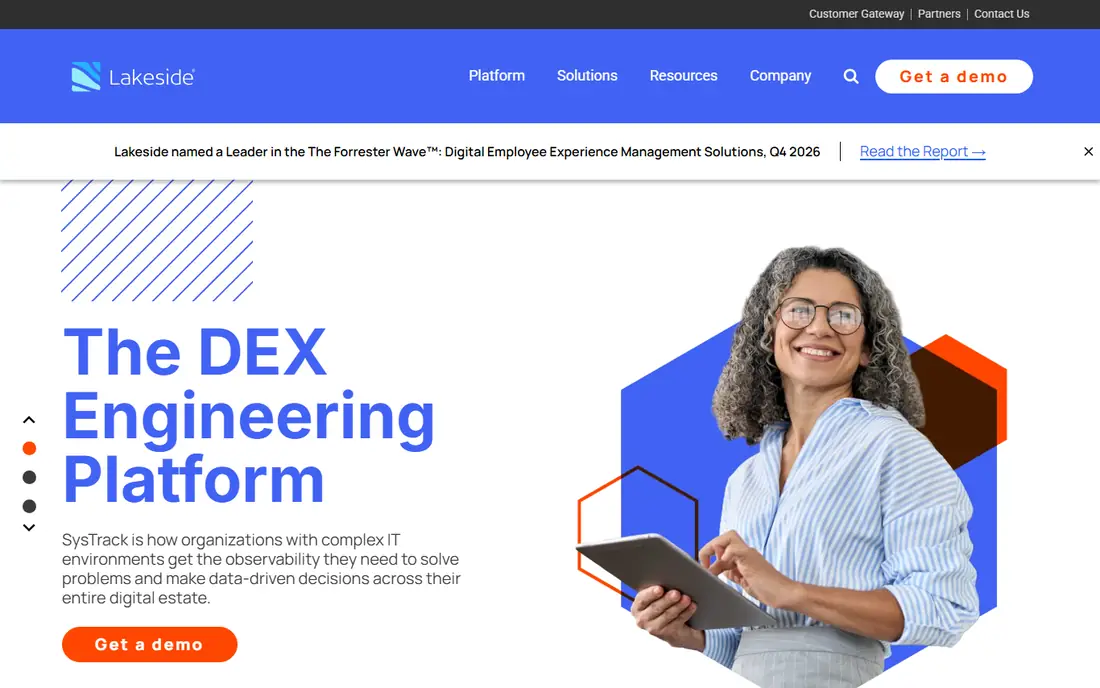
Lakeside SysTrack suits teams that want data to plan AVD capacity, not just to fix tickets. It gathers telemetry from endpoints and sessions, and it turns that data into workplace analytics on performance, application use, and device health. That view helps you decide when to add hosts, when to change an image, and which applications cause the most session problems.
The depth is also the catch. A small team with a single host pool may not need thousands of metrics, and the quote-based pricing means you cannot budget from a public price list. For a larger team that plans AVD growth, refreshes images often, or reports on employee experience to leadership, SysTrack gives a clearer evidence base than portal metrics alone.
- Deep endpoint and session telemetry
- Workplace analytics for planning
- Automation for common fixes
- Pricing is quote-based
- The data depth can feel heavy for a small team that only needs basic monitoring
eG Enterprise suits teams that need to see AVD as one layer in a wider system. It monitors session hosts, applications, databases, and network paths, and it links a slow session to the layer that causes it, whether that is a host, an app server, or a database. That cross-layer view helps when a user problem is not actually an AVD problem at all, but an application problem that shows up in a session.
The broad scope means setup takes more care than a pure AVD monitor. You need to define what to monitor, how to alert, and who owns each layer, or the alerts will overwhelm the team. Pricing is also quote-based and varies by what you monitor. For a team that already monitors applications and infrastructure, eG Enterprise fits that wider stack well.
- Monitors AVD alongside applications, databases, and networks
- Root cause views across layers
- Alerting and reporting
- Broad scope means AVD setup takes care
- Pricing is quote-based and varies by monitored components
Nexthink suits a large organisation that wants to measure how AVD feels to employees, not just whether hosts are up. It combines technical metrics with employee sentiment data, so you can see where sessions are slow, which applications frustrate users, and where automation can fix a common issue without a ticket. That employee view helps IT leaders argue for AVD changes with data from users, not just from infrastructure.
The platform is enterprise-focused, and pricing is quote-based, so a small team may find it too large and too costly for a single host pool. Implementation also takes planning, because you need to define experience scores and automation rules. For a large AVD estate where user experience is a board-level topic, Nexthink is a strong contender.
- Employee experience analytics across devices and AVD
- Sentiment data alongside technical metrics
- Automation for common issues
- Enterprise focus and quote-based pricing
- Smaller AVD teams may not need the full experience platform
Liquidware suits teams whose AVD pain is applications and user profiles, rather than host provisioning. Its tools help layer applications onto images, manage user profiles across sessions, and control the user environment in a consistent way. That helps when different user groups need different apps, or when profile problems cause slow logons and lost settings.
The product range is broad, so you need vendor guidance to pick the right module for your AVD problem. Pricing is quote-based, and the total can grow if you add several modules. If your AVD tickets are mostly about apps and profiles, Liquidware addresses the root cause better than a generic monitor.
- Application layering and profile management for virtual desktops
- Helps with image and user environment control
- AVD-aware tooling
- Product range is broad, so picking the right module takes guidance
- Pricing is quote-based
Parallels RAS suits teams that deliver apps and desktops from more than one source, including AVD. You can publish applications and desktops through a central console, and users access them from client apps on Windows, Mac, mobile, and thin clients. That mix helps when some users need AVD, some need a local app, and some need a remote app from another platform.
For a pure AVD team, Parallels RAS overlaps with what Nerdio and the Azure portal already do, so the extra platform may not add enough value. Pricing is also quote-based, so budgeting needs a conversation. For a mixed delivery estate, though, a single delivery console is a real advantage.
- Delivers apps and desktops from several sources including AVD
- Central management console
- Client apps for many devices
- It is a delivery platform, not a pure AVD manager, so AVD-only teams may find overlap
- Pricing needs a vendor quote
IGEL suits teams whose AVD problem sits at the endpoint, not in Azure. It provides a secure operating system for thin clients and managed endpoints, plus central control for policies, updates, and device settings. That helps when users connect from shared devices, older PCs converted to thin clients, or a fleet of endpoints that need consistent control.
IGEL does not manage AVD host pools, session hosts, or autoscaling, so it pairs with a tool such as Nerdio rather than replacing it. Migrating endpoints to IGEL OS also takes planning, especially if users rely on local apps. For a team standardising endpoints for AVD access, IGEL is a strong endpoint layer.
- Manages endpoints that connect to AVD
- Secure operating system for thin clients
- Central policy and update control
- Endpoint focus means it does not manage AVD host pools
- Hardware and OS migration takes planning
Azure Virtual Desktop itself belongs on this list as the baseline every other tool is measured against. It is Microsoft cloud service for Windows desktops and apps, with host pools, workspaces, and session host management in the Azure portal. It integrates with Entra ID, Intune, and Microsoft 365, and it needs no extra vendor contract, which suits a small team or a team that already lives in Azure.
The limit is scale. Portal clicks, PowerShell scripts, and manual image updates work for one host pool, but they become slow and error-prone as pools, images, and users grow. Autoscaling in particular often needs scripts or a tool such as Nerdio to run well. Start with the portal, measure where time goes, and add a third-party tool only for the jobs that actually hurt.
- The native Microsoft platform for AVD
- No extra vendor to manage
- Integrates with Entra ID, Intune, and Microsoft 365
- Portal work is manual at scale
- Autoscaling and image management need scripts or a third-party tool for larger estates
How we picked these
We compared vendor AVD pages, product documentation, and trial offers, and we kept only platforms with a direct AVD role in provisioning, monitoring, delivery, or endpoint management. We focused on host pool work, session visibility, cost control, and fit for different team sizes, because those factors decide whether a tool saves time or adds overhead. Pricing is quote-based for most enterprise tools here, so we used See website rather than inventing a per-user figure.
How to choose an AVD management platform
Start with the job that hurts most. If provisioning, images, and Azure cost take your time, Nerdio Manager is the natural first trial. If tickets and slow sessions take your time, ControlUp, SysTrack, eG Enterprise, or Nexthink will help more. If apps and profiles cause the tickets, look at Liquidware. If endpoints cause the tickets, look at IGEL. A tool that solves a different problem will not feel like a saving, even if it is a good product.
Trial plan for one host pool
Run a trial on one host pool with a small user group, and set clear measures before you start. Track logon time, session disconnects, time to provision a new host, time to update an image, and Azure cost per user per month. Compare the trial period with the same measures from the portal-only period. If the tool does not improve at least two of those measures, do not roll it out wider.
Cost and security checks
Ask for the full pricing model, including per-user, per-host, and per-module charges, and check whether Azure costs are included or separate. Check data residency, agent permissions, and Entra ID integration, because AVD tools touch session hosts and user sessions. Review who can take remote actions on a session, and log those actions, so a troubleshooting tool does not become a privacy risk.
Frequently asked questions
What is the best AVD management platform?
Nerdio Manager is our top pick for most AVD teams, because it covers provisioning, autoscaling, image management, and cost control in one console. Teams that mainly need monitoring should look at ControlUp or Lakeside SysTrack, because those tools solve a different problem better.
Do I need a third-party tool for Azure Virtual Desktop?
Not always. A small team with one host pool can manage AVD through the Azure portal and PowerShell. A larger team with several host pools, frequent image updates, and cost pressure will usually save time with a tool such as Nerdio Manager, and a team with many session tickets will benefit from a monitoring tool.
How does AVD autoscaling save money?
Autoscaling powers session hosts up when users log on and down when demand falls, so you do not pay for idle hosts overnight or at weekends. The saving depends on your user pattern, host size, and power schedule, so measure Azure cost per user before and after you turn autoscaling on.
Can I use more than one AVD tool at the same time?
Yes, many teams do. A common mix is Nerdio Manager for provisioning and cost control, plus ControlUp or SysTrack for monitoring, plus IGEL for endpoints. Check for overlap before you buy, because two tools that both claim to manage the same job can add cost without adding value.
What should I check in an AVD trial?
Check logon time, session performance, provisioning time, image update time, and Azure cost per user, on one host pool with real users. Also check agent impact on session hosts, Entra ID integration, and who can take remote actions on sessions. A trial that only shows a dashboard without real user data will not tell you enough.
Sources
See where you really rank - block by block
ProMapRanker scans Google Maps across a grid of your service area. Simple monthly plans from $19, white-label on every plan.
Start freeKeep reading
 zoho inventory alternatives
6 Alternatives to Zoho Inventory, Compared on Price and Fit
Zoho Inventory alternatives: 6 tools compared on price, free plans and fit. Katana leads the list for manufacturers. Fit and flaws are laid out for each entry.
Read → zoho crm alternatives
Best Zoho CRM Alternatives (2026)
Need Zoho CRM alternatives? We compare 7 tools on cost, free access and who each suits. Every pick gets a straight assessment. Built for quick decisions.
Read → zelle alternatives
Best Zelle Alternatives in 2026
Compare the best Zelle alternatives for sending money to friends, paying sellers and moving funds abroad, with honest notes on fees, speed and safety in 2026.
Read →