 ProMapRanker
Best Automation Tools for Web Scraping in 2026

Key takeaways
- The best web scraping tool for automation depends on whether you need a full platform, a workflow tool, or a simple browser recorder.
- Apify suits full-stack crawling programs, while n8n, Make, and Zapier suit routing scraped data into other apps.
- Bardeen, Axiom.ai, and Browse AI suit no-code browser automation for teams without developers.
- PhantomBuster and TexAu suit lead workflows, but they need careful attention to site terms and lawful use.
- Lawful collection matters throughout, so respect site terms, robots rules, and applicable law, and avoid personal data you do not need.
Quick comparison
| Pick | Great for | Pricing starts at | Free tier | |
|---|---|---|---|---|
 Apify | Full-stack crawling platform | See website | Yes | Visit |
 n8n | Self-hosted workflow control | See website | Yes | Visit |
 Make | Visual workflow automation | See website | Yes | Visit |
 Bardeen | In-browser AI agents | $10 per month | Yes | Visit |
 Axiom.ai | No-code browser automation | See website | Yes | Visit |
 Browse AI | No-code scraping robots | $19 per month | Yes | Visit |
 Zapier | Routing data to many apps | $19.99 per month | Yes | Visit |
 PhantomBuster | Lead extraction workflows | $56 per month | Free trial | Visit |
 Hexomatic | Scraping plus work automations | See website | No | Visit |
The best automation tools for web scraping
Automation for web scraping means more than fetching a page. It means scheduling runs, handling failures, cleaning data, and sending results to sheets, CRMs, or databases without manual work each time. This article covers only lawful collection, respecting site terms, robots rules, and applicable law. We compared official feature and pricing pages and public product descriptions for tools live in October 2026, across platforms, workflow tools, and browser automation.
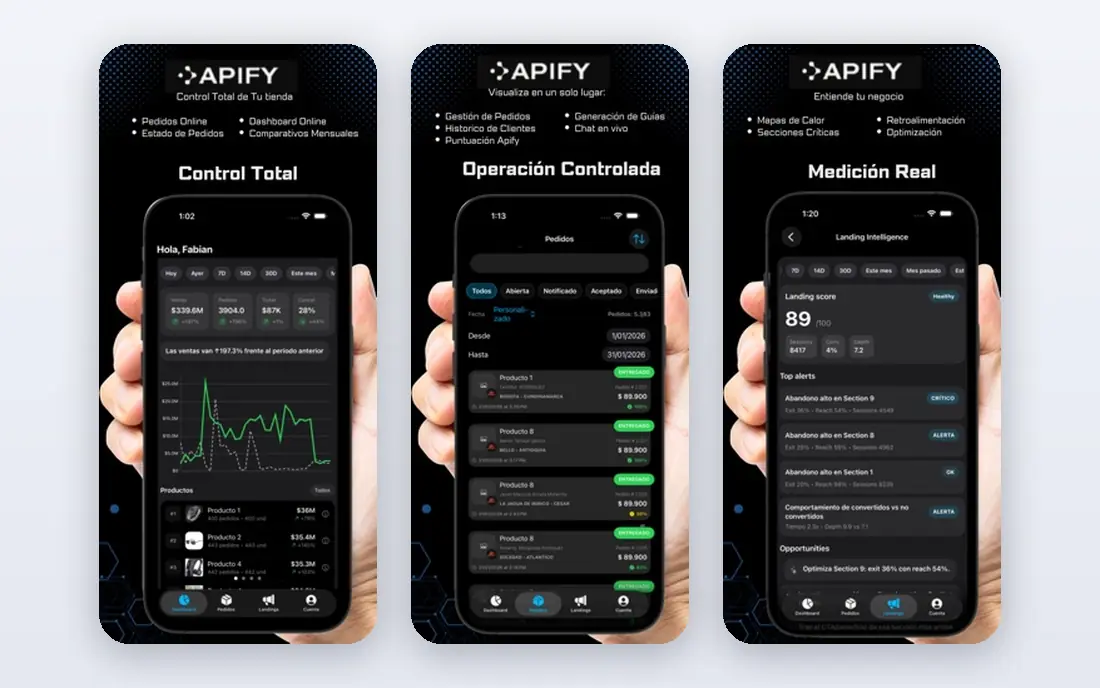
Apify is the platform pick when scraping becomes a program, not a one-off task. Actors handle crawling, browser automation, and data processing, while scheduling, storage, and integrations keep the workflow running without manual steps. For a data team that needs many sites on a regular schedule, that completeness is hard to match with a simple recorder.
The trade-off is learning time and usage pricing. A marketer who needs ten prices once a month will find Apify heavy, while a data team building a recurring pipeline will find it efficient. Start with a ready-made actor for a common site before building a custom one, and model usage costs on a real run.
- Marketplace of ready-made actors
- Scheduling, storage, proxies, and webhooks built in
- Strong developer ecosystem
- Pricing varies by usage
- Platform learning curve for custom workflows
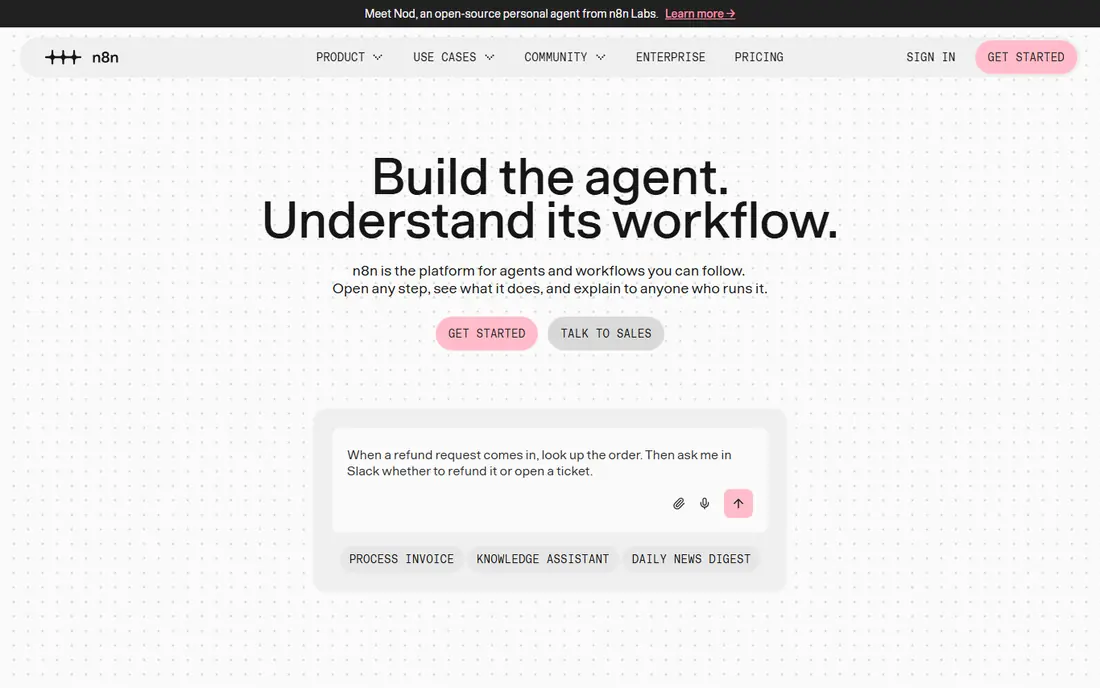
n8n suits technical teams that want to own their automation. Its visual workflow builder connects scraping steps to AI processing, sheets, databases, and messaging tools, and code nodes allow custom logic where a visual step is not enough. Self-hosting gives full control over data and infrastructure, which matters for teams with strict internal rules.
That control comes with responsibility. A self-hosted workflow needs updates, monitoring, and failure alerts, and scraping nodes still need maintenance when sites change. n8n is best when a team already runs workflows and wants scraping inside that system, rather than as a separate tool.
- Open workflow automation with many integrations
- Self-hosting option for full control
- Visual builder plus code nodes
- Scraping nodes need setup and maintenance
- Self-hosting adds server responsibility

Make, formerly Integromat, is a visual automation platform that excels at routing data between apps. A scraping step can feed into sheets, a CRM, email, or a database, with filters, schedules, and error paths in between. For teams that already use Make for other workflows, adding scraped data to that system is natural.
Make is not primarily a scraper, so the extraction step may come from a browser tool, an API, or a dedicated scraping service. Judge Make on the workflow around scraping, not on extraction alone. Check operation limits, because a high-volume scrape can use many operations quickly.
- Visual workflow builder with broad app coverage
- Scheduling and error handling
- Useful for routing scraped data
- Scraping itself often needs another tool or module
- Operation limits vary by plan
Bardeen works inside the browser, which makes it useful for tasks that start with a page a person is already viewing. AI agents can scrape a list, fill a sheet, or trigger another step, without a separate server setup. The $10 per month starting figure reflects recent public pricing, with a free plan for basic use.
Browser automation has limits. Runs tied to a local browser can be interrupted, and logged-in or interactive sites need care with session and permission rules. Bardeen suits individual and small-team workflows, while a cloud platform such as Apify suits unattended, high-volume jobs.
- In-browser automation that scrapes and acts on what it finds
- AI agents for repetitive tasks
- Chrome extension workflow
- Browser-based runs depend on the user's session and machine
- Complex jobs may need a cloud platform
Axiom.ai lets a non-technical user record browser steps once, then repeat them on a schedule. That recorder model is intuitive for tasks such as collecting listings, prices, or tables from a stable page, and it removes the need to write code for common jobs. Scheduled runs and data exports help turn a manual task into a routine one.
As with other recorders, site changes can break a workflow, and a team should check outputs after each run. Axiom.ai is best for stable, public pages with a clear owner who can re-record steps when needed. For large-scale crawling, a platform such as Apify is a better fit.
- No-code browser recorder for scraping and repetitive tasks
- Scheduling on paid plans
- Chrome extension workflow
- Pricing varies by plan
- Complex sites may need manual fixes when layouts change
Browse AI trains a robot by watching a user click through a site once, then repeats that sequence on a schedule. Change detection alerts a team when a monitored value changes, which is useful for price, availability, or listing monitoring. That model suits business users who need monitoring without code.
Credits are the main limit. Each robot run uses credits, and high-frequency monitoring can use them quickly. The $19 per month starting figure applies to annual billing in recent public pricing, so check the monthly rate and credit allowance. Browse AI is strongest for monitoring a set of known pages, not for discovering thousands of new pages.
- Robots trained by clicking through a site once
- Adapt to some site changes
- Change detection and scheduling
- Starting price applies to annual billing in recent pricing
- Robot credits limit volume
Zapier is the routing layer for scraped data. Once a scraper or form produces data, Zapier can send it to sheets, CRMs, email, Slack, and thousands of other apps without code. That breadth makes it a common final step in a scraping workflow, even when another tool does the extraction.
Zapier does not scrape on its own in the same way a dedicated scraper does, so a team still needs a source step. Task limits also matter, because a high-volume scrape can consume tasks fast. Use Zapier when the goal is distribution and follow-up, and pair it with a scraper that fits the target site.
- Very broad app coverage for routing scraped data
- Simple trigger and action setup
- Useful for teams without developers
- Scraping itself needs another tool or trigger
- Task limits vary by plan
PhantomBuster offers ready-made automations, called Phantoms, for extracting data from social platforms and other sites, with scheduling and exports for sales workflows. For a prospecting team, that ready-made library can save setup time compared with building each workflow from scratch. The $56 per month starting figure reflects recent public pricing.
Social platforms have strict terms, and automation that breaks those terms can lead to account action. Use PhantomBuster only for lawful collection that respects site terms and applicable law, and avoid personal data you do not have a lawful basis to collect. A sales team should also verify leads before outreach, rather than treating extracted data as qualified.
- Ready-made automations for social and lead data
- Scheduling and exports
- Useful for sales prospecting workflows
- Starting price is higher than browser recorders
- Social platform terms need careful attention
Hexomatic combines scraping with ready-made automations for common work tasks, such as collecting data, checking pages, and preparing exports. Recipes for common jobs help a small team start without building a workflow from scratch. That combination suits teams that want scraping as part of a broader automation routine, not as a standalone data project.
The trade-off is depth. A recipe that works well for one site type may need adjustment for another, and pricing needs a check on the vendor page. Hexomatic is best for teams that value ready-made workflows over custom code, with a clear owner who checks outputs and updates recipes when sites change.
- Scraping plus ready-made work automations in one tool
- Recipes for common data tasks
- Exports to sheets and other tools
- Pricing is not published as a simple starting plan in all sources
- Depth varies by site type
How we picked these
We compared official feature and pricing pages and public product descriptions for tools live in October 2026. We included full platforms, workflow tools, browser automation, and lead workflow tools, because automation for web scraping spans all of those models. Prices are shown where vendors publish them, and listed as See website where pricing is usage-based or quote-based. We did not claim hands-on testing, and we framed every tool for lawful collection only, respecting site terms, robots rules, and applicable law.
What to check before you automate
Start with the full workflow, not only the scrape. Map each step: target pages, extraction fields, cleaning rules, storage, alerts for failures, and the final destination such as a sheet or CRM. A tool that extracts well but cannot alert you when a run fails will feed stale data into decisions. Test the full chain on a small sample before scaling to a full schedule.
Next, check permission and data scope for every target. Respect site terms and robots rules, collect only data you need for a lawful purpose, and avoid personal data without a lawful basis. If a site offers an official API, prefer it, because it is usually more stable and more clearly permitted. Keep request rates reasonable, and log runs so you can show what was collected and when.
Finally, assign an owner and a maintenance budget. Sites change, workflows break, and credits run out, so someone must check outputs, fix selectors, and retire jobs that are no longer needed. A workflow with an owner and a weekly check will last, while an unattended workflow will quietly fail. That ownership matters more than the choice between two similar tools.
Frequently asked questions
What is the best web scraping tool for automation?
Apify is best for full-stack crawling programs, n8n and Make are best for workflow routing, and Bardeen, Axiom.ai, and Browse AI are best for no-code browser automation. The best choice depends on whether you need a platform, a workflow tool, or a simple recorder.
What is the best automation tool for web scraping without code?
Browse AI and Axiom.ai suit no-code browser automation, while Bardeen suits in-browser AI agents for repetitive tasks. All three work best on stable, public pages with a clear owner who checks outputs. For large-scale crawling, a code or platform tool is usually better.
Can Zapier scrape websites?
Zapier is mainly a routing tool, not a dedicated scraper, so it usually needs another tool, form, or trigger to provide scraped data. It excels at sending that data to sheets, CRMs, and other apps once it exists. Pair Zapier with a scraper that fits your target site.
Is automated web scraping legal?
It depends on site terms, robots rules, data type, and applicable law. Collect only public data you have a right to use, respect site terms and robots rules, avoid personal data without a lawful basis, and keep request rates reasonable. When in doubt, seek legal advice or use an official API.
How much do automation tools for web scraping cost?
Bardeen starts at $10 per month, Browse AI starts at $19 per month on annual billing, Zapier starts at $19.99 per month, and PhantomBuster starts at $56 per month, based on recent public pricing. Platform and workflow tools such as Apify, n8n, and Make vary by usage and plan, so check current pricing.
How do I avoid broken scraping automations?
Set alerts for failed runs and empty outputs, keep a sample of expected data for comparison, and assign an owner to fix selectors when sites change. Start with stable pages, test on a small sample, and review outputs weekly. Monitoring matters as much as the initial setup.
Sources
See where you really rank - block by block
ProMapRanker scans Google Maps across a grid of your service area. Simple monthly plans from $19, white-label on every plan.
Start freeKeep reading
 zscaler alternatives
Best Zscaler Alternatives in 2026
Looking for zscaler alternatives? We compare 9 SASE and zero trust platforms on architecture, data protection, pricing, and fit for your network and team.
Read → zapier alternatives free
Best Zapier Alternatives Free in 2026
Nine automation tools for zapier alternatives free in 2026, all with genuinely free tiers, plus free plan limits, starting prices and upgrade paths explained.
Read → which platform is best for online reputation
Which Platform Is Best for Online Reputation in 2026
Wondering which platform is best for online reputation? We compare 8 review, listing, and response tools for small and multi-location businesses and agencies.
Read →