 ProMapRanker
Best Automation Testing Tools in 2026

Key takeaways
- Playwright, Selenium, and Cypress remain the main free frameworks, with Playwright the most common pick for new web projects.
- Katalon and TestComplete suit mixed-skill teams that want visual building and broader platform coverage.
- Cloud grids such as BrowserStack solve real device and browser coverage that a local machine cannot match.
- The true cost includes setup, test upkeep, and CI time, not only the licence or subscription fee.
Quick comparison
| Pick | Great for | Pricing starts at | Free tier | |
|---|---|---|---|---|
 Playwright | modern cross-browser web testing | Free | Yes | Visit |
 Selenium | enterprise web testing at scale | Free | Yes | Visit |
 Cypress | JavaScript front-end testing | Free | Yes | Visit |
 Katalon | mixed-skill QA teams | See website | Yes | Visit |
 Appium | native and hybrid mobile testing | Free | Yes | Visit |
 Robot Framework | keyword-driven acceptance testing | Free | Yes | Visit |
 TestComplete | desktop and web GUI testing | See website | Free trial | Visit |
 BrowserStack | cloud browser and device coverage | See website | Free trial | Visit |
 Postman | API testing and automation | $12 per user per month | Yes | Visit |
The best best automation testing tools
Good test automation saves time on repeat checks and catches breaks before users do. We looked for tools that fit real teams, from code-first frameworks to low-code platforms and cloud test grids.
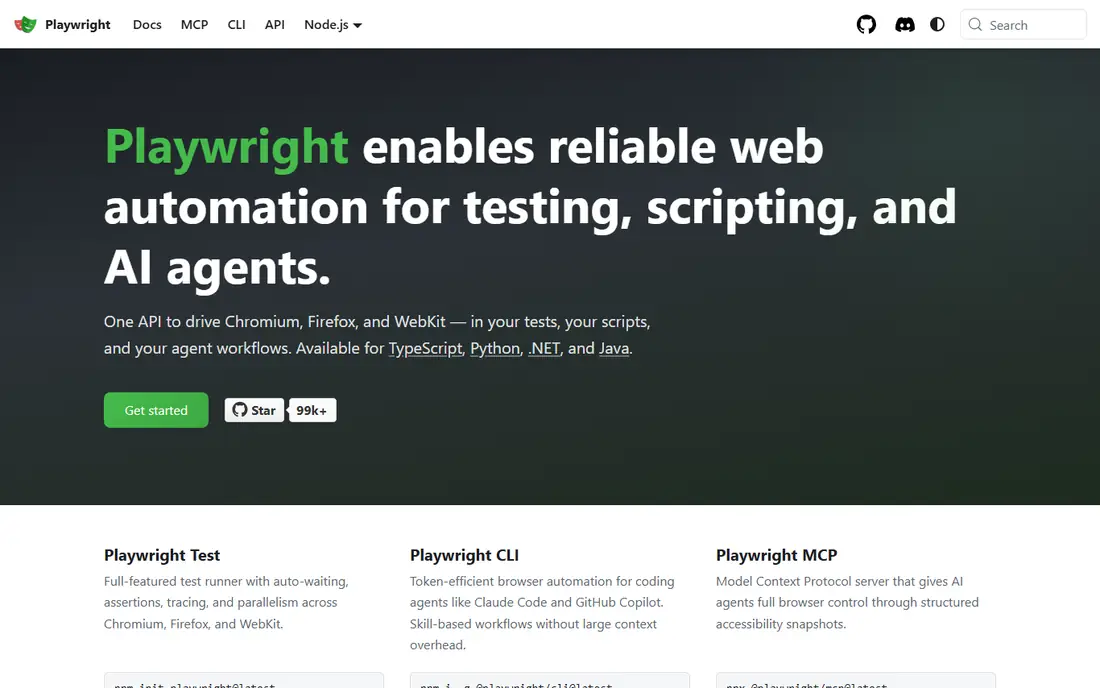
If modern cross-browser web testing is the main job, Playwright stands out for cross-browser testing with auto-waiting and support for several languages, which reduces flaky waits. In our comparison of official feature pages and pricing, that combination stood out because it answers the core job without forcing a separate tool for every step.
That strength shows up in daily use, not only on a feature page. The plan limits and the way the tool handles real work matter, so check trial terms, user limits, and what happens when you outgrow the entry tier. A tool that fits the first month but blocks the sixth month is a poor buy.
The catch is that it is code-first, so teams without developers will need support to build and maintain suites. Before you commit, run a real task in the trial or free tier, check the plan limits, and confirm the tool fits the team that will use it every day. That short test usually reveals more than a feature list.
- Cross-browser support including Chromium, Firefox, and WebKit
- Auto-waiting
- Supports several languages
- Code-first, so non-developers need help
- Test design still needs skill and upkeep
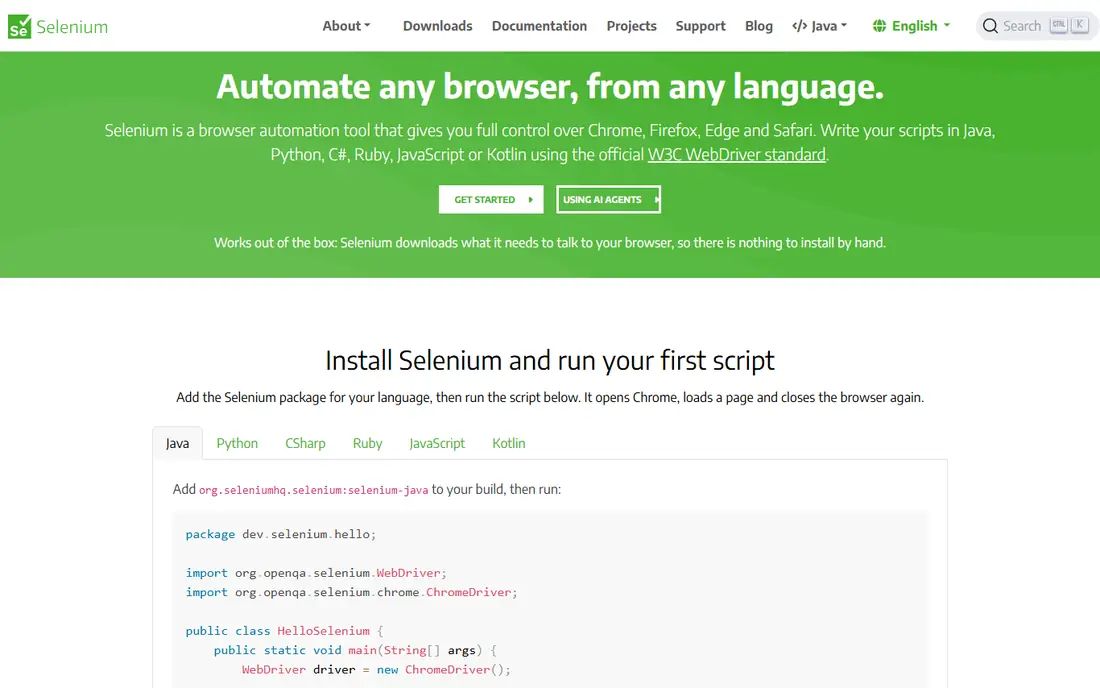
For teams focused on enterprise web testing at scale, Selenium stands out for broad language support and a long track record, which helps teams with existing suites and grids. In our comparison of official feature pages and pricing, that combination stood out because it answers the core job without forcing a separate tool for every step.
Pricing and limits shape the real cost. Check what the entry plan includes, what sits on higher tiers, and whether extra users, volume, or add-ons change the bill. A clear plan page is a good sign, while vague pricing usually means a sales call and a custom quote.
The catch is that it needs more manual wait handling and setup than newer frameworks, so new teams may move slower. Before you commit, run a real task in the trial or free tier, check the plan limits, and confirm the tool fits the team that will use it every day. That short test usually reveals more than a feature list.
- Long track record, broad language and browser support, and wide grid and CI integration
- Needs more setup and wait handling than newer frameworks
- Test upkeep can grow on large suites
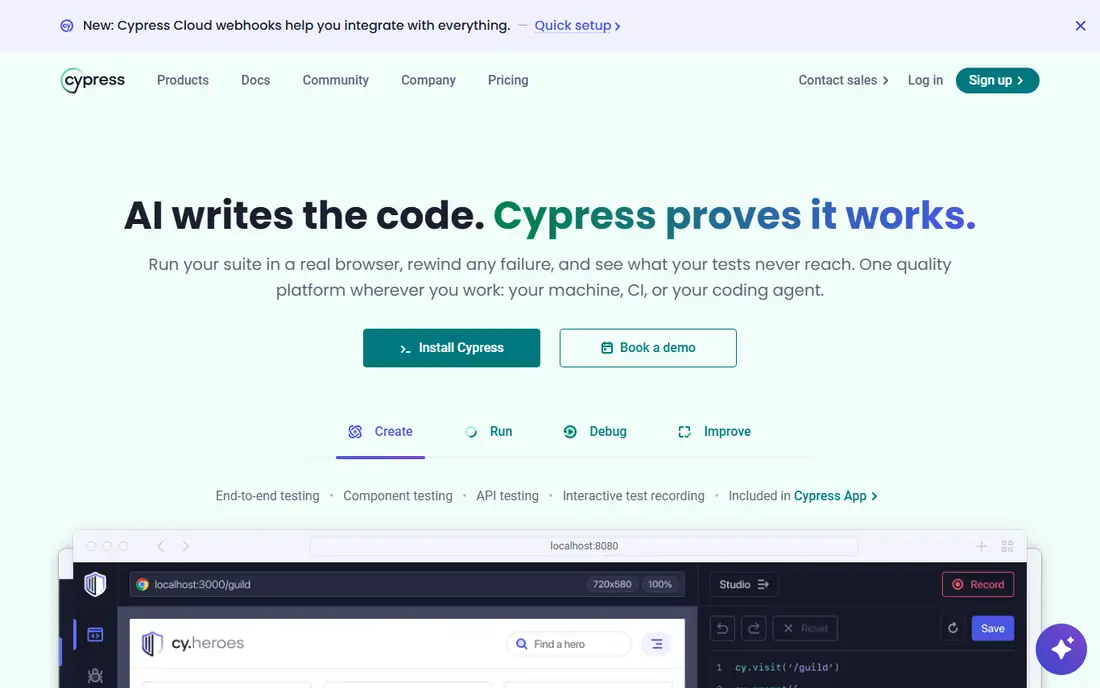
When javaScript front-end testing matters most, Cypress stands out for fast feedback and time-travel debugging make front-end failures easier to trace. In our comparison of official feature pages and pricing, that combination stood out because it answers the core job without forcing a separate tool for every step.
Daily workflow is where a tool earns its place. Look at how quickly a new user can complete the core job, how clear errors and reports are, and how well the tool connects to the rest of your stack. A strong feature that is hard to find rarely gets used.
The catch is that its paid cloud adds cost for parallel runs and analytics, and browser coverage is narrower than some rivals. Before you commit, run a real task in the trial or free tier, check the plan limits, and confirm the tool fits the team that will use it every day. That short test usually reveals more than a feature list.
- Fast developer feedback, time-travel debugging, and strong JavaScript tooling
- Core is free, while cloud features are paid
- Cross-browser coverage is narrower than Playwright
If your priority is mixed-skill QA teams, Katalon stands out for low-code building plus scripting covers web, mobile, API, and desktop in one platform. In our comparison of official feature pages and pricing, that combination stood out because it answers the core job without forcing a separate tool for every step.
Support and docs matter when work stalls. Check the help centre, community, and update history before you commit. A tool with clear docs and recent updates is easier to trust than one with a polished landing page and thin guidance.
The catch is that full features sit on paid tiers, so a free start may not cover larger team needs. Before you commit, run a real task in the trial or free tier, check the plan limits, and confirm the tool fits the team that will use it every day. That short test usually reveals more than a feature list.
- Low-code building plus scripting for web, mobile, API, and desktop
- Built-in reporting
- Paid tiers are needed for full features and self-healing
- Larger suites need planning to stay fast
For buyers who need native and hybrid mobile testing, Appium stands out for open mobile automation for iOS and Android, which suits teams that test real apps on real devices. In our comparison of official feature pages and pricing, that combination stood out because it answers the core job without forcing a separate tool for every step.
That strength shows up in daily use, not only on a feature page. The plan limits and the way the tool handles real work matter, so check trial terms, user limits, and what happens when you outgrow the entry tier. A tool that fits the first month but blocks the sixth month is a poor buy.
The catch is that setup is complex, and device and emulator management takes real effort. Before you commit, run a real task in the trial or free tier, check the plan limits, and confirm the tool fits the team that will use it every day. That short test usually reveals more than a feature list.
- Open mobile automation for iOS and Android apps, with broad language support
- Mobile setup is complex, with devices, emulators, and signing to manage
- Runs can be slow
When the brief is keyword-driven acceptance testing, Robot Framework stands out for readable keyword tests help product and QA staff follow what a test checks. In our comparison of official feature pages and pricing, that combination stood out because it answers the core job without forcing a separate tool for every step.
Pricing and limits shape the real cost. Check what the entry plan includes, what sits on higher tiers, and whether extra users, volume, or add-ons change the bill. A clear plan page is a good sign, while vague pricing usually means a sales call and a custom quote.
The catch is that it needs libraries and setup per platform, and large keyword suites need care to stay clear. Before you commit, run a real task in the trial or free tier, check the plan limits, and confirm the tool fits the team that will use it every day. That short test usually reveals more than a feature list.
- Readable keyword tests that non-developers can follow
- Broad library support for web and API
- Needs libraries and setup for each platform
- Large keyword suites need care to stay clear
If desktop and web GUI testing tops your list, TestComplete stands out for visual building plus scripting suits teams that test desktop and web apps together. In our comparison of official feature pages and pricing, that combination stood out because it answers the core job without forcing a separate tool for every step.
Daily workflow is where a tool earns its place. Look at how quickly a new user can complete the core job, how clear errors and reports are, and how well the tool connects to the rest of your stack. A strong feature that is hard to find rarely gets used.
The catch is that pricing is commercial and must be confirmed, and its Windows focus may limit some teams. Before you commit, run a real task in the trial or free tier, check the plan limits, and confirm the tool fits the team that will use it every day. That short test usually reveals more than a feature list.
- Visual test building and scripting for desktop, web, and mobile
- Strong object recognition
- Commercial pricing must be checked on site
- Windows focus may limit some teams
For work centred on cloud browser and device coverage, BrowserStack stands out for real browsers and devices in the cloud solve coverage a local machine cannot match. In our comparison of official feature pages and pricing, that combination stood out because it answers the core job without forcing a separate tool for every step.
Support and docs matter when work stalls. Check the help centre, community, and update history before you commit. A tool with clear docs and recent updates is easier to trust than one with a polished landing page and thin guidance.
The catch is that paid plans are needed for serious volume, so minute and parallel limits matter. Before you commit, run a real task in the trial or free tier, check the plan limits, and confirm the tool fits the team that will use it every day. That short test usually reveals more than a feature list.
- Real browsers and devices in the cloud, with parallel runs and CI integration
- Paid plans are needed for serious volume
- Minutes and parallel limits need checking
When you need aPI testing and automation most, Postman stands out for API collections and automated runs make API checks easy to share and repeat. In our comparison of official feature pages and pricing, that combination stood out because it answers the core job without forcing a separate tool for every step.
That strength shows up in daily use, not only on a feature page. The plan limits and the way the tool handles real work matter, so check trial terms, user limits, and what happens when you outgrow the entry tier. A tool that fits the first month but blocks the sixth month is a poor buy.
The catch is that team features sit on paid plans, and it does not replace UI or mobile testing. Before you commit, run a real task in the trial or free tier, check the plan limits, and confirm the tool fits the team that will use it every day. That short test usually reveals more than a feature list.
- API collections, automated runs, monitors, and CI integration
- Easy sharing across teams
- Full team features sit on paid plans
- UI testing is not its job
How we picked these
We compared official docs, pricing pages, and platform coverage for web, mobile, API, and desktop testing. We kept tools that are actively maintained and work with modern CI systems in October 2026. We left out tools that only record manual tests or only check one narrow case, because they do not cover the automation job in this list. We compared official feature pages, pricing, and app store listings where relevant, plus public reviews. We did not claim hands-on testing that did not happen, and we kept only products that exist and work today.
What to check before you buy
Start from your stack, not the feature list
A JavaScript team will move faster with Playwright or Cypress. A team with mixed skills may prefer Katalon. Mobile-first teams should start with Appium or a mobile grid, not a web-only tool.
Count upkeep, not only creation
Tests that break on every small change cost more than tests that take longer to write. Look for stable selectors, clear failure reports, and easy reruns in CI before you commit.
Use the cloud for coverage, local runs for speed
Run fast unit and smoke tests locally, then use a cloud grid for browser and device combinations you do not own. That split keeps feedback fast while still catching device-specific breaks.
Frequently asked questions
What are the best automation testing tools for beginners?
Beginners often start with Playwright or Cypress because docs, examples, and community help are strong. Katalon is a good choice if the team wants a visual builder and less code. Start with a small set of stable end-to-end tests, then grow coverage.
Is Selenium still worth learning in 2026?
Yes, for teams with existing Selenium suites, broad language support, or enterprise browser grids. New projects often pick Playwright for faster setup and built-in waiting, but Selenium remains widely used and well supported.
What is the best UI automation tool?
For web UI work, Playwright is our general pick, with Cypress close for JavaScript front-end teams. For mobile UI, Appium is the standard open choice. The best UI tool depends on platform, language, and whether the team writes code.
Are free automation testing tools enough?
Free frameworks are enough for many teams, especially when paired with CI and a cloud grid for coverage. Paid tools add visual building, self-healing, reporting, and support, which can pay off for larger or less technical teams.
How do I choose between Playwright, Selenium, and Cypress?
Pick Playwright for cross-browser coverage and multiple languages. Pick Cypress for a strong JavaScript developer experience on web apps. Pick Selenium when legacy suites, grid infrastructure, or broad language support matter most.
Sources
See where you really rank - block by block
ProMapRanker scans Google Maps across a grid of your service area. Simple monthly plans from $19, white-label on every plan.
Start freeKeep reading
 zoho inventory alternatives
6 Alternatives to Zoho Inventory, Compared on Price and Fit
Zoho Inventory alternatives: 6 tools compared on price, free plans and fit. Katana leads the list for manufacturers. Fit and flaws are laid out for each entry.
Read → zoho crm alternatives
Best Zoho CRM Alternatives (2026)
Need Zoho CRM alternatives? We compare 7 tools on cost, free access and who each suits. Every pick gets a straight assessment. Built for quick decisions.
Read → zelle alternatives
Best Zelle Alternatives in 2026
Compare the best Zelle alternatives for sending money to friends, paying sellers and moving funds abroad, with honest notes on fees, speed and safety in 2026.
Read →