 ProMapRanker
9 Best Automation Apps for Small Business in 2026

Key takeaways
- Zapier is the easiest starting point for connecting popular apps without code.
- Make offers more operations for less money when workflows branch or run at higher volume.
- n8n suits technical teams that want control, self-hosting, or AI workflow options.
- Microsoft Power Automate, HubSpot, Mailchimp, and Calendly cover automation inside tools you may already use.
- IFTTT and Pipedream cover simple consumer-style flows and developer-friendly workflows respectively.
Quick comparison
| Pick | Great for | Pricing starts at | Free tier | |
|---|---|---|---|---|
 Zapier | Connecting popular apps easily | $19.99 per month | Yes | Visit |
 Make | Visual, high-volume workflows | $9 per month | Yes | Visit |
 n8n | Technical teams and self-hosting | See website | Yes | Visit |
 Microsoft Power Automate | Microsoft 365 teams | $15 per user per month | Free trial | Visit |
 HubSpot | CRM, marketing, and service automation | Free | Yes | Visit |
 Mailchimp | Email and marketing automation | $13 per month | Yes | Visit |
 Calendly | Scheduling automation | Free | Yes | Visit |
 IFTTT | Simple cross-app automations | See website | Yes | Visit |
 Pipedream | Developer-friendly workflows | See website | Yes | Visit |
The best automation apps for small business
Small business automation is not about replacing people. It is about removing repetitive steps, such as copying form data into a CRM, sending follow-up emails, or booking meetings. The tools below cover different levels of complexity, from simple two-app connections to visual workflows and code-friendly pipelines. We compared official pricing pages, feature lists, and integration catalogs to build this list.
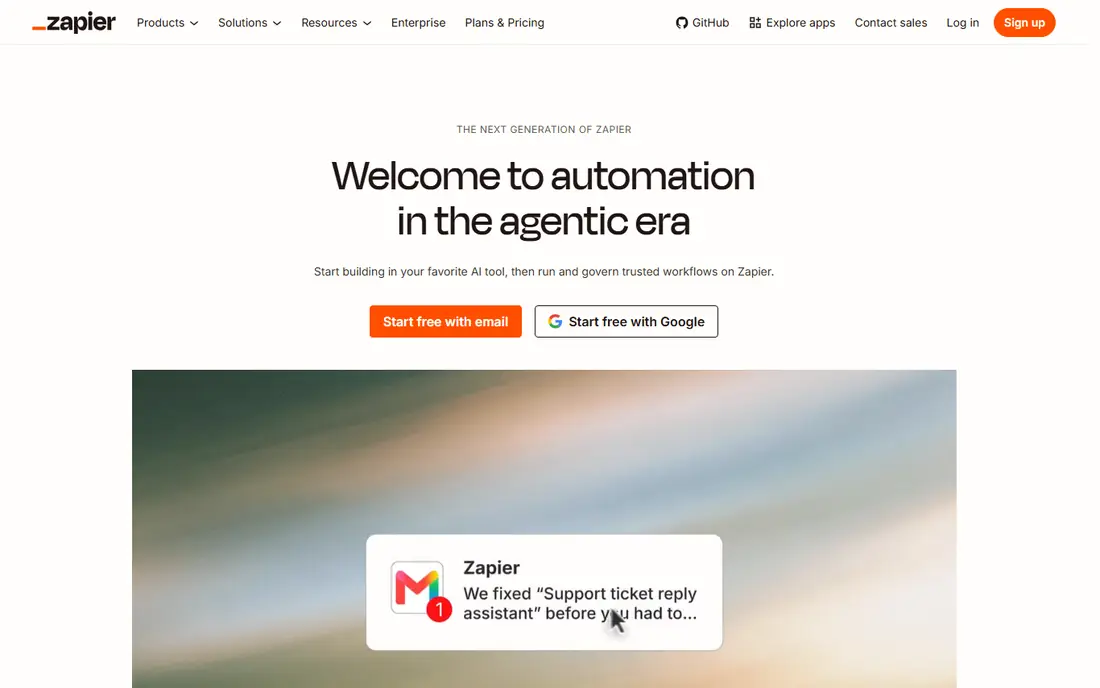
Zapier is the default automation tool for most small businesses, because it connects thousands of apps with a simple trigger-and-action model. A form submission can add a contact to your CRM, create a spreadsheet row, and send a notification, all without code. Its editor is easy for non-technical staff, and its app catalog covers forms, email, CRM, shops, and spreadsheets that small businesses use daily.
The cost model is the main watch-out. Zapier charges per task, and a multi-step workflow can use several tasks per run, so busy operations can outgrow the Starter plan at $19.99 per month for 750 tasks. The free plan is useful for testing, but it is limited to single-step workflows. If ease of use matters more than lowest cost, Zapier is still the safest first pick.
- Largest app catalog for small businesses
- Simple step editor
- AI-assisted workflow building
- Reliable for common jobs
- Task-based pricing adds up at volume
- Free plan covers only 100 tasks per month
- Complex logic is less visual than Make
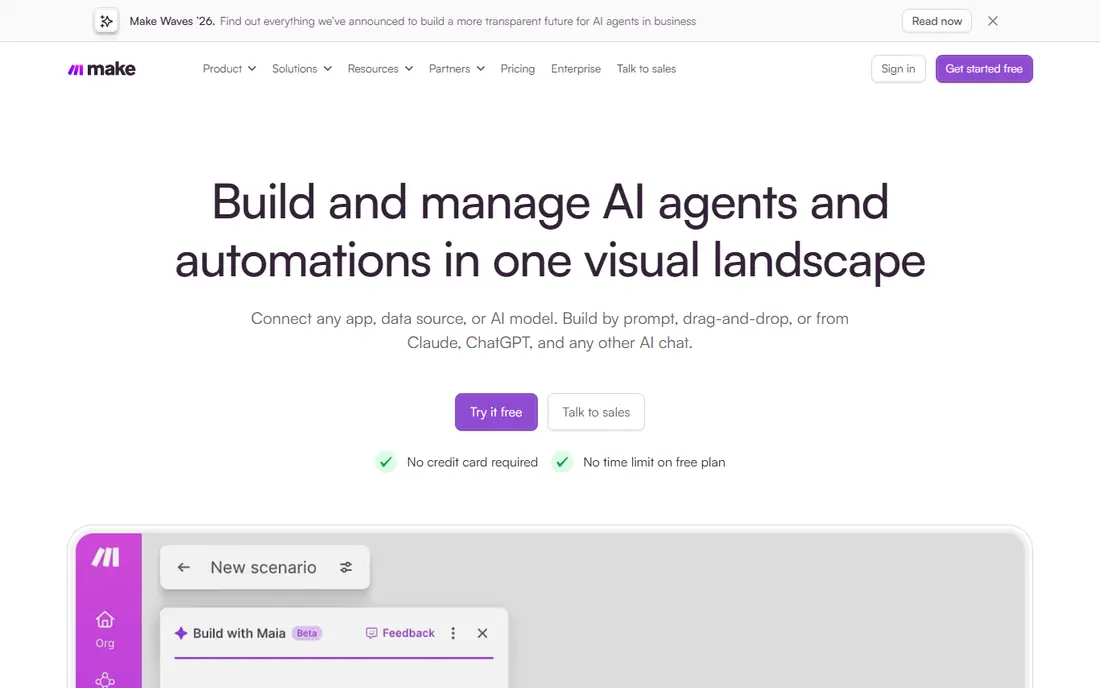
Make, formerly Integromat, is the visual alternative to Zapier. Workflows appear as a flowchart, with routers for branches, filters for conditions, and tools for transforming data. That structure handles complex operations better than a linear step list, such as routing leads by region, checking inventory, and sending different follow-ups based on order value.
Pricing is a major advantage. Core starts at $9 per month for 10,000 operations, with a free plan offering 1,000 operations per month, which gives high-volume small businesses more room than Zapier at a lower price. The learning curve is steeper, and some niche apps may be missing. For teams that build serious workflows and watch costs closely, Make is often the better long-term choice.
- Visual canvas with branches, filters, and error handling
- 10,000 operations on Core plan
- Lower cost per operation than Zapier
- Steeper learning curve
- App catalog is smaller than Zapier
- Credit counting needs care for polling workflows
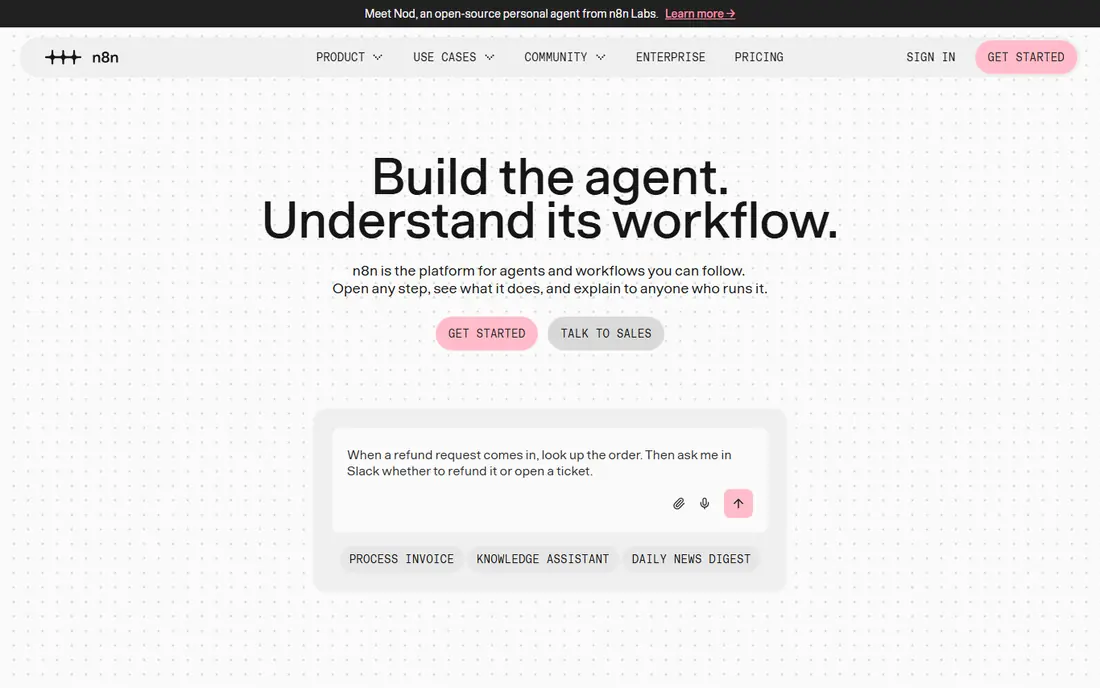
n8n suits small businesses with a technical person nearby, or with a need to keep data on their own servers. Its workflows combine visual nodes with code steps, which gives developers flexibility that no-code tools cannot match. AI agent workflows, webhooks, and database nodes extend it beyond simple app connections, into support triage, data processing, and internal tools.
The trade-off is responsibility. Self-hosting is free in license terms, but you still pay for servers, updates, and security. Cloud plans remove that work but charge by executions, so pricing should be checked on the current pricing page. If your team is comfortable with technical setup, n8n offers control and value that closed platforms cannot match.
- Self-hosted community edition is free
- Workflow logic with code steps
- AI agent workflows
- Data stays on your servers if self-hosted
- Needs technical comfort
- Cloud pricing varies by executions
- Setup and maintenance fall on your team when self-hosted
Microsoft Power Automate is the natural automation choice for teams already on Microsoft 365. It can move data between Outlook, Teams, SharePoint, Excel, and Dynamics, and it can automate approvals, notifications, and document flows. Desktop flows also help with older Windows applications that lack modern APIs, which is a real problem for some small businesses.
Pricing depends on your Microsoft plan and the type of flow. Premium cloud flows start at $15 per user per month paid yearly, while unattended desktop automation is priced per bot and costs far more. Outside the Microsoft ecosystem, Power Automate is less compelling than Zapier or Make. Inside it, Power Automate is hard to beat for daily office automation.
- Deep fit with Microsoft 365, Teams, and SharePoint
- Desktop automation for older apps
- Approval workflows built in
- Premium plan is $15 per user per month paid yearly
- Unattended desktop automation costs more
- Best value inside Microsoft ecosystem
HubSpot is not a general automation platform like Zapier, but it automates the work inside a CRM very well. Lead capture, follow-up sequences, deal stages, ticket routing, and task creation can run automatically once a contact enters the system. That matters for small businesses that lose leads because follow-up depends on memory or manual entry.
The free CRM is genuinely useful, but automation depth depends on paid Marketing, Sales, or Service Hubs, with Starter plans priced per seat. As contacts and users grow, costs rise, so model pricing at your actual team size. If your main automation need is sales and service follow-up, HubSpot may remove the need for a separate workflow tool for many jobs.
- Free CRM with automation on paid tiers
- Email sequences, lead scoring, and ticket automation
- Unified contact record
- Starter pricing starts per seat on paid hubs
- Advanced automation needs higher tiers
- Costs rise as contacts and seats grow
Mailchimp automates the email side of a small business: welcome emails, abandoned cart reminders, post-purchase follow-ups, and re-engagement campaigns. Its journey builder lets you set triggers, delays, and conditions without code, and segmentation helps you send relevant messages rather than blasting your whole list.
The limit is contact-based pricing. Costs rise as your list grows, even if many contacts are inactive, so list hygiene matters. Advanced automation and testing also sit on higher tiers. For a shop or service business that relies on email for repeat sales, Mailchimp remains a practical automation pick, especially when paired with Zapier or Make for non-email jobs.
- Email journeys, abandoned cart flows, and welcome series
- Audience segmentation
- Easy templates for small teams
- Pricing rises with contacts
- Advanced automation sits on higher tiers
- Free plan covers only 250 contacts
Calendly solves one repetitive job very well: booking meetings. Instead of emailing times back and forth, you share a link, the other person picks a slot, and Calendly creates the calendar event, sends confirmations, and can send reminders. That saves time for consultants, service businesses, clinics, and sales teams that book many calls.
It is not a general automation platform, so it will not replace Zapier for CRM or order workflows. Paid plans add routing, integrations, and team features that larger scheduling needs require. If scheduling is a daily friction point, Calendly is a cheap, focused automation win that pays for itself in saved emails alone.
- Removes back-and-forth scheduling emails
- Calendar connections
- Automated reminders and follow-ups
- Team scheduling options
- Advanced routing and integrations need paid plans
- Not a general workflow tool
- Some features overlap with CRM scheduling
IFTTT, short for If This Then That, is the simplest tool here. You create an applet that says, in effect, when this happens, do that. It works well for social posting, device triggers, spreadsheet logging, and simple notifications, and it is easy for a non-technical owner to set up in minutes.
The simplicity is also the limit. IFTTT lacks the branching, data transformation, and error handling that Make and n8n offer, and its free plan limits how many applets you can run. It is best for a handful of simple flows, not for a core business process. If you want quick wins without learning a workflow builder, IFTTT is a good starting point.
- Very simple applets for consumer and small business tasks
- Supports smart devices and social apps
- Quick setup
- Limited logic compared with Zapier or Make
- Free plan limits applet count
- Less suited to complex business workflows
Pipedream sits between no-code tools and custom code. You can build workflows with prebuilt actions, then add JavaScript or Python steps when a job needs custom logic, API calls, or data parsing. That flexibility appeals to small technical teams that outgrow Zapier logic but do not want to build and host a full integration service.
The downside is accessibility. Non-technical staff may find Pipedream harder than Zapier, and pricing depends on usage and plan details that should be confirmed on its site. For a team with a developer, or a founder comfortable with code, Pipedream offers a powerful and flexible automation option at a reasonable entry cost.
- Code steps alongside no-code actions
- Generous free tier for testing
- Strong API and webhook support
- Needs developer comfort for full value
- Pricing and limits require checking current plans
- Interface is less friendly for non-technical staff
How we picked these
We compared official pricing pages, feature lists, and integration options for automation tools live in October 2026. We favored tools that a small business can actually adopt, from simple scheduling and email automation to visual workflows and developer tools. We excluded enterprise-only platforms that require large contracts, and we excluded the named product category itself as a separate listing, since this list is about tools that do the automation job.
What to check before you choose
Start with one painful process, not with a platform. Pick a repetitive job, such as lead follow-up, order handling, or meeting booking, and map its steps on paper. That map tells you whether you need simple connections, branching logic, or code. Next, check the apps you already use. A tool that already connects to your CRM, shop, or email system will save setup time and reduce errors.
Also model usage costs honestly. Task, operation, execution, and contact pricing all scale differently, so estimate monthly runs before choosing a plan. Finally, build one workflow, test it with real data, and add error alerts. A silent failed automation is worse than a manual process, because nobody notices the missed follow-up until a customer complains.
Frequently asked questions
What is the best automation tool for small businesses?
Zapier is the best starting tool for most small businesses, because it is easy to use and connects to many popular apps. Make is the better value pick for high-volume or branching workflows, while n8n suits technical teams that want control or self-hosting.
Is Zapier or Make cheaper for small businesses?
Make is usually cheaper per operation, with Core at $9 per month for 10,000 operations, compared with Zapier Starter at $19.99 per month for 750 tasks. The right comparison depends on how many steps each workflow uses, so count tasks or operations for your actual workflows before deciding.
Do I need technical skills to automate my business?
No for Zapier, Make, HubSpot, Mailchimp, and Calendly, which are built for non-technical users. You will need technical comfort for n8n self-hosting and for Pipedream code steps, though both offer no-code actions for simpler jobs.
What should a small business automate first?
Start with lead follow-up, appointment booking, and order notifications, because those jobs are repetitive and directly affect revenue. Automate one process well, measure the time saved, and then expand to invoicing, reporting, and customer support.
Can automation replace staff?
Automation replaces repetitive tasks, not judgment, sales conversations, or customer care. The best use is to free staff for work that needs human attention, such as closing deals, solving complex problems, and building relationships.
How do I avoid automation errors?
Test with real data, add notifications for failures, and review workflows monthly. Keep a manual fallback for critical jobs, such as payroll or order fulfillment, and avoid automating a broken process without fixing its steps first.
Sources
See where you really rank - block by block
ProMapRanker scans Google Maps across a grid of your service area. Simple monthly plans from $19, white-label on every plan.
Start freeKeep reading
 zoro.to alternatives
Best Zoro.to Alternatives in 2026
We compare the best zoro.to alternatives in 2026, listing only legal licensed anime streaming services, from Crunchyroll to free options for fans today.
Read → zip alternatives
Best Zip Alternatives in 2026
We compare the best zip alternatives for buy now, pay later in 2026, covering pay-in-4 plans, fees, spending limits, and credit reporting options today.
Read → yesware alternatives
Best Yesware Alternatives in 2026
Compare the best yesware alternatives for sales email tracking, templates, and sequences, with current pricing and honest tradeoffs for small sales teams.
Read →