 ProMapRanker
Best Automated Penetration Testing Tools in 2026


Hands-on web testing and automated scanning · Pricing starts at: See website
Key takeaways
- Use these tools only for lawful, authorised testing on systems you own or have written permission to test.
- Burp Suite and OWASP ZAP suit hands-on testers, while Acunetix, Intruder, and Detectify suit automated fleet scanning.
- Nessus suits broad vulnerability scanning across networks, cloud, and systems, not just web apps.
- Pentera and Metasploit suit validation and attack-path testing, but they need skilled operators.
- No scanner replaces manual review, since false positives and business-logic flaws still need a human tester.
Quick comparison
| Pick | Great for | Pricing starts at | Free tier | |
|---|---|---|---|---|
| Burp Suite | Hands-on web testing and automated scanning | See website | Yes | Visit |
 Acunetix by Invicti | Proof-based web and API scanning at scale | See website | Free trial | Visit |
 Intruder | Continuous scanning for small and mid-size teams | See website | Free trial | Visit |
 Detectify | External attack surface and web scanning | See website | Free trial | Visit |
 Nessus | Broad vulnerability scanning across systems | See website | Free trial | Visit |
 OWASP ZAP | Free open-source web scanning | Free | Yes | Visit |
 StackHawk | API and app scanning inside CI pipelines | See website | Free trial | Visit |
 Pentera | Automated attack-path validation | See website | No | Visit |
 Metasploit | Exploitation testing and validation by skilled testers | Free | Yes | Visit |
The best automated penetration testing tools
This guide is for lawful, authorised testing only, on in-scope targets where you have permission from the system owner. Automated tools help find common flaws faster, but they do not grant permission to test a system, and they should never be run against systems you do not own or have written approval to test. The list below covers web scanning, network scanning, and validation tools for authorised security teams.
Burp Suite from PortSwigger is the standard tool for web application testing. Testers intercept traffic, repeat requests, fuzz inputs, and run automated scans from the same workspace. The Community edition is free and covers manual proxy work, while Professional adds the scanner and more tools.
Automation in Burp works best with a tester guiding it. Scans find many common web flaws, but business-logic issues and complex authentication flows still need manual checks. For a security team that does both manual and automated web testing, Burp is the safest first pick.
- Industry-standard proxy and scanner
- Large extension library
- Clear published pricing for Pro
- Full automation needs Enterprise or skilled setup
- Learning curve for new testers
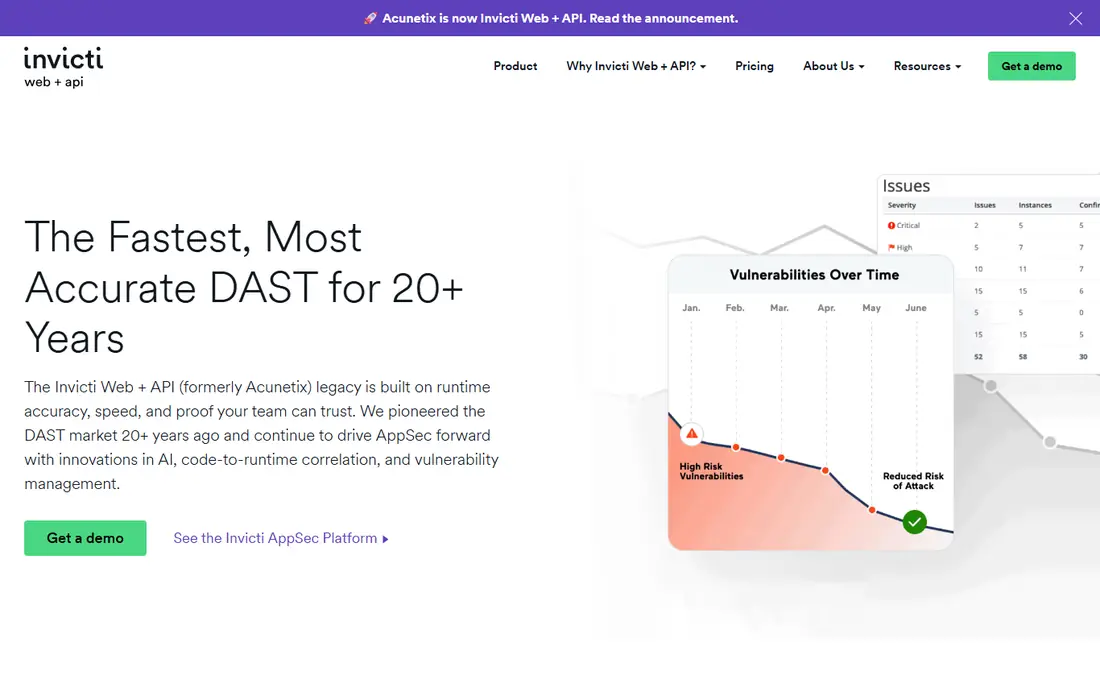
Acunetix by Invicti is built for automated web and API scanning across many sites. Its proof-based approach tries to confirm a flaw before reporting it, which cuts down on false positives that waste tester time. It handles modern web apps, APIs, and single-page apps better than older scanners.
Pricing is quoted based on targets and needs, so request a quote after a trial. For a team that must scan a large portfolio regularly and report results to developers, Acunetix offers a strong balance of automation and accuracy.
- Proof-based results reduce false positives
- Strong API and single-page app support
- Fleet scanning
- Pricing is quoted
- Setup for large portfolios takes planning
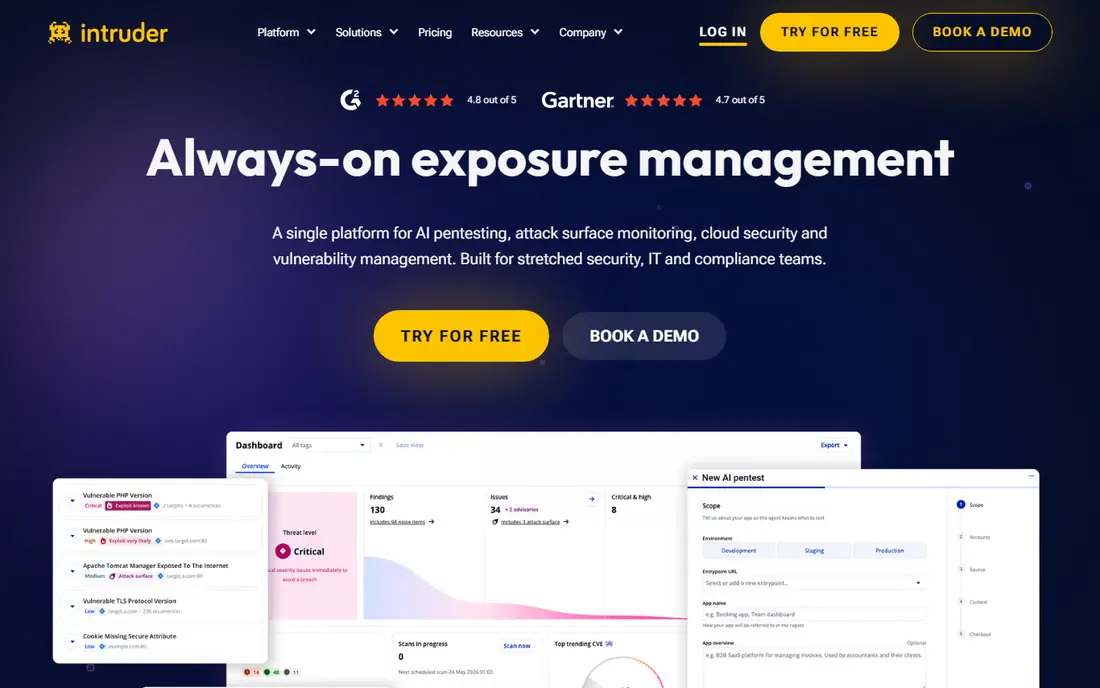
Intruder suits teams that want continuous scanning without a large security staff. It checks networks, cloud systems, and web apps on a schedule, and it reports issues in plain language with fix guidance. That makes it useful for companies that need regular assurance between full penetration tests.
It is not a replacement for a deep manual test. Complex web logic and chained flaws still need a tester. Use Intruder for ongoing coverage, and pair it with a manual test or a deeper web scanner for high-risk apps.
- Easy setup
- Continuous network and cloud checks
- Clear reports for non-experts
- Less depth than Burp for manual web testing
- Advanced web flaws may need another tool
Detectify scans what an attacker can see from outside: domains, subdomains, web apps, and exposed services. Its checks draw on research from a community of security researchers, which helps it catch newer web flaws and misconfigurations. Setup is cloud based and fast for most teams.
Internal networks and authenticated deep testing need other tools. Detectify works best as the external layer in a wider program, alongside Nessus for internal systems and Burp for manual web testing.
- Crowd-sourced checks from security researchers
- External surface discovery
- Easy cloud setup
- External focus means less internal network depth
- Pricing is quoted
Nessus from Tenable is a long-standing vulnerability scanner for networks, servers, cloud resources, and containers. It checks for missing patches, misconfigurations, and known flaws across a wide range of systems, and its reports suit compliance and audit work.
For web apps, a dedicated scanner like Acunetix or Burp will go deeper. Nessus still earns its place for the wider estate, since most breaches involve a system flaw, not just a web flaw. Use it for coverage, and use web tools for app depth.
- Very broad plugin coverage
- Network, cloud, and container checks
- Mature reporting
- Web app depth is less than dedicated web scanners
- Results need triage
OWASP ZAP, known as ZAP, is a free open-source web proxy and scanner maintained by the OWASP community. It can crawl and actively scan web apps, and it runs well in CI pipelines through Docker and automation scripts. That makes it a strong pick for developers and small teams with no scanner budget.
Free does not mean effortless. ZAP needs tuning for authentication, session handling, and scan rules, and its reports need review. For teams that can invest setup time, it offers real automated web testing at no license cost.
- Free and open source
- Good CI pipeline support
- Active community and add-ons
- Needs setup and tuning
- Fewer enterprise reporting features than paid tools
StackHawk is built for teams that want security scans inside their build pipeline. Developers run scans against a running app or API, get findings with fix guidance, and can block a release when a serious flaw appears. That shift-left design suits API-heavy teams.
It is less suited as a standalone scanner for a large existing portfolio. If your main need is pipeline gating for new code, StackHawk fits well. If you need to scan many legacy sites, pair it with Acunetix, Intruder, or Detectify.
- Built for developer pipelines
- Strong API and GraphQL support
- Clear developer fix guidance
- Pipeline focus means less standalone fleet scanning
- Pricing varies by usage
Pentera takes automation further by testing whether an attacker could chain flaws into real access, such as moving from one system to another or reaching sensitive data. That validation helps teams focus on flaws that truly matter, rather than long lists of theoretical issues.
It is an enterprise tool with quoted pricing, and it must be scoped carefully to in-scope systems only. For large firms with complex networks, Pentera offers proof that a path is real. For small teams, Nessus plus a manual test will usually be enough.
- Tests full attack paths, not just single flaws
- Validates exploitable issues
- On-prem option
- Enterprise pricing
- Needs skilled setup and scope control
Metasploit is a penetration testing framework used to validate whether a flaw can actually be exploited, under authorised testing only. The open-source Framework version is free, while Metasploit Pro adds reporting, automation, and team features at a quoted price. Skilled testers use it to confirm risk and to test defenses.
This tool must never be run against systems without written permission. Exploitation testing can disrupt services if scoped poorly, so it belongs in the hands of trained testers with a clear scope, rules of engagement, and rollback plan. Used correctly, it turns a scanner finding into proven evidence.
- Large exploit library
- Strong validation of real risk
- Open-source Framework version
- Needs high skill
- Misuse risk if run outside scope
- Pro version is quoted
How we picked these
We compared official feature pages, pricing pages, and documentation for automated testing tools that are live in October 2026. We kept tools that automate scanning, validation, or attack-path testing for authorised security work. We left out tools that only offer manual testing with no automation, tools that had closed, and tools built for unlawful use. Every tool in this list must be used only on in-scope, authorised targets.
What to check before you choose
Start with scope and permission. Write down which systems, domains, and APIs are in scope, get written approval from the owner, and set test windows and contact points. No tool choice matters if scope is unclear, and running a scanner outside scope can break services and create legal risk.
Next, match the tool to the target. Web apps need Burp, Acunetix, ZAP, or StackHawk. Networks and systems need Nessus or Intruder. External exposure needs Detectify. Validation needs Metasploit or Pentera, with skilled operators. Most mature programs use two or three tools, not one.
Finally, plan for triage and fixes. A scanner that produces hundreds of findings without a fix workflow helps no one. Assign owners, set severity rules, and retest after fixes. Automated testing earns its value when findings turn into closed issues, not when a report sits unread.
Frequently asked questions
What is the best automated penetration testing software?
Burp Suite is the best all-round pick for hands-on web testers, while Acunetix suits automated fleet scanning and Nessus suits broad system scanning. The best tool depends on whether your target is a web app, an API, a network, or a cloud estate. Most teams use more than one tool.
Can automated penetration testing replace a manual penetration test?
No. Automated tools find known flaws and common misconfigurations well, but they miss business-logic flaws, chained attacks, and context-specific risks. Use automation for regular coverage, and use manual testing for high-risk apps, major releases, and compliance needs.
Is it legal to run a penetration testing tool?
Only on systems you own or have written permission to test, within the agreed scope. Running a scanner or exploit tool against someone else system without permission can be unlawful and can disrupt services. Always get written approval, define scope, and keep records of the agreement.
What is the difference between a vulnerability scanner and a penetration testing tool?
A vulnerability scanner checks for known flaws and misconfigurations across systems. A penetration testing tool goes further by validating whether a flaw can be exploited or chained into access. Scanners give breadth, while penetration tools give proof of real risk.
Which free automated penetration testing tool is best?
OWASP ZAP is the best free pick for web app scanning, and Metasploit Framework is the best free pick for exploitation validation by skilled testers. Both need setup and skill, but both are widely used in authorised testing. Paid tools add reporting, support, and fleet management.
How often should automated penetration testing run?
Run continuous or weekly scans for external systems and high-risk apps, and run deeper tests after major changes, new features, or infrastructure moves. Compliance programs often require regular scans plus an annual manual test. Match frequency to risk, not to a fixed calendar alone.
Sources
See where you really rank - block by block
ProMapRanker scans Google Maps across a grid of your service area. Simple monthly plans from $19, white-label on every plan.
Start freeKeep reading
 zscaler alternatives
Best Zscaler Alternatives in 2026
Looking for zscaler alternatives? We compare 9 SASE and zero trust platforms on architecture, data protection, pricing, and fit for your network and team.
Read → zapier alternatives free
Best Zapier Alternatives Free in 2026
Nine automation tools for zapier alternatives free in 2026, all with genuinely free tiers, plus free plan limits, starting prices and upgrade paths explained.
Read → which platform is best for online reputation
Which Platform Is Best for Online Reputation in 2026
Wondering which platform is best for online reputation? We compare 8 review, listing, and response tools for small and multi-location businesses and agencies.
Read →