 ProMapRanker
Best Automated Job Search App in 2026


Free autofill and tracking with optional autopilot · Pricing starts at: Free
Key takeaways
- Auto-fill and auto-apply are different, and the review step is the most important safety feature in this category.
- Tight filters beat high volume, because a flood of weak applications can waste employer goodwill and your time.
- Pricing varies by applications, days or months, so compare the cost against applications you actually want, not a headline cap.
- Keep one master resume honest and current, and use tailoring only to highlight real experience, never to invent it.
Quick comparison
| Pick | Great for | Pricing starts at | Free tier | |
|---|---|---|---|---|
| Simplify | Free autofill and tracking with optional autopilot | Free | Yes | Visit |
 LoopCV | Automated applications with resume testing | Free | Yes | Visit |
 JobCopilot | Background applying from company career pages | See website | Free trial | Visit |
 Sonara | AI matching with hands-off applying | See website | Free trial | Visit |
 LazyApply | High-volume applying through a browser extension | $99 per year | No | Visit |
 AIApply | Auto-apply with per-role resume and letter help | See website | Yes | Visit |
 Jobright | Smart matching with a manual review step | Free | Yes | Visit |
 FastApply | Reviewable auto-apply with per-job rewriting | $14 per month | Yes | Visit |
The best automated job search apps
Automated job search covers two different jobs, and the distinction matters. Some tools fill forms faster while you still press submit, while others submit applications in the background from your criteria. We compared both types, but we favour tools that let you review what goes out, track each application and keep your resume honest. Volume alone is not a good result if the applications are sloppy or sent to the wrong roles.
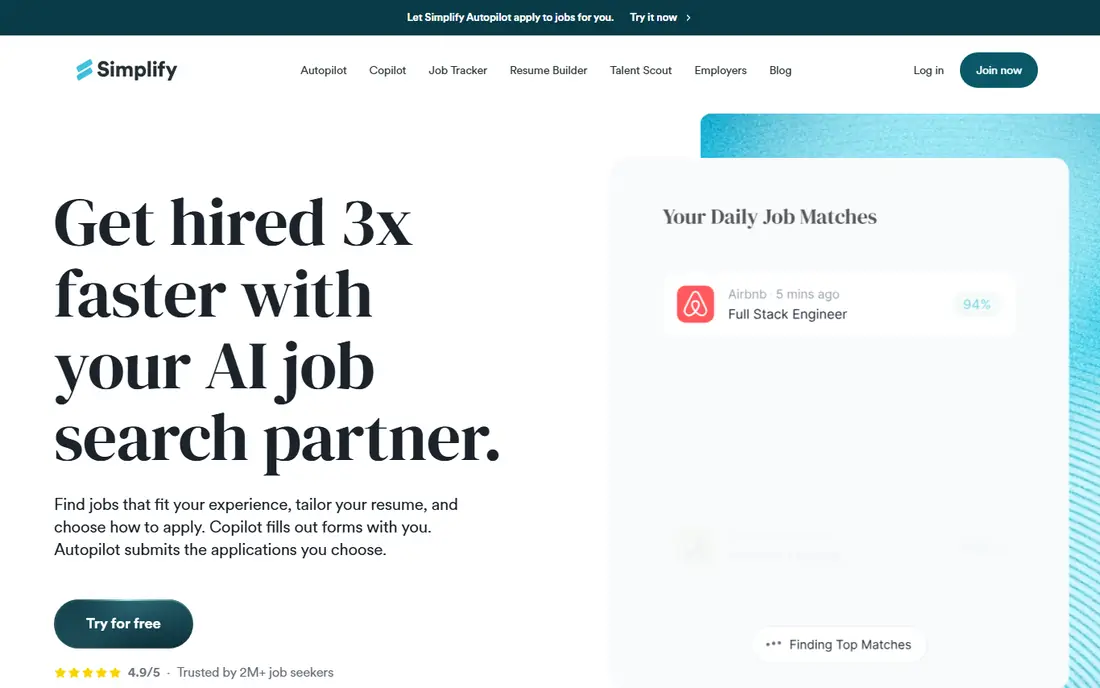
Simplify is the best free starting point, because its autofill and tracker remove the repetitive part of applying without forcing you into background submissions. Copilot mode keeps you in control: the form is filled, you check it, and you press submit. That control matters when a form asks a screening question that a generic answer would get wrong.
The paid Autopilot beta is a different product in practice, because it submits without that same pause. If you use it, tighten filters, exclude dream employers you want to approach by hand, and review the first batch closely. Paid Simplify+ adds tailoring, but the free tier already covers the core problem for many job seekers: faster, cleaner applications with a tracker.
- Free autofill and tracking
- Broad job board coverage
- Copilot mode lets you review before submitting
- Autopilot beta submits without the same review step
- Paid plan needed for some tailoring features
- Coverage varies by board and employer system
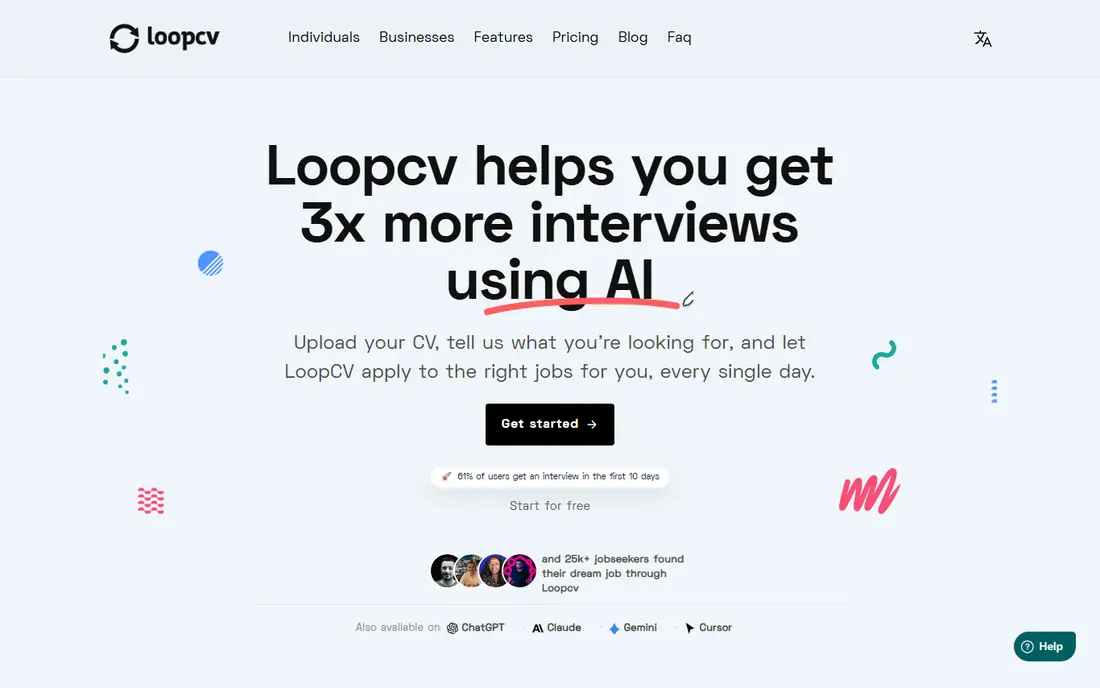
LoopCV suits job seekers who want to test which resume version gets replies. You can run different CVs against similar roles, see which search performs better, and adjust titles and keywords from real results rather than guesswork. That testing habit is more useful than sending the same resume to hundreds of postings.
Automation without a careful review can still send a mismatched CV, so check the first applications from each search and pause any search that produces poor matches. The free allowance is small, which is actually a useful brake: it forces you to choose searches carefully. Paid plans raise the cap, but they do not fix a vague search.
- Free plan with a monthly application allowance
- Multiple CV versions for testing
- Job matching across boards
- Review of the filled form is limited in some modes
- Paid plans are priced in euros for many users
- Matching quality depends on tight search settings
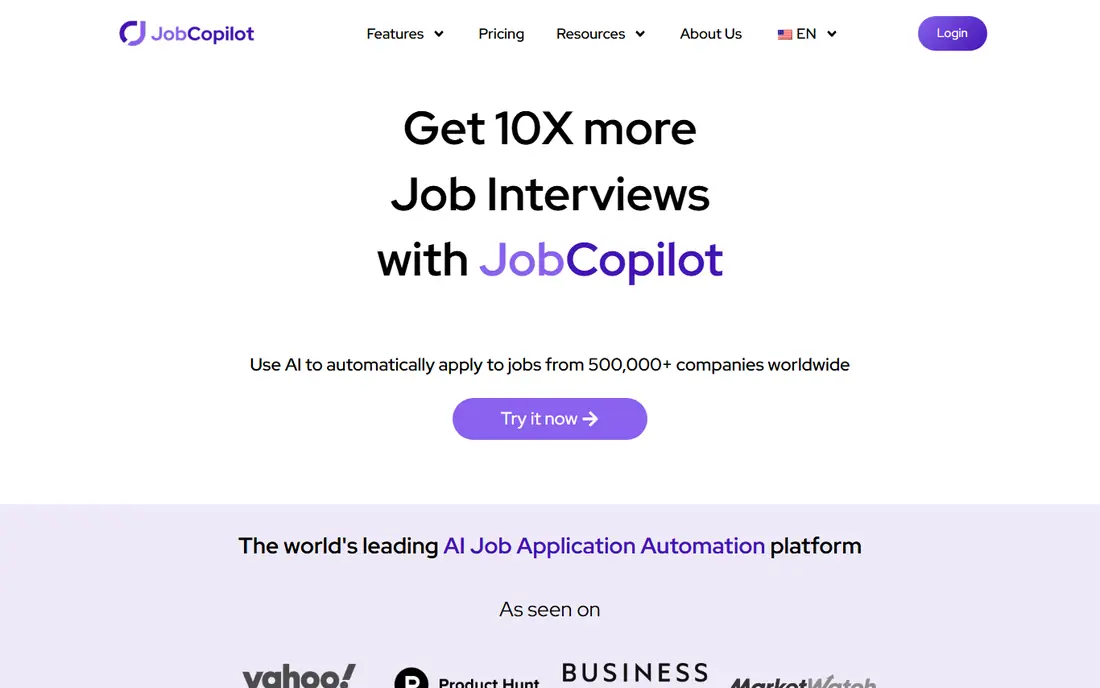
JobCopilot fits people who want applications to continue while they prepare for interviews or work. It focuses on company career pages rather than only job boards, which can surface roles that never appear in a board feed. Daily batches and a tracker give at least a record of where applications went, which is essential for follow-up.
The risk is the same as with any background tool: a role that looks right in a title can be wrong in the details. Use the review queue if your plan includes it, exclude companies you care most about, and read employer confirmation emails. If confirmations do not arrive, treat those applications as unverified and follow up by hand where the role matters.
- Applies from company career pages
- Daily batches
- Tracker for submitted roles
- Review queue on higher plans
- Pricing is shown per day in some listings, which makes monthly cost hard to compare
- Full review control sits on higher plans
- Employer coverage varies
Sonara suits job seekers who want a managed service rather than a tool they drive every day. You set preferences, the service matches roles and applies, and you can edit the queue. That hands-off style helps when searching feels overwhelming, provided the preferences are specific about role, level, location and salary range.
The weakness is opacity. If pricing, tailoring and board coverage are not clear on the site, ask support before paying, and test with a small, tight set of preferences. A vague profile produces vague matches, so spend time on titles, skills and location before you switch automation on. Check the first week of matches daily, and pause the service if the roles drift.
- AI matching and automated applying
- Queue you can edit
- Focus on relevant roles rather than raw volume
- Pricing is not always published clearly on the vendor site
- Tailoring depth is not clearly stated
- Results depend heavily on your profile quality
LazyApply is the volume option in this list, and that is both its appeal and its warning. A browser extension can apply to many postings quickly on supported boards, which suits a broad search where speed matters more than deep tailoring. The yearly price is simple to understand, with no monthly renewal to track.
Volume is not quality. Reusing one resume across many roles means weaker matches for specialised jobs, and a flood of applications can look careless to employers who track duplicates. Use it only with tight board filters, a realistic daily cap well below the maximum, and a tracker for replies. If reply rates fall, slow down and tailor by hand for the roles that matter most.
- High daily application caps
- Covers major boards named on its site
- One-time yearly price rather than a monthly subscription
- No free trial in some listings
- Reuses one resume with limited tailoring
- High volume raises the risk of poor matches and employer spam flags
AIApply suits job seekers who want tailoring as part of automation, not just form filling. Per-role resume and letter drafts can highlight relevant experience for each posting, which helps when one master resume fits several job families poorly. Match scores and history also make it easier to see which roles were actually submitted.
AI drafts still need a human check. A tailored resume that invents a skill or overstates a role can damage an interview, so read every draft for accuracy before it goes out. Pricing opacity is another drawback: confirm the plan, application allowance and renewal terms before paying. Start with a small set of roles and compare reply rates against hand-written applications.
- Resume and cover letter help per role
- Auto-apply from your criteria
- Match scores and application history
- Paid auto-apply pricing is not always published on the vendor site
- Quality depends on how well you check AI drafts
- Coverage varies by board
Jobright is a good middle path, because it emphasises matching and review rather than blind volume. The free tier helps you find roles and judge fit, while AI-assisted resume help can sharpen a draft for a specific posting. That slower, reviewed approach suits specialised roles where one good application beats twenty weak ones.
The trade-off is that the most automated features are paid, so the free experience is mainly discovery. That is not a flaw if you value control, but it means Jobright will not feel hands-off on the free tier. Confirm Turbo pricing and what it actually automates before upgrading, and keep hand-written applications for your top roles.
- Free tier for discovery and matching
- AI-assisted resume help
- Referral and fit signals for some roles
- Full auto-apply features sit behind paid Turbo plans
- Pricing for paid tiers should be confirmed on the vendor site
- Coverage varies by role type
FastApply stands out for its Copilot mode, which lets you review the filled form before submission. That review step catches wrong answers, outdated details and mismatched roles, which are the main risks of automation. Per-job rewriting on higher plans can also help when a role needs a different emphasis from your master resume.
Review takes time, so FastApply is not truly set-and-forget in its safest mode. That is a fair trade: you save the repetitive typing, but you keep the final judgement. Check the current plan limits, because application allowances and rewriting tiers change, and test the tool on a small batch before raising the daily cap.
- Copilot review of the filled form
- Per-job AI rewriting on higher plans
- Broad platform and ATS coverage claimed on its site
- Higher rewriting features sit on pricier plans
- Auto-apply quality still depends on filters
- New tools change plans often, so check current terms
How we picked these
We compared official feature and pricing pages, app store listings, privacy policies and public reviews for each option. We kept only tools that were live and clearly matched the topic in October 2026, and we left out tools that had closed, retired or changed into a different product. Where a price varied by billing period or channel, we used the vendor page figure or wrote See website rather than guessing.
What we checked, and why review control ranked first
We compared official product pages, pricing pages and recent independent comparisons for review steps, board coverage, tracking, tailoring and price. Tools that submit without any review scored lower in our judgement, even when their volume caps were higher, because a wrong application cannot be unsent. We also favoured tools that show a clear application history, since employer confirmation emails are the only reliable proof that an application arrived.
We did not treat a high daily cap as a quality signal. A tool that sends 150 weak applications a day can hurt more than it helps, especially if the same resume goes to unsuitable roles. The best test is small: run one tight search for a week, read five submitted applications in full, count employer confirmations, and only then loosen filters or raise caps.
Frequently asked questions
Is automated applying safe for my reputation with employers?
It can be, if applications are accurate, relevant and limited in number. It becomes risky when a tool sends sloppy, duplicate or irrelevant applications, so keep filters tight, review early batches and exclude employers you want to approach personally.
Should I use auto-apply or autofill?
Use autofill if you want control and are applying to roles you care about, because you still press submit after checking the form. Use auto-apply only for broader searches, with tight filters and a review queue where available, and keep hand-written applications for top roles.
Will an AI resume help me get more interviews?
It can help if it highlights real experience in the employer's language, but it will hurt if it invents skills or overstates roles. Read every tailored draft, keep claims truthful, and keep one master resume that matches your actual history.
How many applications should I send per day?
There is no safe universal number, because role quality matters more than count. Start low, track replies and confirmations, and raise volume only when matches stay relevant. A small number of strong applications usually beats a large number of weak ones.
Sources
See where you really rank - block by block
ProMapRanker scans Google Maps across a grid of your service area. Simple monthly plans from $19, white-label on every plan.
Start freeKeep reading
 worlds best local seo company
8 Worlds Best Local SEO Companies for Map Pack Growth in 2026
Compare the worlds best local seo company options for Google Business Profile work, citations, reviews, and multi-location rankings and reporting in 2026.
Read → world's best web hosting company
World's Best Web Hosting Company in 2026
Searching for the world's best web hosting company? We compared 10 hosts on price, renewal rates, speed, and support to help you choose well today in 2026.
Read → who's got the best nanny tax services
Who's Got the Best Nanny Tax Services in 2026
We answer who's got the best nanny tax services, comparing full filing, back taxes, software, and pricing so families can handle nanny taxes correctly.
Read →