 ProMapRanker
Best Automated Document Processing Services in 2026


Regulated enterprise document work · Pricing starts at: See website
Key takeaways
- Rossum and ABBYY Vantage suit high-volume, regulated teams, while Nanonets and Docsumo are easier starting points for smaller teams.
- Template-free extraction helps when documents arrive in many layouts, but a human review step still matters for payments and compliance.
- Cloud APIs from Amazon, Google and Microsoft are cheapest per page, yet they require engineering work to build a full workflow.
- Pricing models differ sharply: some tools charge per page, others per month, and enterprise plans are usually quoted.
- Start with a small pilot on your own documents, since accuracy depends heavily on scan quality and document variety.
Quick comparison
| Pick | Great for | Pricing starts at | Free tier | |
|---|---|---|---|---|
| ABBYY Vantage | Regulated enterprise document work | See website | No | Visit |
 Rossum | High-volume invoice automation | See website | Free trial | Visit |
 Nanonets | Custom extraction for smaller teams | $100 per month | Free trial | Visit |
 UiPath Document Understanding | Automation teams using UiPath | See website | Free trial | Visit |
 Hyperscience | High-accuracy back-office processing | See website | No | Visit |
 Docsumo | Mid-market finance teams | See website | Free trial | Visit |
 Amazon Textract | AWS-native engineering teams | See website | Yes | Visit |
 Google Document AI | Google Cloud engineering teams | See website | Yes | Visit |
The best automated document processing services
We compared services that read invoices, receipts, forms and contracts, pull out structured fields, and send results to accounting, ERP or workflow tools. The list mixes packaged platforms with developer APIs, so read the fit for each tool before judging on price alone.
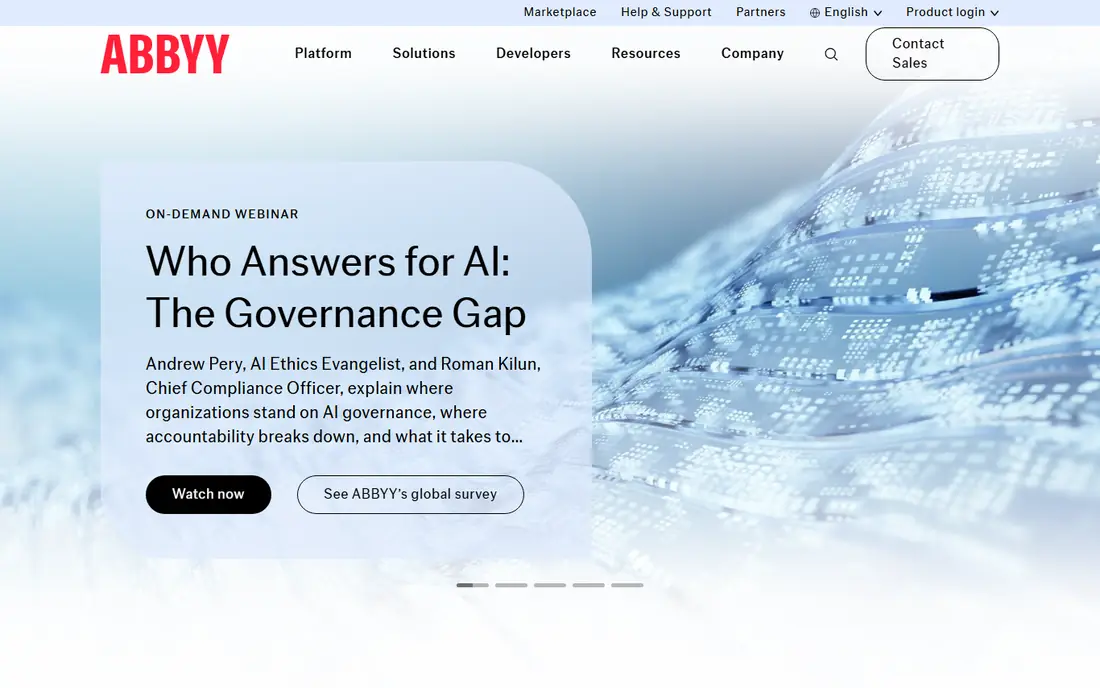
ABBYY Vantage is built for organisations that process large, mixed document sets under audit and compliance pressure. Teams assemble low-code skills for classification, splitting, extraction and validation, rather than coding each document type from scratch. That structure helps when the same workflow must handle invoices, claims, contracts and forms with a clear audit trail.
The trade-off is effort and cost. Pricing is quoted, and implementation usually involves planning, training and testing on real documents. Smaller teams with one document type will find faster, cheaper options below. For regulated enterprises, the control and governance are the point.
- Low-code document skills
- Strong classification and validation
- On-premise and cloud options
- Enterprise pricing is quoted, not published
- Setup takes longer than a simple parser

Rossum focuses on transaction documents such as invoices, purchase orders and receipts, and it does not require a template for every supplier layout. That matters in accounts payable, where a new supplier can otherwise break a rigid parser. The validation screen lets staff correct exceptions quickly, and approved data can flow to ERP and accounting systems.
Cost is the honest catch. Rossum is priced for teams with real volume, and small firms may struggle to justify it for a few hundred documents a month. If your team processes thousands of invoices and spends hours on manual keying, the time saved is easier to defend.
- Template-free extraction
- Clear validation screen
- Workflow automation for approvals
- Entry cost is high for small firms
- Best value needs steady volume
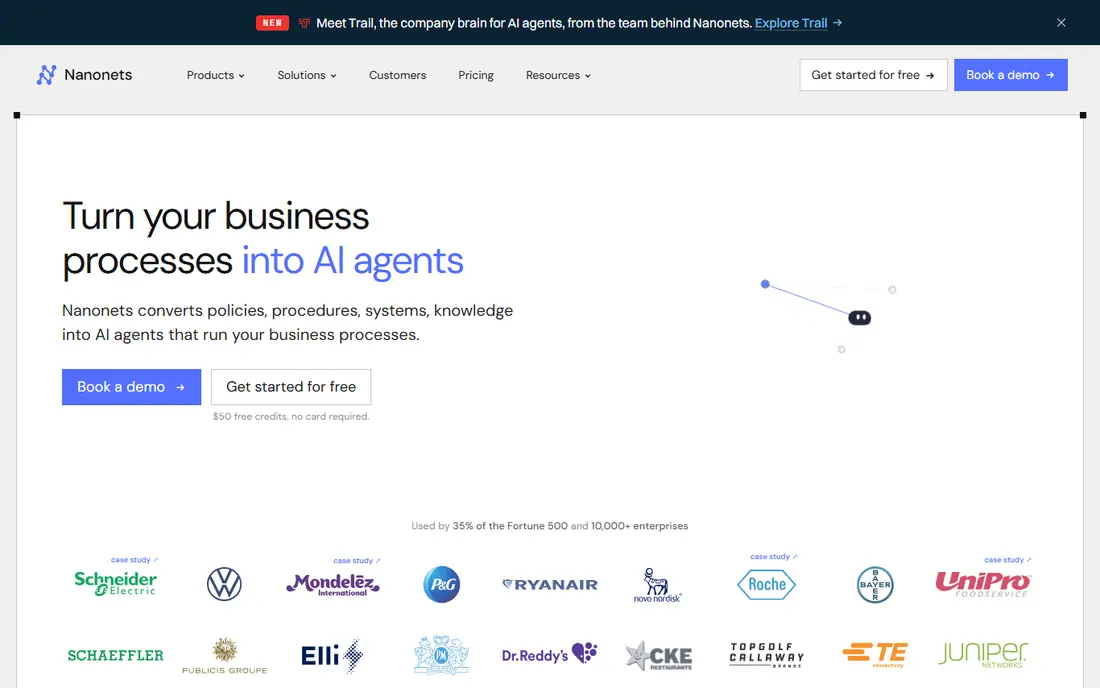
Nanonets is a good middle ground for teams that want custom extraction without an enterprise contract. Users can train models on their own document types, set up workflows and approvals, and connect results to common business tools. The starting plan gives smaller teams a realistic entry point, and the interface is friendlier than a raw API.
Pricing still needs attention, since usage can grow with document count and processing steps. Teams should test accuracy on messy scans and handwritten fields before committing, and keep a review step for payment-critical fields. For varied, mid-volume work, Nanonets is a practical pick.
- No-code model training
- Usage-based options
- Workflow and approval features
- Per-run pricing needs careful tracking
- Complex documents may still need review
UiPath Document Understanding is not a standalone parser for casual users. It is the document layer inside UiPath automation, where extracted data feeds robots, approvals and downstream systems. That integration is valuable when a document triggers several steps, such as invoice approval, payment preparation and record updates.
Teams that do not use UiPath will get less value, since the platform pricing and setup reflect the wider suite. New automation teams should also budget time for training and governance. For existing UiPath customers, adding document understanding is a natural next step.
- Fits inside a wider automation platform
- Human validation built in
- Strong enterprise controls
- Best value only if you already use UiPath
- Learning curve for new automation teams
Hyperscience targets back-office operations where errors are costly, such as insurance claims, loan files and government forms. Its human-in-the-loop design routes uncertain extractions to reviewers, which helps accuracy stay high on long, complex documents. The platform also supports deployment and security controls that regulated firms expect.
This is not a tool for a quick trial on a handful of invoices. Pricing is quoted, and rollout takes planning. Organisations with high volumes and strict accuracy needs will appreciate the supervision model, while smaller teams should look at Nanonets or Docsumo first.
- Human-in-the-loop supervision
- Strong handling of complex documents
- Enterprise security options
- Quoted pricing
- Implementation is a project, not a quick signup
Docsumo combines extraction with a review workflow, so staff only touch exceptions rather than every document. That design suits finance and operations teams that process bank statements, invoices and loan documents and need clean data for downstream systems. The platform also supports workflow automation for repeated document tasks.
Cloud-only deployment may rule it out for firms with strict on-premise rules. Pricing is also less transparent at higher tiers, so get a written quote tied to your monthly page volume. For mid-market finance teams, the review queue alone can justify a trial.
- Built-in review queue
- Agentic workflows
- Finance document focus
- Cloud-only deployment
- Pricing details need a sales conversation for larger plans
Amazon Textract is an API, not a finished application. Developers send documents to AWS and receive extracted text, form fields and table data, then build their own validation, storage and approval steps. That flexibility, plus pay-as-you-go pricing and a free tier, makes it attractive for engineering teams already on AWS.
The catch is effort. There is no polished business-user review screen out of the box, and accuracy work, exception handling and integrations all fall to your team. If you have developers and a clear pipeline in mind, Textract is cost-effective. If you want staff to log in and process documents, pick a packaged platform instead.
- Pay-as-you-go pricing
- Strong AWS integration
- Handles text, forms and tables
- No ready-made review interface
- You build the workflow yourself
Google Document AI offers prebuilt processors for common document types, plus tools to build custom processors for specialised forms. Teams on Google Cloud can connect extraction to storage, search and analytics with relatively little plumbing. The free tier helps with early testing.
Like Textract, it assumes engineering capacity. Business users will not get a ready-made approval queue or finance dashboard without extra work. For Google Cloud teams building a document pipeline into a larger product, it is a strong, scalable choice.
- Prebuilt processors for invoices and expenses
- Good Google Cloud integration
- Scalable API
- Developer tool, not a business application
- Review and workflow layers need building
How we picked these
We compared official product pages, pricing pages and documentation, plus independent comparisons of intelligent document processing tools. We kept tools that are live in October 2026, that handle real business documents rather than simple OCR alone, and that offer either a packaged workflow or a documented API. Where pricing was quoted or unclear, we wrote See website instead of inventing a figure.
What to check before you buy
Start with your own documents, not a vendor demo set. Gather 100 real invoices, forms or claims, including poor scans, mixed layouts and handwritten notes, and run them through a trial. Measure accuracy on the fields that matter for payment or compliance, and count how many documents still need human correction.
Pricing models and hidden costs
Per-page pricing looks cheap until volume grows, while monthly plans look expensive until you count review time saved. Ask whether training, implementation, extra users and support are included, and whether unused pages roll over. For quoted enterprise tools, get the total first-year cost in writing, including any minimum term.
Review, security and integrations
Every payment or compliance workflow needs a review step for low-confidence extractions. Check who can approve corrections, whether changes are logged, and how data is stored and retained. Confirm integrations with your accounting, ERP or CRM system before signing, since a clean extraction that cannot reach your system of record is of limited use.
Accuracy, languages and document types
Test the document types you actually receive, in the languages you receive them in. Some tools handle printed English invoices well but struggle with handwriting, tables or non-Latin scripts. If your documents include IDs, contracts or medical forms, check whether the vendor supports those types and what privacy controls apply.
Frequently asked questions
What is the difference between OCR and automated document processing?
OCR turns scanned text into machine-readable text. Automated document processing goes further: it classifies the document, finds specific fields such as invoice numbers and totals, validates them, and sends structured data to another system. OCR is one step inside the wider process.
Do I need templates for every document layout?
Not always. Template-free tools such as Rossum and Nanonets learn from examples and handle new layouts better than rigid template systems. Template-based tools can still work well for a small set of stable layouts, but they break more often when suppliers change formats.
How accurate are these tools?
Accuracy depends on document quality, layout variety and field complexity. Clean digital PDFs score higher than poor scans, and simple invoices score higher than long contracts. Always keep a human review step for payment, tax and compliance fields, and measure accuracy on your own documents during a trial.
How much does automated document processing cost?
Costs range from pay-as-you-go API pricing at a few cents per page to monthly platform plans starting around $100 per month, up to quoted enterprise contracts for high volumes. Total cost includes implementation, training, review time and integrations, not just the headline page price.
Can these tools handle handwritten documents?
Some tools support handwriting, but accuracy is lower than for printed text and varies by handwriting style. Test handwritten samples during a trial, and plan for manual review of handwritten fields that affect payments or legal records.
Is my document data secure with these services?
Reputable vendors offer encryption, access controls and retention settings, and some offer regional hosting or on-premise deployment. Check the vendor security page, data processing terms and retention policy before uploading sensitive financial or personal documents.
Sources
- https://www.abbyy.com
- https://rossum.ai
- https://nanonets.com
- https://www.uipath.com
- https://www.hyperscience.com
- https://www.docsumo.com
- https://aws.amazon.com/textract/
- https://cloud.google.com/document-ai
- https://www.docsumo.com/compare/nanonets-alternative-docsumo?46b99e40_page=17
- https://www.guideflow.com/blog/intelligent-document-processing-software
See where you really rank - block by block
ProMapRanker scans Google Maps across a grid of your service area. Simple monthly plans from $19, white-label on every plan.
Start freeKeep reading
 zoro.to alternatives
Best Zoro.to Alternatives in 2026
We compare the best zoro.to alternatives in 2026, listing only legal licensed anime streaming services, from Crunchyroll to free options for fans today.
Read → zip alternatives
Best Zip Alternatives in 2026
We compare the best zip alternatives for buy now, pay later in 2026, covering pay-in-4 plans, fees, spending limits, and credit reporting options today.
Read → yesware alternatives
Best Yesware Alternatives in 2026
Compare the best yesware alternatives for sales email tracking, templates, and sequences, with current pricing and honest tradeoffs for small sales teams.
Read →