 ProMapRanker
Best Automated Deployment Platform Cloud Infrastructure in 2026

Key takeaways
- Vercel and Render are the easiest paths from a Git push to a live app for most small teams.
- Railway and Fly.io suit developers who want containers, databases, and usage based billing in one place.
- Heroku still appeals to teams that value a simple workflow, even without a free tier.
- AWS Elastic Beanstalk and DigitalOcean App Platform fit teams already invested in those clouds.
- Pricing scales with usage on every platform here, so test with real traffic before you commit.
Quick comparison
| Pick | Great for | Pricing starts at | Free tier | |
|---|---|---|---|---|
 Vercel | Frontend and Next.js apps deployed from Git | Free | Yes | Visit |
 Render | Full stack apps with managed databases | Free | Yes | Visit |
 Railway | Fast full stack setup with usage billing | $5 per month | Free trial | Visit |
 Fly.io | Global container apps close to users | See website | Free trial | Visit |
 Heroku | Simple ops free deployment for small teams | $5 per month | No | Visit |
 AWS Elastic Beanstalk | AWS teams that want managed app deployment | See website | No | Visit |
 DigitalOcean App Platform | Predictable app hosting on DigitalOcean | $5 per month | No | Visit |
 Qovery | Internal developer platform on your own cloud | See website | Free trial | Visit |
The best automated deployment platform cloud infrastructure
These platforms take code from Git, build it, and run it in production with as little manual server work as possible. The differences sit in pricing models, database options, and how much control you keep over infrastructure.
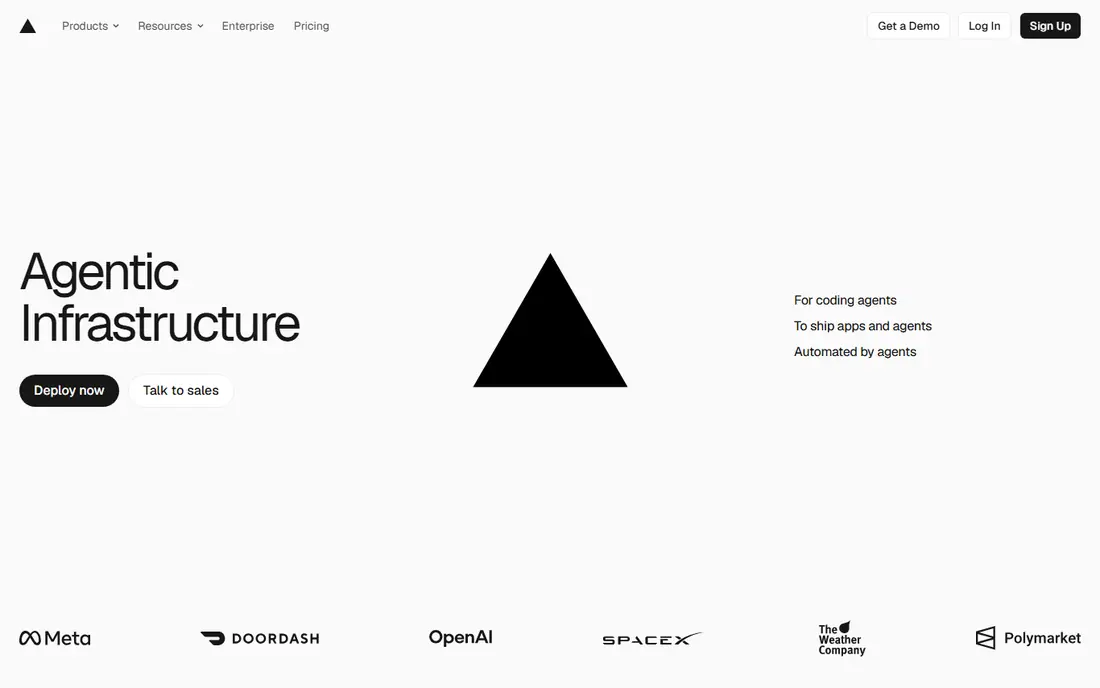
Vercel is the shortest path from a Git push to a live frontend. Connect a repository, and each push builds and deploys automatically, with a preview link for every pull request. That workflow fits frontend teams, marketing sites, and product teams that ship often and review work in the browser.
The limit is scope. Vercel runs the web tier well, but databases, workers, and long running jobs live elsewhere, often through marketplace providers. Pro costs $20 per user per month plus usage, so a team with heavy traffic should model usage costs early rather than assuming the Hobby plan will stretch.
- Fast Git based deploys
- Strong Next.js support
- Preview deploys for every pull request
- Hobby plan is for personal non-commercial use
- Backend and database work needs other services
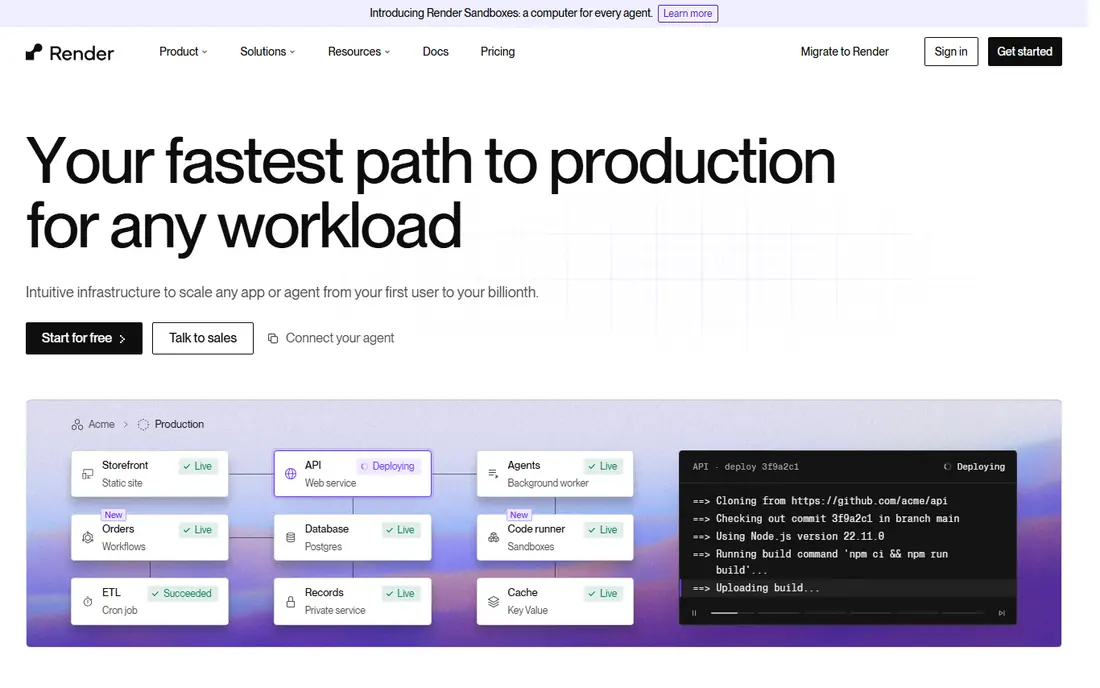
Render feels like a modern successor to the classic Heroku workflow, with web services, background workers, managed Postgres, and key value storage in one dashboard. Its free compute plans let you test a full stack idea before paying, and its paid tiers use flat instance prices that are easy to forecast.
The catch is the free tier behavior. Free web services sleep when idle, so they are slow on first load and unsuited to production. Budget for a paid instance and a managed database once real users arrive, and check the workspace plan if your team grows past a single developer.
- Web services, databases, and cron jobs in one dashboard
- Free compute plans for testing
- Clear instance tiers
- Free services sleep after inactivity
- Team workspace pricing adds cost for larger teams
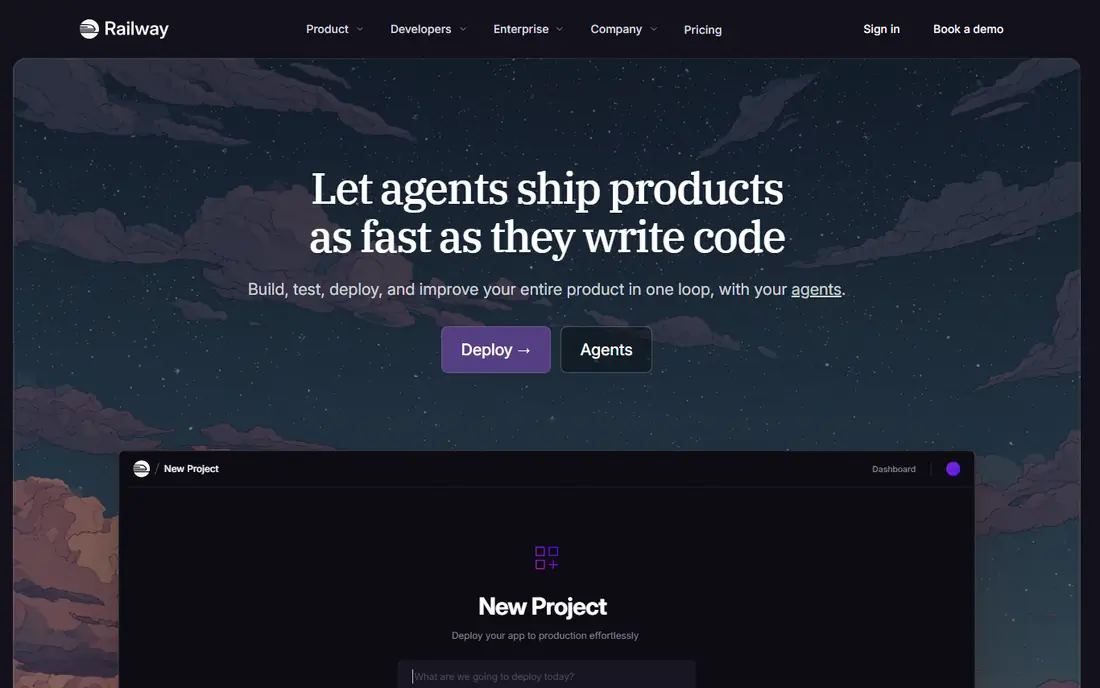
Railway wins on speed. A new project, template, or database takes minutes, and the dashboard keeps services, variables, and deploys together. Metered billing means you pay for what you actually use, which suits side projects and early products with uneven traffic.
The risk is the meter itself. Usage based pricing is fair, but it is harder to forecast than a flat instance price. Watch the usage graph weekly, set limits where the platform allows, and remember that a forgotten worker or database can keep billing quietly in the background.
- Very fast setup with templates
- Metered per second billing
- Databases and services in one project
- Costs can surprise teams that leave services running
- Fewer regions than larger clouds
Fly.io is built for developers who think in containers and regions. You deploy a Docker image as a set of machines, place them near your users, and pay per second for what runs. That model suits APIs, realtime services, and apps with a global audience that cares about latency.
The trade off is effort. Fly.io expects more comfort with Docker, networking, and command line tools than the one click platforms here. Managed Postgres starts at a higher price than some rivals, so teams on a tight budget often run their own database machine and accept the extra operations work.
- Run containers close to users worldwide
- Per second billing
- Strong Docker support
- More manual setup than Render or Railway
- Managed Postgres costs more than self hosted options
Heroku defined the simple deployment workflow that many rivals now copy. Push code, and Heroku builds, releases, and runs it, with add-ons for databases, logging, and monitoring. For a small team that wants to avoid server work entirely, that simplicity still has real value.
The honest weakness is price and direction. Free dynos ended in 2022, Eco dynos start at $5 per month and sleep after inactivity, and Standard dynos cost $25 per month for 512 MB. In February 2026 Heroku moved to a sustaining engineering model for new Enterprise contracts, so teams planning long term growth should weigh that context before building heavily on it.
- Simple Git based workflow
- Large add-on marketplace
- Strong fit for Salesforce teams
- No free tier since 2022
- Dyno costs rise quickly with scale
Elastic Beanstalk suits teams already on AWS. You upload code, choose a platform such as Node.js, Python, or Java, and Beanstalk provisions load balancing, scaling, and monitoring around it. There is no extra charge for Beanstalk itself, but you pay for the EC2 instances, databases, and other AWS resources it creates.
The catch is that AWS does not disappear. You still need to understand instance types, security groups, and billing, and a misconfigured auto scaling group can raise costs fast. Beanstalk lowers the deployment burden, but it does not turn AWS into a one click platform.
- Managed deployment on AWS infrastructure
- No extra Beanstalk charge beyond AWS resources
- Broad AWS service access
- AWS complexity remains
- Pricing depends on the resources your app uses
DigitalOcean App Platform is a good middle ground for teams that like DigitalOcean pricing. Basic apps start at $5 per month, deploys come from Git, and managed databases start from about $15 per month. The flat tiers make monthly costs easy to predict, which matters for small businesses and agencies.
The limit is ecosystem size. You get fewer managed services and regions than AWS, and some advanced setups still need Droplets or manual configuration. If your stack already lives on DigitalOcean, App Platform is a natural fit. If you need a wide managed service catalog, a larger cloud may suit you better.
- Flat container tiers
- Simple Git deploys
- Managed databases available
- Smaller ecosystem than AWS
- Advanced networking needs extra setup
Qovery takes a different approach. Instead of hosting your app on its own cloud, it acts as an internal developer platform that deploys into your AWS account or cluster. Developers get Git based deploys and preview environments, while the platform team keeps control of infrastructure and billing.
That control comes with setup cost. Qovery needs more initial configuration than Render or Railway, and pricing is quote based for many teams. It fits growing engineering teams that want developer speed without giving up ownership of their cloud accounts.
- Git based deploys on your own AWS or cloud account
- Preview environments
- Team controls
- Quote based pricing for many teams
- Setup is heavier than a hosted PaaS
How we picked these
We compared official pricing pages, documentation, and public comparisons checked in October 2026. We kept only platforms that deploy code automatically from Git or a container image and that operate in production today. We weighted ease of deployment, database support, pricing clarity, and how costs scale with real traffic.
How to choose without overpaying
Start from your app shape, not from a feature list. A static frontend, a full stack API with a database, and a global realtime service need different platforms.
Match the platform to the workload
Frontend teams should start with Vercel or Render. Full stack teams with a database should compare Render, Railway, and DigitalOcean App Platform on total monthly cost for web, worker, and database together. Global or container heavy teams should test Fly.io or Qovery, and AWS teams should test Elastic Beanstalk before adding another vendor.
Model usage before launch
Free tiers and trial credits hide real costs. Deploy a realistic version, run a load test, and read the billing page after a week. Check how idle services, database storage, bandwidth, and build minutes are charged. Pricing scales with usage on every platform here, so a platform that looks cheap for a demo can become expensive under steady traffic.
Frequently asked questions
What is automated deployment?
Automated deployment means pushing code to Git or a container registry triggers a build, tests, and a release to production without manual server steps. Most platforms here also create preview links for pull requests. You still need to review changes and monitor the live app after each deploy.
Is there a free automated deployment platform?
Yes, for small or personal projects. Vercel offers a free Hobby plan for personal non-commercial use, and Render offers free compute plans with limits. Railway and Fly.io offer trial credits rather than an ongoing free tier, and Heroku has no free tier. Production apps usually need a paid plan.
Which platform is best for a small startup?
Render and Railway are strong defaults for a small full stack startup, since they combine app hosting and databases in one dashboard. Vercel is better if the product is mainly frontend. Compare the total cost for web, worker, and database, not just the headline plan price.
Does usage based pricing always save money?
No. Usage billing suits uneven traffic, but steady production workloads can cost more than a flat instance. Check your usage after the first month, and switch to a flat tier or a reserved instance where the platform offers one and the math favors it.
Can I move off a platform later?
Usually yes, if your app uses standard containers or common frameworks. Moving gets harder when you rely on platform specific services, build steps, or databases. Keep configuration in code, use standard Postgres where possible, and document any platform specific settings from the start.
Sources
See where you really rank - block by block
ProMapRanker scans Google Maps across a grid of your service area. Simple monthly plans from $19, white-label on every plan.
Start freeKeep reading
 worlds best local seo company
8 Worlds Best Local SEO Companies for Map Pack Growth in 2026
Compare the worlds best local seo company options for Google Business Profile work, citations, reviews, and multi-location rankings and reporting in 2026.
Read → world's best web hosting company
World's Best Web Hosting Company in 2026
Searching for the world's best web hosting company? We compared 10 hosts on price, renewal rates, speed, and support to help you choose well today in 2026.
Read → who's got the best nanny tax services
Who's Got the Best Nanny Tax Services in 2026
We answer who's got the best nanny tax services, comparing full filing, back taxes, software, and pricing so families can handle nanny taxes correctly.
Read →