 ProMapRanker
6 Best Auto Dialer Software with CRM Integration Options for 2026


Mid-market and enterprise contact centers at high volume · Pricing starts at: Custom quote
Direct answer
Our first pick is Five9, best for mid-market and enterprise contact centers at high volume. For a different need, PhoneBurner covers solo agents and small teams prioritizing answer rates and Kixie covers SDR teams on HubSpot, Salesforce or Pipedrive. The remaining 3 options are covered below with prices and limits.
Key takeaways
- Top of the list is Five9, which targets mid-market and enterprise contact centers at high volume.
- The main caution on PhoneBurner: steep entry price for small teams.
- A permanent free plan is missing from all 6 tools, Five9 and Dialpad included; plan for a trial or a premium start.
- The lowest published monthly entry price here is $29 per user/month, from JustCall.
- Dialpad fits sales teams wanting AI coaching built into the dialer.
Quick comparison
| Pick | Great for | Pricing starts at | Free tier | |
|---|---|---|---|---|
| Five9 | Mid-market and enterprise contact centers at high volume | Custom quote | No | Visit |
 PhoneBurner | Solo agents and small teams prioritizing answer rates | $140 per user/month (Standard, billed yearly) | Free trial | Visit |
 Kixie | SDR teams on HubSpot, Salesforce or Pipedrive | See website | Free trial (7 days) | Visit |
 JustCall | Small teams wanting phone, SMS and dialer in one place | $29 per user/month (Team, billed yearly, 2-seat minimum) | Free trial (14 days) | Visit |
 Aloware | HubSpot and Salesforce teams wanting the dialer inside the CRM | $30 per user/month (iPro + AI, billed annually, 10-user minimum) | Free trial (7 days) | Visit |
 Dialpad | Sales teams wanting AI coaching built into the dialer | $39 per user/month (Dialpad Sell Essentials, billed yearly) | Free trial | Visit |
The best auto dialer software with CRM integration
Short on time? The summary and table above give the quick view of 6 tools for auto dialer software with CRM integration, and the profiles that follow give the detail behind each entry.

Five9 works best for mid-market and enterprise contact centers at high volume. A 10-person SDR team will get more value per dollar from Kixie or Aloware. Everything about Five9 assumes scale: custom quotes, guided implementation, and a feature set that only pays off past a couple dozen seats.
What works well: progressive and preview dialing modes in one product.
The Salesforce integration is deep enough that teams like Yopa run their entire outbound motion through it. As for the details, Five9 is the enterprise answer to this category. Price to start with Five9: Custom quote. Five9 does not include a free plan. Watch-outs: overkill under 20 seats; Made for bigger operations.
- 300+ integrations with major CRMs
- Workforce management and GenAI tooling
- Quote-only pricing with no public rates

Think of PhoneBurner for solo agents and small teams prioritizing answer rates. If your team measures success in conversations per hour, look elsewhere. If it measures in conversations per list, PhoneBurner earns its price.
You pay for it. There is no free plan, only a trial with free minutes. PhoneBurner cost at the entry level: $140 per user/month. Free options: Free trial.
Watch-outs: Works with US and Canada numbers only.
- Not volume
- Built-in light CRM included
- Steep entry price for small teams
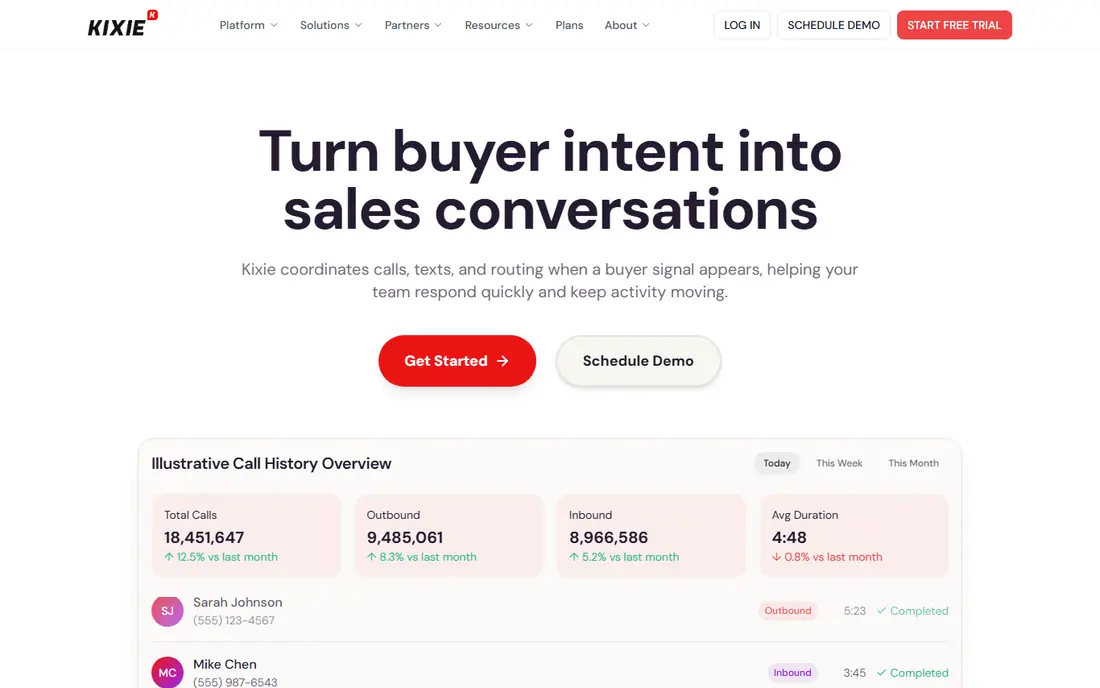
Kixie is a good fit for SDR teams on HubSpot, Salesforce or Pipedrive. Kixie is designed for one job: getting SDRs more live conversations per hour. More specifically, the Multi-Line PowerDialer works through a list whereas reps talk, dropping voicemails and logging every outcome back into the CRM without anyone touching a keyboard.
From a buyer's view, setup takes minutes through a Chrome extension. The two-way sync means dispositions, notes and recordings land on the right contact record in HubSpot, Salesforce, Pipedrive or Zoho. Kixie publishes its plan names (Professional, Single-Line PowerDialer, Multi-Line PowerDialer) but not its seat prices. So you talk to sales before you can budget. In daily use, teams that dial internationally should also check per-minute rates, since unlimited minutes handle the US and Canada only. Check the vendor site for Kixie pricing; none is listed in this comparison. Free plan details: Free trial (7 days).
Points against: Most solid for US and Canada calling.
- Multi-line PowerDialer dials up to 4 lines at once
- Unlimited US and Canada minutes on every plan
- Pricing is quote-based with no public seat prices
JustCall is built with small teams wanting phone, SMS and dialer in one place in mind. The Team plan bundles voice, SMS and WhatsApp with AI transcription and 80-plus native integrations. So a five-person sales team can run calling, texting and follow-up from one login.
If they split time between inbound support and outbound prospecting, Team is a fair deal. In practice, if your reps dial all day from lists, budget for Pro instead of Team. JustCall pricing: $29 per user/month. On free options: Free trial (14 days).
What to check first: The power dialer only appears on the $49 Pro level.
- 14-day trial with no credit card required
- 100+ native CRM and helpdesk integrations
- 2-seat minimum even for solo founders
Aloware makes the most sense for HubSpot and Salesforce teams wanting the dialer inside the CRM. Salesforce shops have to step up to xPro. For everyday use, agent-to-consumer calls in the US and Canada are genuinely unlimited on all plans, whereas automatic sequences and broadcasts are metered separately.
Limits to weigh: HubSpot workflow triggers are missing from iPro.
The plan structure rewards bigger teams. iPro opens at $30 per user a month on annual billing but needs 10 users. The small-team packages ($199 for up to 3 users, $399 for up to 5) cap minutes and texts. In daily use, Aloware takes the opposite approach to most dialers: rather than asking reps to work in a separate app, it puts calling and texting inside HubSpot or Salesforce. On cost, Aloware starts like this: $30 per user/month. Free plan details: Free trial (7 days).
- AI call transcription and summaries included
- Truly unlimited US and Canada agent minutes with no pay-per-minute asterisk
- IPro needs a minimum of 10 users
Dialpad is built with sales teams wanting AI coaching built into the dialer in mind. Dialpad's pitch is that AI should be table stakes, not an upsell.
Upsides: Live transcription and AI call summaries included from the base level.
The main drawbacks: Extras and AI agent usage can push the bill up; Entry price confirmed via external pricing guides.
For everyday use, pricing is the friction point. What you pay to start with Dialpad: $39 per user/month. Free plan details: Free trial.
- Voicemail drop and local presence on Sell plans
- Native Salesforce
- No refunds after three days
How the list was put together
For each of the 6 tools we noted price, free plan or trial, fit for auto dialer software with CRM integration and the main limit, using vendor pages and documentation. Seat minimums, billing terms and add-ons can move the real cost, so the starting prices here are a guide and not a quote. Position on the page reflects fit for a typical buyer first, with price clarity and free access breaking ties. Treat it as a guide, not a ruling.
Pre-purchase checklist
- Ask Kixie for a written quote, since no starting price is shown.
- Run a trial of PhoneBurner, Kixie, JustCall and others with real work before paying for a year; your own workflow is the best test.
- Read the limits listed for Five9 first: quote-only pricing with no public rates.
- Before you load data into Kixie, check what an export looks like and who can run it.
- See whether Aloware offers onboarding or training, and whether it is included in the price.
Frequently asked questions
Do these tools publish their prices?
Not all of them. Kixie publishes no starting price, so expect a quote request for it. The rest, Five9 included, show a starting price, though seats and billing terms still change the final cost.
What is the cheapest option for auto dialer software with CRM integration in this list?
On published monthly entry prices, JustCall is the lowest here at $29 per user/month. Entry price is only part of the cost, because seats, add-ons and billing terms can change the total.
What is the difference between an auto dialer and a power dialer?
An auto dialer is the wide category: any software that dials numbers automatically from a list. A power dialer is one specific mode that dials sequentially, one call per agent, moving to the next number once the rep finishes.
Is predictive dialing legal?
Predictive dialing is legal in the US but regulated. The TCPA restricts autodialed calls to cell phones without prior consent, and multiple states add their own rules about abandoned call rates and calling hours.
Is Five9 the right pick for everyone comparing auto dialer software with CRM integration?
No single tool suits every team. Five9 comes first because it fits mid-market and enterprise contact centers at high volume, while PhoneBurner suits solo agents and small teams prioritizing answer rates and Kixie suits SDR teams on HubSpot, Salesforce or Pipedrive. Match the tool to your own size, budget and workflow before deciding.
Can I try these tools before paying?
Often, yes. PhoneBurner, Kixie, JustCall and others offer a free trial. Use your own data and a real task during the test, and check what the free tier or trial limits before you rely on it.
Sources
See where you really rank - block by block
ProMapRanker scans Google Maps across a grid of your service area. Simple monthly plans from $19, white-label on every plan.
Start freeKeep reading
 zscaler alternatives
Best Zscaler Alternatives in 2026
Looking for zscaler alternatives? We compare 9 SASE and zero trust platforms on architecture, data protection, pricing, and fit for your network and team.
Read → zapier alternatives free
Best Zapier Alternatives Free in 2026
Nine automation tools for zapier alternatives free in 2026, all with genuinely free tiers, plus free plan limits, starting prices and upgrade paths explained.
Read → which platform is best for online reputation
Which Platform Is Best for Online Reputation in 2026
Wondering which platform is best for online reputation? We compare 8 review, listing, and response tools for small and multi-location businesses and agencies.
Read →