 ProMapRanker
Best Authentication Software in 2026

Key takeaways
- Workforce and customer authentication are different jobs, and the best tool depends on which one you need.
- Okta leads for workforce identity, while Auth0 leads for developer-built customer login.
- Free tiers help early products, but per-user and per-active-user pricing can rise fast at scale.
- Open source Keycloak removes licence fees but adds hosting and maintenance work.
Quick comparison
| Pick | Great for | Pricing starts at | Free tier | |
|---|---|---|---|---|
 Okta | workforce single sign-on and lifecycle | See website | No | Visit |
 Auth0 | customer login for apps and websites | $35 per month | Yes | Visit |
 Microsoft Entra ID | Microsoft 365 and Azure organisations | $6 per user per month | No | Visit |
 Ping Identity | large enterprises with complex federation | See website | No | Visit |
 Cisco Duo | MFA-first teams and device trust | See website | Yes | Visit |
 OneLogin | mid-market workforce SSO and MFA | See website | No | Visit |
 Amazon Cognito | AWS-native customer authentication | See website | Yes | Visit |
 IBM Security Verify | mid-market and enterprise workforce identity | See website | No | Visit |
 Keycloak | teams that want open source self-hosted identity | Free | Yes | Visit |
Best Authentication Software
Authentication software decides who can sign in, what they can access, and how that access ends when someone leaves. The best authentication platform depends on who is signing in: employees need workforce identity, while customers of an app need customer identity. Mixing those two jobs up is the most common buying mistake.
This guide keeps that split clear. Workforce tools cover employee SSO and MFA. Customer tools cover app login and signup. Some vendors cover both, but pricing and features still differ by use case, so compare on the job you actually need.
Okta is the workforce identity standard for many larger companies. It connects employees to hundreds of apps through single sign-on, adds multi-factor authentication, and manages joiner, mover and leaver access as roles change. That lifecycle link matters, because stale accounts are a common security gap.
The cost and setup are the honest catches. Many plans are quote-based, and the total rises as MFA, lifecycle and governance features are added. Smaller teams may find a simpler tool cheaper and faster, while larger teams with complex app estates get the most from Okta.
- Wide app integration catalogue
- Single sign-on, MFA and lifecycle management
- Strong enterprise compliance options
- Pricing is quote-based for many plans
- Full setup can need admin time
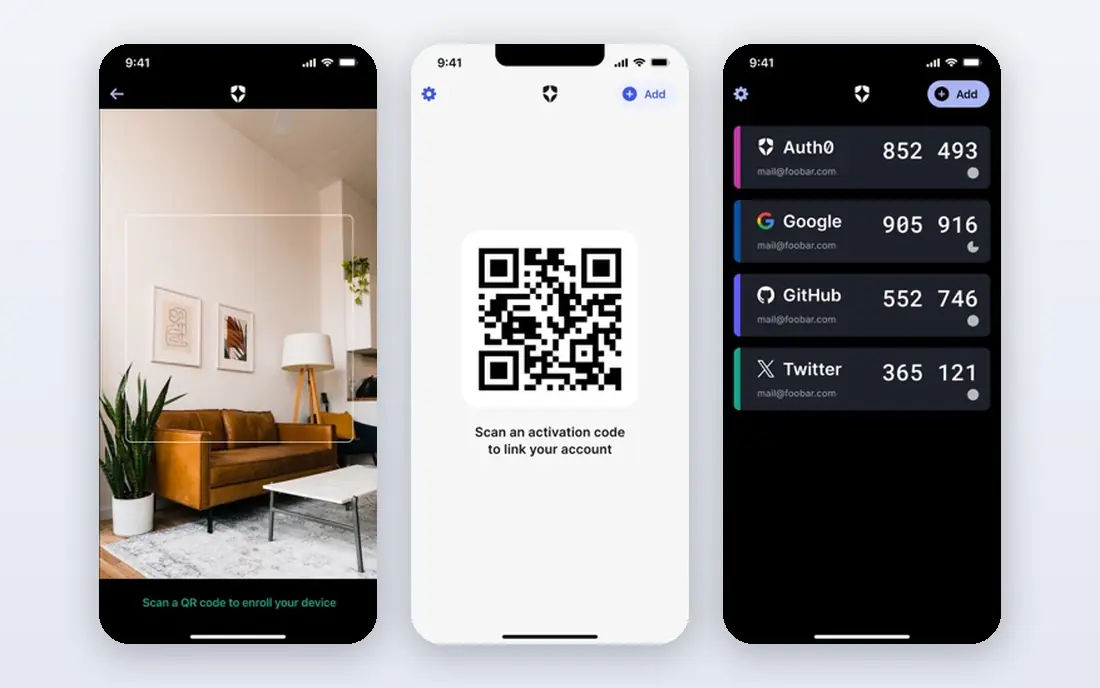
Auth0, now part of Okta, is built for customer-facing apps. Developers can add login, signup, social sign-in and passwordless options without building authentication from scratch. Its free tier covers a large number of monthly active users, which makes it a strong start for new products.
The pricing quirk needs attention. The paid Essentials tier starts at 35 dollars per month but covers fewer monthly active users than the free tier, so costs climb as traffic grows. Model pricing at realistic user counts before launch, and do not choose Auth0 for employee SSO when a workforce tool fits better.
- Developer-friendly login, signup and social sign-in
- Passwordless options
- Generous free tier for early products
- Paid tiers meter by monthly active users and can rise quickly
- Workforce SSO is not its main job
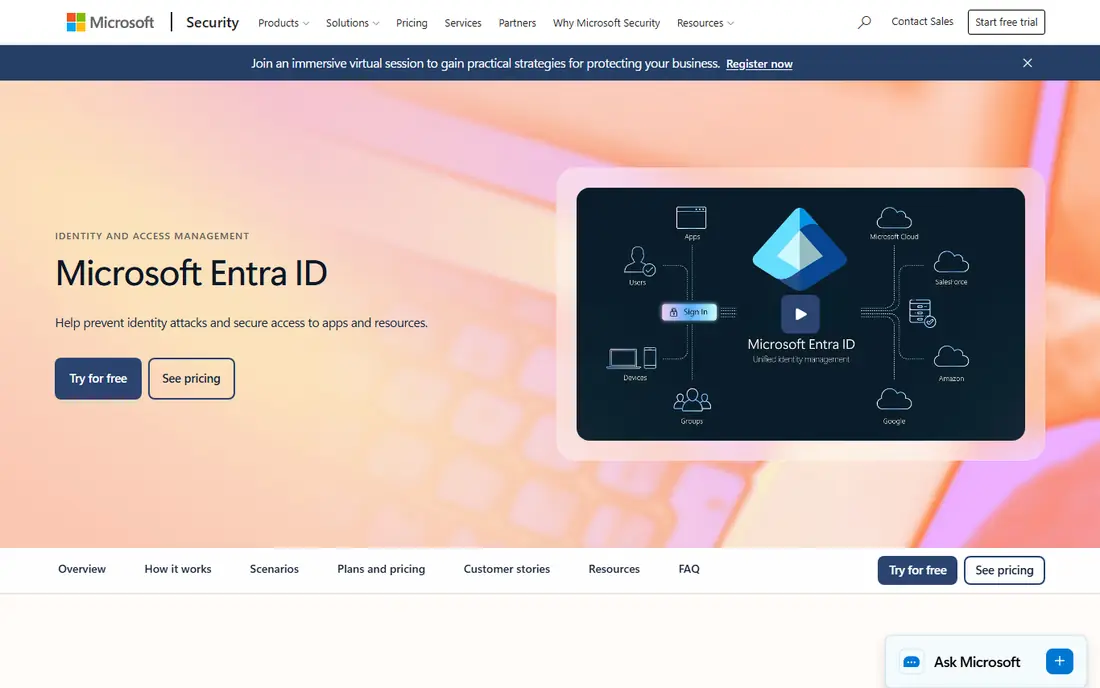
Microsoft Entra ID, formerly Azure Active Directory, is the natural authentication platform for organisations already running Microsoft 365. Single sign-on, conditional access and MFA sit close to the apps staff already use, and admin controls align with Microsoft security policies.
The catch is ecosystem fit. Organisations with little Microsoft usage may pay for integration they do not use, and some advanced features require higher tiers. Check what is already included in current Microsoft licensing before buying a separate tier, because duplication is a common waste here.
- Deep Microsoft 365 integration
- Conditional access and MFA
- P1 and P2 tiers for stronger controls
- Best value inside Microsoft licensing
- Non-Microsoft estates get less benefit
Ping Identity suits large organisations with complex federation needs, such as partners, suppliers and multiple identity stores. Its standards support and deployment options help when a simple cloud login product cannot cover legacy systems, mergers or regulated environments.
That depth comes with cost and complexity. Pricing is quote-based, and implementation often needs skilled staff or partners. Mid-size teams with straightforward SSO needs will usually find a simpler, cheaper product faster to run.
- Strong federation and standards support
- Workforce and customer identity options
- Enterprise deployment choices
- Sales-led pricing with no simple public starting price
- Implementation often needs expertise
Cisco Duo starts from multi-factor authentication, which is the right priority for many teams. It checks the user and the device before granting access, and its free tier for small teams makes it easy to test. For organisations whose main gap is weak login security, Duo closes it directly.
Duo is less of a full identity platform on lower tiers. Single sign-on and advanced access policies require higher plans, so buyers who need a complete workforce identity system should compare total tier cost, not just the entry MFA price.
- Strong multi-factor authentication
- Device trust checks
- Free tier for up to 10 users described on its site
- Full SSO features sit on higher tiers
- Pricing rises with advanced policies
OneLogin fits mid-market teams that want workforce SSO and MFA without enterprise complexity. It integrates with common directories, applies role-based access, and is generally faster to set up than a large enterprise platform. That simplicity is its main selling point.
The limit is depth. Very large or highly federated estates may outgrow it, and some advanced features require higher tiers. Teams should list must-have apps and policies first, then confirm they sit in the chosen tier before signing.
- Workforce SSO and MFA in a simpler package
- Directory integration
- Role-based access controls
- Advanced features are gated to higher tiers
- Catalogue depth is smaller than Okta
Amazon Cognito is the authentication choice for teams already building on AWS. User pools handle signup and sign-in, identity pools connect users to AWS resources, and pricing scales with monthly active users. For AWS-native apps, it avoids adding a separate identity vendor.
The trade-off is engineering effort. Cognito is a building block, not a finished login product with rich admin screens for every use case. Teams without AWS experience may spend more time on setup and support than with a developer-focused product like Auth0.
- Built for AWS apps and mobile backends
- User pools and identity pools
- Usage-based pricing for large scale
- Needs AWS and engineering skill
- Support and advanced features can add cost
IBM Security Verify offers workforce identity with SSO, MFA and lifecycle management for organisations that already use IBM products or need enterprise compliance controls. It covers the core workforce use cases in a single platform, with deployment options for cloud and hybrid estates.
The limit is clarity of scope. Customer-facing identity can require separate licensing, and pricing depends on deployment and user counts. Buyers should confirm in writing whether their use case is workforce, customer or both, and what each side costs.
- Workforce SSO, MFA and lifecycle features
- Enterprise compliance options
- IBM ecosystem integration
- Pricing varies by deployment
- Customer identity needs separate licensing in some cases
Keycloak is the open source option for teams that want full control over identity. It provides single sign-on, social login brokering and user federation, and it can run on a team's own infrastructure. There is no per-user licence fee for the software, which appeals to cost-sensitive and privacy-focused teams.
Free software is not free operation. Hosting, updates, backups and security patching fall to the team, and that work grows with scale. Keycloak suits teams with identity or platform engineering skill. Teams without that skill should price managed hosting or support before choosing it.
- Open source single sign-on and identity brokering
- Self-hosted control
- No per-user licence fee for the software itself
- Needs hosting, maintenance and security patching
- Support comes from community or paid partners
How we picked these
We compared official vendor pages, pricing pages and feature descriptions, and we cross-checked recent identity roundups. We favoured products clearly operating in October 2026 that provide authentication as a core function. Where pricing was quote-based or could not be verified, we wrote See website rather than inventing a figure.
We also separated workforce from customer identity in every write-up, because a tool that excels at one can be a poor fit for the other. That split, plus pricing model and admin effort, shaped the final list.
How to choose authentication software without overbuying
Start with who signs in
Employees, customers, partners and machines have different needs. Employee tools need SSO, MFA and lifecycle controls. Customer tools need signup, social login, passwordless options and scale. Write down the user groups first, then shortlist only tools built for those groups.
Model pricing at real scale
Per-user pricing, per-active-user pricing and quote-based pricing behave differently as you grow. Model three points: today, double current users, and a busy month. A cheap entry tier that jumps sharply at the next tier is often more expensive than a higher starting price with smoother scaling.
Plan for leavers and incidents
Good authentication includes fast deprovisioning, MFA reset procedures and audit logs. Ask how quickly access can be revoked, how MFA recovery works, and what logs are kept. Those answers matter more during an incident than any feature list.
Frequently asked questions
What is the best authentication platform?
For workforce identity, Okta and Microsoft Entra ID lead for most larger organisations. For customer login in a new app, Auth0 is the most common developer choice. The best authentication tools choice depends on user type, existing systems and scale.
What is the difference between workforce and customer authentication?
Workforce authentication covers employees signing into company apps, with SSO, MFA and lifecycle controls. Customer authentication covers users signing into a product, with signup, social login and passwordless options. Some vendors offer both, but they are priced and built differently.
Is there a free authentication service?
Yes. Auth0 offers a free tier for early products, Duo offers a free tier for up to 10 users, and Keycloak is open source. Free tiers usually limit features, users or support, so check limits before building a product around them.
What is the best online authentication service for a small team?
Small teams often start with Duo for MFA, OneLogin for simple workforce SSO, or Auth0 for customer login. The right pick depends on whether the team needs employee access, customer login, or both.
Do I need MFA as well as SSO?
In most cases, yes. Single sign-on makes access easier, while MFA makes stolen passwords less useful. The best authentication software combines both, with device checks and clear recovery steps for locked-out users.
Sources
See where you really rank - block by block
ProMapRanker scans Google Maps across a grid of your service area. Simple monthly plans from $19, white-label on every plan.
Start freeKeep reading
 zscaler alternatives
Best Zscaler Alternatives in 2026
Looking for zscaler alternatives? We compare 9 SASE and zero trust platforms on architecture, data protection, pricing, and fit for your network and team.
Read → zapier alternatives free
Best Zapier Alternatives Free in 2026
Nine automation tools for zapier alternatives free in 2026, all with genuinely free tiers, plus free plan limits, starting prices and upgrade paths explained.
Read → which platform is best for online reputation
Which Platform Is Best for Online Reputation in 2026
Wondering which platform is best for online reputation? We compare 8 review, listing, and response tools for small and multi-location businesses and agencies.
Read →