 ProMapRanker
Best Augmented Reality Software in 2026

Key takeaways
- ARKit and ARCore are the free starting points for native iPhone and Android apps, while Unity and Unreal Engine suit larger cross-platform builds.
- Vuforia Engine suits industrial tracking jobs where image, object and model recognition matter more than camera filters.
- ZapWorks, DeepAR and EasyAR Sense cover WebAR, face effects and cross-platform SDK work without a full game engine team.
- Choose by tracking need and device reach first, because switching engines later is far more costly than picking a higher tier early.
Quick comparison
| Pick | Great for | Pricing starts at | Free tier | |
|---|---|---|---|---|
 Unity | Cross-platform AR teams | Free | Yes | Visit |
 Unreal Engine | High-fidelity AR and visualisation | Free | Yes | Visit |
 ARKit | Native iPhone and iPad AR | Free | Yes | Visit |
 ARCore | Native Android AR | Free | Yes | Visit |
 Vuforia Engine | Industrial tracking and training | Free | Yes | Visit |
 RealityKit | Apple 3D rendering and Vision Pro | Free | Yes | Visit |
 EasyAR Sense | Cross-platform SDK without a game engine | Free | Yes | Visit |
 ZapWorks | Designer-friendly WebAR | $12.99 per month | Free trial | Visit |
 DeepAR | Face filters and virtual try-on | $25 per month | Yes | Visit |
The best augmented reality apps
We compared tracking quality, platform reach, authoring effort and pricing. These nine cover native mobile, game engines, industrial use and browser-based AR.

Unity is the default choice for teams that want one AR codebase across devices. AR Foundation lets developers write tracking, plane detection and anchor logic once and deploy to ARKit and ARCore devices, plus supported headsets. The asset store, documentation and hiring pool make it easier to staff a Unity project than a niche engine. Unity also suits training, product visualisation and games where AR is part of a larger interactive product.
Unity is more than a simple WebAR job needs. A marketing team that only wants a browser AR experience will move faster with ZapWorks or a similar no-code tool. Paid plans also matter at scale: Personal is free within its terms, while Pro is priced per seat per month. Check the current licence terms before you commit, and budget for testing across real phones, not just one flagship device.
- One project for iOS, Android and headsets
- AR Foundation covers ARKit and ARCore
- Large asset and developer community
- Paid tiers add cost as teams grow
- Engine overhead for simple WebAR jobs
- Learning curve for non-developers
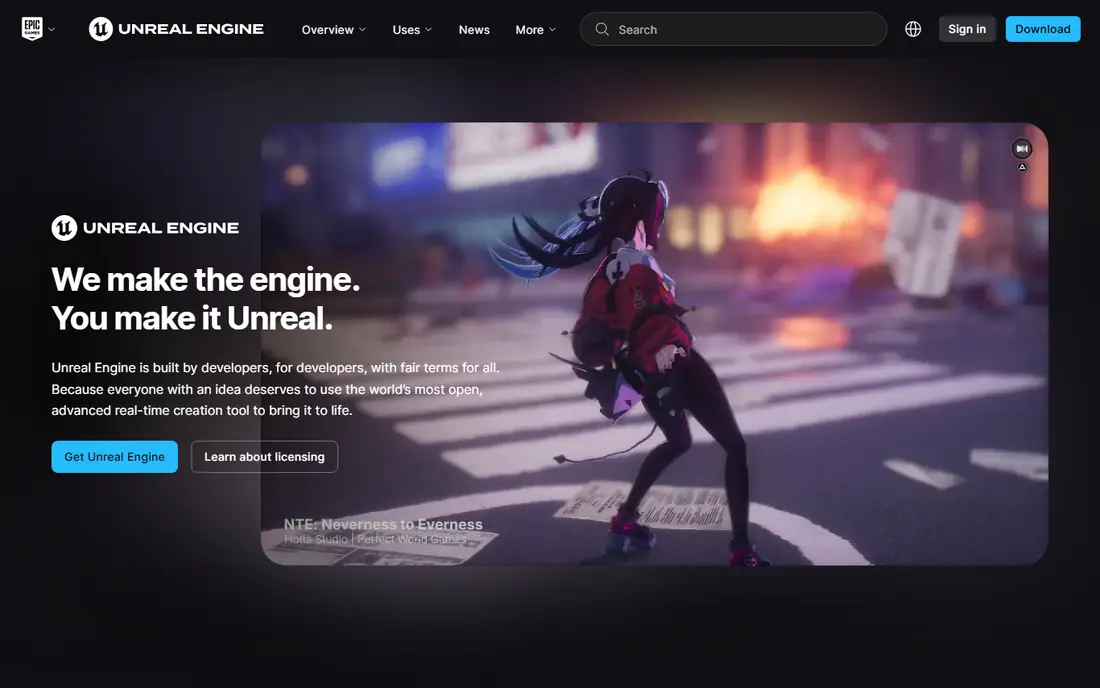
Unreal Engine suits AR where visual quality is the product. Automotive configurators, architectural walkthroughs and premium product showcases benefit from its lighting and material system. It supports AR on mobile and headsets, and it fits teams that already use Unreal for games or real-time visualisation. If the client judges the work by how real the 3D model looks, Unreal is a strong contender.
For a simple marker-based app, Unreal adds weight without a matching benefit. Mobile AR teams are also more numerous in Unity, which can affect hiring and support. Royalty terms apply above a revenue threshold, so read the current licence for commercial projects. Choose Unreal when fidelity justifies the extra setup, not as a default for every AR brief.
- Strong real-time rendering
- Good for automotive, architecture and product showcases
- Free to start with royalty terms above a threshold
- Heavier project setup than Unity for simple apps
- Smaller mobile AR community
- Royalty terms need review for commercial products
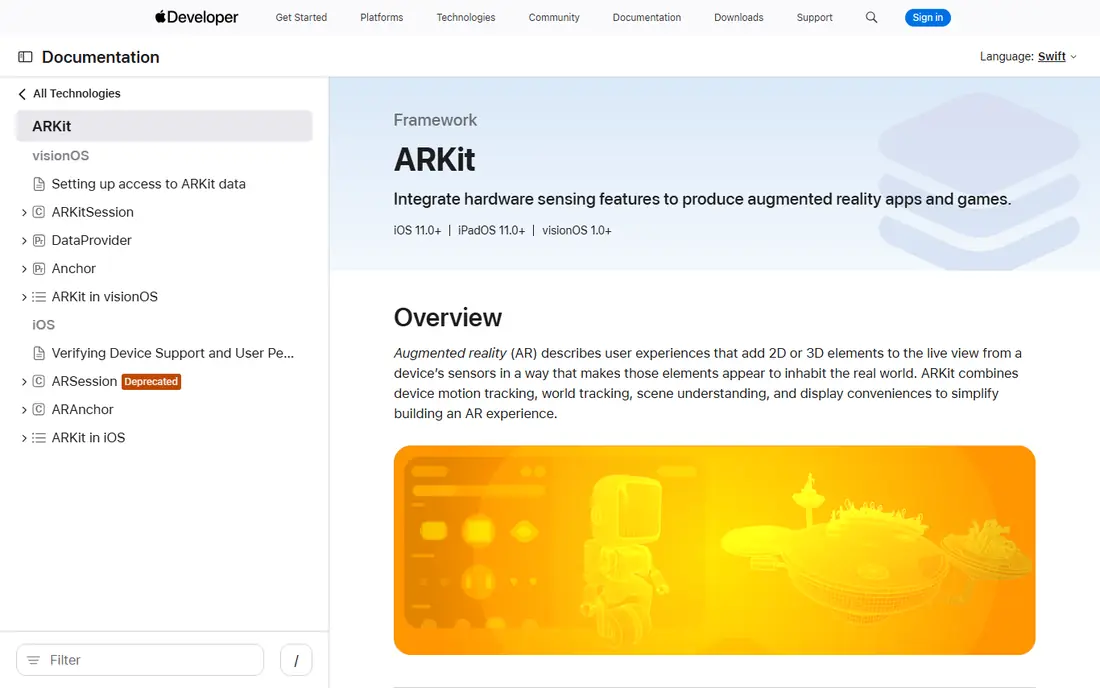
ARKit is the native AR framework for iOS and iPadOS, and it remains the best route to high-quality AR on Apple devices. It handles plane detection, face tracking, body tracking, object detection and, on LiDAR devices, better depth and occlusion. Apps built with ARKit can use RealityKit for rendering, and they benefit from Apple hardware tuning that cross-platform tools cannot always match.
The limit is platform. ARKit does not run on Android, so a team that needs both stores must also build with ARCore or use Unity AR Foundation. Device differences also matter: an older iPhone will not support every ARKit feature. Test on the lowest device your audience actually uses, and design a fallback for devices without LiDAR.
- Deep integration with Apple hardware and sensors
- LiDAR support on compatible devices
- Free SDK for Apple developers
- Apple devices only
- Apple Developer Program membership is needed for distribution
- Features vary by device and iOS version
ARCore is Google's AR platform for Android, and it is the natural counterpart to ARKit. It provides motion tracking, plane detection and light estimation, plus a geospatial API for anchoring content to real-world locations. For Android-first products, retail apps and location-based experiences, ARCore gives a free, well-documented starting point without a game engine licence.
Android fragmentation is the catch. Not every Android phone supports ARCore, and tracking quality varies by device. Check the supported device list before you promise a feature to all Android users. For cross-platform work, Unity AR Foundation can wrap ARCore and ARKit together, while a pure ARCore build suits Android-only releases and Google ecosystem projects.
- Free Google SDK for Android
- Motion tracking, environmental understanding and light estimation
- Geospatial features for location AR
- Android only as a native SDK
- Device support varies by manufacturer
- Geospatial features need suitable locations and data
Vuforia Engine is built for recognition-led AR. Image targets, object targets, model targets from CAD data and area targets from indoor scans let factories, field service teams and trainers overlay instructions on real equipment. That focus makes Vuforia different from camera-filter SDKs. When the job is to recognise a machine part and show the next repair step, Vuforia is often the right tool.
Pricing needs care. A basic plan is free, while premium and enterprise plans are priced on request, and model and area targets require a higher plan. Vuforia is also less suited to playful face filters or simple WebAR marketing. Choose it for industrial, training and maintenance work where tracking accuracy justifies an enterprise conversation.
- Strong image, object and model target tracking
- Area targets from scans of indoor spaces
- Long industrial track record
- Premium features for model and area targets need paid plans
- Enterprise pricing is quote-based
- Less suited to social face filters
RealityKit is Apple's framework for rendering 3D content in AR, and it pairs naturally with ARKit. Developers can build realistic materials, lighting, physics and animations in Swift, and ship to iPhone, iPad and Apple Vision Pro. For teams already building Apple apps, RealityKit keeps the AR layer inside familiar Apple tooling rather than adding a separate engine.
Outside Apple, RealityKit has no role, so cross-platform teams should use Unity or Unreal instead. Asset preparation also follows Apple workflows, which can slow a team that already works in another 3D pipeline. RealityKit is the best pick for Apple-first products, Vision Pro experiences and teams that want native performance on Apple hardware.
- Swift-first rendering and physics for Apple platforms
- Strong support for Vision Pro apps
- Works with ARKit and Reality Composer
- Apple platforms only
- Less useful outside the Apple ecosystem
- 3D asset pipeline needs Apple tooling
EasyAR Sense suits teams that want one independent SDK across native mobile, Unity and other targets. It offers SLAM-based world tracking and image tracking, plus support for mini-programs and headsets such as Vision Pro, Pico and Rokid. That breadth helps teams that ship to markets and devices where the platform SDKs alone do not cover every target.
The personal edition is free for non-commercial work, while the professional edition is a paid monthly plan for commercial apps. Community size is smaller than for ARKit, ARCore or Unity, so expect more self-service problem solving. EasyAR is a good fit when a single vendor SDK across many targets matters more than the largest possible community.
- SLAM and image tracking across Android, iOS and Unity
- Support for mini-programs and headsets
- Free personal edition for non-commercial work
- Professional pricing adds up for commercial apps
- Smaller community than ARKit and ARCore
- Documentation quality varies by feature
ZapWorks is built for marketing and creative teams that need WebAR without asking users to install an app. A user scans a QR code or taps a link, and the AR experience opens in the browser. Designer tools, templates and a studio workflow let non-developers build product try-ons, packaging experiences and event AR faster than a code-first SDK would allow.
The trade-off is control and cost. Complex tracking, custom logic and heavy 3D scenes are easier in Unity or a native SDK. ZapWorks also charges a monthly plan, so a short campaign needs a clear end date or a plan that covers the campaign window. For packaging, retail and event work where reach matters more than engine depth, ZapWorks is a practical choice.
- Browser-based AR without an app install
- Designer tools and templates
- Publishing to web, social and QR flows
- Monthly cost for ongoing projects
- Less control than a code SDK for complex tracking
- Performance depends on the browser and device
DeepAR focuses on camera effects: face filters, beauty try-on, eyewear try-on and interactive effects for mobile and web apps. Brands in beauty, eyewear and social apps use it to let customers try a look before buying. Real-time face tracking and a studio for effects keep the workflow closer to design than to game development.
Pricing is usage-based, with a free tier for a small number of monthly users and paid plans from a monthly fee. That model suits a product with a defined audience, but it needs forecasting for a viral campaign. DeepAR is not the tool for factory training or large-scale world mapping. Choose it when the face and the camera are the product.
- Real-time face tracking and effects
- Virtual try-on for beauty and eyewear
- SDKs for mobile and web
- Paid plans start at a monthly fee for higher usage
- Free tier covers limited monthly users
- Less suited to industrial tracking
How we picked these
We compared official SDK and product pages, pricing pages and developer documentation for each tool, and we checked that each one is live and supported in October 2026. We left out tools that had shut down, tools whose hosted platforms had retired, and tools that only covered virtual reality without an AR path. We favoured tools with clear device support, published pricing or a free tier, and a real use case in mobile, web or industrial AR.
How to choose the right AR approach
Start with the user journey, not the engine. Ask whether the user will install an app, open a browser link, wear a headset or point a phone at a machine. An app install suits a product that people use repeatedly, while a browser link suits a one-time marketing moment. A headset suits training and design review, while a phone suits retail and field work. That one decision narrows the list fast.
Next, test tracking on real devices in real light. A demo that looks stable on a flagship phone in a bright office can drift in a dim warehouse or a busy shop. Walk, turn, change distance and change lighting during your test, and watch whether the overlay stays locked. Also check the lowest device your audience uses, because AR features and performance vary widely across phones.
Finally, plan for content and maintenance. AR content needs 3D models, updates and testing on new operating system releases. A no-code WebAR tool may be cheaper to launch but harder to extend, while a Unity or native build costs more up front but gives more control later. Budget for model updates and device testing, not just the first launch.
Frequently asked questions
What is the best augmented reality software?
The best augmented reality software depends on the job. Unity suits cross-platform apps, ARKit and ARCore suit native mobile apps, Vuforia suits industrial tracking, and ZapWorks suits browser-based marketing. Start from device reach and tracking need.
What are the best augmented reality apps for beginners?
ZapWorks and DeepAR are the most beginner-friendly options here because they offer studio tools and templates. EasyAR Sense is a middle step for developers who want an SDK without a full game engine. Unity and Unreal need development skills.
What is the best augmented reality platform for WebAR?
ZapWorks is the strongest WebAR pick in this list for designer-led work, because users open the experience in a browser without installing an app. Unity can also publish to web targets, but it needs more development effort for a simple campaign.
Do I need to know how to code to build AR?
Not always. ZapWorks and DeepAR offer visual tools for many marketing and filter jobs. Native ARKit, ARCore and Unity work needs coding, and industrial Vuforia projects usually need a development team. Match the tool to the skills you have.
Is ARKit or ARCore better?
Neither is better in general. ARKit is for Apple devices and ARCore is for Android devices. Most cross-platform apps use both through Unity AR Foundation, or build separate native apps for each platform. Choose by the devices your audience uses.
How much does AR software cost?
Costs range from free SDKs such as ARKit, ARCore and RealityKit to monthly plans for ZapWorks, DeepAR and EasyAR Sense, and per-seat or quote-based pricing for Unity Pro, Unreal commercial use and Vuforia premium plans. Confirm current pricing on the vendor site before you budget.
Sources
- https://unity.com
- https://www.unrealengine.com
- https://developer.apple.com/augmented-reality/arkit/
- https://developers.google.com/ar
- https://www.ptc.com/en/products/vuforia
- https://developer.apple.com/augmented-reality/realitykit/
- https://www.easyar.com
- https://zap.works
- https://www.deepar.ai
- https://www.guideflow.com/blog/ar-development-software
See where you really rank - block by block
ProMapRanker scans Google Maps across a grid of your service area. Simple monthly plans from $19, white-label on every plan.
Start freeKeep reading
 zscaler alternatives
Best Zscaler Alternatives in 2026
Looking for zscaler alternatives? We compare 9 SASE and zero trust platforms on architecture, data protection, pricing, and fit for your network and team.
Read → zapier alternatives free
Best Zapier Alternatives Free in 2026
Nine automation tools for zapier alternatives free in 2026, all with genuinely free tiers, plus free plan limits, starting prices and upgrade paths explained.
Read → which platform is best for online reputation
Which Platform Is Best for Online Reputation in 2026
Wondering which platform is best for online reputation? We compare 8 review, listing, and response tools for small and multi-location businesses and agencies.
Read →