 ProMapRanker
Best Audit Software for CPA Firms in 2026

Key takeaways
- No single tool covers the whole audit, so most firms pair a workpaper platform with a data tool and a confirmation tool.
- CaseWare remains the workpaper reference for many firms, while DataSnipper and MindBridge focus on checking evidence and transactions.
- Pricing for workpaper and enterprise audit platforms is usually quote based, so ask for per-user and per-engagement costs early.
- A tool that fits your existing tax and accounting stack will usually be adopted faster than a stronger tool that sits apart from it.
Quick comparison
| Pick | Great for | Pricing starts at | Free tier | |
|---|---|---|---|---|
 CaseWare | Workpapers and financial statements | See website | No | Visit |
 DataSnipper | Excel-based audit checks | See website | No | Visit |
 Confirmation | Bank and account confirmations | See website | No | Visit |
 AuditBoard | Internal audit and risk management | See website | No | Visit |
 MindBridge | AI-assisted transaction analysis | See website | No | Visit |
 Inflo | Cloud audit collaboration | See website | No | Visit |
 Suralink | Client document requests | See website | No | Visit |
 Validis | Standardized client financial data | See website | No | Visit |
The best audit software for cpa firms
We compared audit platforms by the job each one does best, from workpapers and review to data analysis and client requests. The list below favors tools used by CPA firms in practice, not generic project software with an audit label.

CaseWare is the workpaper system many CPA firms standardize on, and familiarity is part of its value. Trial balance imports, adjusting entries, disclosure checklists, and financial statement generation follow a structure that partners and reviewers already know. When a new staff member joins, they can usually find their way around a CaseWare file faster than a file built in a one-off system.
The cost conversation takes longer, since pricing and packaging are quote based. Firms should also confirm whether they want the cloud or desktop deployment, since that choice affects remote work. For a firm that prepares compiled, reviewed, or audited statements for clients, CaseWare is the natural starting point for comparison.
- Standard workpaper structure
- Trial balance and statement generation
- Widely known by reviewers and peer reviewers
- Pricing is quote based
- Cloud and desktop options vary by firm
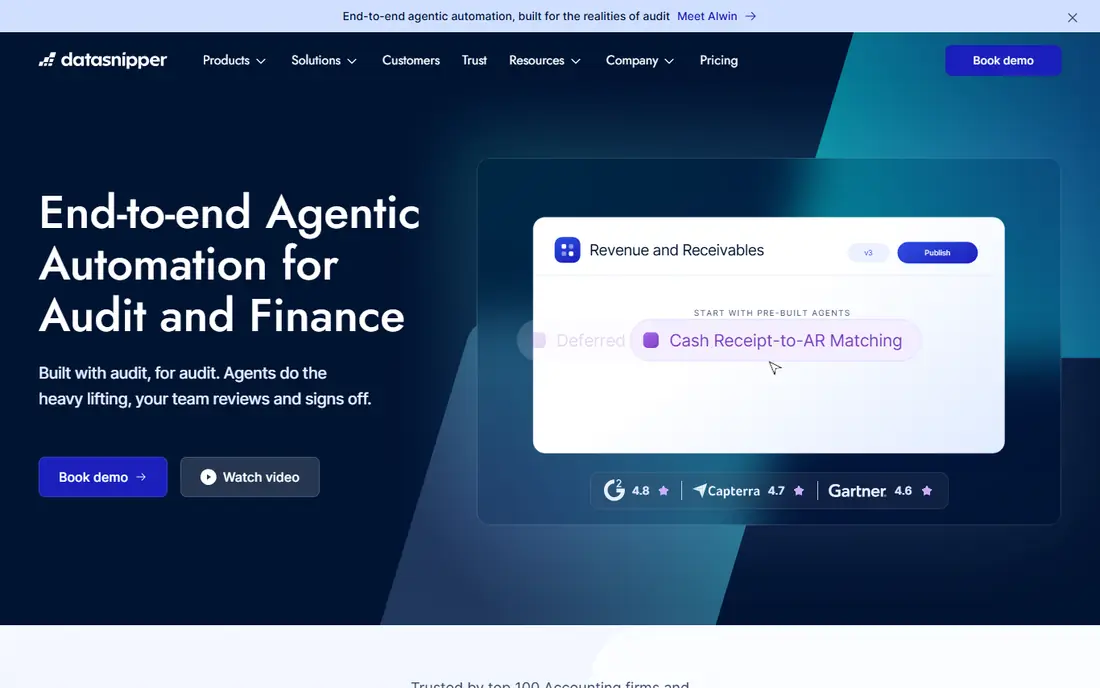
DataSnipper takes a different approach from a full workpaper platform. It lives inside Excel, where many auditors already do their checking, and it pulls data from source documents for matching and cross-referencing. An auditor can tie a number in a workpaper back to the document it came from without leaving the spreadsheet. That trail matters when a reviewer asks how a figure was verified.
The limit is scope. DataSnipper is a checking and extraction tool, not a complete engagement management system. Firms still need a workpaper home for planning, review notes, and sign-off. Used alongside that system, it can cut the manual ticking and tying that eats audit hours.
- Works inside Excel
- Extracts and cross-checks document data
- Keeps a clear audit trail in workpapers
- Excel-centered workflow
- Pricing is custom and not published simply
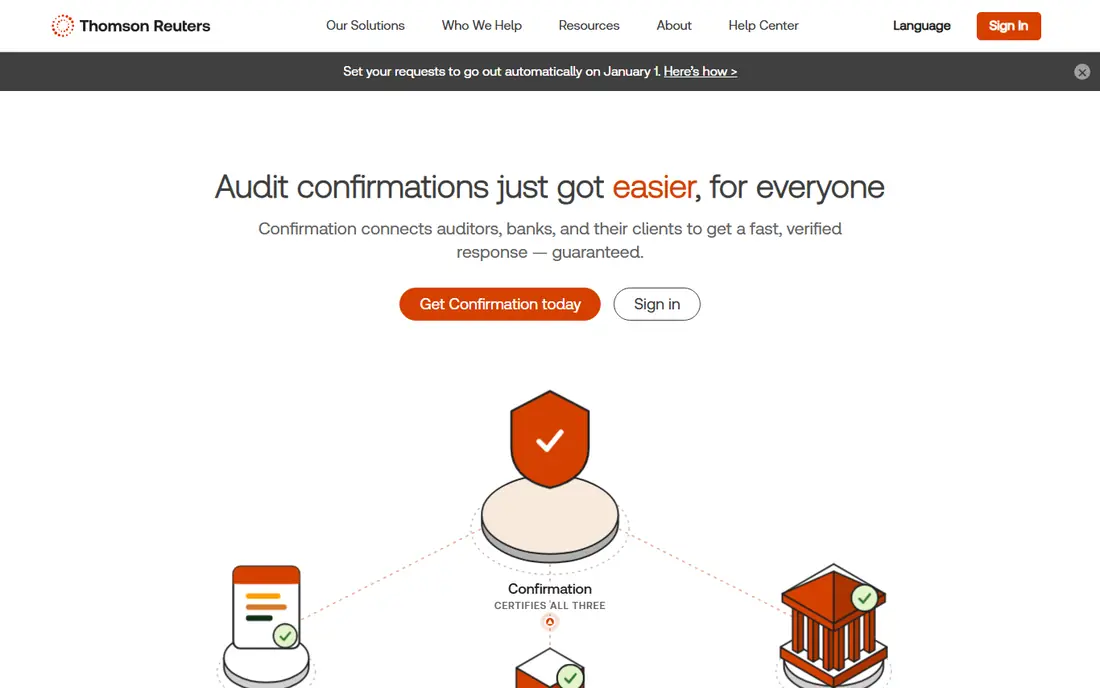
Confirmation replaces paper confirmation letters with an electronic workflow. Auditors send requests, track replies, and store responses in a form that fits the audit file. Banks and other responders that use the network can reply faster than by mail, and the status view shows what is still outstanding. For a firm with many bank confirmations each season, that tracking alone saves follow-up time.
The catch is coverage. Not every responder uses the same network, so some confirmations still need another route. Pricing is also tied to volume or plan, so a firm should estimate its yearly confirmation count before budgeting. Where coverage is strong, it is a clear efficiency gain.
- Electronic confirmations from banks and others
- Faster replies than paper
- Clear status tracking
- Pricing is per confirmation or by plan
- Coverage depends on the responder
AuditBoard serves internal audit teams and firms that run risk-based audit programs. Planning, fieldwork, issue tracking, and reporting sit in one connected platform, so an audit does not live in scattered spreadsheets. Risk and control libraries help teams link findings to the controls they test. Management reporting is also built in, which helps when results go to a board or audit committee.
For a small CPA firm doing mainly external audits, AuditBoard may be larger than needed. Its strength shows in internal audit, compliance, and larger engagements with formal risk programs. Firms in that space should compare its workflow depth against a workpaper tool alone.
- Audit planning and workflow in one platform
- Risk and control tracking
- Reporting for management and boards
- Enterprise pricing is quote based
- More than a small CPA firm may need
MindBridge analyzes whole sets of transactions rather than only a sample, and it scores entries that look unusual for closer review. An auditor can start with the highest-risk items instead of picking a sample blind. That focus can improve coverage on general ledger, payables, and revenue testing. The platform also presents reasons for each flag, which helps a reviewer follow the logic.
The important limit is judgment. A flagged entry is a prompt to investigate, not proof of an error or fraud. Firms still need trained auditors to test what MindBridge surfaces. Pricing is quote based, so smaller firms should ask about entry-level plans before assuming it is out of reach.
- Analyzes full transaction populations
- Flags unusual entries for review
- Supports risk-focused sampling
- Pricing is quote based
- Results still need auditor judgment
Inflo is a cloud audit platform built for accounting firms, with workpapers, client requests, and data analytics in one place. Clients can upload and respond in the same system auditors use, which cuts email attachments and version confusion. Data tools help auditors test transactions and spot patterns without exporting everything to a separate app. For a firm moving to cloud audit work, that combination is appealing.
Migration is the honest cost. Moving templates, prior-year files, and staff habits from a legacy system takes time and training. Firms should run a pilot engagement before a full switch. If the pilot works, Inflo offers a modern route away from desktop-only workpapers.
- Cloud workpapers and client collaboration
- Data analytics for audit testing
- Built for accounting firms
- Pricing is not published simply
- Migration from a legacy workpaper system takes planning
Suralink focuses on the part of an audit that often causes delays, which is getting documents from clients. Request lists are organized by engagement, clients upload to a secure portal, and both sides can see what is still open. That visibility replaces the long email thread where a missing bank statement hides for weeks. Reviewers can also see the history of a request without digging through inboxes.
Suralink does not replace workpapers or audit testing. It works best as the front door to an engagement, feeding documents into the system where the audit itself happens. Firms that struggle with client follow-up will feel the benefit fastest, especially during busy season.
- Structured client request lists
- Secure document exchange
- Clear status for open items
- Not a full workpaper system
- Value depends on clients using it consistently
Validis takes data from a client's accounting system and standardizes it for audit and advisory work. Instead of cleaning exports by hand, auditors receive structured ledgers, payables, and receivables they can analyze right away. That prep work is often invisible, but it consumes hours at the start of an engagement. Standard data also makes comparisons across clients and periods more reliable.
The fit depends on the accounting systems your clients use and whether they can connect them easily. Validis is a data layer, not an audit opinion tool, so it pairs with workpaper and testing software. For firms that analyze client data regularly, it can remove a repetitive bottleneck.
- Turns client accounting data into a standard format
- Supports analytics and benchmarking
- Reduces manual data prep
- Pricing is quote based
- Benefit depends on client accounting systems supported
How we picked these
We compared official product pages, pricing information, and public descriptions of how each tool is used by accounting and audit teams. We favored tools with a clear audit job, active sale in October 2026, and a fit for CPA firms rather than general business software. We did not claim hands-on testing, and we used See website where pricing was not published in a verifiable form. The mix covers workpapers, checking, confirmations, analytics, and client collaboration because no single product covers all of those well.
What to check before you buy
Start by mapping your audit workflow, from planning and client requests to testing, review, and sign-off. Mark the steps that cause the most delay or rework, then buy for those steps first. A data tool will not fix a broken request process, and a request tool will not fix weak transaction testing. Pilot the leading option on one real engagement, with the staff who will use it daily, before rolling it out firm-wide.
Next, check security, permissions, and data handling. Audit files hold sensitive client financial data, so confirm access controls, encryption, and how client data is stored. Ask about training and support during busy season, when a slow reply can stall an engagement. Finally, get pricing in writing for your team size, including per-user fees, per-confirmation charges, and any implementation cost. A clear total helps you compare a quote-based platform with a simpler tool honestly.
Frequently asked questions
What is the best audit software for cpa firms?
There is no single best choice, because workpapers, data checking, and confirmations are different jobs. Many firms use CaseWare for workpapers, DataSnipper for Excel checks, and Confirmation for bank confirmations. Start with the step that causes the most delay in your firm.
What is top audit software for smaller firms?
Smaller firms often start with a focused tool, such as DataSnipper for checking or Suralink for client requests, rather than a large enterprise platform. Those tools solve a clear pain without a full migration. Add a workpaper platform when volume or review needs justify it.
How much does audit software cost?
Workpaper and enterprise platforms are usually quote based, with per-user or per-engagement pricing. Focused tools may charge per user, per confirmation, or by plan. Ask each vendor for a total based on your team size and yearly engagement count.
Can audit software replace auditor judgment?
No, it can support judgment by organizing evidence, checking data, and flagging unusual items. The auditor still decides what to test, how to interpret results, and what the opinion should be. Any tool that suggests otherwise should be treated with caution.
Does CaseWare work in the cloud?
CaseWare offers cloud and desktop options, and the right choice varies by firm and product. Confirm the deployment for the specific CaseWare product you are buying, since it affects remote access and collaboration. Ask about migration from a desktop file during the demo.
Sources
See where you really rank - block by block
ProMapRanker scans Google Maps across a grid of your service area. Simple monthly plans from $19, white-label on every plan.
Start freeKeep reading
 zscaler alternatives
Best Zscaler Alternatives in 2026
Looking for zscaler alternatives? We compare 9 SASE and zero trust platforms on architecture, data protection, pricing, and fit for your network and team.
Read → zapier alternatives free
Best Zapier Alternatives Free in 2026
Nine automation tools for zapier alternatives free in 2026, all with genuinely free tiers, plus free plan limits, starting prices and upgrade paths explained.
Read → which platform is best for online reputation
Which Platform Is Best for Online Reputation in 2026
Wondering which platform is best for online reputation? We compare 8 review, listing, and response tools for small and multi-location businesses and agencies.
Read →