 ProMapRanker
Best Audio Conferencing Software in 2026


Familiar meetings with reliable audio and dial-in options · Pricing starts at: See website
Key takeaways
- The best audio conferencing software for most teams is the meeting tool your guests already know how to join without instructions.
- Dial-in numbers, call quality, and host controls matter more for audio-first meetings than video effects or virtual backgrounds.
- Free plans suit small, short calls, but paid plans usually add longer meetings, more participants, recording, and admin controls.
- If your team already uses a phone system, a bundled conferencing option may be cheaper than a separate meeting subscription.
- Test audio on a real phone line, a car connection, and a low-bandwidth link before you choose, since office Wi-Fi hides real problems.
Quick comparison
| Pick | Great for | Pricing starts at | Free tier | |
|---|---|---|---|---|
| Zoom | Familiar meetings with reliable audio and dial-in options | See website | Yes | Visit |
 Microsoft Teams | Audio meetings inside Microsoft 365 workflows | See website | Yes | Visit |
 Cisco Webex | Secure meetings for larger and regulated organizations | See website | Yes | Visit |
 GoTo Meeting | Simple, dependable business meetings | See website | Free trial | Visit |
 RingCentral | Businesses that want phone service and meetings together | See website | Free trial | Visit |
 Dialpad | Modern business calling with built-in meetings | See website | Free trial | Visit |
 Google Meet | Simple meetings for Google Workspace users | See website | Yes | Visit |
 FreeConferenceCall.com | Free audio calls with dial-in access | Free | Yes | Visit |
 Whereby | Browser-based rooms for guests who dislike downloads | See website | Yes | Visit |
 Jitsi Meet | Free, open-source meetings you can host yourself | Free | Yes | Visit |
The best audio conferencing software
Audio conferencing tools let people join a call by phone or computer, with host controls, recording, and screen sharing where needed. We compared official feature and pricing pages, and we focused on audio quality, dial-in access, participant limits, and ease of joining, since those factors decide whether a call actually works for guests.
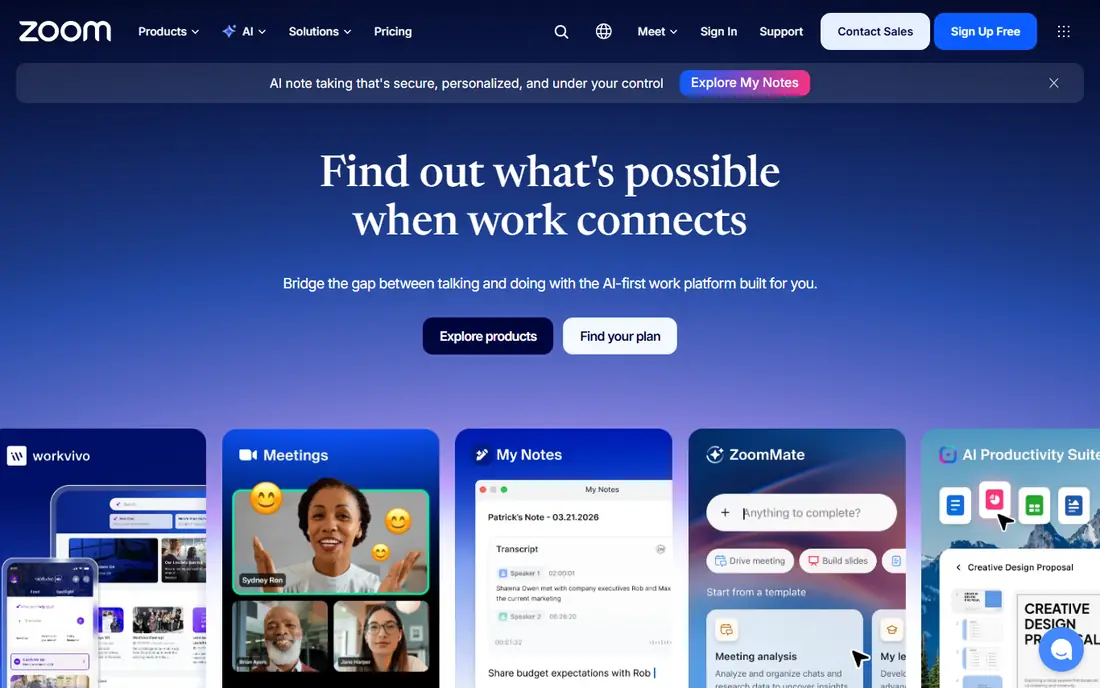
Zoom is the safest default for audio conferencing, mainly because guests rarely need instructions. A host can send a link, a meeting ID, or a dial-in number, and most participants can join from a phone, a browser, or an app. Audio quality is generally strong, and features such as mute controls, hand raising, and recording help a host run a larger call without chaos.
The free plan works for short group calls, but group meetings are time-limited, so a business that runs hour-long calls will need a paid plan. Toll and toll-free dial-in options, as well as Zoom Phone features, also vary by plan and region, so check dial-in coverage for your guests before you commit. For general business use, though, Zoom's familiarity is a real advantage.
- Guests know how to join
- Dial-in and computer audio options
- Recording and host controls
- Free meetings are time-limited for groups
- Advanced audio and phone features cost extra
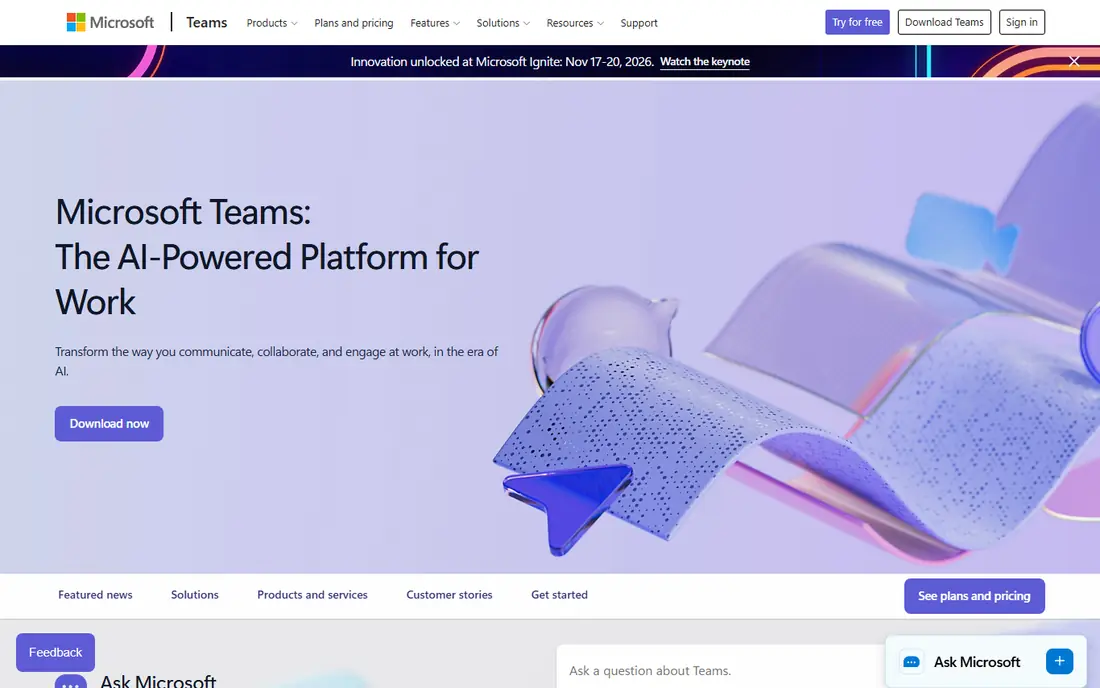
Microsoft Teams suits teams that already live in Outlook, SharePoint, and OneDrive, since meetings, chat, and files sit in one place. A team can move from a chat thread to an audio call without a separate tool, and hosts can record, transcribe, and share meeting notes in the same workspace. For internal meetings, that integration saves time every day.
Guests outside Microsoft may find Teams heavier than Zoom or Meet, and dial-in audio conferencing is not included in every plan, so check whether an add-on is needed for phone-only participants. If your organization already pays for Microsoft 365, though, Teams is usually the most cost-effective audio option, and it avoids adding another vendor for a core daily tool.
- Deep Microsoft 365 integration
- Chat and files alongside calls
- Teams Phone options for calling
- Audio conferencing dial-in may need an add-on
- Interface can feel heavy for guests
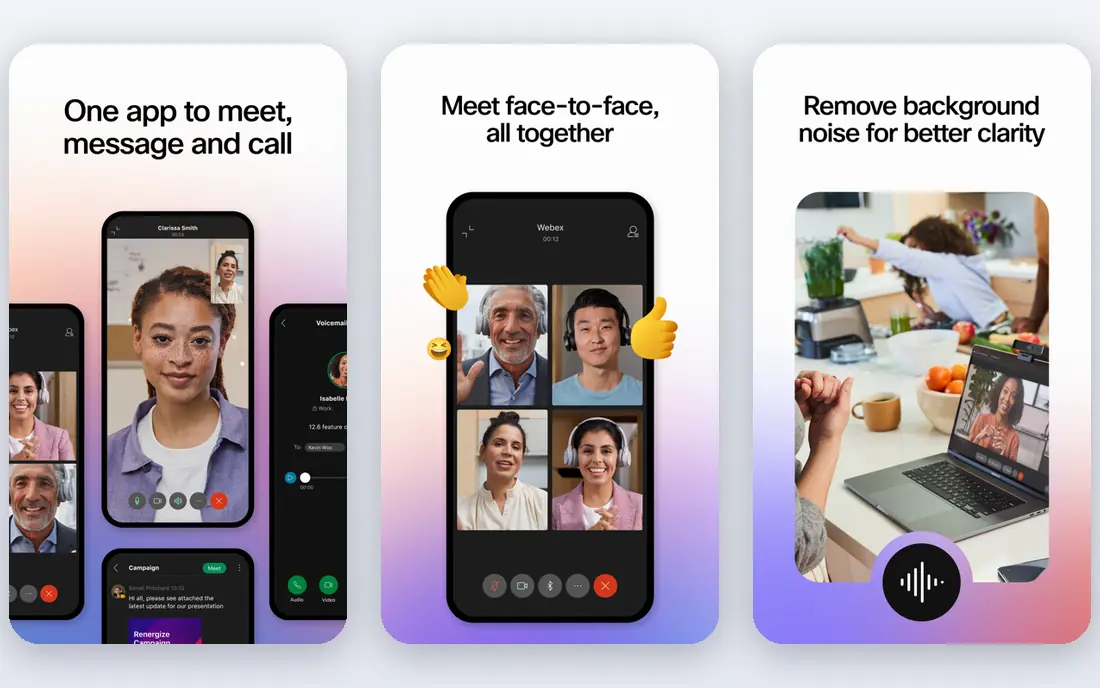
Webex is a strong choice for organizations that need security, compliance, and large meeting capacity in one platform. It offers audio and video meetings, messaging, and calling, with admin controls for recording, access, and data handling that regulated teams often require. Noise removal and audio controls also help when participants join from noisy offices or shared spaces.
Webex can feel more complex than Zoom or Meet for a small team, both in setup and in the range of plans on offer. The free plan covers basic meetings, but longer sessions and advanced features need a paid plan. For enterprises, government, health care, and other regulated settings, that depth is a benefit rather than a burden.
- Strong security and compliance controls
- Large meeting capacity
- Call-in options and noise removal
- Interface and admin setup can feel complex
- Paid plans are needed for longer meetings and advanced features
GoTo Meeting has long focused on doing meetings well without extra clutter. Hosts can start a call, share a screen, and let guests join by phone or computer with minimal setup. That simplicity appeals to businesses that run client calls, training sessions, and team meetings all day and do not want to teach guests a new tool each time.
GoTo Meeting does not offer a permanent free plan, so a team should use the trial to test audio quality and dial-in numbers for its own guests. It also offers fewer chat and file collaboration features than Teams, so teams that want a full workspace may pair it with another tool. For pure meeting reliability, however, GoTo remains a solid pick.
- Easy joining by phone or computer
- Reliable audio
- Screen sharing and recording
- No permanent free plan
- Fewer collaboration extras than Teams or Zoom
RingCentral
Great for: Businesses that want phone service and meetings together
RingCentral is best understood as a business phone system that also includes meetings, rather than as a meeting-only app. A company can get business numbers, call routing, voicemail, and video meetings in one service, which simplifies billing and support. Audio quality benefits from that phone heritage, and hosts get controls for larger calls and recordings.
A team that only needs occasional meetings may find a meeting-only tool cheaper, since RingCentral pricing reflects the phone bundle. If you are already shopping for a phone system, though, RingCentral's included meetings can remove a separate subscription. Check number porting, dial-in coverage, and per-user costs for your team size before signing.
- Business phone system plus video and audio meetings
- Call controls and analytics
- Mobile and desktop apps
- Bundled pricing suits phone buyers more than meeting-only buyers
- Setup needs planning for numbers and routing
Dialpad combines a cloud business phone system with meetings, messaging, and AI features such as call summaries and transcripts on higher plans. That combination suits sales, support, and service teams that spend much of the day on calls and want meeting notes without manual typing. Number management and routing are also straightforward for a growing team.
Dialpad is less appealing as a standalone meeting tool, since its full value comes from using it as a phone system too. Teams that only need a weekly audio call may prefer Zoom or Meet. For a business replacing an old phone system and wanting meetings included, Dialpad is a modern and well-designed option to trial.
- Cloud phone system with meetings
- AI summaries and transcripts on higher plans
- Easy number management
- Meeting features are tied to the phone platform
- Some AI features need higher tiers
Google Meet is the simplest option for a team already on Google Workspace. Guests can join from a browser link, often without installing an app, and hosts can schedule from Calendar, share Drive files, and use live captions. Audio quality is reliable for typical office and home connections, and the interface stays out of the way.
Free Meet covers basic group calls with limits, while paid Workspace plans add longer meetings, recording, breakout rooms, and broader dial-in options. Check dial-in availability for your region and plan if phone-only guests matter, since that feature is not universal. For Google-centered teams, Meet is the natural and low-friction choice.
- No downloads for most guests
- Deep Google Workspace integration
- Live captions
- Advanced host controls and recording need paid Workspace plans
- Dial-in options vary by plan
FreeConferenceCall.com fills a useful niche: a free audio conference that guests can join by phone without a paid account. Hosts get a dial-in number and access code, plus recording and screen sharing features that many free tools charge for. That makes it a good pick for community groups, clubs, classrooms, and small businesses with tight budgets.
The trade-offs are business controls and polish. Admin reporting, advanced security settings, and integrations are lighter than in Zoom, Teams, or Webex, and the service is best for straightforward calls rather than complex workflows. For a free, phone-first conference, though, it is hard to beat, and it is worth keeping as a backup even if you pay for another platform.
- Free audio conferencing
- Dial-in numbers
- Recording and screen sharing on free accounts
- Fewer business controls than paid platforms
- Interface and branding feel basic
Whereby is built around browser rooms with a custom link, so a guest can join by clicking once, without installing an app or creating an account in many cases. That low friction helps for client calls, interviews, and support sessions, where every extra step loses participants. Whereby also offers embedding, so a room can live inside a website or product.
Lower plans limit participants and meeting length, and enterprise controls are lighter than in larger platforms. A team that runs very large town halls should look at Zoom or Webex instead. For small, guest-friendly rooms, however, Whereby is a clean and practical choice, and its free plan is enough to test the joining experience.
- No downloads for most guests
- Custom room links
- Embedding options for websites and products
- Participant limits on lower plans
- Fewer enterprise controls than Webex or Teams
Jitsi Meet is a free, open-source meeting tool that lets anyone start a room in a browser, often without an account. Organizations that care about privacy or cost can also self-host Jitsi on their own servers, which gives more control over data and capacity. For schools, nonprofits, and technical teams, that freedom is a genuine advantage.
Self-hosting needs technical skill, and public Jitsi instances may vary in quality under heavy load. Business support, admin reporting, and dial-in options are also lighter than in paid platforms. If you want a free tool and can accept those limits, Jitsi is a strong pick, and it pairs well with a paid tool for larger or client-facing calls.
- Free and open source
- No account needed for many meetings
- Self-hosting option for privacy control
- Quality depends on hosting
- Fewer business support and admin features than paid tools
How we picked these
We compared official feature and pricing pages for audio conferencing tools that are actively offered in 2026, covering meeting apps, phone bundles, and free options, and we left out discontinued services and video-only tools with no practical audio or dial-in path. We favored tools with clear joining options, host controls, and audio quality features, and we noted where pricing is bundled or plan-dependent. We did not run hands-on tests for this roundup, and we did not invent participant limits, prices, or feature claims that vendor pages did not support.
What to check before you buy
Test the guest experience first. Send a test invite to someone outside your team and ask them to join by phone, by browser, and by app, and note where they get stuck. Check dial-in numbers for the countries your guests call from, since a tool that works well in one region may offer limited numbers elsewhere. Also test mute controls, hand raising, and recording, since those host tools decide whether a large audio call stays orderly.
Next, compare total cost for your real meeting pattern. A free plan may cover short internal calls but not hour-long client calls, while a phone bundle may be cheaper overall if you also need business numbers. Ask about recording storage, transcript options, and admin controls, and confirm how meeting data is handled. Finally, keep a backup dial-in option, such as a free conference number, for the day your main tool has an outage.
Frequently asked questions
What is the best audio conferencing tool?
For most teams, Zoom or Google Meet is the safest answer, since guests already know how to join and audio quality is reliable. Microsoft Teams suits Microsoft 365 teams, Webex suits regulated and large organizations, and FreeConferenceCall.com suits free, phone-first calls. Pick the tool your least technical guest can join without help.
What are the best audio conferencing tools for large meetings?
Zoom, Webex, and Teams handle larger meetings best, with host controls, participant management, and recording. Check the participant limit and dial-in options for your specific plan, since limits vary widely between free and paid tiers. For very large audio-only calls, confirm that phone participants can be muted and managed as easily as computer participants.
Is there free audio conferencing software?
Yes. Google Meet and Zoom offer free plans with limits, FreeConferenceCall.com offers free audio conferencing with dial-in, and Jitsi Meet is free and open source. Free plans usually limit meeting length, participant numbers, or recording, so they suit small or short calls best. Businesses that run daily client calls will usually need a paid plan.
Do I need video for audio conferencing?
No, and many calls work better without it. Audio-only calls use less bandwidth, work on a phone line, and let participants join while driving or walking. Video helps for presentations, interviews, and team bonding, but a good audio tool should let guests join by phone alone and still hear clearly, mute themselves, and follow the discussion.
How can I improve audio quality on conference calls?
Use a headset or a dedicated microphone rather than a laptop speaker, join from a quiet room, and mute when you are not speaking. Hosts should enable noise removal where available, set clear mute rules for large calls, and test dial-in numbers ahead of important meetings. If quality stays poor, check bandwidth and try a phone dial-in instead of computer audio, since a phone line often sounds clearer on a weak connection.
Sources
See where you really rank - block by block
ProMapRanker scans Google Maps across a grid of your service area. Simple monthly plans from $19, white-label on every plan.
Start freeKeep reading
 zoro.to alternatives
Best Zoro.to Alternatives in 2026
We compare the best zoro.to alternatives in 2026, listing only legal licensed anime streaming services, from Crunchyroll to free options for fans today.
Read → zip alternatives
Best Zip Alternatives in 2026
We compare the best zip alternatives for buy now, pay later in 2026, covering pay-in-4 plans, fees, spending limits, and credit reporting options today.
Read → yesware alternatives
Best Yesware Alternatives in 2026
Compare the best yesware alternatives for sales email tracking, templates, and sequences, with current pricing and honest tradeoffs for small sales teams.
Read →