 ProMapRanker
Best Audience Response Software in 2026

Key takeaways
- The best tool depends on the room: a meeting needs fast Q and A, a class needs quizzes, and a conference needs scale and moderation.
- Participant limits on free plans decide the real cost, because a free plan that caps at 40 people will not cover a large event.
- Anonymous responses and moderation matter for honest feedback, especially on sensitive topics.
- Joining should take seconds from a phone browser, with no app download or account required for the audience.
Quick comparison
| Pick | Great for | Pricing starts at | Free tier | |
|---|---|---|---|---|
 Slido | Meetings and conference Q and A | See website | Yes | Visit |
 Mentimeter | Interactive presentations | See website | Yes | Visit |
 Poll Everywhere | Polls inside slides | $10 per month | Yes | Visit |
 Kahoot | Gamified quizzes | See website | Yes | Visit |
 AhaSlides | Affordable interactive slides | See website | Yes | Visit |
 Wooclap | Education and training | See website | Yes | Visit |
 Vevox | Anonymous enterprise Q and A | $11.95 per month | Yes | Visit |
 Crowdpurr | Event trivia and live games | See website | No | Visit |
The best audience response software
We compared live polling, Q and A, and quiz tools that are live in October 2026, using vendor pricing pages and product descriptions. Each tool below fits a different audience and setting.
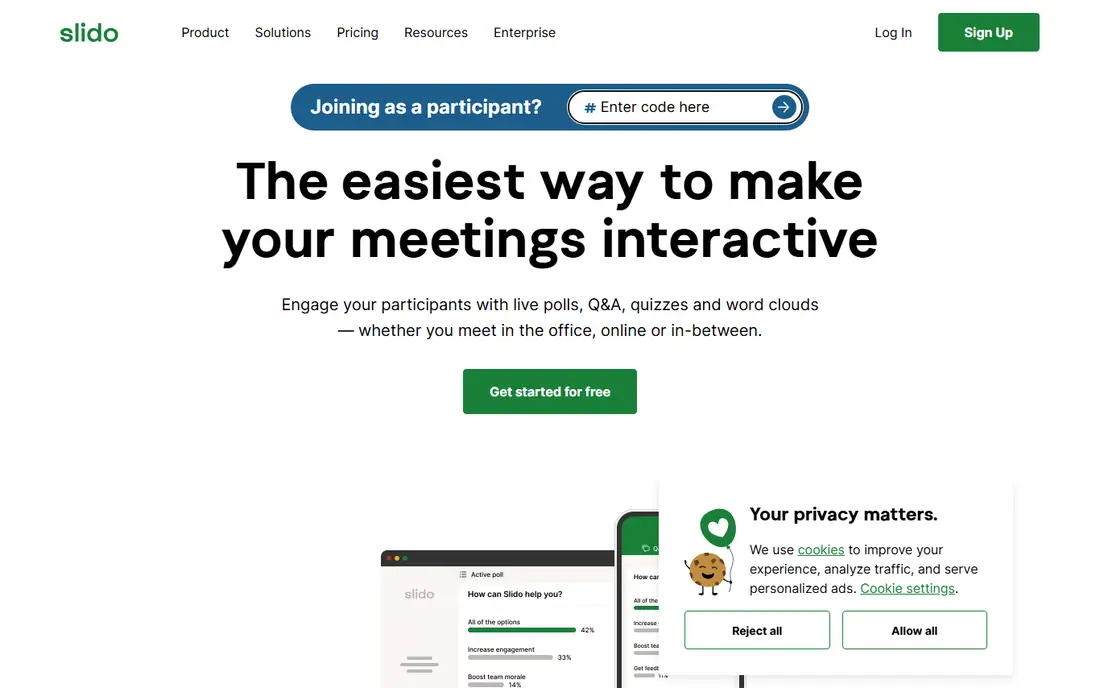
Slido is a strong default for meetings and conferences, because its Q and A flow is simple for both the presenter and the audience. Attendees join from a browser, submit questions, upvote the ones they care about, and see polls without installing an app. Moderation tools let a host hide duplicates, mark questions as answered, and keep the discussion on track.
The free Basic plan suits small meetings, with limits on polls per event and participants. Paid plans raise those limits and add analytics, branding, and integrations. A buyer should check the current pricing for their region, because Slido lists prices in several currencies, and confirm the participant limit for the largest event they plan to run.
- Live Q and A with upvoting and moderation
- Polls and quizzes for meetings
- Integrations with major meeting platforms
- Paid pricing varies by region and plan
- Advanced analytics sit on higher tiers
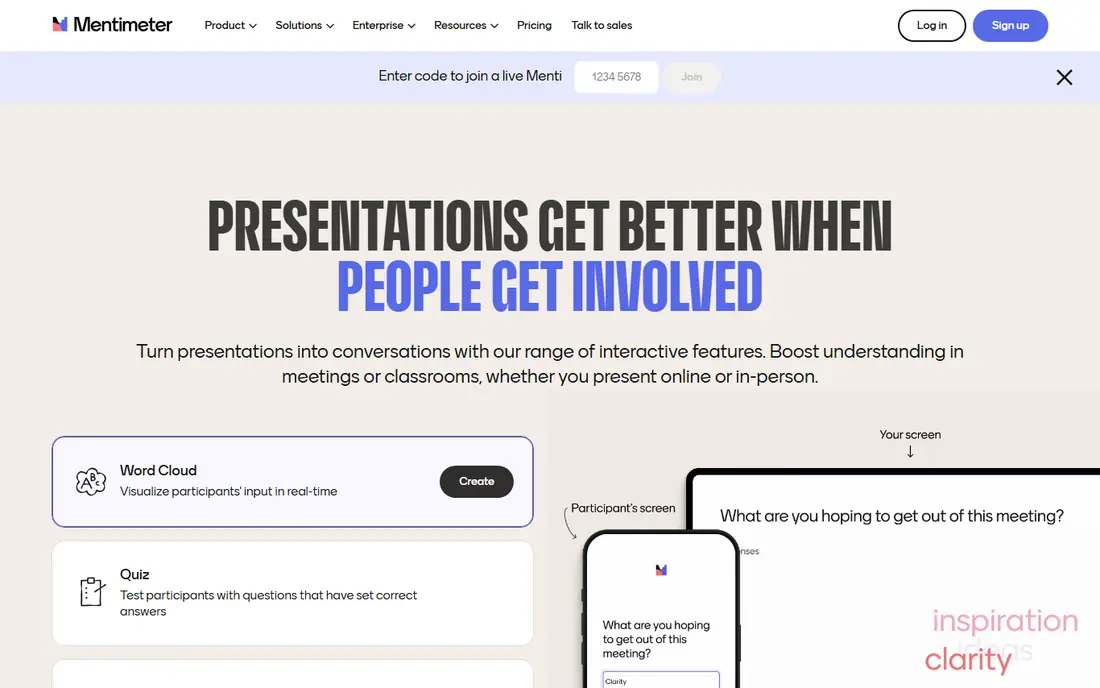
Mentimeter turns a slide deck into an interactive session, with polls, word clouds, scales, rankings, and Q and A built into the presentation flow. That design suits a presenter who wants the audience to respond without leaving the slides, and its visual style makes results easy to read from the back of a room. Templates also help a new presenter build a first interactive deck quickly.
The free plan limits live participants per month, so a presenter who runs many sessions will need a paid plan. Paid business plans are billed annually for the lowest monthly rate, and education pricing differs. Check the participant limit and the question types included in the plan you would actually buy, not just the headline price.
- Polished polls, word clouds, and quizzes inside slides
- Easy presenter controls
- Templates for common sessions
- Free plan limits participants per month
- Paid plans are billed annually for the best rate
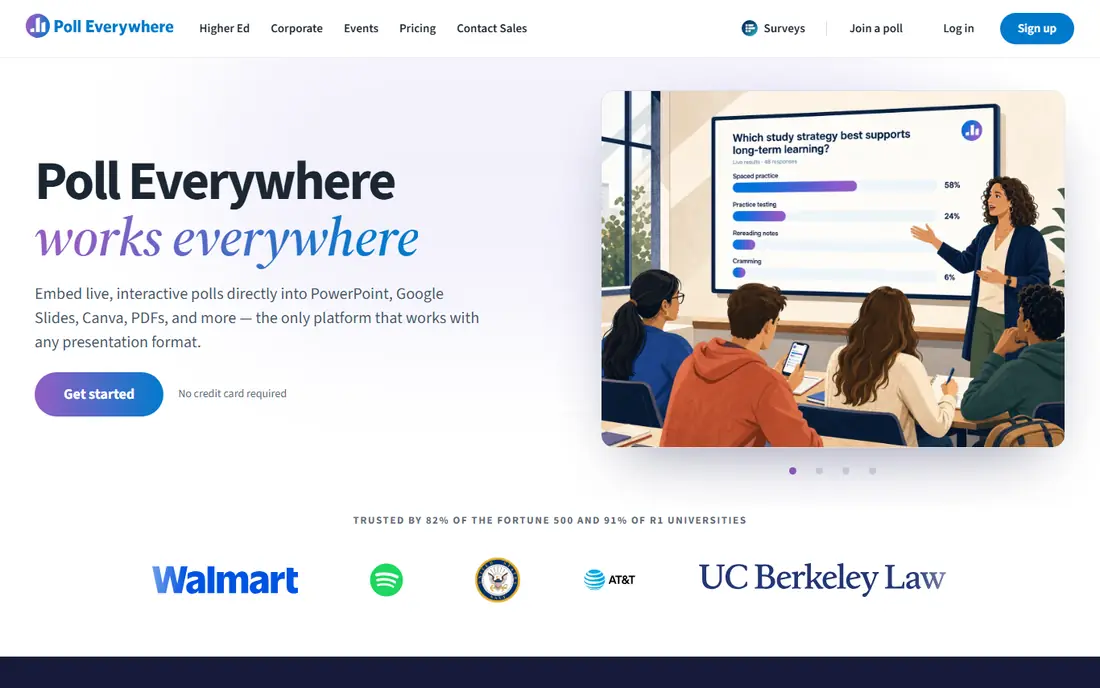
Poll Everywhere is useful because it embeds polls into the deck a presenter already uses, including PowerPoint and Google Slides, rather than forcing a new presentation tool. Audience members can respond by web or by SMS, which helps in rooms where not everyone has a strong data connection or a modern phone browser. That flexibility is a real advantage for large lectures and corporate training.
The free plan covers up to 40 participants, which suits a small class or team meeting. Paid plans start at $10 per month billed annually and raise the participant cap. A presenter with a large audience should confirm the cap for the chosen plan, because exceeding it mid-event is the worst time to discover a limit.
- Polls inside PowerPoint, Google Slides, and other decks
- SMS and web responses
- Free plan for up to 40 participants
- Design feels more functional than polished
- Higher participant counts need higher plans
Kahoot is the most game-like tool on this list, and that energy is its strength in classrooms and training sessions. Quizzes use timers, points, music, and leaderboards to keep attention, and a host can use ready-made quizzes or build their own. Students and trainees often know the format already, which removes the need for instructions.
The game format is also its limit. Kahoot suits quizzes and competitions better than open Q and A or nuanced feedback, so a meeting that needs discussion should pair it with another tool or choose a different platform. Free plans cover small groups, while paid plans raise participant limits and add reporting, so check the plan that matches your group size.
- Game-style quizzes with music, timers, and leaderboards
- Huge library of ready-made quizzes
- Familiar to students
- Game format suits quizzes better than open discussion
- Business pricing differs from education pricing
AhaSlides offers a wide library of interactive slides, including polls, word clouds, quizzes, Q and A, scales, and newer formats such as spinner wheels and team games. That variety suits a presenter who wants to mix formats in one session without buying several tools. Its paid plans are also among the lower-priced options in this category, which helps a small team or a school.
The free plan covers up to 50 live participants, which suits many classrooms and meetings. Reporting and advanced features are lighter than some enterprise rivals, so a buyer who needs detailed analytics should test the reports before committing. For most interactive presentations, however, AhaSlides gives strong value for its price.
- Wide range of interactive slide types
- Low-cost paid plans
- Templates and team features
- Reporting is lighter than some rivals
- Free plan limits participants
Wooclap is built for education and training, with question types that go beyond a simple multiple-choice poll, including image labelling, matching, fill in the blanks, and ranking. That range helps a teacher check understanding in different ways, rather than repeating the same poll format. Integrations with learning management systems also help a school or training provider manage classes.
The free plan covers a limited number of questions per month, with unlimited participants on that free tier, which suits occasional use. Paid education and business plans raise question limits and add features, with different rates for each sector. A buyer should confirm the plan that matches their role, because education and business pricing are not the same.
- Many question types for teaching
- LMS integrations
- Message wall and moderation for live sessions
- Business pricing differs from education pricing
- Some advanced features sit on higher plans
Vevox suits town halls, all-hands meetings, and corporate training where anonymity encourages honest questions. Attendees can submit questions without naming themselves, upvote others, and take part in polls and word clouds from a browser. Moderation tools let a host manage sensitive questions with care, which matters when leadership topics are on the agenda.
The free plan covers up to 100 live participants, which is generous for a small meeting. Paid plans start at $11.95 per month billed annually and raise limits and features. Vevox feels more corporate than playful, so a classroom that wants game-style energy may prefer Kahoot or AhaSlides, while a company town hall will value its moderation and reporting.
- Anonymous Q and A and polling for town halls
- Moderation and reporting
- Integrations with meeting platforms
- Interface is more corporate than playful
- Some features need higher tiers
Crowdpurr is an event tool first, built for trivia nights, live games, bingo, and audience competitions at conferences, parties, and fundraisers. Attendees use their phones to answer, see leaderboards, and follow a social wall, which creates energy that a simple poll cannot match. That event focus makes it a good pick for an organiser who wants entertainment, not just feedback.
The trade-off is everyday use. Crowdpurr is not designed as a daily meeting tool, and it does not offer a free plan for full use in the same way as the other tools here. Pricing should be checked on the vendor page for the event size and features needed. For a one-off event or a regular trivia night, it is a strong, fun choice.
- Trivia, bingo, and live games for events
- Leaderboards and social walls
- Audience phones as controllers
- No free plan for full use
- Best for events rather than everyday meetings
How we picked these
We compared vendor pricing pages and product descriptions for tools that collect live audience responses, and we kept only tools live in October 2026 with a clear polling, Q and A, or quiz workflow. We favoured tools where the audience can join from a phone browser without an app, and we noted free participant limits because they decide the true cost. Where pricing varies by region or sector, we wrote See website or the published starting rate for the main plan.
Choosing the right audience response tool
Start with the setting and the question you need answered. A meeting needs Q and A with upvoting and moderation, a class needs quizzes and varied question types, and a large event needs scale, moderation, and a join flow that works in seconds. A tool that excels in one setting may feel wrong in another, so match the tool to the room first.
Next, test joining and moderation with a real group before the event. Ask a few colleagues to join from different phones, submit questions, and vote, and check that the presenter view, moderation queue, and results display all work as expected. Also confirm the participant limit, the internet needs, and whether SMS joining is available for guests with poor data coverage.
Finally, plan what happens to the results. Decide whether responses are anonymous, how long results are kept, and who can see them after the session. For sensitive topics, anonymity and clear data handling build trust, and a short summary shared after the event often matters more than a live chart alone.
Frequently asked questions
Do audience members need to install an app?
Usually not. Most tools on this list let the audience join from a phone browser using a code or link, with no account required. That low friction matters, because every extra step loses participants. Check the join flow for your chosen tool before the event, and share the code early.
Can I keep responses anonymous?
Yes, most tools offer anonymous responses, and some, such as Vevox and Slido, are built around anonymous Q and A. Check whether anonymity applies to polls, Q and A, and quizzes separately, because some tools identify quiz players for leaderboards while keeping polls anonymous. Tell the audience clearly what is anonymous and what is not.
How many participants can a free plan handle?
It varies, from 40 on Poll Everywhere to 50 on Mentimeter and AhaSlides, and up to 100 on Vevox and Slido, depending on the current plan terms. Always check the current free limit for the plan you will use, and choose a paid plan if your largest event exceeds it. A free plan that fits a team meeting may not fit a conference.
Should I use polls, Q and A, or quizzes?
Use polls for quick opinions, Q and A for discussion and questions, and quizzes for checking knowledge or adding game energy. Many sessions benefit from a mix, such as a poll to open, Q and A in the middle, and a short quiz to close. Avoid overusing any one format, or the audience will stop responding.
What if the venue internet fails during a live session?
Have a fallback ready, such as a phone hotspot, a printed question, or a verbal discussion, and test the connection before the session starts. Tools that support SMS responses can help when data coverage is weak, but no tool works without some connection. A short backup plan keeps the session moving if the network drops.
Sources
See where you really rank - block by block
ProMapRanker scans Google Maps across a grid of your service area. Simple monthly plans from $19, white-label on every plan.
Start freeKeep reading
 what’s the best risk software for enterprises
What Is the Best Risk Software for Enterprises in 2026
We compared what’s the best risk software for enterprises on risk registers, controls, third-party risk, and reporting, with pricing notes for large teams.
Read → what's the best pam software for enterprises
What is the Best PAM Software for Enterprises in 2026
Find what's the best pam software for enterprises, with vaulting, session recording, just in time access and pricing compared for large enterprise IT teams.
Read → what’s the best grc software
What Is the Best GRC Software in 2026
We compared what’s the best grc software on risk, compliance, audit and vendor risk, so teams can pick a platform that fits their frameworks and budget.
Read →