 ProMapRanker
Best Asset Tracking Software for Small Business in 2026

Key takeaways
- Small business asset tracking works best when scanning, check-in and check-out, and audits all happen on a phone, not in a spreadsheet.
- Sortly is the simplest visual starting point, while Snipe-IT suits IT teams that want open source control without a license fee.
- Asset Panda and EZOfficeInventory suit growing teams that need configurable workflows, maintenance, and equipment checkout at scale.
- Free plans are useful for pilots, but check item caps, user caps, and whether a free tier is permanent or just a trial.
- Start with the assets you lose most often, tag them first, and run one full audit before you expand to every item in the business.
Quick comparison
| Pick | Great for | Pricing starts at | Free tier | |
|---|---|---|---|---|
 Sortly | Simple visual tracking | $49 per month | Yes | Visit |
 Asset Panda | Configurable mobile workflows | See website | Free trial | Visit |
 Snipe-IT | Open source IT asset tracking | Free | Yes | Visit |
 EZOfficeInventory | Equipment lifecycles and maintenance | See website | Free trial | Visit |
 GoCodes | Simple QR tracking at flat yearly price | $500 per year | Free trial | Visit |
 AssetTiger | Low-cost barcode tracking | See website | Free trial | Visit |
 itemit | QR and RFID workflows | See website | Free trial | Visit |
 Cheqroom | Equipment reservations and checkout | See website | Free trial | Visit |
 Reftab | Lean check-in and check-out | See website | Free trial | Visit |
The best asset tracking software for small business
These are the best small business asset tracking software options we found for teams moving from spreadsheets to a system that knows where things are.
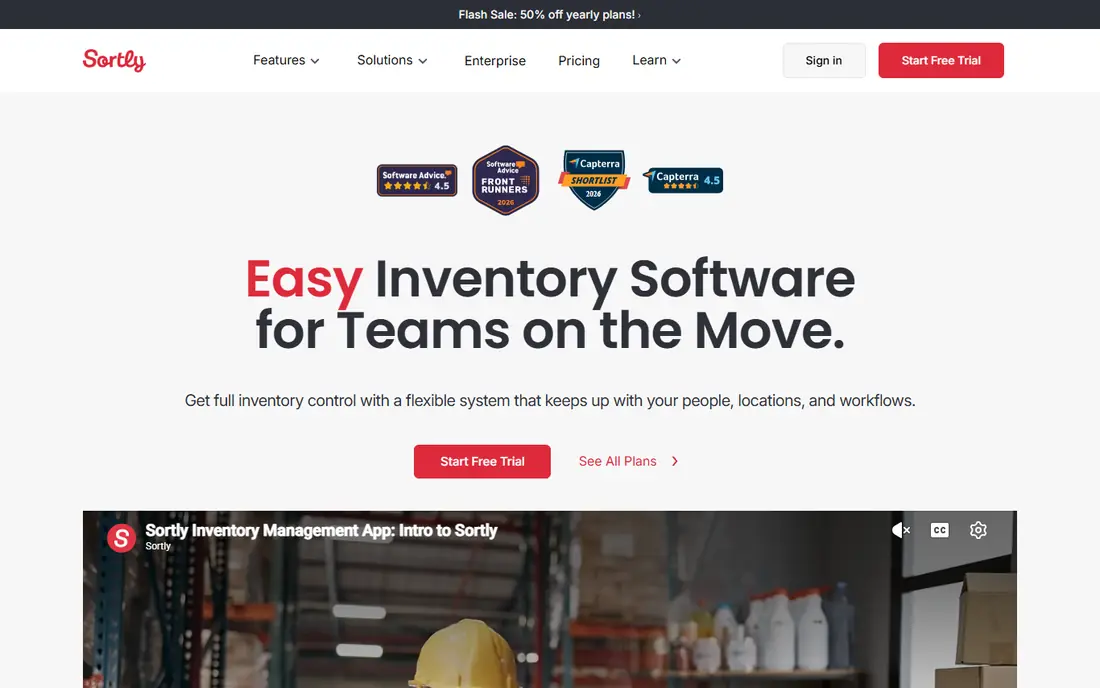
Sortly is the tool most small teams find first, and the reason is simple: it shows a photo of the item, not just a row of text. Staff can search, scan, and update an item from a phone, and folders help organize stock by location, job, or department. The free plan covers 100 items for one user, which is enough for a genuine pilot with your most important assets.
Paid plans start at $49 per month billed monthly for Advanced, with lower annual billing in some listings, so confirm the current price and item limit before you commit. Sortly is lighter on purchase orders, maintenance workflows, and deep IT asset features than Asset Panda or Snipe-IT. For a small team that wants a visual inventory off spreadsheets fast, Sortly is the easiest start in this list.
- Photo-led item cards that staff learn fast
- QR and barcode labels
- Mobile apps for iOS and Android
- Advanced plan omits purchase orders and stock counts on some tiers
- Item caps rise with plan price
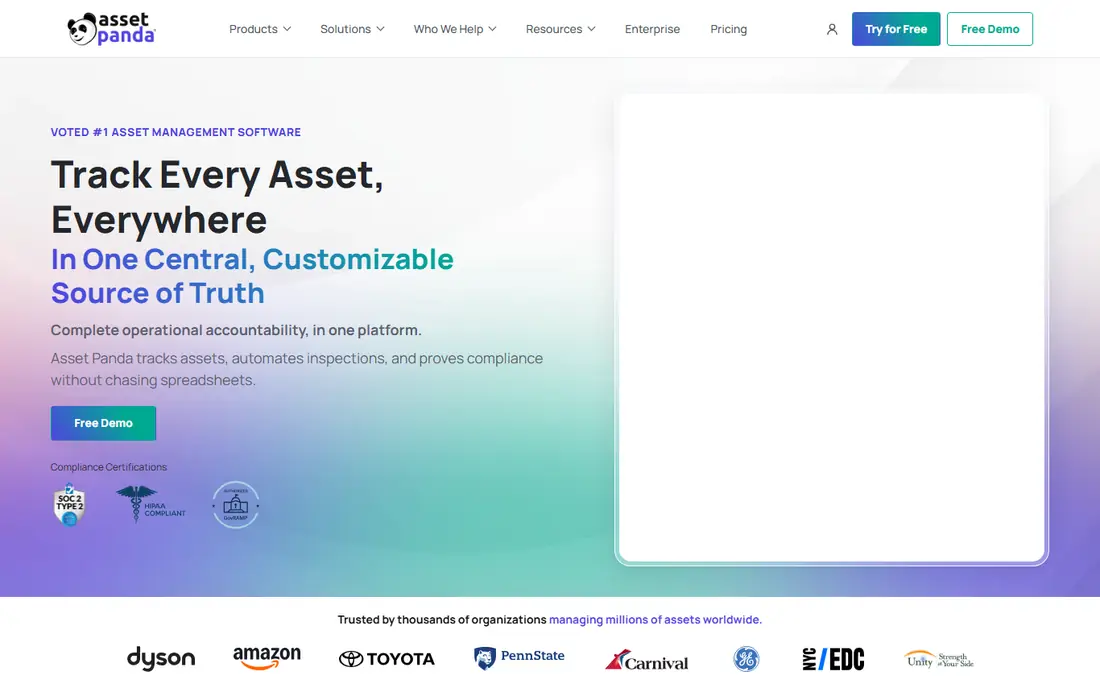
Asset Panda suits growing small businesses that need more than a simple list. Crews scan barcode or QR labels with phones to check tools and equipment in and out across jobsites, warehouses, and facilities, with condition capture, damage tickets, and audit counts built for that world. No-code configuration lets operations teams shape workflows without developers, which helps when check-out rules differ by department.
Pricing is custom-quoted, with reviewers citing roughly $1,500 per year for small deployments, but treat that figure as unverified and get your own quote. A 14-day trial lets a team run a real audit cycle before talking to sales. For a business that tracks physical assets across locations and needs flexible workflows, Asset Panda is a strong step up from Sortly.
- Mobile-first barcode and QR scanning
- No-code workflow configuration
- Check-in, check-out, audits, and reporting
- Pricing is custom-quoted
- Quote-based sales process takes longer than self-serve signup
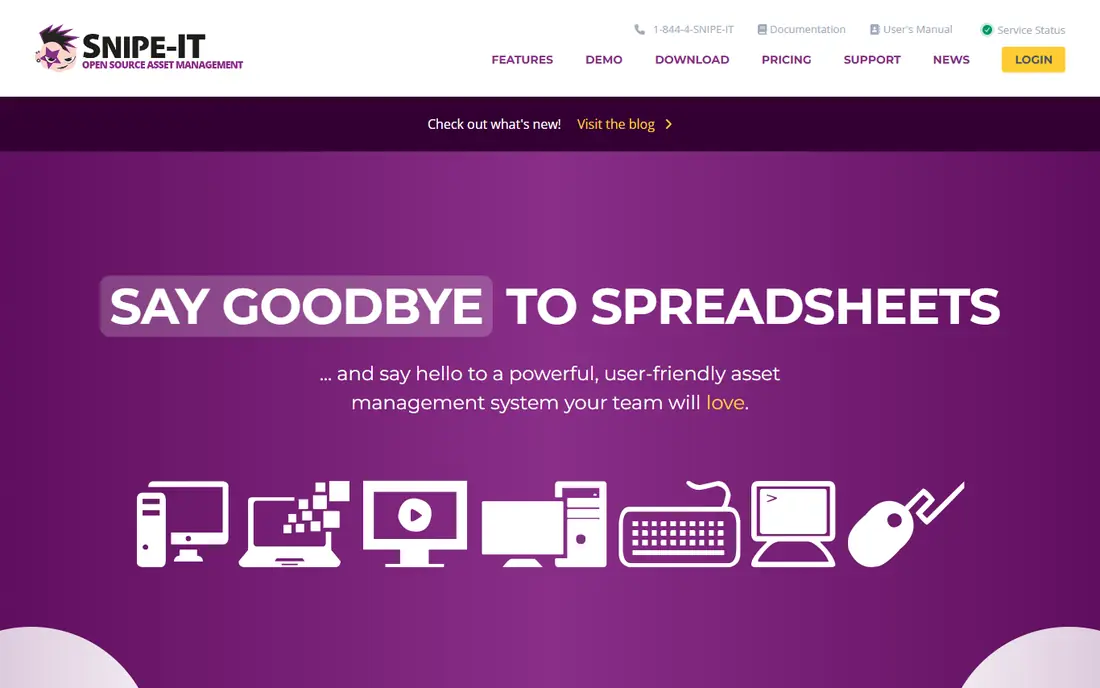
Snipe-IT is the best choice for small IT teams that want capable asset tracking without a license fee. The self-hosted open source edition covers unlimited assets and users, with check-in and check-out, audits, depreciation, and QR labels. Assets can be assigned to people, locations, and departments, which helps a small IT department answer who has which laptop without a spreadsheet hunt.
The cost is operational, not licence-based. Your team handles installation, server maintenance, backups, security updates, and support through the community, unless you buy hosted plans from $39.99 per month. There is also no built-in network discovery, so assets enter manually, by CSV, or through the API. For an IT team comfortable running a small server, Snipe-IT offers remarkable value.
- Free self-hosted open source edition with unlimited assets and users
- Check-in, check-out, audits, and QR labels
- Active community
- Self-hosting needs server setup, backups, and updates
- No built-in network discovery
EZOfficeInventory, often shortened to EZO, suits operations teams that manage equipment lifecycles, not just a list of items. Assets can be reserved, checked out, returned, and sent for maintenance, with alerts for service dates and low stock. Item-based pricing with unlimited users helps when many employees check tools in and out but only a few admins manage the system.
Pricing is not published in a simple tier list, and a 15-day trial is the usual starting point, so request a quote for your item count. For a small business with shared tools, vehicles, or lab equipment that needs reservations and maintenance tracking, EZO offers more operational depth than a visual inventory app.
- Barcode and QR workflows with maintenance alerts
- Reservations and check-out for shared equipment
- Item-based pricing with unlimited users
- Pricing is not published on a simple list
- Setup takes more time than Sortly
GoCodes suits small teams that want simple QR-code asset tracking at a predictable yearly price. Staff scan a QR label with a phone to check an item in or out, update its location, and view its history, without a complex setup. Standard pricing is $500 per year for 200 assets and 3 users in recent listings, which makes budgeting straightforward for a small field or facilities team.
The trade-off is flexibility. GoCodes is less configurable than Asset Panda, and growing past the asset or user cap means moving to a higher tier. For a construction crew, facilities team, or small warehouse that wants QR tracking without a long rollout, GoCodes is a practical, low-friction choice.
- Simple QR-led mobile workflows
- Flat yearly price for a defined asset and user count
- Field-friendly scanning
- Less configurable than Asset Panda
- Asset and user caps on the Standard tier
AssetTiger has long appealed to budget-conscious teams that want barcode tracking without a large subscription. Assets can be tagged, scanned, checked in and out, and audited from a desktop or mobile workflow, with cloud sync for teams that work across locations. That simplicity helps a small business that only needs reliable tracking, not maintenance or IT service workflows.
Check the current offer carefully: recent comparisons describe AssetTiger as a 30-day trial for 250 assets, with paid plans from around $20 per month for 500 assets, rather than a permanent free tier. Confirm the current price and trial terms on the vendor site before you plan around a free plan. For a low-cost, straightforward tracker, AssetTiger remains worth testing.
- Low-cost barcode and asset tracking
- Cloud sync with offline access options
- Simple setup for small teams
- Current free offer is a trial, not a permanent free tier
- Interface is simpler than larger platforms
itemit suits teams that want QR or RFID workflows for tools, equipment, and facilities assets. Staff can tag items, scan them on a phone, run audits, and see location history without a heavy enterprise system. That focus on scanning workflows helps field and warehouse teams that lose time when an item cannot be found or its last check-out is unclear.
Pricing is not published, so a quote and trial are needed to compare itemit with Sortly or GoCodes. The vendor footprint is also smaller, so check support hours and integration needs during evaluation. For a small team that values QR and RFID scanning above complex workflows, itemit is a useful shortlist entry.
- QR and RFID asset workflows
- Mobile scanning and audit tools
- Simple setup for teams tracking tools and equipment
- Pricing is not published
- Smaller vendor footprint than Asset Panda or Sortly
Cheqroom is built for equipment-heavy teams that lend out cameras, AV gear, tools, or lab equipment and need reservations to work smoothly. Users can reserve an item, get approval where needed, check it out, and return it, with visibility into availability and overdue items. Per-admin pricing with unlimited items and users helps when inventory grows but the admin team stays small.
Cheqroom is quote-based, so budget requires a sales conversation, and it is less of a general IT asset tracker than Snipe-IT. For media teams, universities, rental operations, and facilities teams where reservations are the main pain, Cheqroom offers a focused workflow that a generic inventory list cannot match.
- Equipment reservations and approvals
- Check-out and return workflows
- Per-admin pricing with unlimited items and users
- Pricing is quote-based
- Best fit is equipment-heavy teams, not general IT asset tracking
Reftab suits lean IT and shared-equipment teams that want simple check-in and check-out without a long setup. Staff can scan an item, assign it, and return it from a clean interface, with loan tracking and reminders for overdue items. That simplicity helps when the main problem is knowing who has what, not running maintenance or depreciation workflows.
Pricing is not published, so confirm cost for your asset and user count in a trial. Reftab is lighter than Asset Panda or EZO on maintenance and lifecycle depth, so equipment-heavy operations may outgrow it. For a small team that wants a modern, easy tracker for shared gear, Reftab is a good final shortlist entry.
- Simple, modern check-in and check-out
- Mobile use for shared equipment
- Practical integrations for lean teams
- Pricing is not published
- Feature depth is lighter than Asset Panda or EZO for complex operations
How we picked these
We compared official feature pages, pricing pages, and public comparisons for asset tracking tools in October 2026, and favored products that small businesses can actually run: mobile scanning, check-in and check-out, audits, and a clear price or trial. We left out enterprise-only platforms that require a large implementation team. Where pricing was not published, we wrote See website rather than guessing, and we noted where a free offer is a trial rather than a permanent plan.
How to choose asset tracking software for a small business
Start with the assets you lose or misplace most often. Tag those first, whether they are laptops, tools, cameras, or vehicles, and run one full audit with the shortlisted tool. That audit will show whether scanning works in your real locations, whether staff actually use the mobile app, and whether check-in and check-out rules match how your team works. A tool that fails that first audit will not improve with more items added.
Next, check caps and total cost. Free plans often cap items or users, and paid tiers rise with item count, user count, or admin count. Sortly caps items, GoCodes caps assets and users on Standard, and Cheqroom charges per admin with unlimited items. Price the tool at your item count in six months, not today, and confirm whether labels, scanners, or integrations add extra cost.
Finally, think about who owns the system. Asset tracking fails when no one updates it, so assign an owner, set a weekly audit or check-in review, and train the staff who handle assets daily. Choose the simplest tool that covers your main asset types well, and add maintenance or IT features later only when a clear need appears. A maintained simple system beats a complex system no one updates.
Frequently asked questions
What is the best asset tracking software for small business?
Sortly is the simplest starting point for visual tracking, Snipe-IT is best for IT teams that want open source control, and Asset Panda suits growing teams that need configurable workflows. GoCodes and Reftab suit lean teams that mainly need check-in and check-out. Pick by asset type, team size, and whether you need maintenance or reservations.
What is the best small business asset tracking software with a free plan?
Sortly offers a free plan for 100 items and one user, and Snipe-IT offers a free self-hosted open source edition with unlimited assets. AssetTiger currently offers a trial rather than a permanent free tier, so check terms before you rely on it. For a permanent free pilot, Sortly or Snipe-IT are the safer choices.
Do I need barcode or QR labels for asset tracking?
Labels help a lot once you track more than a few dozen items, because scanning is faster and more accurate than typing serial numbers. Most tools here generate QR or barcode labels you can print, and mobile scanning works with a phone camera. For under 50 items in one room, a simple list may be enough, but labels pay off quickly as items move between locations.
Can asset tracking software track IT equipment and tools together?
Yes, several tools here handle both, but with different strengths. Snipe-IT is strongest for IT hardware assigned to staff, while Asset Panda, EZO, and GoCodes are stronger for tools and field equipment. If you track both in one system, test check-out, maintenance, and depreciation features for each asset type during a trial.
How much does asset tracking software for small business cost?
Prices here range from free for Snipe-IT self-hosted and Sortly free plans to $49 per month for Sortly Advanced and $500 per year for GoCodes Standard. Asset Panda, EZO, itemit, Cheqroom, and Reftab are quote-based or unpublished, so request a written quote for your item and user count.
How do I start asset tracking without disrupting work?
Start with one location or one asset type, tag those items, and run a single audit with the staff who handle them daily. Fix scanning and check-out rules on that small set before you expand. Keep the old spreadsheet as a backup until the first audit matches, then roll out location by location.
Sources
See where you really rank - block by block
ProMapRanker scans Google Maps across a grid of your service area. Simple monthly plans from $19, white-label on every plan.
Start freeKeep reading
 zoro.to alternatives
Best Zoro.to Alternatives in 2026
We compare the best zoro.to alternatives in 2026, listing only legal licensed anime streaming services, from Crunchyroll to free options for fans today.
Read → zip alternatives
Best Zip Alternatives in 2026
We compare the best zip alternatives for buy now, pay later in 2026, covering pay-in-4 plans, fees, spending limits, and credit reporting options today.
Read → yesware alternatives
Best Yesware Alternatives in 2026
Compare the best yesware alternatives for sales email tracking, templates, and sequences, with current pricing and honest tradeoffs for small sales teams.
Read →