 ProMapRanker
Best Asset Management Software in 2026


Large enterprises on ServiceNow · Pricing starts at: See website
Key takeaways
- The term covers two different jobs: IT asset tracking for computers and software, and equipment maintenance for machines and facilities.
- Lansweeper and Snipe-IT are the most practical starting points for IT teams, with a free tier and a free self-hosted option respectively.
- ServiceNow IT Asset Management suits large enterprises that already run ServiceNow, but it needs a quote and a longer rollout.
- UpKeep and Fiix suit maintenance teams that need work orders and preventive schedules, not software licence tracking.
Quick comparison
| Pick | Great for | Pricing starts at | Free tier | |
|---|---|---|---|---|
| ServiceNow IT Asset Management | Large enterprises on ServiceNow | See website | No | Visit |
 Lansweeper Lansweeper | Automatic discovery of IT assets | See website | Yes | Visit |
 Snipe-IT Snipe-IT | Low-cost IT asset tracking | Free | Yes | Visit |
 Asset Panda Asset Panda | Physical assets tracked by mobile scan | See website | Free trial | Visit |
 ManageEngine AssetExplorer ManageEngine AssetExplorer | IT discovery and licence tracking | See website | Yes | Visit |
 UpKeep UpKeep | Mobile work orders for equipment | $24 per user per month | Free trial | Visit |
 Fiix Fiix | Preventive maintenance on a budget | See website | Yes | Visit |
 Freshservice Freshservice | ITSM plus asset tracking in one tool | See website | Free trial | Visit |
The best asset management software
We compared asset management software on discovery, check-in and check-out, barcode and QR scanning, licence tracking, maintenance workflows, integrations and pricing transparency. Because the category spans IT and facilities, we included strong tools for both jobs and said plainly which job each tool fits.
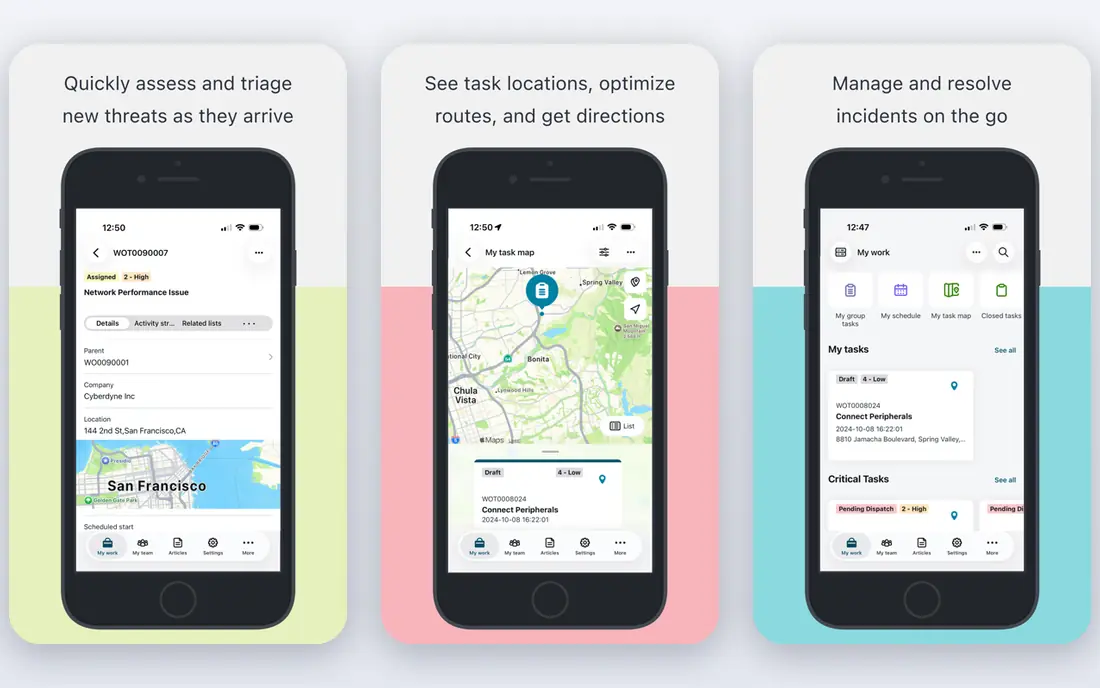
ServiceNow IT Asset Management is the enterprise end of this list. It tracks hardware from purchase to disposal, manages software licences and contracts, and ties assets to incidents, changes and service requests in the same platform. For a large IT team, that connection matters: when a laptop fails, the asset record, warranty and user history are already linked to the ticket.
The cost is the catch, in money and time. Pricing is quoted, implementation is a project, and the platform works best with trained administrators. Smaller teams will find Lansweeper or Snipe-IT faster and cheaper. Enterprises already running ServiceNow for service management, however, will get more value from adding its asset module than from bolting on a separate tracker.
- Hardware and software asset tracking tied to a central configuration database
- Licence reclamation and contract tracking
- Strong workflow automation
- Quote-based enterprise pricing
- Rollout and admin training take significant time
Lansweeper finds what is on your network without asking staff to type it in. It discovers computers, servers, printers and network devices, lists installed software, and builds an inventory that stays current as devices change. That automatic discovery is the main reason IT teams choose it over a spreadsheet or a manual tracker.
A free tier covers up to 100 assets, which is enough for a small office to test discovery properly. Paid plans are priced by asset count, and recent public figures have varied, so we list pricing as See website and suggest getting a quote at your actual asset count. Lansweeper is weaker for tools, furniture and equipment that never touch the network, so pair it with a scanning tool if those assets matter.
- Agentless discovery of devices and installed software
- Free tier for up to 100 assets
- Clear inventory without heavy ITSM setup
- Paid pricing is asset-based and should be confirmed by quote
- Physical assets off the network need manual entry or scanning
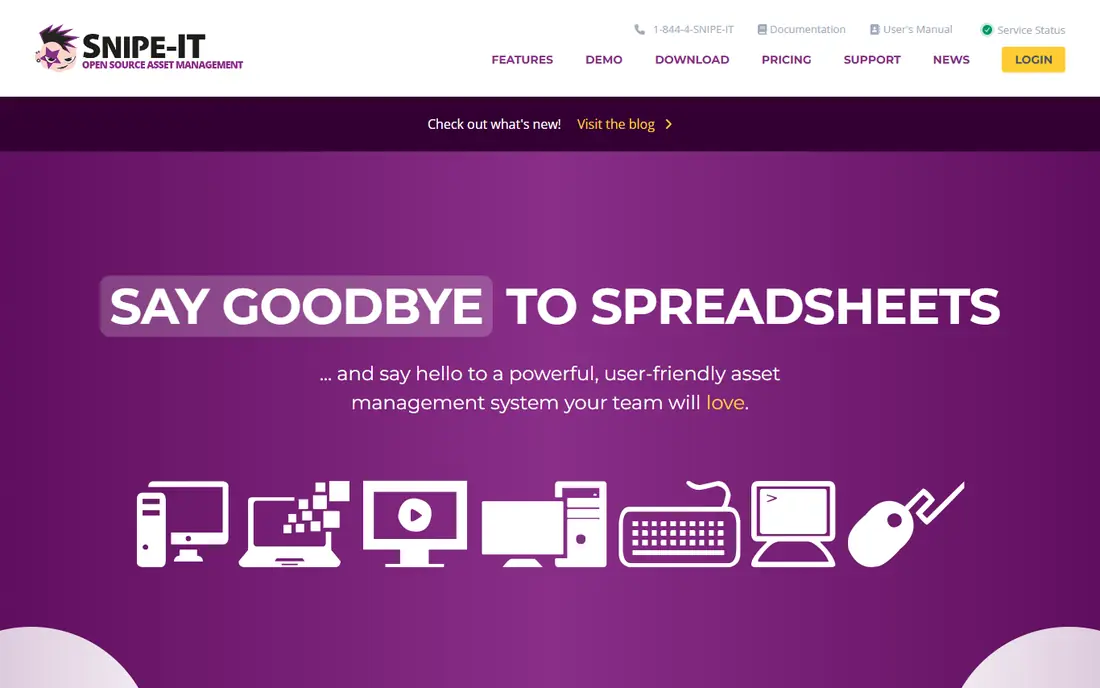
Snipe-IT is the budget champion for IT asset tracking. The self-hosted edition is free and open source, with check-in and check-out, asset history, licence tracking, accessory tracking and barcode label support. A hosted cloud option is also available from $39.99 per month on annual billing, for teams that do not want to run a server.
Self-hosting is not free in effort. You own installation, backups, security updates and upgrades, so Snipe-IT suits a team with basic server skills or a willingness to learn. For a school, charity or small IT team with more time than budget, it is hard to beat. Larger teams that need automatic discovery should pair it with Lansweeper or choose a discovery-first tool.
- Free open source self-hosted edition
- Check-in and check-out with barcode and QR support
- Licence and accessory tracking
- Self-hosting needs server care, backups and updates
- Interface is functional rather than polished
Asset Panda is built for assets you can touch: tools, vehicles, medical equipment, furniture and field gear, alongside IT hardware. Staff scan a barcode or QR code on a phone, update location or condition, and the record updates in real time. Custom fields and workflows can be shaped without code, so a construction firm and a hospital can use the same platform in very different ways.
Pricing is quoted, and recent reports put entry plans at a level that rules out very small teams. That cost makes sense for an organisation tracking thousands of physical assets across sites, where lost equipment costs more than the software. Small teams with under a few hundred assets should start with Snipe-IT or a simpler tracker and move to Asset Panda only when custom workflows become a daily need.
- Highly customisable fields and workflows without code
- Mobile barcode and QR scanning
- Good for mixed physical and IT assets
- Quote-based pricing with a significant annual entry cost in recent reports
- Setup takes time to customise well
ManageEngine AssetExplorer is a dedicated IT asset tool with discovery, inventory, software licence tracking and purchase management. It scans the network for hardware and software, flags licence compliance issues, and tracks purchase orders and contracts alongside the assets themselves. That combination suits IT teams that need to answer audit questions, not just count laptops.
A free edition covers small asset counts, which makes it easy to test discovery on a real network before paying. Paid cloud pricing has been listed around $115 per month for 250 assets in recent reports, but tiers change, so we list it as See website. The interface is functional rather than modern, but for a budget-conscious IT team, the feature depth at the price is strong.
- Automated discovery and software licence metering
- Free edition for small asset counts
- Purchase order and contract tracking
- Interface feels traditional
- Paid tiers are asset-based and need a quote for exact pricing
UpKeep is a maintenance system, not an IT tracker, and that focus is its strength. Technicians open work orders on a phone, scan a QR code on a machine, record the repair, and close the job with photos and notes. Preventive schedules remind the team before a machine fails, and managers can see downtime and maintenance costs by asset.
Essential is listed at $24 per user per month on annual billing, with a free trial. That per-user model needs care when many staff only submit requests, so check whether request-only users are charged. UpKeep suits factories, facilities, hotels and fleets that need to prove maintenance happened. IT teams tracking software licences should choose Lansweeper, Snipe-IT or AssetExplorer instead.
- Mobile-first work orders linked to equipment QR codes
- Preventive maintenance schedules
- Downtime and cost reporting
- Built for physical equipment, not IT software licences
- Per-user pricing adds up with large field teams
Fiix, now part of Rockwell Automation, offers a free plan that covers basic maintenance work, which is rare in this category. Teams can create assets, raise work orders, set preventive schedules and track maintenance history without paying at first. That makes Fiix a good trial for a small maintenance team moving off paper or spreadsheets.
Paid plans add reporting, integrations and more users, and pricing should be checked on the vendor site. Fiix is a maintenance tool first, so it does not replace an IT asset system for computers and licences. For a plant, warehouse or facilities team that needs preventive maintenance without a large upfront cost, Fiix is a practical starting point.
- Free plan for basic maintenance work
- Work orders, preventive schedules and asset history
- Mobile app for technicians
- Advanced reporting and integrations sit on paid plans
- Not an IT asset or licence tracker
Freshservice combines IT service management with asset tracking, so a support ticket can be tied to the exact laptop, software version and user involved. That link helps support teams spot repeat failures, plan replacements and answer warranty questions without switching systems. Setup is quicker than ServiceNow, which suits mid-size IT teams.
The pricing catch is structure. Freshservice charges per agent, and fuller asset management has historically required higher tiers or an asset add-on priced by asset units. Get a quote that covers both agents and asset count, or the total will surprise you. If your team already needs a service desk, Freshservice is a strong combined pick. If you only need asset tracking, Snipe-IT or Lansweeper will be cheaper.
- Service desk tickets linked to assets
- Asset discovery and lifecycle tracking
- Easy setup compared with enterprise platforms
- Full asset features need higher tiers or an add-on
- Pricing depends on agents plus asset units
How we picked these
We compared official feature and pricing pages, documentation and public pricing summaries for asset management tools available in October 2026. We separated IT asset tools from maintenance tools, since a tool that is excellent for one job can be poor for the other. Where pricing was quote-based or varied across recent sources, we wrote See website rather than picking one conflicting number.
What to check before you choose
First, name the job: IT discovery, physical tracking, maintenance, or service desk plus assets. That choice alone narrows the list to two or three tools. Next, count honestly: devices, assets, agents and requesters, since pricing models differ on every one of those counts. Test discovery on your real network, test scanning on your real equipment, and test a full lifecycle from purchase to disposal.
Ask about import and export, barcode label printing, offline mobile use for field teams, and how the tool handles assets that leave the network. For maintenance tools, check whether requesters can submit work without a paid seat. For IT tools, check licence compliance reports and whether discovery covers the operating systems you actually run.
IT assets versus equipment assets
IT asset tools answer questions about computers, software and licences: what is installed, who holds it, when does the licence renew. Equipment tools answer questions about machines and facilities: when was it last serviced, what broke, what did the repair cost. Some organisations need both, and in that case two focused tools often work better than one tool that does both jobs weakly.
Frequently asked questions
What is the best asset management software for small business?
For IT assets, Snipe-IT self-hosted is free and Lansweeper offers a free tier up to 100 assets. For equipment maintenance, Fiix offers a free plan and UpKeep starts at $24 per user per month. The best small business pick depends on whether you track computers and licences or machines and repairs, since those are different jobs.
What is the difference between asset management and CMMS software?
Asset management software tracks what you own, where it is, who holds it and what it costs across its life. A computerised maintenance management system, or CMMS, focuses on maintaining equipment, with work orders, preventive schedules and downtime tracking. UpKeep and Fiix are CMMS tools, while Lansweeper, Snipe-IT and AssetExplorer are asset trackers, and some teams need one of each.
Is there free asset management software?
Yes. Snipe-IT is free when self-hosted, Lansweeper is free up to 100 assets, ManageEngine AssetExplorer has a free edition for small counts, and Fiix has a free plan for basic maintenance. Free tiers have asset or feature limits, so check the cap against your real asset count before you build your whole inventory in a free plan.
How much does asset management software cost?
Costs range from free self-hosted Snipe-IT to quote-based enterprise platforms such as ServiceNow. UpKeep Essential is $24 per user per month on annual billing, and other tools charge per asset, per agent or by flat plan. Always get a quote at your actual asset and user counts, since a per-asset price that looks cheap at 100 assets can grow fast at 5,000.
Can asset management software track software licences?
IT asset tools such as Lansweeper, ManageEngine AssetExplorer, ServiceNow and Snipe-IT can track software licences, installations and renewals in various depths. Equipment maintenance tools such as UpKeep and Fiix are not built for software licence tracking. If licence compliance is a main need, choose an IT asset tool and test its licence reports with your own software list.
What is EAM software?
Enterprise asset management, or EAM, software manages physical assets such as plants, equipment and facilities across their full lifecycle, including maintenance, reliability and cost. UpKeep and Fiix cover the maintenance side for smaller teams, while larger EAM platforms add deeper planning and reliability analysis. The term is often used interchangeably with CMMS, but EAM usually implies a broader, enterprise-wide scope.
Sources
See where you really rank - block by block
ProMapRanker scans Google Maps across a grid of your service area. Simple monthly plans from $19, white-label on every plan.
Start freeKeep reading
 zendesk alternatives
Best Zendesk Alternatives in 2026
Compare the best Zendesk alternatives in 2026, from budget help desks to AI-first support tools, with current pricing, free plans, and honest trade-offs.
Read → wordpress alternatives
Best WordPress Alternatives in 2026
Looking for the best WordPress alternatives? We compare 8 free and paid options for blogs, business sites, stores, and developer-led projects in 2026.
Read → which real estate company has the best training
Best Real Estate Company Training in 2026
Compare which real estate company has the best training, from Keller Williams and eXp to Compass and Coldwell Banker, by program, mentor, and fit in 2026.
Read →