 ProMapRanker
Best AR WYSIWYG Editor Software in 2026


Agencies mixing no code and coded AR · Pricing starts at: $12.99 per month
Key takeaways
- WYSIWYG here means a visual editor where you place 3D models, video and buttons in a scene and preview the result, rather than writing tracking code first.
- WebAR tools publish to a browser link or QR code, so viewers do not need to install an app, but phone performance and tracking quality still vary.
- View based and per seat pricing can change the real cost fast, so check view allowances, branding and commercial use before committing.
- 8th Wall is not listed, because Niantic ended platform access in February 2026, and buyers need a tool with a future, not a migration project.
Quick comparison
| Pick | Great for | Pricing starts at | Free tier | |
|---|---|---|---|---|
| ZapWorks | Agencies mixing no code and coded AR | $12.99 per month | No | Visit |
 Blippar Blippbuilder | Browser based no code WebAR | Free | Yes | Visit |
 MyWebAR | Small teams making packaging and print AR | $39 per month | Yes | Visit |
 Hololink | Simple drag and drop WebAR scenes | See website | Free trial | Visit |
 PlugXR | Product visualisation and showrooms | See website | Free trial | Visit |
 Onirix Studio | Non technical teams building WebAR | See website | Free trial | Visit |
 Assemblr Studio | Education and simple 3D AR scenes | See website | Yes | Visit |
 Vuforia Studio | Industrial AR for enterprise teams | See website | No | Visit |
The best ar wysiwyg editor software
We compared vendor documentation, pricing pages and public reviews for visual AR editors that are live in October 2026. Our test was simple: can a non developer build a scene visually, preview it on a phone, and publish it without writing tracking code, and what limits appear when that scene grows.
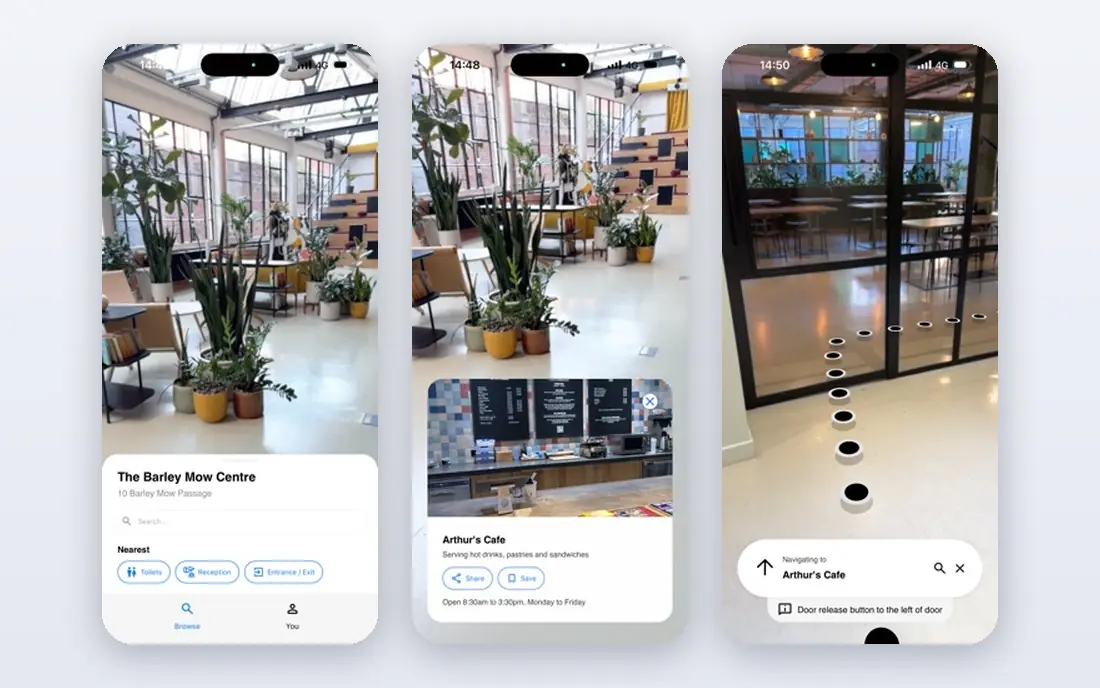
ZapWorks gives teams two visual routes into the same platform, which is why it leads this list for agencies. Designer is the no code route for simpler campaigns, while Mattercraft is a browser based 3D editor for animated, interactive scenes that still avoids hand coding a tracking pipeline. Both publish to the web, so a campaign can launch from a QR code on packaging or print, and built in analytics show how viewers interact.
The pricing catch matters. The low Developer price covers non commercial use, while commercial work sits on a much higher Pro tier, so a hobby price is not a campaign price. Teams should also check view allowances and overage terms before launch. For an agency that wants one platform for quick jobs and deeper builds, that split is workable, but it must be budgeted honestly.
- No code Designer plus browser based Mattercraft editor
- Image, face, world and curved surface tracking
- WebAR publishing without an app install
- Developer plan is non commercial only
- Commercial Pro pricing is far higher
- View allowances need careful reading
Blippbuilder is the visual editor inside Blippar, and its appeal is speed: open a browser, drag content onto a scene, set a timeline, and publish to the web. No desktop install is required, which helps distributed teams and clients who want to review work quickly. Tracking covers image markers, face tracking and SLAM world tracking, so a scene can sit on a poster, a face, or a floor surface.
Blippar charges on views for published experiences, with free views to start, so the entry cost is low and the scale cost is real. A campaign that takes off will cost more than a quiet internal demo, and that is fair, but it must be modelled before launch. For brands and agencies that want a browser first workflow with a developer SDK behind it, Blippbuilder is the most complete visual option here.
- Fully browser based drag and drop builder
- SLAM world tracking plus image and face tracking
- SDK available for developer teams
- Commercial cost is view based, so viral campaigns cost more
- Advanced builds still need developer help
- Branding and limits vary by plan
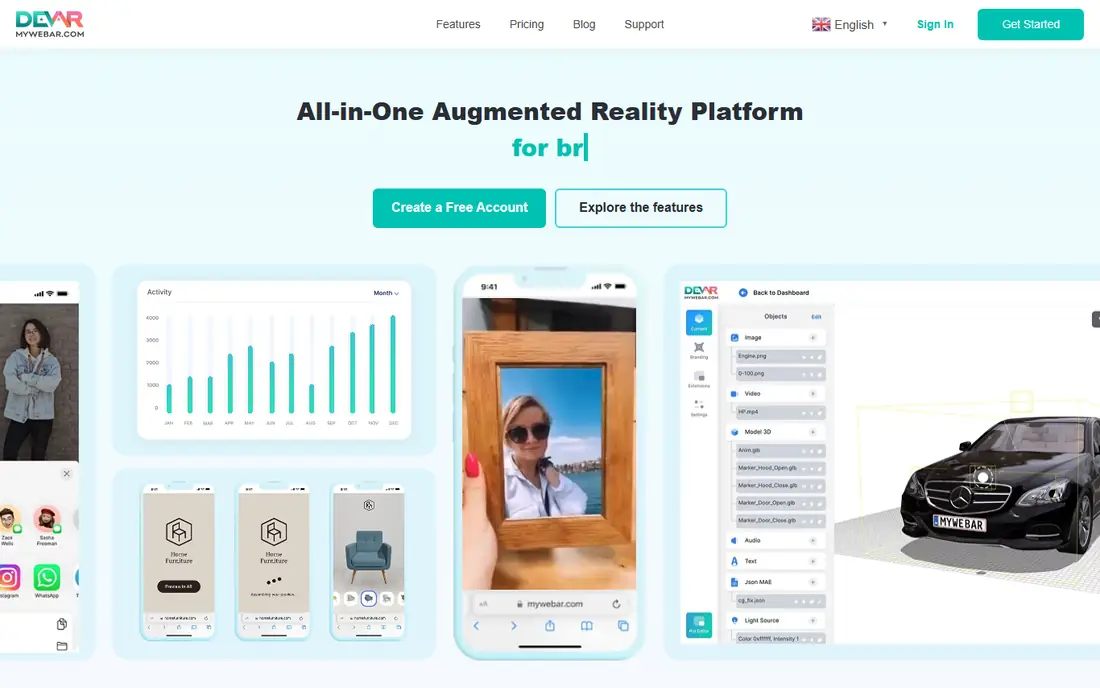
MyWebAR, from DEVAR, is built around a clear use case: point a phone at printed media, packaging or a label and see digital content appear. Its no code editor handles flat and curved images, which matters for bottles, cans and cups that a flat only tracker handles poorly. Templates, a 3D asset library and analytics shorten the path from idea to a working QR linked experience.
The free Creator plan is a genuine way to learn the editor, but commercial publishing needs a paid plan, with the Pro plan priced monthly and a lower annual equivalent. Storage and annual view allowances cap larger campaigns, so check both before promising a client unlimited reach. For small teams focused on print and packaging, MyWebAR offers the shortest learning curve in this list.
- No code editor with flat and curved image tracking
- Free Creator plan for non commercial use
- Templates and analytics included
- Free plan is non commercial
- Pro storage and view limits apply
- Advanced custom code sits on higher plans
Hololink keeps the editor deliberately simple, and that restraint is its strength for teachers, small brands and event teams. Scenes are built in the browser by dragging 3D models, images, video, audio and text into place, then linking steps together in a visual storyboard. Image tracking, surface placement and 360 images and video cover most straightforward ideas without code.
Complexity is where Hololink stops. A campaign that needs custom logic, deep analytics or heavy 3D work will outgrow it, and teams should confirm current pricing directly, since published starting prices vary by source. If the brief is a clean, interactive scene that a small team can ship this week, Hololink is hard to beat for clarity.
- Browser based drag and drop editor
- Image, surface and 360 content support
- Visual storyboard for the full user flow
- Better for simple scenes than complex campaigns
- Pricing details need a vendor check
- Fewer developer extensions than larger platforms
PlugXR focuses on the commercial side of AR: product visualisation, virtual showrooms and interactive content for marketing and sales. Creators build scenes visually and publish them to the web, so a shopper can view a product in their own space from a link, without installing an app. That app free path matters for retail, where every extra install step loses buyers.
PlugXR pricing is the weak point for comparison, because plan prices differ across listing sources, so we mark it as See website and recommend a direct quote. Higher tiers add team and enterprise features that a solo creator will not need. For brands that want product AR rather than a general purpose studio, PlugXR deserves a trial against MyWebAR.
- Visual creator for product AR and virtual showrooms
- App free WebAR publishing
- Supports Unity and web workflows
- Pricing varies by plan and source, so confirm a quote
- Advanced features need higher tiers
- Smaller community than ZapWorks and Blippar
Onirix Studio is pitched directly at staff without technical training, and the editor reflects that: choose an experience type, add 3D models, video or interactive elements, and publish to a browser. Geolocated experiences add a useful option for tourism, retail trails and events, where content should appear at a place rather than on a marker. Campaign measurement is built in, so a marketing team can see response without adding a separate analytics tool.
The trade off is price. Onirix starts higher than the simplest editors, so it suits agencies and brands with regular campaigns more than a one off experiment. Teams should also confirm which tracking types sit on which plan. For a non technical team that will publish often, the editor quality justifies the check.
- Experience editor designed for non technical staff
- 3D, video and interactive elements
- Geolocated experiences included
- Entry pricing is higher than simple editors
- Advanced tracking needs plan checks
- Less suited to heavy 3D game style builds
Assemblr Studio is the friendliest entry point on this list for classrooms and first time creators. Its visual builder lets users place 3D objects, add animation and interaction, and view the result in AR, without touching code. Teachers and students can build a lesson scene in a single session, and the free entry level removes the budget barrier that blocks many school projects.
Commercial teams will feel the limits sooner. Assemblr is not built to replace a WebAR campaign platform, with its analytics, branding control and tracking range, so a brand campaign should trial a stronger tool alongside it. As a learning tool and a fast prototype builder, though, it earns its place, and it helps a team decide whether AR is worth a larger investment.
- Visual 3D scene builder with a gentle learning curve
- Education friendly templates
- Free entry for basic use
- Less depth for commercial WebAR campaigns
- Tracking and publishing limits on free use
- Smaller enterprise feature set
Vuforia Studio, from PTC, takes the WYSIWYG idea into factories, service teams and training, rather than marketing campaigns. Authors build AR procedures visually, linking 3D models, steps and data to real equipment, so a technician can follow a guided procedure on a device. That industrial focus brings tracking quality, security and support that consumer tools do not promise.
For a marketing team, Vuforia Studio is the wrong tool: pricing, contracting and setup assume an enterprise buyer, and a simple WebAR poster campaign would be slower and costlier here. For an industrial team that needs repeatable, audited procedures tied to product data, it is the serious option. Judge it on procedure accuracy and deployment control, not on campaign flair.
- Visual authoring for industrial use cases
- Strong tracking and enterprise support
- Integrates with PTC industrial tools
- Enterprise pricing and contracting
- Overkill for marketing WebAR
- Learning curve for non industrial teams
How we picked these
We compared official documentation, pricing pages and public reviews for visual AR editors live in October 2026. A tool qualified only if a non developer could build and preview a scene visually and publish it without writing a tracking pipeline, which excluded pure SDKs and code only frameworks. We excluded 8th Wall because platform access ended in February 2026, and we marked prices as See website where vendor pricing was quote based or where listing sources disagreed.
What to check before you buy an AR editor
Start with the viewer journey, not the editor screenshots. Build the same test scene in two finalists, publish it, and open it on a mid range phone in normal light, because tracking that works in a demo room can fail on a glossy package or a busy street. Check load time, model size limits and how the scene behaves when the network is slow, since viewers will not wait for a heavy scene.
Then check the commercial terms in writing. Confirm whether the price covers commercial use, how many views or projects are included, what happens past the allowance, and whether platform branding appears on your experience. Ask how you export or move a project if you leave, and who owns the 3D assets you upload. A tool that is cheap to start and costly to scale can still be right, but only if that scale cost was in the budget from day one.
Frequently asked questions
What does WYSIWYG mean for AR software?
It means what you see in the editor is close to what the viewer sees in AR: you drag a model, video or button into a scene, set its size and position, and preview it on a phone. You still need to test tracking on real surfaces and devices, because lighting, print quality and phone cameras change the result. Code free does not mean effort free.
Do viewers need to install an app for WebAR?
No, for the WebAR tools here, viewers open a link or scan a QR code in a mobile browser. That removes an install barrier, which helps marketing campaigns and events. Industrial tools and some app based workflows are different, so check publishing options for the exact tool you choose.
Is free AR editor software enough for a business campaign?
Free plans are useful for learning and for non commercial tests, but business campaigns usually need commercial use rights, higher view allowances, no platform branding and analytics. Compare the paid plan that covers your expected views, not the free plan headline, before promising a client a launch date.
Why is 8th Wall not on this list?
Niantic confirmed that 8th Wall access ended on 28 February 2026, with hosted content available until February 2027. New projects should choose a live platform instead, and existing 8th Wall users should plan migration to a tool such as Blippar or ZapWorks rather than building on a closing platform.
How much should a small AR project cost?
A simple WebAR scene can start on a free plan or a low monthly plan, while a commercial campaign with branding control and view allowances usually sits in the tens to low hundreds of dollars per month. Enterprise and industrial projects are quote based and cost far more. Model views, projects and storage together, since any one limit can force an upgrade.
Sources
See where you really rank - block by block
ProMapRanker scans Google Maps across a grid of your service area. Simple monthly plans from $19, white-label on every plan.
Start freeKeep reading
 what’s the best risk software for enterprises
What Is the Best Risk Software for Enterprises in 2026
We compared what’s the best risk software for enterprises on risk registers, controls, third-party risk, and reporting, with pricing notes for large teams.
Read → what's the best pam software for enterprises
What is the Best PAM Software for Enterprises in 2026
Find what's the best pam software for enterprises, with vaulting, session recording, just in time access and pricing compared for large enterprise IT teams.
Read → what’s the best grc software
What Is the Best GRC Software in 2026
We compared what’s the best grc software on risk, compliance, audit and vendor risk, so teams can pick a platform that fits their frameworks and budget.
Read →