 ProMapRanker
Best Apps to Turn Photo Into Video in 2026

Key takeaways
- The best apps to turn photos into videos split into simple editors, AI motion generators, and full video makers, and each suits a different skill level.
- AI motion tools create short clips from one photo, while editors such as CapCut and Canva help you finish, caption, and publish the result.
- Credit limits and clip length matter more than the monthly price, since most AI clips run only a few seconds.
- Only animate photos you own or have permission to use, and never animate a real person without their consent.
Quick comparison
| Pick | Great for | Pricing starts at | Free tier | |
|---|---|---|---|---|
 CapCut | Everyday photo to video editing | Free | Yes | Visit |
 Runway | Precise AI motion control | $15 per month | Yes | Visit |
 Pika | Quick stylized social clips | $8 per month | Yes | Visit |
 Kling | Realistic human motion | $10 per month | Yes | Visit |
 Adobe Firefly | Commercially safe AI clips | $9.99 per month | Yes | Visit |
 Canva | Fast branded social videos | See website | Yes | Visit |
 PixVerse | Low cost AI experiments | $9.99 per month | Yes | Visit |
 Luma Dream Machine | Cinematic camera moves | $30 per month | No | Visit |
 InVideo | Longer marketing videos | $28 per month | Yes | Visit |
The best apps to turn photo into video
Turning a still photo into a video can mean two things: adding pans, zooms, music, and text in an editor, or using AI to make the photo itself move. Both approaches appear below, so check which type each app offers before you pay.
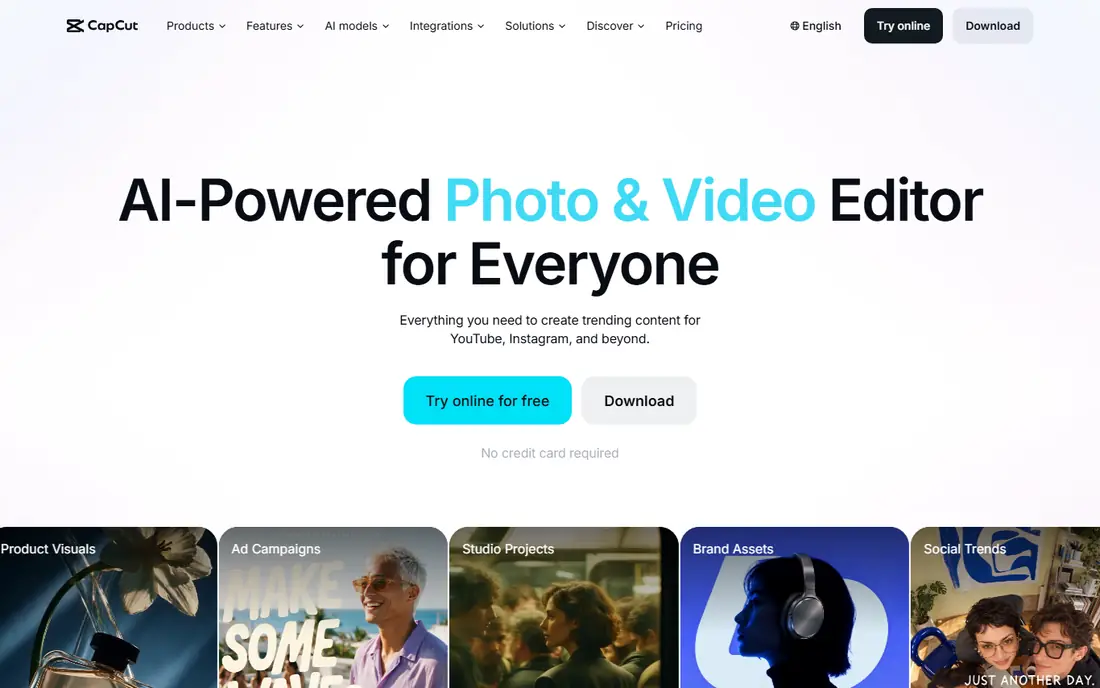
CapCut is our pick for most people because it covers the whole short video job. You can import photos, add motion, transitions, music, captions, and text, then export in the right size for TikTok, Reels, or Shorts. The free plan handles a lot of everyday editing, which makes it easy to test before paying.
AI generation inside CapCut adds motion to stills, but credits and quality limits apply. For a polished result, use CapCut to edit and finish clips made elsewhere as well as clips made inside the app. That mix gives you control over timing and captions that a pure generator lacks.
- Strong free editor
- Photo animation, captions, and effects
- Easy social export
- AI credit limits on higher features
- Some premium effects need a paid plan
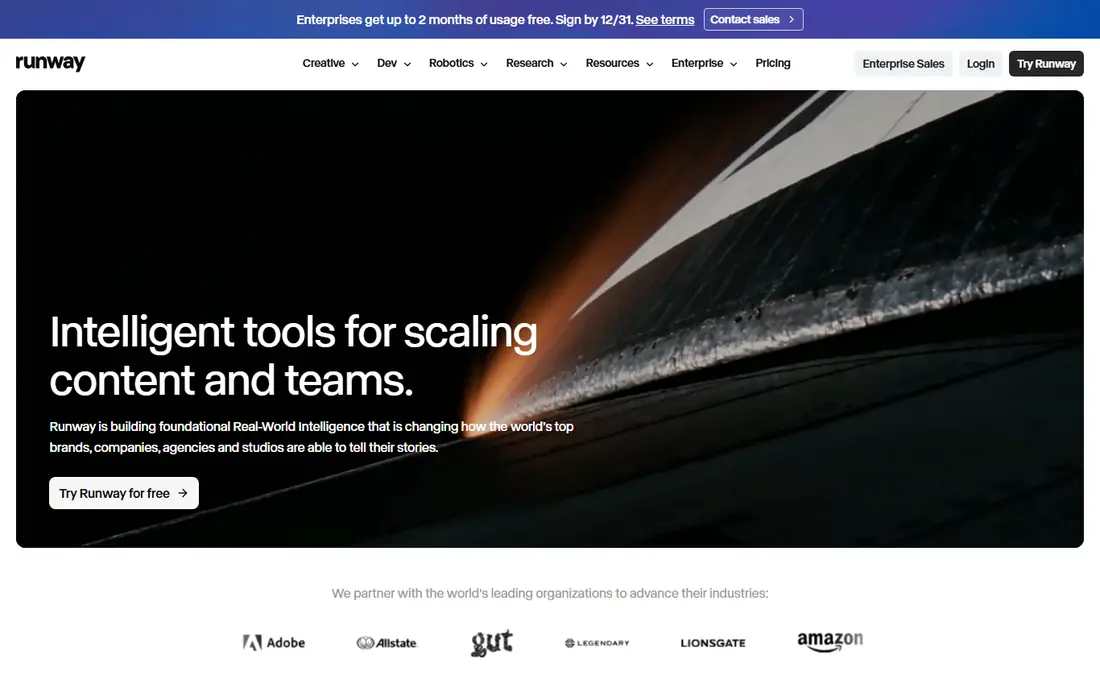
Runway suits creators who want to direct motion, not just press a button. You can guide camera moves, brush areas to move, and shape how a photo changes over a few seconds. That control helps for product shots, scenes, and creative work where a generic pan would look flat.
Beginners may find the studio dense at first. The free allowance is limited and one time, so test with a small set of photos before subscribing. If you need repeatable, directed clips for client work, Runway justifies its price and learning time.
- Detailed camera and motion controls
- High quality image to video
- Editing and effects in one studio
- Steeper learning curve
- Credit based pricing can be hard to predict
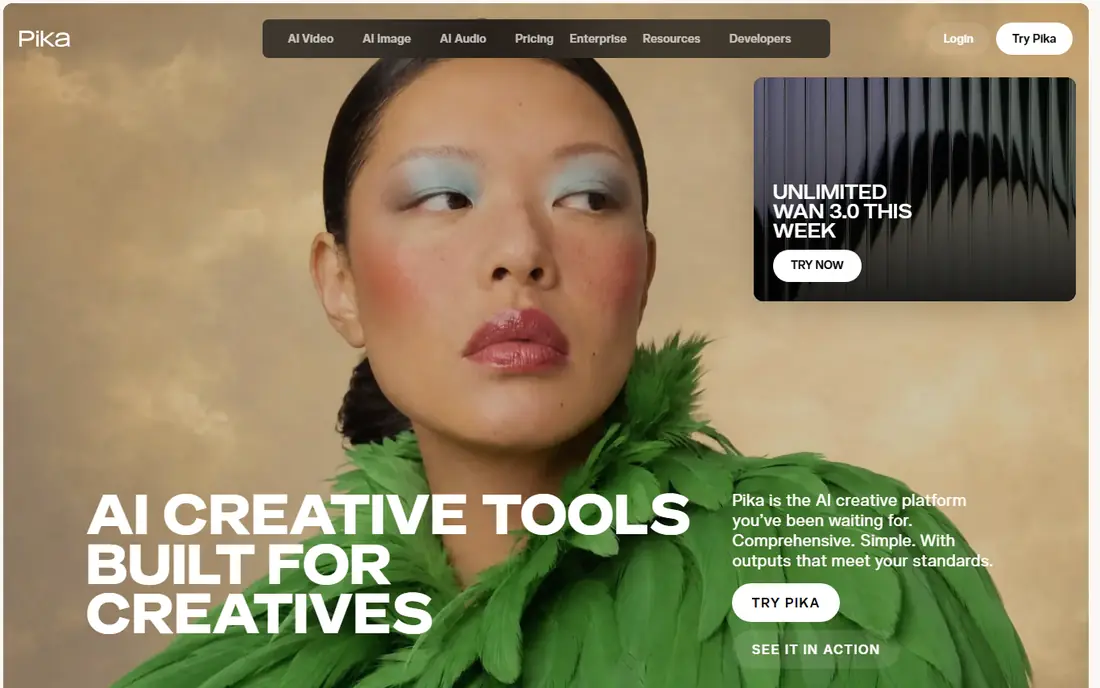
Pika is built for speed. Upload a photo, add a short prompt, and get a short moving clip for social posts. The price is lower than many rivals, which makes it a good test bed for ideas, memes, and playful product clips where a stylized look is welcome.
Realism is not its main strength. Faces, hands, and complex motion can warp, so review every clip before posting. Use Pika when you need many quick variants and can accept a few misses, rather than for a single hero video that must look exact.
- Low entry price
- Fast stylized clips
- Simple prompt and image workflow
- Short clips
- Stylized look may not suit realistic product work
Kling stands out for clips where a person or character needs to move in a believable way. Creators use it for talking clips, dance style motion, and product presenters built from a photo. The daily credit allowance on free access helps you learn prompting without paying at once.
Check the plan terms for watermark and commercial use before using clips in ads. Paid plans remove more limits, but motion quality still varies by photo and prompt. Start with clear, front facing photos for the best results.
- Strong human motion and lip sync reports
- Daily free credits on some plans
- Good for character clips
- Free exports carry a watermark in places
- Commercial use rules vary by plan
Firefly fits creators who need to use video commercially and want clearer rights. You can generate short video from an image or text, then refine the result in Adobe Express or Photoshop. The Standard plan includes a set of generative credits each month, which buys a limited number of short clips.
Count clips before you subscribe. A plan that looks cheap can run out fast if every post needs several takes. Firefly works best for a steady, modest volume of branded clips rather than bulk social testing.
- Adobe models built for commercial use
- Video plus image and editing tools
- Partner models available
- Video clips are short
- Partner models burn credits
Canva turns photos into videos through templates, animations, and Magic Media generation. A small business can take product photos, drop them into a branded template, add text and music, and resize the result for every platform. Team members can share brand colors and fonts, which keeps posts consistent.
For advanced AI motion, Canva is a starting point rather than the final tool. Use it to finish and brand clips, and use Runway or Kling when the motion itself is the main feature. That split plays to the strength of each tool.
- Huge template library
- Brand kits and team tools
- Simple photo to video workflow
- AI video depth is thinner than dedicated generators
- Some assets need a paid plan
PixVerse suits creators who want to try many AI effects cheaply. Daily credits let you test ideas each day, and effects templates make it easy to turn a photo into a fun clip without learning prompts. Social creators use it for trends, transitions, and playful product posts.
Pair it with an editor for the final cut. PixVerse does not replace a timeline editor for captions, music timing, and multi clip stories. Export the best clips, then finish them in CapCut or Canva for posting.
- Daily free credits
- Fast stylized effects
- Simple for social creators
- Output leans stylized
- No full editing workflow built in
Luma Dream Machine targets creators who care about camera language. Smooth moves, depth, and scene detail make its clips feel more like filmed footage than a simple pan. That quality helps for product films, title sequences, and atmospheric b roll built from a photo.
The price puts it above casual tools, and there is no free plan to lean on for long testing. Choose Luma when the look of the clip matters enough to pay for it, and when you already have an editor to finish the piece.
- Strong camera motion and scene quality
- Multi model access in places
- Good for polished b roll
- Higher price
- No free plan listed at last check
InVideo fits marketers who need more than a five second clip. You can build a longer video from photos, add narration, text, and stock footage, and shape it into an ad, explainer, or product story. That structure suits YouTube and landing page videos better than a pure AI generator.
The workflow still needs human editing. Review pacing, captions, and brand details, and do not publish an AI draft untouched. For short social clips alone, a cheaper tool may serve you better, but for a full marketing video, InVideo covers more of the job.
- Templates for marketing videos
- Script and voice options
- Photo to video plus stock footage
- Higher entry price
- AI clips need editing for a polished finish
How we picked these
We compared official feature pages, pricing pages, and public reviews for apps that turn a photo into a moving video, either by editing or by AI motion. We kept tools that are live in October 2026 and that accept photo uploads directly. Where pricing varied by source, we used the most consistent recent figure or wrote See website, and we excluded tools that only animate avatars from text with no photo input.
How to get better results from a photo
Start with a sharp, well lit photo. AI motion works best when the subject is clear, centered, and not partly cut off. A cluttered or blurry photo gives the model less to work with, and hands, faces, and text are the first details to distort.
Next, keep prompts short and specific. Name the motion you want, such as a slow push in, a head turn, or leaves moving, rather than asking for a whole story in one clip. Generate a few variants, pick the best, and stitch short clips together in an editor instead of expecting one long perfect take.
Finally, respect consent and rights. Only animate photos you own or have permission to use, and never animate a real person without their consent, even for a joke or a test. Check commercial use terms before using a clip in an ad, and keep a copy of the permission or license for client work.
Frequently asked questions
What are the best apps to turn photos into videos for free?
CapCut and Canva offer the strongest free starting points for edited photo videos, while Pika, PixVerse, and Kling offer limited free AI credits. Free AI clips often carry watermarks or limits on commercial use, so check terms before posting.
What is the best app to turn photos into video with realistic motion?
Kling and Runway lead for realistic motion, with Luma Dream Machine close for cinematic camera work. Kling suits human motion, Runway suits directed control, and Luma suits polished scene clips.
Can I turn one photo into a long video?
Not in one AI generation, since most AI clips run only a few seconds. Build a longer video by stitching several clips together in CapCut, Canva, or InVideo, and add music, captions, and transitions between scenes.
Do I need permission to animate a photo of a person?
Yes, if the person is real. Only animate photos you own or have permission to use, and get consent from any real person shown. This applies to friends, clients, and public figures alike, and to commercial use in particular.
Which tool is best for turning product photos into ads?
Canva and InVideo suit full ad builds with templates and text, while Runway and Kling suit the motion clip itself. Many marketers generate the motion clip in one tool and finish the ad in another.
Sources
See where you really rank - block by block
ProMapRanker scans Google Maps across a grid of your service area. Simple monthly plans from $19, white-label on every plan.
Start freeKeep reading
 zscaler alternatives
Best Zscaler Alternatives in 2026
Looking for zscaler alternatives? We compare 9 SASE and zero trust platforms on architecture, data protection, pricing, and fit for your network and team.
Read → zapier alternatives free
Best Zapier Alternatives Free in 2026
Nine automation tools for zapier alternatives free in 2026, all with genuinely free tiers, plus free plan limits, starting prices and upgrade paths explained.
Read → which platform is best for online reputation
Which Platform Is Best for Online Reputation in 2026
Wondering which platform is best for online reputation? We compare 8 review, listing, and response tools for small and multi-location businesses and agencies.
Read →