 ProMapRanker
Best Apps to Send Money in 2026

Key takeaways
- For most everyday payments inside the United States, Zelle, Venmo and Cash App cover the common cases, and the choice often comes down to what the other person already uses.
- For money going abroad, Wise and Remitly are usually the more useful comparison, because the exchange rate matters as much as the stated fee.
- Instant transfers usually cost extra, while standard bank transfers are often free but take one to three business days.
- Sending money to the wrong person is hard to undo, so double check the name, phone number or username before you confirm a payment.
Quick comparison
| Pick | Great for | Pricing starts at | Free tier | |
|---|---|---|---|---|
 PayPal | Wide acceptance at home and abroad | Free | Yes | Visit |
 Venmo | Splitting costs with friends | Free | Yes | Visit |
 Cash App | Simple transfers plus banking style features | Free | Yes | Visit |
 Zelle | Bank to bank transfers in the US | Free | Yes | Visit |
 Wise | International transfers with a clear rate | See website | Yes | Visit |
 Revolut | Multi currency spending and travel | Free | Yes | Visit |
 Apple Cash | Sending money inside Apple devices | Free | Yes | Visit |
 Remitly | Sending money to family abroad | See website | Yes | Visit |
 Western Union | Cash pickup around the world | See website | Yes | Visit |
The best apps to send money
We compared official fee pages, transfer options and limits, and we focused on apps that are easy to use for ordinary payments rather than business payroll or merchant checkout alone.
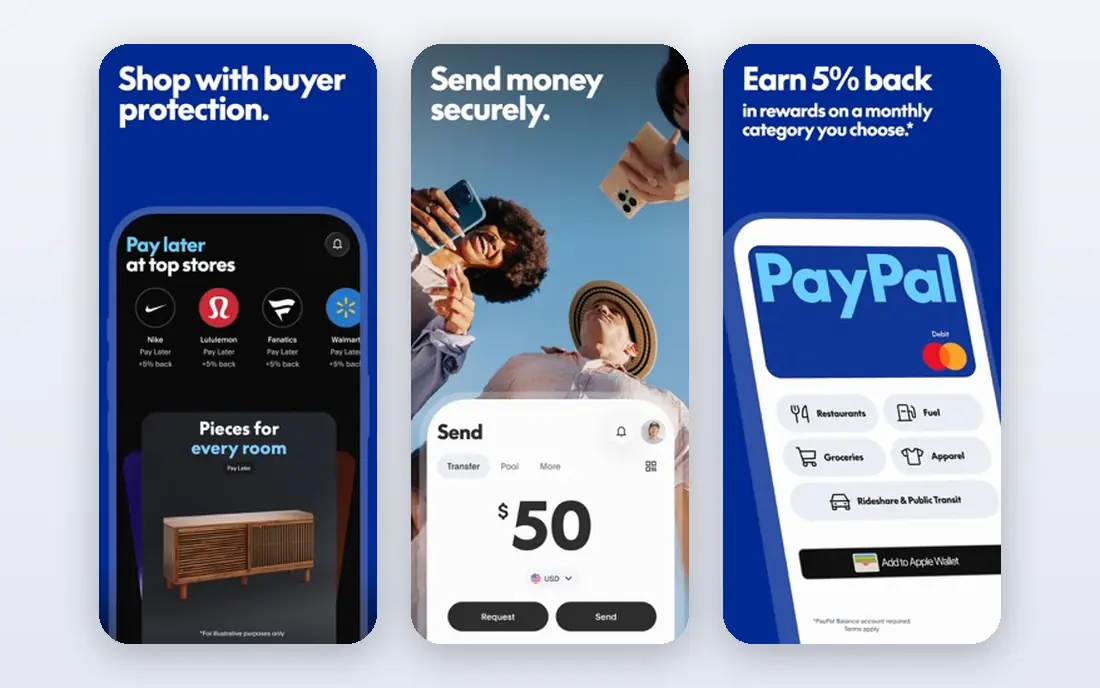
PayPal remains the safest first pick for many readers because the other person is likely to have an account already. Sending money to friends and family from a balance or a linked bank account is commonly free inside the United States, while credit card funding and currency conversion add fees that you should check on the payment screen before you send. The app also stores cards and bank details in one place, which makes repeat payments simple.
The trade off is that PayPal is a large, general service, so its fee rules have more branches than a simple peer to peer app. Read the fee shown at checkout, not a summary you saw elsewhere, because the cost changes with funding source, destination and currency. For online shopping, the buyer protection on eligible goods and services purchases is a real reason to keep PayPal in your set of tools, even if you use another app for splitting dinner.
- Very widely accepted
- Works for friends, family and online purchases
- Clear account and card options
- Some transfers and currency conversions carry fees
- Support can be slow for held payments
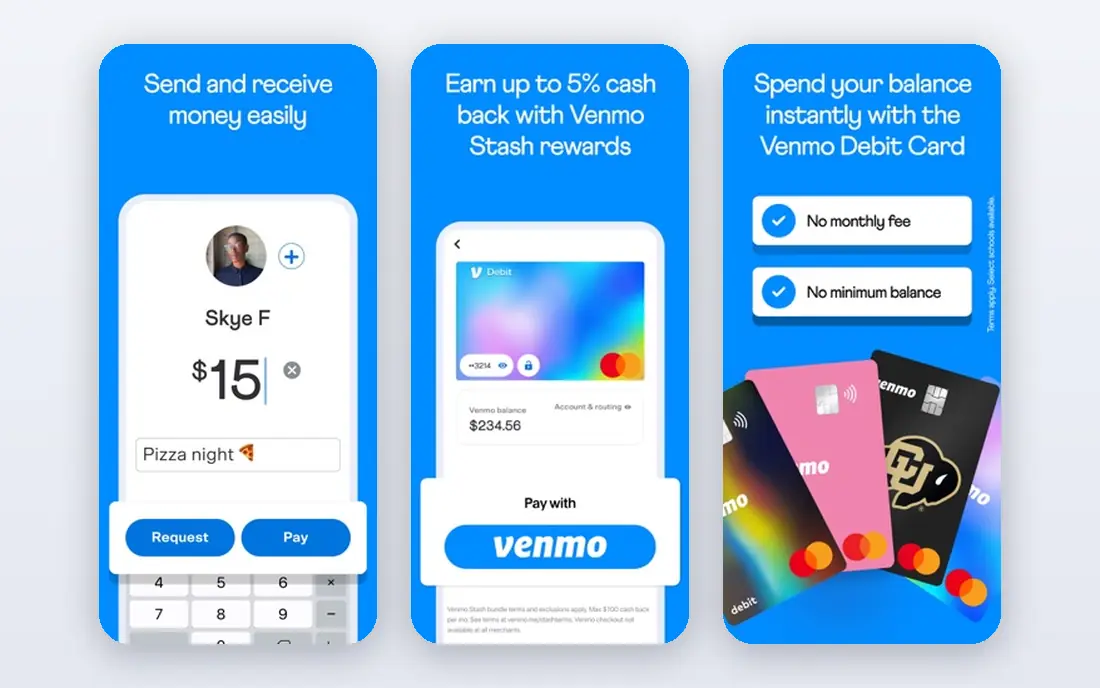
Venmo is built around the small, social payments that make up most person to person transfers: rent shares, meals, tickets and gifts. You can split a charge, send a request, and leave a short note, which is why groups tend to settle on it by default. Standard transfers to a bank account are free, while instant transfers carry a fee, so the free route is fine when nobody is in a hurry.
Check your privacy setting on day one, because payment notes can be visible to friends or the public depending on the setting you pick. Venmo also works best when both people are in the United States and already use it, since it is not designed as a general international transfer service. For that job, look at Wise or Remitly below.
- Easy bill splitting and requests
- Familiar social style feed
- Standard transfers are free from a bank or balance
- Instant transfers carry a fee
- Privacy settings need attention
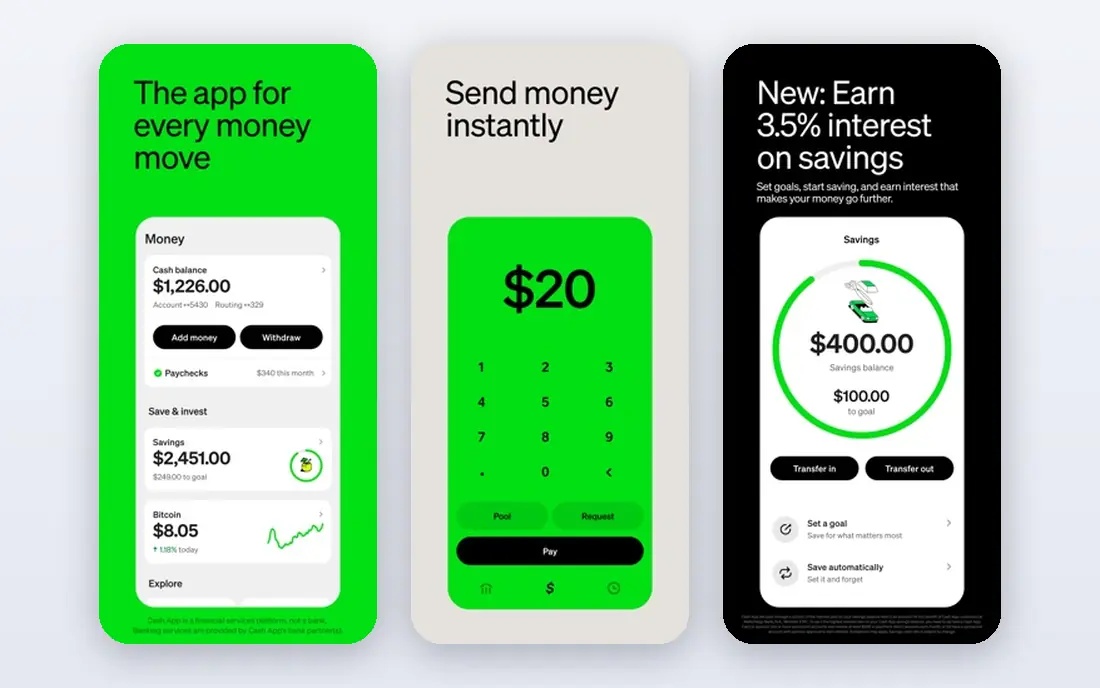
Cash App keeps the core action very short: pick a person, enter an amount, and send. That simplicity is its main strength, and the optional Cash Card and direct deposit features mean some people use it as a light everyday account rather than only a transfer app. Standard transfers to a linked bank account are free, while instant transfers carry a percentage fee with a minimum, so check the amount shown before you confirm.
The extra features are also the catch. Investing and other add ons sit beside the payment screen, and they are not needed for a simple transfer. If you only want to send money, ignore them and use the basic send and request flow. As with every app here, confirm the recipient handle carefully, because similar usernames are easy to confuse.
- Simple sending by username or phone number
- Optional card and direct deposit features
- Standard transfers are free
- Instant transfers carry a fee
- Extra features can distract from the basic job
Zelle is our pick for most people who want money to land in a bank account fast without a new balance to manage. It is built into many bank apps, and enrollment uses an email address or a US mobile number. When both banks take part, transfers often arrive in minutes, and Zelle itself does not charge a fee, although your bank may set its own limits.
The limits are the point to check before a large payment, because banks set daily and monthly caps. Zelle is also not the right tool for sending money abroad, for paying for goods with buyer protection, or for reversing a payment sent to the wrong person. Treat a Zelle payment like cash: send it only to people you know and trust, and confirm the contact details first.
- Money usually moves directly between bank accounts in minutes
- No separate balance to manage
- No fee from Zelle itself
- Only works inside the United States
- You must send to the right enrolled email or phone number
Wise is the app we would compare first for sending money across borders. It shows the rate and the fee up front, which makes it easier to compare with a bank wire or another transfer service. You can also hold money in more than one currency, which helps if you receive payments from abroad or travel often.
Fees vary by currency route and amount, so we list the starting price as See website rather than quoting one number that would be wrong for many routes. Delivery can be fast on some routes and slower on others, depending on the receiving bank and local payment systems. For a one off payment to a friend in the same country, a domestic app will usually be simpler.
- Shows the exchange rate and fee before you send
- Holds balances in several currencies
- Useful for regular transfers abroad
- Delivery time varies by route
- Not the best choice for simple domestic splitting
Revolut suits readers who want one account for spending in more than one currency, not only for sending money. The free plan covers the basics, and paid plans add higher exchange allowances and extra features. For travel, the ability to hold and spend in different currencies, freeze a card, and set spending controls is genuinely useful.
Read the free plan limits before you rely on it for a large exchange, because weekend and fair usage rules can change the cost. Revolut is also a broader finance app, so the transfer screen is one part of a larger product. If your only job is to send money to a friend in the United States, Zelle or Venmo will be simpler.
- Multi currency accounts and cards
- Useful for travel and online spending abroad
- Free basic plan
- Some features sit behind paid plans
- Currency exchange limits apply on the free plan
Apple Cash is the easiest option in this list for households that already live on iPhones. You can send money inside a Messages conversation, and the balance sits in Wallet, ready to spend or transfer to a bank account. There is no new username system to learn, which removes a common source of errors.
The limit is obvious: it only makes sense when both sides use Apple devices and have Apple Cash set up. It is not a general cross platform tool, and it is not designed for international transfers in the same way as Wise. For an all Apple family, though, it is often the fastest way to settle a small payment.
- Built into Messages and Wallet on Apple devices
- Simple for iPhone owners
- No separate app to learn
- Only practical for Apple device owners
- The recipient needs a compatible device and setup
Remitly is built for remittances, which means sending money to family in another country. On many routes you can choose between a slower economy option and a faster express option, and the recipient may be able to pick up cash, receive a bank deposit, or use a mobile wallet, depending on the destination. That choice matters, because the best method depends on what the recipient can actually access.
Because fees and exchange rates change by corridor, amount and speed, check the exact quote for your route before you commit. Remitly is not the tool for splitting a bill at home, but for regular support payments abroad it is one of the most practical options in this list.
- Choice of delivery speed and payout method on many routes
- Cash pickup and bank deposit options
- Clear rate shown before sending
- Fees and rates vary by route and speed
- Not meant for domestic peer to peer payments
Western Union remains relevant for one reason: cash pickup. If the recipient does not have a bank account, or needs cash quickly in a place where bank transfers are slow, an agent location can solve the problem. You can send online or in the app, or visit an agent in person.
The cost is harder to compare at a glance, because it changes with the sending method, payout method, amount and destination. Compare the total the recipient will receive, not only the fee line, because the exchange rate is part of the cost. For bank to bank transfers where both sides have accounts, Wise or Remitly will often be cheaper and clearer.
- Very large agent network for cash pickup
- Online, app and in person sending
- Useful when the recipient has no bank account
- Fees vary a lot by route and method
- Exchange rate margins can raise the total cost
How we picked these
We compared official product pages, fee disclosures and app store listings, and we kept only services that are live in October 2026 and fit ordinary person to person sending. We left out tap to pay wallets that no longer support person to person sending in the United States, and we left out business only payment processors. We weighted fee clarity, speed, payout options, and how easy it is to send to the wrong person by mistake, because those are the points that cause real problems.
What to check before you send
Start with the destination, not the app. A domestic payment to a friend, a payment to family abroad, and a payment to someone who needs cash are three different jobs, and they point to different apps. Then check the funding source, because a bank or balance transfer is often free while a credit card transfer usually adds a fee.
Next, look at the total the recipient will receive and the time it will take. An instant fee may be worth it for an urgent payment, but it is wasted money on a routine split that can wait a day. Set privacy settings on social style apps, turn on two factor authentication, and never send money to someone who contacted you out of the blue asking for payment, gift cards or a code. This article is general information only and is not financial advice.
Frequently asked questions
What is the best app to send money?
For most domestic payments, Zelle is a strong default when both banks take part, while Venmo and Cash App are better for splitting costs with friends. For money abroad, compare Wise and Remitly on your exact route, because the rate and payout method matter more than the brand name.
What is the best app to receive money?
The best app to receive money is usually the one the sender already uses, because that removes setup steps and delays. Zelle payments land in a bank account, Venmo and Cash App payments land in an app balance that you can transfer out, and Wise can receive in more than one currency.
What is the best p2p app?
A good peer to peer app is free for standard transfers, clear about instant fees, and easy to use for requests and splits. Venmo leads on splitting, Cash App leads on simplicity, and Zelle leads on direct bank to bank speed inside the United States.
Are money sending apps safe?
Reputable apps use encryption and account security tools, but safety also depends on your habits. Turn on two factor authentication, confirm recipient details, and only send to people you know and trust, because most person to person payments cannot be reversed once they are accepted.
How long do transfers take?
Zelle transfers often arrive in minutes when both banks take part. Standard Venmo, Cash App and PayPal transfers to a bank usually take one to three business days, while instant transfers arrive much faster for a fee. International transfers range from minutes for cash pickup to a few business days for bank deposits.
Do I need a bank account to send money?
Most apps work best with a linked bank account or debit card, and some let you keep a balance inside the app. Western Union and some Remitly routes allow cash sending or cash pickup, which helps when the recipient has no bank account.
Sources
See where you really rank - block by block
ProMapRanker scans Google Maps across a grid of your service area. Simple monthly plans from $19, white-label on every plan.
Start freeKeep reading
 zscaler alternatives
Best Zscaler Alternatives in 2026
Looking for zscaler alternatives? We compare 9 SASE and zero trust platforms on architecture, data protection, pricing, and fit for your network and team.
Read → zapier alternatives free
Best Zapier Alternatives Free in 2026
Nine automation tools for zapier alternatives free in 2026, all with genuinely free tiers, plus free plan limits, starting prices and upgrade paths explained.
Read → which platform is best for online reputation
Which Platform Is Best for Online Reputation in 2026
Wondering which platform is best for online reputation? We compare 8 review, listing, and response tools for small and multi-location businesses and agencies.
Read →