 ProMapRanker
Best Apps to Remove Background in 2026

Key takeaways
- remove.bg still sets the quality bar for single automatic cutouts, but its credit pricing adds up fast at volume.
- Adobe Express removes backgrounds for free with no watermark on static images, which makes it the best no-cost option here.
- PhotoRoom wins for online sellers who need batch processing, product staging, and listing-ready exports in one flow.
- Edit only photos you own or have permission to edit, and check export resolution and watermark rules before paying.
Quick comparison
| Pick | Great for | Pricing starts at | Free tier | |
|---|---|---|---|---|
 remove.bg | Flawless automatic cutouts | $9 per month | Yes | Visit |
 PhotoRoom | Online sellers and listings | $7.50 per month | Yes | Visit |
 Canva | Designers using templates | $15 per month | Yes | Visit |
 Adobe Express | Free watermark-free removal | $9.99 per month | Yes | Visit |
 Pixelcut | Mobile sellers and creators | See website | Yes | Visit |
 Slazzer | Developers and high-volume automation | $11 per month | Yes | Visit |
 Removal.AI | Cheap credits for occasional users | $5.99 per month | Yes | Visit |
 Pixlr | Full browser photo editing | $2.49 per month | Yes | Visit |
 Fotor | Marketers doing batch edits and design | $8.99 per month | Yes | Visit |
The best apps to remove background
Background removal used to mean careful manual tracing, but AI tools now handle most photos in seconds. The differences that matter are edge quality on hair and fur, export resolution, batch handling, and whether the free plan adds a watermark. We compared official pricing pages and product pages for tools that are still offered in October 2026. Please edit only photos you own or have permission to edit.
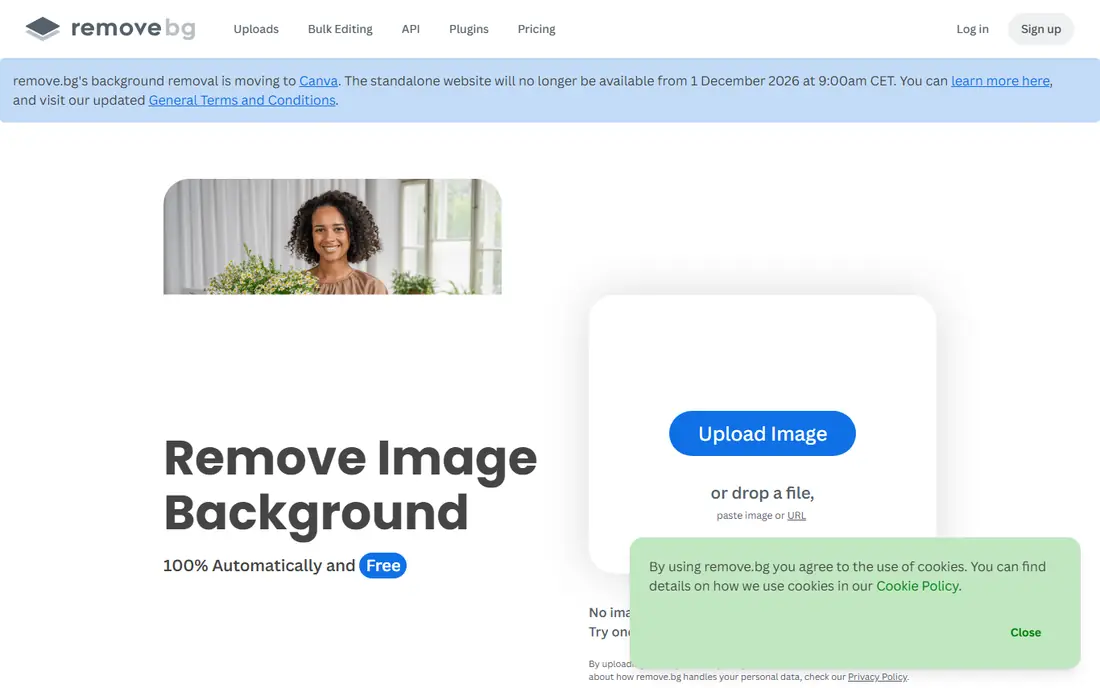
remove.bg is the tool other removers get measured against, and it earns that place on quality. Upload a photo, and it detects the subject and returns a transparent cutout with clean edges on most people, products, and pets. Its plugins, bulk tools, and API make it easy to use inside Photoshop, Figma, or a store workflow.
The cost model is the catch. Plans start from $9 per month for 40 HD credits in published guides, and the free option is limited to preview use. For one-off cutouts, that is fine, but for a large catalog, compare its per-image cost with PhotoRoom or Slazzer before committing.
- Strong automatic edge detection
- Plugins and API for workflows
- Bulk editing
- Clear credit system
- Credit pricing adds up at volume
- Full HD downloads need credits
- Limited design tools beside removal
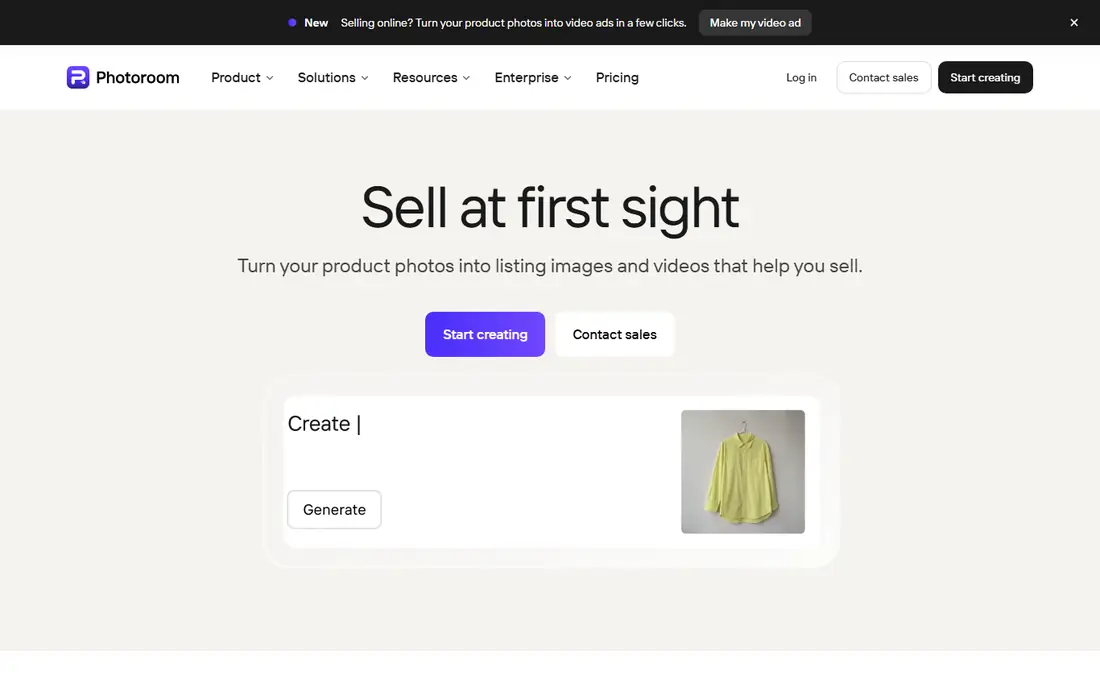
PhotoRoom is the best pick when the goal is a listing, not just a cutout. It removes backgrounds, then helps sellers place products on clean, consistent backgrounds, resize for marketplaces, and batch-process many images at once. That flow saves time for Etsy, Shopify, and Amazon sellers who photograph products in batches.
PhotoRoom starts from $7.50 per month when billed annually in published guides, with a free plan for basic use. Its free exports are limited, so sellers should test resolution and background options before relying on it for a full catalog.
- Built for product listings
- Batch processing
- Background templates and staging
- Mobile and web apps
- Free exports have limits
- Advanced features need Pro
- Design tools are narrower than Canva

Canva makes sense when removal is one step in a larger design job. On Pro, the Background Remover sits inside Magic Studio, so a cutout can go straight into a social post, ad, flyer, or listing template without exporting between apps. That convenience matters for marketers who design every day.
Canva Pro costs $15 per month in published guides, and the free plan does not include Background Remover. If you only need cutouts, remove.bg or Adobe Express will be cheaper, but if you already pay for Canva Pro, there is no need for a second tool.
- Background removal inside a full design editor
- Huge template library
- Team collaboration
- Easy social exports
- Background Remover needs Pro
- Removal quality is good but not always best on hair
- Pro price is higher than single-purpose tools
Adobe Express is our pick for free use, because it removes backgrounds on the free plan without adding a watermark to static images. That is rare among mainstream tools, and it makes Express a strong choice for students, small sellers, and creators who need clean cutouts without a subscription. Premium costs $9.99 per month and adds more templates and features.
Express is not a full Photoshop replacement, and tricky edges like fine hair may still need manual refinement. For most product and portrait photos, though, its free removal is good enough to start with, and its templates help turn a cutout into finished creative.
- Free background removal with no watermark on static images
- Templates for social and marketing
- Adobe ecosystem handoff
- Premium features need a paid plan
- Full design depth is less than Photoshop
- Some features need an Adobe account
Pixelcut is built for creators who edit on a phone. It removes backgrounds quickly, offers background generation, and supports batch editing for sellers who need consistent product shots. Published guides note watermark-free exports on its free tier, which makes it worth testing beside Adobe Express.
Pixelcut is less suited to heavy desktop work or complex compositing, where Photoshop or Canva offer more control. Check current pricing in the app store, since mobile prices vary, and test batch exports with your own product photos before paying.
- Fast mobile editing
- Batch removal for sellers
- Background generation
- Watermark-free exports on free tier in guides
- Pricing varies by platform
- Desktop tools are thinner
- Advanced design features are limited
Slazzer suits teams that need background removal inside a pipeline, not inside a design app. It offers an API, desktop apps, and a Photoshop extension that share the same credits, and its per-image cost falls toward a few cents at scale in published guides. Plans start from $11 per month for 100 credits.
Slazzer is not the friendliest choice for a casual user who wants templates and social exports. It is best for stores, studios, and developers who process many images and want removal to run without manual steps.
- API and desktop apps
- Photoshop extension
- Per-image cost falls at scale
- Bulk processing
- Design tools are minimal
- Free credits are limited
- Interface is more technical than consumer apps
Removal.AI is a good value pick for occasional users who want cheap credits without a large subscription. Plans start from $5.99 per month for 40 credits in published guides, with unlimited low-resolution previews and one free HD credit to test quality. Its bulk tool also helps sellers who need to process a catalog in batches.
Removal.AI does not offer the design depth of Canva or Adobe Express, so users will need a second app for finished layouts. For pure removal at a low cost, though, it is hard to beat, especially for users who do not need removal every day.
- Low starting price
- Unlimited low-resolution previews
- Bulk processing for larger batches
- Simple web workflow
- Design tools are limited
- Free HD output is limited
- Edge quality can vary on complex subjects
Pixlr is the best pick when background removal is part of broader photo editing. It runs in the browser, offers manual refinement tools beside AI removal, and starts from $2.49 per month for Plus in published guides. Its free plan is ad-supported but usable for quick edits.
Pixlr is not as focused as remove.bg for pure cutout quality, and its free plan has limits. It wins for users who want to remove a background, adjust color, add text, and export, all without installing desktop software.
- Full photo editor in the browser
- Fast removal with no signup in guides
- Low starting price
- Manual refinement tools
- Free plan is ad-supported
- Some AI features need paid plans
- Interface can feel busy for beginners
Fotor combines background removal with photo enhancement and design templates, which suits marketers who need finished social and ad creative. Its Pro plan costs $8.99 per month in published guides, with batch editing for product and marketing images. The free Basic plan lets users test removal before paying.
Fotor is not the best tool for the hardest cutouts, such as fine hair or transparent objects, where remove.bg or Photoshop do better. For everyday marketing images, though, its mix of removal, enhancement, and templates is a practical all-in-one choice.
- Batch background removal
- Design templates
- Photo enhancement tools
- Affordable Pro plan
- Free plan has limits
- Edge quality varies on hair and fur
- Design depth is less than Canva
How we picked these
We compared official pricing pages, product pages, and public guides for removal quality, export rules, batch tools, and free plans. We kept only tools that are still offered in October 2026 and that remove backgrounds from photos, not video-only tools. Where pricing varied by platform, we used published figures and wrote See website for Pixelcut, whose mobile pricing varies.
How to get clean cutouts without paying too much
Start with a free test on the same kind of photo you will actually edit. Product shots, portraits, and pet photos behave differently, and a tool that handles a plain product shot may struggle with hair or fur. Check the edge at full size, not just in a small preview, and test transparent objects like glass separately.
Next, check the export rules that affect cost. Look for watermark rules, HD resolution limits, and credit use per image, because those rules decide the true price for a catalog. For batch work, test how the tool handles consistent sizing, padding, and background color, since fixing those by hand can erase any time saved.
Finally, keep your workflow simple. If you design in Canva or Adobe Express already, use the remover inside that app. If you only need cutouts, pick a credit tool like remove.bg, Slazzer, or Removal.AI. If you need manual control on hard edges, add Photoshop or a manual editor for the few images that automatic tools get wrong.
Frequently asked questions
What is the best app to remove background from a photo?
remove.bg is the best pick for automatic cutout quality, while Adobe Express is the best free pick with no watermark on static images. PhotoRoom is best for sellers who need batch and listing tools. The right choice depends on whether you need one perfect cutout or many listing images.
What is the best free app to remove background?
Adobe Express offers free background removal with no watermark on static images, which makes it the strongest free option on this list. Pixlr and Pixelcut also offer usable free tiers, but check ad, resolution, and export limits. For HD output at volume, a paid plan will still be needed.
What is the best background eraser app for mobile?
Pixelcut and PhotoRoom are the strongest mobile-first picks, with fast removal, batch tools, and background generation. Adobe Express also works well on mobile and offers free removal. Test each with your own photos, since edge quality varies by subject.
What is the best background removal app for sellers?
PhotoRoom is best for sellers, because it combines removal with batch processing, product staging, and marketplace sizing. Slazzer and Removal.AI suit sellers who need cheap credits or API automation. Check export resolution and background consistency before choosing.
Can I remove backgrounds in bulk?
Yes, PhotoRoom, Slazzer, Removal.AI, and Fotor all support batch processing, with different credit and pricing rules. Test a small batch first, check edges and sizing, and confirm how credits are counted per image. Bulk tools save time only when the output is consistent enough to use without manual fixes.
Sources
See where you really rank - block by block
ProMapRanker scans Google Maps across a grid of your service area. Simple monthly plans from $19, white-label on every plan.
Start freeKeep reading
 zoho inventory alternatives
6 Alternatives to Zoho Inventory, Compared on Price and Fit
Zoho Inventory alternatives: 6 tools compared on price, free plans and fit. Katana leads the list for manufacturers. Fit and flaws are laid out for each entry.
Read → zoho crm alternatives
Best Zoho CRM Alternatives (2026)
Need Zoho CRM alternatives? We compare 7 tools on cost, free access and who each suits. Every pick gets a straight assessment. Built for quick decisions.
Read → zelle alternatives
Best Zelle Alternatives in 2026
Compare the best Zelle alternatives for sending money to friends, paying sellers and moving funds abroad, with honest notes on fees, speed and safety in 2026.
Read →