 ProMapRanker
Best Apps to Make Video From Photos in 2026

Key takeaways
- Canva is the easiest everyday choice for turning photos into social videos, while Animoto suits template-driven marketing videos from a browser.
- CapCut suits short-form social clips, and Adobe Express suits teams that need brand controls and Adobe Stock assets.
- Check watermarks, music licensing, and export resolution before building a full project, because free plans often limit those three things.
- Only animate photos you own or have permission to use, and never animate a real person without that person consent.
Quick comparison
| Pick | Great for | Pricing starts at | Free tier | |
|---|---|---|---|---|
 Canva | Everyday photo videos | See website | Yes | Visit |
 CapCut | Short-form social clips | See website | Yes | Visit |
 Animoto | Template marketing videos | $16 per month | Yes | Visit |
 Adobe Express | Branded photo videos | $9.99 per month | Yes | Visit |
 InVideo | AI-assisted photo videos | See website | Yes | Visit |
 FlexClip | Simple slideshow videos | See website | Yes | Visit |
 Kapwing | Browser editing and captions | See website | Yes | Visit |
 Movavi Slideshow Maker | Desktop slideshow videos | See website | Free trial | Visit |
 VistaCreate | Design-led photo videos | $10 per month | Yes | Visit |
The best apps to make video from photos
We compared these tools on photo import, templates, music, transitions, captions, export quality, and ease of use. Our pick for most people is Canva for everyday photo videos, with Animoto for marketing templates and CapCut for short-form social clips. All tools in this list are legitimate creative tools for slideshows and photo videos. Only use photos you own or have permission to use, and never create a video of a real person without that person consent.
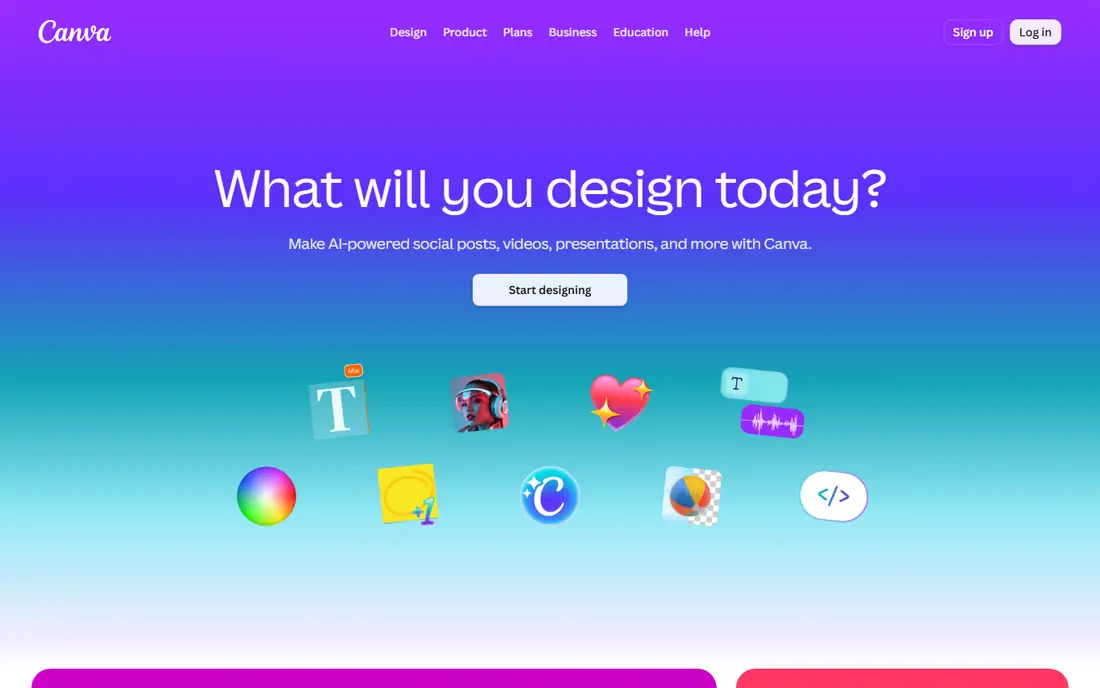
Canva turns a set of photos into a video in minutes. Upload photos, choose a video template or a blank timeline, add text, transitions, and music, then export for social, web, or presentations. Its template range covers birthdays, travel recaps, product showcases, and business promos, so most users can start from a design rather than a blank page.
Canva Pro adds premium templates, stock assets, brand kits, and background removal, so we list its starting price as See website to avoid quoting a tier that varies by billing period. Check music licensing and asset labels before commercial use, because not every free asset allows every use. For everyday photo videos, Canva is the fastest and most forgiving choice.
- Huge template library
- Drag-and-drop timeline
- Music, text, and animation tools
- Best features sit on Pro
- Stock and music licensing needs checking per asset
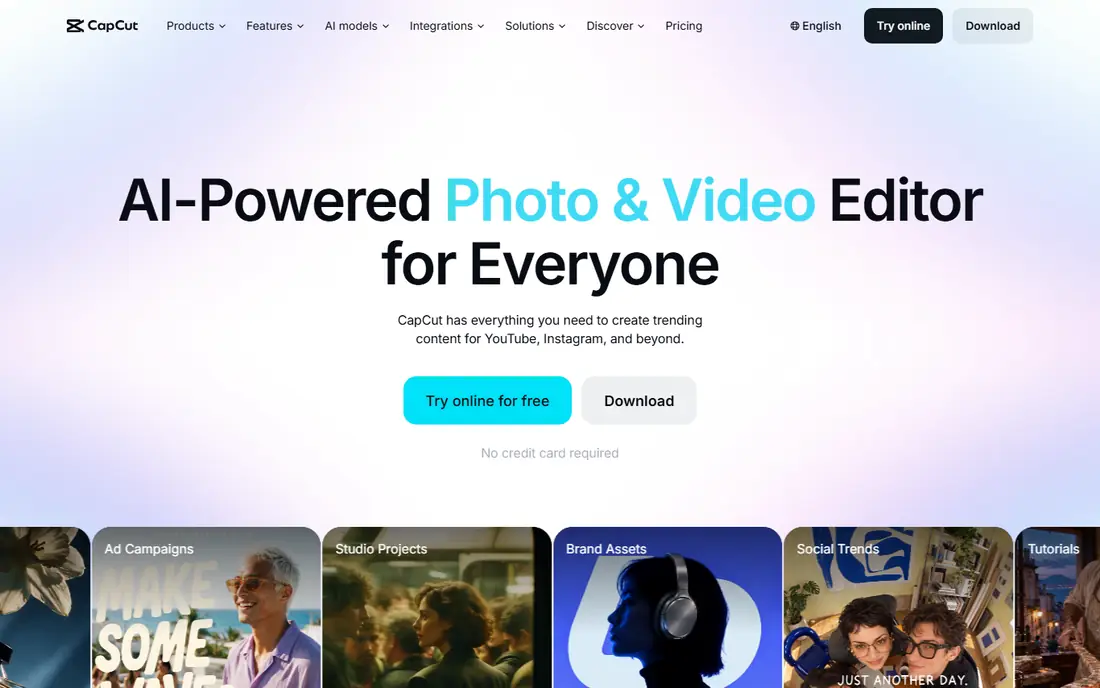
CapCut suits creators who turn photos into short videos for TikTok, Reels, and Shorts. Its mobile app offers templates, transitions, effects, speed controls, and auto captions, and projects can sync to desktop for finishing. That mobile-first flow helps when photos are already on a phone and the video needs to post the same day.
Free exports can carry watermarks on some features, and pricing varies by plan and region, so we list it as See website. Larger projects can also lag on older phones. For trendy, fast, short-form photo videos, CapCut offers more creative range than most slideshow tools.
- Mobile-first editing
- Trendy templates and effects
- Auto captions and music tools
- Free exports can carry watermarks on some features
- Larger projects can lag on phones
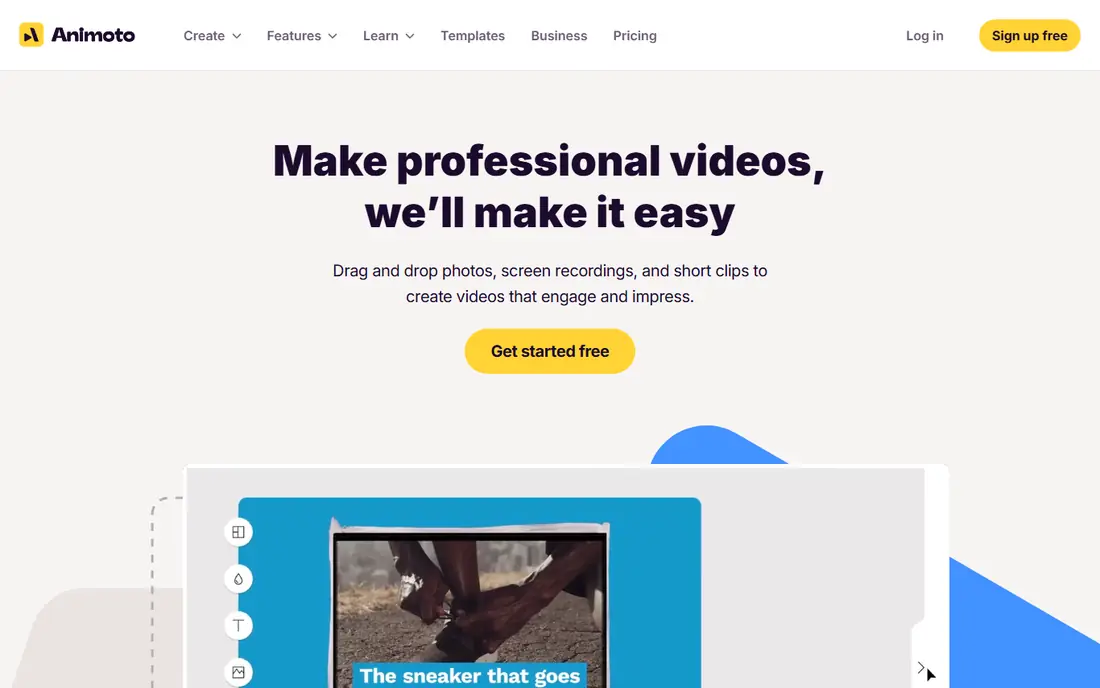
Animoto is built for small businesses that want a polished video from photos without learning a full editor. Its browser builder uses storyboards: add photos, choose a style, add text and licensed music, and export. The free plan lets users try it with Animoto branding, and Basic plans start at 16 dollars a month in recent listings, with higher plans adding more music, fonts, and stock content.
Animoto templates can feel rigid once a user wants detailed timing or custom effects, and its editing tools are basic compared with CapCut or Canva. For marketing clips, training videos, and social posts made from photos, Animoto remains one of the simplest and most reliable choices.
- Browser-based storyboards
- Licensed music library
- No software to install
- Templates can feel rigid
- Editing control is basic compared with full editors
Adobe Express turns photos into branded videos with templates, text, animation, and music, plus brand kits for logos, colours, and fonts. Its premium plan starts at 9.99 dollars a month in recent comparisons, and it includes access to Adobe Stock assets and generative AI tools. That combination suits small teams that need consistent branding across social posts and ads.
Adobe Express can feel less immediate than Canva for a first-time user, and its best assets sit behind the paid plan. For teams already using Adobe tools, or for businesses with strict brand rules, Adobe Express offers cleaner control than most free slideshow apps.
- Brand kits and templates
- Adobe Stock assets
- Firefly AI tools for design help
- Some users find the learning curve steeper than Canva
- Premium assets need a paid plan
InVideo helps users turn photos and a short brief into a video draft, with templates, stock media, voiceover, and text tools for finishing. That AI-assisted start suits marketers who need many variations of a photo video, such as product promos or event recaps, without building each one from scratch. Its free plan allows testing, with paid plans adding higher resolution and more AI generation.
AI drafts always need review, because timing, text, and music choices may not match the photos. Pricing also varies by tier, so we list it as See website. For fast drafts that a human then edits, InVideo is a useful photo-video tool.
- AI-assisted video creation from prompts and media
- Large template library
- Text-to-video options
- AI output needs review and editing
- Pricing tiers should be confirmed
FlexClip is a browser-based editor for simple slideshow videos from photos, with templates, transitions, text, and stock music. It suits beginners, teachers, and small businesses that want a clean video without installing software or learning a complex timeline. Projects can be built in a browser and exported for social or web use.
The free plan limits resolution and some features, and paid pricing should be confirmed, so we list it as See website. FlexClip does not match Canva or CapCut for advanced effects, but for a straightforward photo slideshow with music and titles, it is easy and fast.
- Simple browser editor
- Slideshow templates
- Stock music and media
- Free plan limits resolution and features
- Less depth for advanced editing
Kapwing is a browser editor that handles photo videos, captions, resizing, and social formats in one workspace. Users can upload photos, arrange them on a timeline, add text and captions, and export for different platforms. Its collaboration tools also help small teams review a video before publishing.
Free exports carry a Kapwing watermark, and paid pricing should be confirmed on its current pricing page, so we list it as See website. Large projects can also take time to process. For browser-based photo videos with captions and team review, Kapwing is a practical choice.
- Browser editing with captions
- Timeline and template tools
- Collaboration options
- Free exports carry a watermark
- Processing can be slow on large projects
Movavi Slideshow Maker is a desktop tool for turning photos into slideshow videos with transitions, titles, filters, and music. It suits users who prefer offline editing on Windows or Mac, or who work with large photo collections that are awkward to upload to a browser tool. Its wizard-style flow helps beginners build a slideshow quickly, while manual mode adds more control.
Movavi is a paid desktop product with a trial, and pricing should be confirmed, so we list it as See website. It lacks the social templates and collaboration tools of Canva and CapCut. For a polished desktop slideshow, especially for family events or presentations, Movavi is a dependable option.
- Desktop slideshow tools
- Transitions, titles, and music
- Offline editing
- Desktop only for full features
- Trial limits should be checked
VistaCreate, formerly Crello, combines design templates with video tools for turning photos into social videos and ads. Its free plan includes a large royalty-free library and brand kit tools, and its Pro plan starts at 10 dollars a month when billed annually in recent comparisons. That design-led approach suits users who also make posters, social graphics, and video from the same photo set.
VistaCreate has a smaller user community and tutorial range than Canva, and some premium assets need Pro. For a design-focused user who wants photo videos alongside other marketing graphics, VistaCreate is a strong, affordable alternative.
- Design templates plus video tools
- Large royalty-free library
- Brand kit on Pro
- Smaller video community than Canva
- Some assets need a Pro plan
How we picked these
We compared official pricing pages, product feature pages, and app store listings for each tool, and we only included legitimate creative tools for slideshows, photo videos, and social clips. We excluded any tool designed to undress or create non-consensual imagery of real people, and we included a plain consent warning in this article. We checked free plan limits for watermarks, resolution, and music, because those limits decide whether a free tier is usable for publishing.
What to check before you publish
Check export resolution, aspect ratio, and watermark status before building a long project, because free plans often limit one or more of those. Confirm music licensing for your use, especially for ads or client work, and use only licensed tracks from the tool or music you own. Also confirm that you own or have permission to use every photo, and never animate a real person without that person consent.
Choose by where the video will live
For vertical social clips, CapCut and Canva offer the best mobile and short-form templates. For horizontal marketing videos and presentations, Animoto, Adobe Express, and Movavi Slideshow Maker suit larger screens better. For browser work with captions, Kapwing and FlexClip are the simplest picks.
Check music, captions, and file size
Add captions for viewers who watch without sound, and check that text stays readable on a phone. Keep file size in mind for email and web use, and export a test clip before rendering a long video. A short test will reveal watermark, music, and timing problems early.
Frequently asked questions
What is the best app to make a video from photos?
Canva is our pick for most people, because it offers templates, music, and an easy timeline for everyday photo videos. Animoto suits marketing videos from a browser, while CapCut suits short-form social clips from a phone.
Can I make a video from photos for free?
Yes. Canva, CapCut, Animoto, Adobe Express, InVideo, FlexClip, Kapwing, and VistaCreate all offer free plans, but free exports may carry watermarks, limit resolution, or restrict music and stock assets. Check those limits before publishing.
What is the best app to make videos from photos on a phone?
CapCut and Canva both offer strong mobile apps for turning photos into videos, with templates, music, and captions. CapCut suits trendy short-form clips, while Canva suits a wider range of social, business, and personal videos.
How do I add music to a photo video?
Most tools in this list include a licensed music library: choose a track inside the app, check its licence for your use, and adjust volume so it does not overpower voiceover or titles. For ads or client work, confirm commercial use rights before publishing.
Can I animate photos of people I do not know?
No, you should not. Only animate photos you own or have permission to use, and never create a video of a real person without that person consent. That rule applies to family photos, client photos, and any image found online.
Sources
See where you really rank - block by block
ProMapRanker scans Google Maps across a grid of your service area. Simple monthly plans from $19, white-label on every plan.
Start freeKeep reading
 zscaler alternatives
Best Zscaler Alternatives in 2026
Looking for zscaler alternatives? We compare 9 SASE and zero trust platforms on architecture, data protection, pricing, and fit for your network and team.
Read → zapier alternatives free
Best Zapier Alternatives Free in 2026
Nine automation tools for zapier alternatives free in 2026, all with genuinely free tiers, plus free plan limits, starting prices and upgrade paths explained.
Read → which platform is best for online reputation
Which Platform Is Best for Online Reputation in 2026
Wondering which platform is best for online reputation? We compare 8 review, listing, and response tools for small and multi-location businesses and agencies.
Read →