 ProMapRanker
Best Apps to Lose Weight in 2026

Key takeaways
- MyFitnessPal, Lose It and Cronometer suit people who want to track food and see a daily calorie budget.
- Noom and WeightWatchers suit people who want lessons, structure and group support rather than tracking alone.
- MacroFactor suits people who want adaptive calorie targets based on their logged weight and intake.
- Yazio, Lifesum and MyNetDiary offer simpler tracking with fasting, recipes or meal plans as the focus.
Quick comparison
| Pick | Great for | Pricing starts at | Free tier | |
|---|---|---|---|---|
 MyFitnessPal | Large food database | Free | Yes | Visit |
 Lose It | Simple daily tracking | Free | Yes | Visit |
 Noom | Behaviour lessons and coaching | See website | Free trial | Visit |
 Cronometer | Detailed nutrition tracking | Free | Yes | Visit |
 Yazio | Calorie and fasting tracking | Free | Yes | Visit |
 Lifesum | Meal plans and healthy habits | Free | Yes | Visit |
 MyNetDiary | Balanced tracking and diabetes tools | Free | Yes | Visit |
 WeightWatchers | Points system and workshops | See website | Free trial | Visit |
 MacroFactor | Adaptive calorie targets | $11.99 per month | Free trial | Visit |
 Simple | Fasting and habit coaching | See website | Free trial | Visit |
The best apps to lose weight
A weight loss app works best when it fits the habit you will actually keep. Some people log every meal, others want lessons or a points system, and others want a coach to check in. This list covers those styles, with a plain note: these apps are general wellness tools, not medical advice, and anyone with a health condition should talk to a clinician before changing diet or exercise.
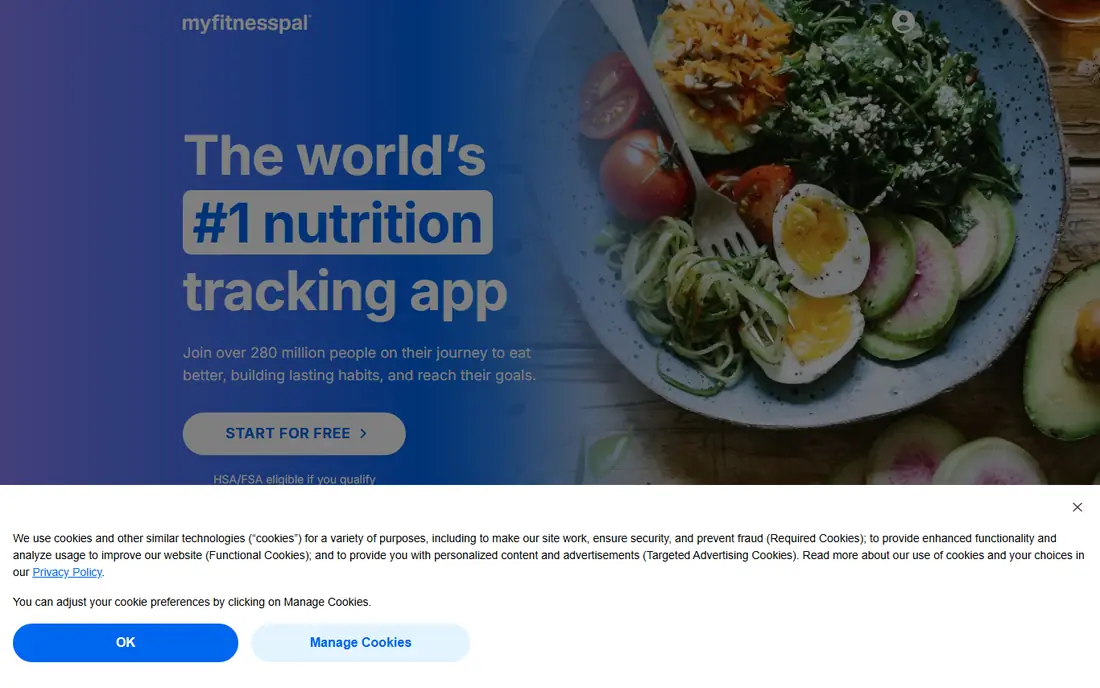
MyFitnessPal is our pick for most people who want to track food without hunting for every item. The database covers branded foods, restaurant items and common recipes, and the barcode scanner speeds up logging. It also links to fitness trackers and other health apps, so activity and food sit in one view.
The free version covers basic tracking well, but features such as detailed macro goals and some analysis tools need Premium. If you only need a daily calorie budget and a food log, the free tier is enough to start. If you want deeper nutrition detail, compare it with Cronometer first.
- Very large food database
- Barcode scanner
- Links to many fitness apps and devices
- Some useful features sit behind Premium
- Free version shows ads
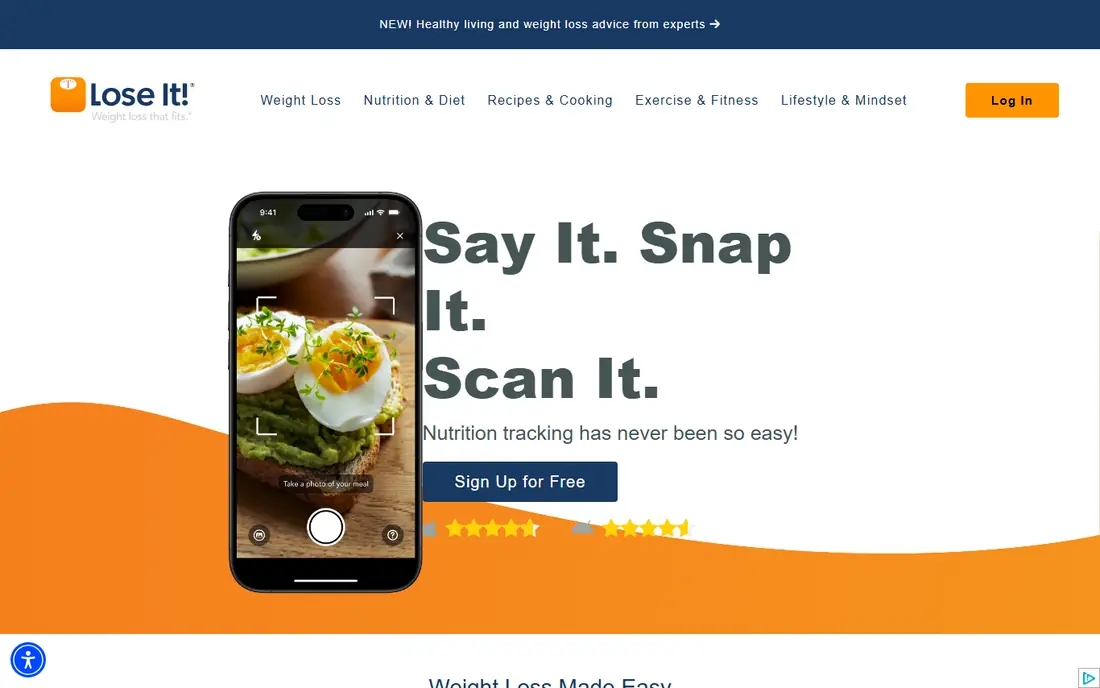
Lose It focuses on one job and does it cleanly: show your daily budget, log food fast, and show what is left. Beginners often find it less busy than MyFitnessPal, and the photo logging option helps when a barcode is not handy. Challenges and friend connections add light accountability.
The catch is depth. The free tier is good for basic calorie tracking, but richer reports and meal planning tools sit behind Premium. For a straightforward lose weight app that you will open every day, that simplicity is a strength, not a flaw.
- Clear daily budget view
- Barcode and photo logging
- Simple interface for beginners
- Free version limits some analysis
- Premium needed for full macro and pattern tools
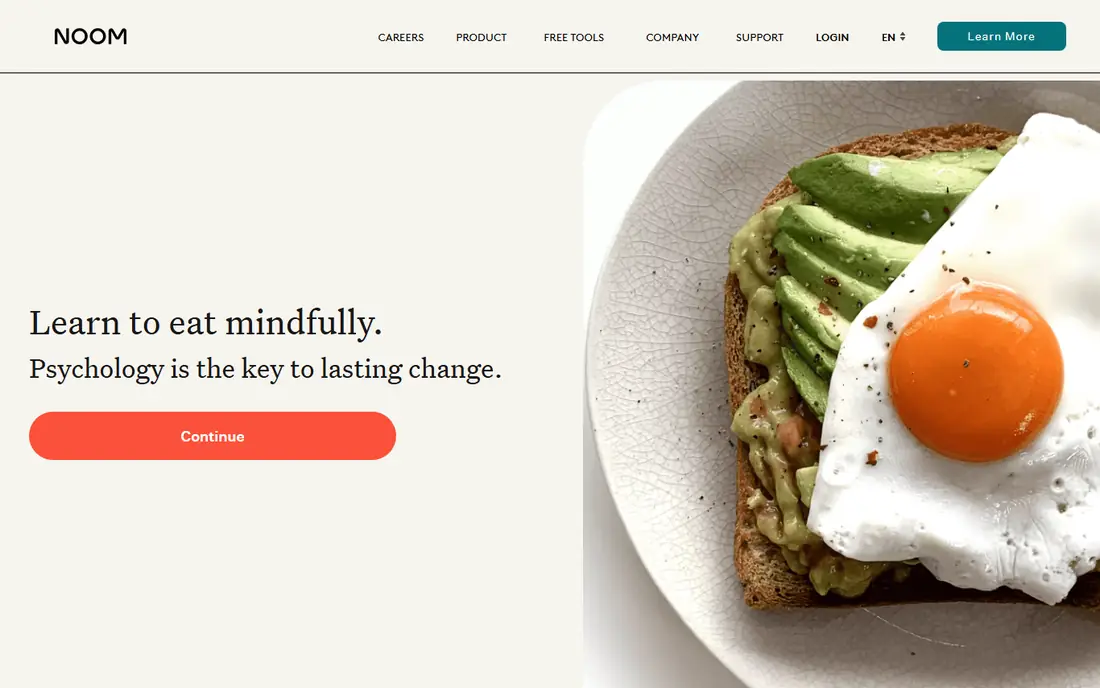
Noom is different from a pure tracker because it teaches habits alongside logging. Daily lessons cover topics such as triggers, portion size and setbacks, and foods are grouped by colour to guide choices without strict bans. Coach support is part of many plans, which suits people who have tried tracking alone and stalled.
It costs more than a basic app, and pricing varies by plan and offer, so check the checkout total before you commit. If you want lessons and structure, Noom is a strong fit. If you mainly want precise nutrition data, a tracker such as Cronometer will suit you better.
- Daily psychology based lessons
- Colour coded food system
- Coach support on many plans
- Pricier than a simple tracker
- Food logging is less detailed than Cronometer
Cronometer is the pick for people who care about nutrients, not just calories. It tracks a wide set of vitamins and minerals, uses verified food data where available, and lets you log biometrics and fasting alongside food. That detail helps people with specific nutrition goals or those working with a clinician.
The interface is more clinical than playful, and that can put off casual users. Gold adds features such as custom charts and recipe tools. For careful tracking, though, Cronometer is the most thorough free option on this list.
- Detailed vitamin and mineral data
- Verified food entries
- Fasting and biometric tracking
- Interface feels clinical
- Some features need Gold subscription
Yazio combines calorie tracking with a fasting timer, which suits people who already use time restricted eating. The app shows a clear daily budget, tracks macros, and offers recipes and meal ideas. It is simpler than Cronometer and less lesson heavy than Noom, which makes it a good middle ground.
Fasting is not suitable for everyone, and it is not medical advice to start it. Check with a clinician if you have a health condition, are pregnant, or take medication that affects blood sugar. For general tracking plus an optional fasting timer, Yazio is easy to use.
- Fasting timer included
- Large food database
- Simple calorie and macro view
- Some plans and recipes need Pro
- Fasting is not right for everyone
Lifesum frames weight loss as a set of habits, not just a calorie number. It offers meal plans, recipes, water tracking and habit reminders in a clean design that is pleasant to open daily. That broader view suits people who want guidance on what to eat, not just a log to fill in.
The free version covers basic tracking, while full meal plans and detailed nutrition tools need Premium. If you want a plan to follow rather than a blank log, Lifesum is worth trying. If you want the largest food database, MyFitnessPal still leads.
- Meal plans and recipes
- Habit tracking beyond food
- Clean visual design
- Premium needed for full plans
- Food database smaller than MyFitnessPal in some regions
MyNetDiary offers a balanced tracker with a clear dashboard, food logging, exercise tracking and reports that are easy to read. It also includes options that help people tracking diabetes related data, which sets it apart from simpler calorie counters. The design is calm and practical, without a heavy game layer.
Its community and food database are smaller than the biggest apps, so a niche food may need manual entry. For a dependable daily tracker with useful health options, MyNetDiary is a solid and less noisy choice.
- Clear dashboard and reports
- Diabetes and medication tracking options
- Barcode scanner
- Community is smaller than MyFitnessPal
- Some advanced tools need Premium
WeightWatchers uses a Points system instead of raw calories, which many people find easier to use day to day. The app includes food tracking, activity tracking and recipes, and workshops, in person or virtual, add group support and coaching. That structure suits people who do well with regular check ins.
Pricing varies by plan and offer, so check the renewal price as well as any intro offer. The Points system also takes a little learning at first. If group support matters to you, WeightWatchers is the strongest option here for that style.
- Points system simplifies choices
- Workshops and community support
- App with barcode scanner
- Subscription cost adds up
- Points system takes time to learn
MacroFactor is built for people who log food and weight regularly and want targets that adapt. It uses your intake and weight trend to adjust calorie and macro targets over time, rather than sticking to a fixed number set on day one. That approach suits experienced trackers who want precision.
There is no permanent free plan, only a trial, so it costs more than free trackers from the start. If you log inconsistently, the adaptive model will have less data to work with. For committed trackers, it is one of the most thoughtful tools on this list.
- Targets adjust from your logged weight and intake
- Detailed macro tracking
- No free tier confusion
- No permanent free plan
- Best for people who log consistently
Simple focuses on fasting, meals and daily habits with an AI coach that checks in and gives feedback. It suits people who want guidance and reminders rather than a blank log, and it covers meals, fasting windows and activity in one place. The daily check in habit is the core of the app.
Pricing varies by platform and offer, so confirm the total at checkout. Nutrition detail is lighter than in Cronometer, and fasting is not right for everyone, so get clinical advice if you have a health condition. For habit support with a coach style nudge, Simple is a good fit.
- AI coach and daily check ins
- Fasting timer and meal logging
- Habit focused guidance
- Pricing varies by offer and platform
- Less detailed nutrition data than Cronometer
How we picked these
We compared official pricing and feature pages, app store listings and recent roundups that cite vendor pricing. We kept only apps that are live in October 2026 and that offer food tracking, coaching or a structured programme for weight loss. We did not claim hands on testing, and prices marked See website vary by plan, platform and offer, so check the vendor page before you buy.
How to choose a weight loss app
Match the app to the habit you will keep. If you like data, pick Cronometer or MacroFactor. If you like structure, pick Noom or WeightWatchers. If you want a simple daily log, pick Lose It or MyFitnessPal. Try the free tier or trial first, and give it at least two weeks before you judge it.
Set a realistic routine
Log at the same times each day, weigh on a set schedule if you choose to weigh, and do not chase a perfect day. A missed log is not a failed week, and the app that you return to after a miss is the one worth keeping.
Check what the subscription actually adds
Free tiers cover basic tracking in most apps here. Before paying, list the paid features you will use weekly, such as meal plans, detailed reports or coach support. If you will not use them weekly, stay on the free tier.
Frequently asked questions
What is the best app to lose weight for beginners?
Lose It and MyFitnessPal are good beginner picks because food logging is fast and the daily budget is clear. Noom suits beginners who want lessons and coaching, while Cronometer suits beginners who want detailed nutrition data from the start.
Are free weight loss apps good enough?
Yes for basic calorie and food tracking, since MyFitnessPal, Lose It, Cronometer, Yazio and Lifesum all offer free tiers. Paid plans add meal plans, detailed reports or coaching, which help some people but are not needed for a simple log.
Do weight loss apps replace medical advice?
No. These apps are general wellness tools, not medical advice, and they do not diagnose or treat health conditions. Talk to a clinician before starting a new diet, fasting plan or exercise programme, especially if you have a health condition or take medication.
How much do the best lose weight apps cost?
Free tiers are available for most trackers on this list, while paid plans vary by app and billing period. MacroFactor starts at $11.99 per month, and Noom, WeightWatchers and Simple use plan based pricing that should be checked on the vendor site at checkout.
Can I use a weight loss app without counting every calorie?
Yes, with limits. Noom uses a colour system, WeightWatchers uses Points, and Lifesum offers meal plans, which reduce the focus on raw numbers. You still need to log food or follow the plan for the app to guide you, but the method feels less like strict calorie counting.
Sources
See where you really rank - block by block
ProMapRanker scans Google Maps across a grid of your service area. Simple monthly plans from $19, white-label on every plan.
Start freeKeep reading
 zscaler alternatives
Best Zscaler Alternatives in 2026
Looking for zscaler alternatives? We compare 9 SASE and zero trust platforms on architecture, data protection, pricing, and fit for your network and team.
Read → zapier alternatives free
Best Zapier Alternatives Free in 2026
Nine automation tools for zapier alternatives free in 2026, all with genuinely free tiers, plus free plan limits, starting prices and upgrade paths explained.
Read → which platform is best for online reputation
Which Platform Is Best for Online Reputation in 2026
Wondering which platform is best for online reputation? We compare 8 review, listing, and response tools for small and multi-location businesses and agencies.
Read →