 ProMapRanker
Best Apps to Exercise in 2026

Key takeaways
- Nike Training Club is the best free starting point, with guided workouts for all levels at no cost.
- Peloton App and Apple Fitness+ suit people who like instructor led classes, with Peloton broader and Apple Fitness+ best for Apple Watch users.
- Strava suits runners and cyclists who like social motivation, while Hevy and Strong suit lifters who want a clean workout log.
- Down Dog and FitOn cover yoga and home workouts well, with Down Dog offering highly customisable sessions.
- This guide is general information only, not medical advice: start gently, stop if you feel pain, and ask a clinician about a new programme if you have a health condition.
Quick comparison
| Pick | Great for | Pricing starts at | Free tier | |
|---|---|---|---|---|
 Nike Training Club | Free guided workouts | Free | Yes | Visit |
 Peloton App | Instructor led classes | $12.99 per month | Free trial | Visit |
 Apple Fitness+ | Apple Watch workouts | $9.99 per month | Free trial | Visit |
 Strava | Running and cycling community | Free | Yes | Visit |
 Hevy | Strength workout logging | Free | Yes | Visit |
 Strong | Simple strength logging | Free | Yes | Visit |
 Down Dog | Custom yoga and HIIT | See website | Free trial | Visit |
 FitOn | Free home workouts | Free | Yes | Visit |
 Zwift | Virtual cycling and running | $19.99 per month | No | Visit |
The best apps to exercise
The best exercise app is the one you will open three times a week, not the one with the longest workout list. These nine apps cover guided classes, running, strength, yoga and virtual training, so you can match the app to the exercise you actually enjoy. This article is general information only, not medical advice. Start at an easy level, build gradually, and talk to a clinician before starting a new programme if you have a health condition, injury or concern.
Nike Training Club is the first app to try before paying for anything, because its guided workout library is free. You get strength, HIIT, yoga, mobility and running workouts for beginners through advanced users, with clear coaching and options for bodyweight or minimal equipment. That breadth makes it easy to test different styles without a subscription.
The trade off is live interaction. There are no live classes, and the instructor roster feels less personal than Peloton for some users. Offline downloads and programme plans help structure your week, though. If you want a free, well made exercise app that covers most home and gym workouts, start here and only pay for another app when you miss a specific feature.
- Full workout library at no cost
- Workouts for all levels
- Bodyweight and equipment options
- No live classes
- Fewer instructor personalities than Peloton
Peloton App brings studio style classes to your phone, tablet or TV without requiring a Peloton bike or treadmill. Strength, yoga, Pilates, cardio, meditation and outdoor running classes are led by well known instructors, with live schedules and on demand options. Community features, such as leaderboards and friend activity, help many users stay consistent.
App only pricing in recent listings sits at $12.99 per month, with a set of free classes for new users in some offers, so check the current trial before subscribing. You do not need Peloton hardware for most classes, though some bike and treadmill features remain hardware tied. Peloton suits people who exercise more when an instructor and a class schedule keep them accountable.
- Large live and on demand class library
- Strength, yoga, Pilates and cardio
- Strong community features
- Monthly cost adds up
- Best experience still leans on Peloton hardware for some features
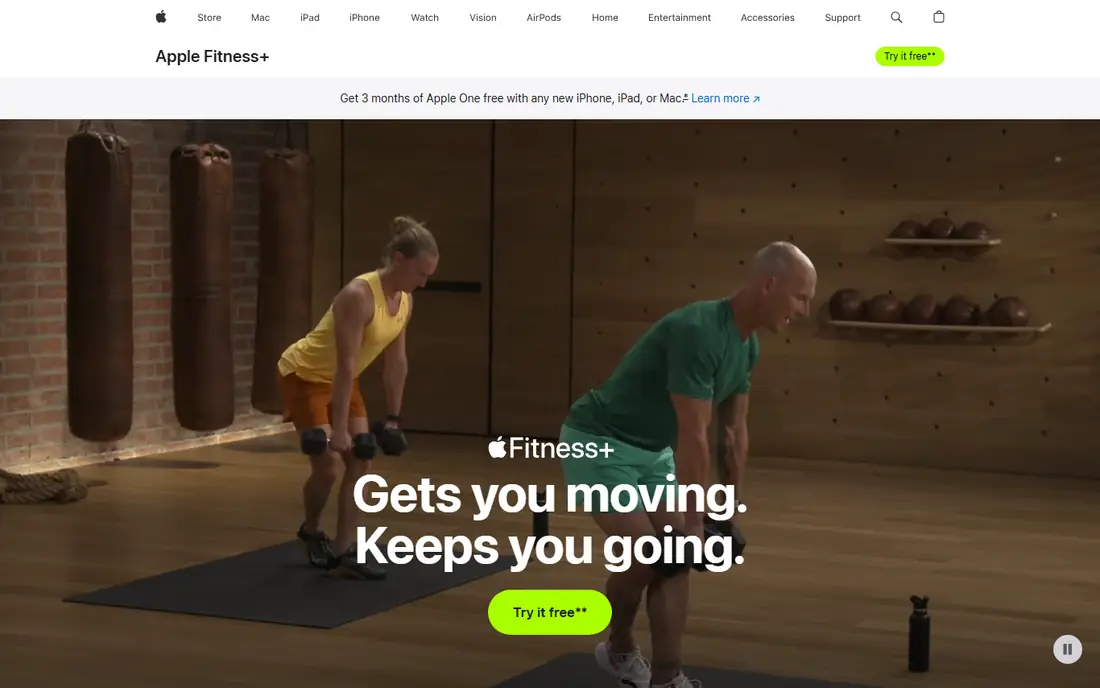
Apple Fitness+ is the natural choice if you already own an Apple Watch and an iPhone, iPad or Apple TV. Workouts show your heart rate, calories and Activity rings on screen, which helps you pace effort without checking your wrist. Classes cover HIIT, strength, yoga, Pilates, dance, cycling, treadmill and meditation, with new sessions added weekly.
The limit is ecosystem. Without an Apple Watch, you lose the live metrics that make Fitness+ special, and Android users cannot use it at all. Pricing in recent listings is $9.99 per month or $79.99 per year, with a trial for new users and device buyers. If you live in the Apple world and like guided classes, Fitness+ is polished and easy to start.
- Works with Apple Watch metrics on screen
- Wide class range
- Good music and trainers
- Best with Apple Watch and Apple devices
- Limited use outside the Apple ecosystem
Strava is the social home for many runners and cyclists. GPS tracking records runs, rides, walks and hikes, while segments, leaderboards and kudos from friends add motivation that a solo tracker cannot match. Route planning and activity history help you see progress over months, not just single workouts.
The free plan covers core tracking and social features, while a subscription, around $11.99 per month in recent listings, adds training plans, advanced analytics and route tools. Social comparison can also push some users too hard, so use Strava for encouragement, not as a race every day. Strava suits runners and cyclists who train more consistently when friends see their efforts.
- Large running and cycling community
- Route and segment tracking
- Free core tracking
- Training plans and advanced analytics need a subscription
- Social pressure does not suit everyone
Hevy is a modern strength tracker that makes logging sets, reps and weights fast in the gym. You can build routines, follow friends, share workouts and track progress over time, with a clean interface that does not slow down a workout. Watch support helps when your phone stays in a pocket or locker.
The free plan limits you to four routines in recent listings, with a Pro plan from around $2.99 per month or $23.99 per year for unlimited routines and extra features. Hevy does not offer guided classes, so it suits lifters who already know their programme and want a reliable log. If you lift regularly and hate paper logs, Hevy is a strong, low cost choice.
- Fast, modern workout logger
- Social feed and routines
- Works with Apple Watch and Wear OS
- No guided classes
- Free plan limits routines
- Strength focused only
Strong is the minimalist alternative for lifters who want speed above all. Logging a workout takes few taps, the exercise library is large, and the free plan allows unlimited workouts, though routines are limited to three in recent listings. Pro pricing sits around $4.99 per month or $29.99 per year for unlimited routines and extra charts.
Strong lacks the social feed and programme depth of some rivals, and it does not offer guided classes or cardio tracking beyond manual entries. That focus is also its strength: nothing distracts you mid set. Choose Strong if you want the fastest logger possible, and Hevy if you want a stronger social and routine experience.
- Very fast, minimal logging
- Unlimited workouts on free plan
- Good exercise library
- Free plan limits routines to three
- No social feed as rich as Hevy
- Strength only
Down Dog builds a new yoga, HIIT, barre or prenatal session each time you practise, so you never repeat the exact same class. You can set level, pace, focus area, music and session length, which helps beginners start gently and advanced users stay challenged. That customisation is rare, and it keeps home practice fresh without a large class library to browse.
There are no live classes, and the experience feels less personal than Peloton or Apple Fitness+ for users who like a favourite instructor. Pricing varies by app and bundle, around $7.99 to $12.99 per app per month in recent listings, with student discounts in some cases. Down Dog suits home exercisers who want variety and control over every session.
- Every session is generated fresh
- Highly customisable level, pace and focus
- No repeated workouts
- No live classes
- Pricing varies by app and bundle
- Less personality than instructor led apps
FitOn offers a large library of free home workouts, including cardio, strength, yoga, Pilates and dance, led by trainers and celebrity instructors in some series. The free tier is generous for casual and intermediate exercisers, and social features let you work out with friends remotely. That combination makes FitOn a good free alternative to paid class apps.
Premium plans add extra content and features, and serious lifters may still prefer a dedicated logger such as Hevy or Strong for programme tracking. FitOn is best for home exercisers who want variety at no cost and do not need a detailed strength programme. Try FitOn alongside Nike Training Club to see which free library you prefer.
- Large free workout library
- Classes for many styles and levels
- Social features included
- Some premium content needs a paid plan
- Less depth for serious strength programmes
Zwift turns indoor cycling and running into a virtual world with group rides, races, structured workouts and social events. Riders on smart trainers see their effort reflected in the game, while runners can join virtual events on a compatible treadmill. That game like structure helps many indoor athletes train through winter or busy schedules.
Zwift needs equipment, such as a smart trainer or a treadmill with compatible sensors, plus a monthly subscription around $19.99 per month or $199.99 per year in recent listings. Without that setup, Zwift offers little. It suits cyclists and runners who already train indoors and want community, competition and structured plans in one place.
- Virtual worlds and group rides
- Structured training plans
- Races and events
- Needs a bike trainer or treadmill setup
- Monthly cost plus equipment
- Less useful without hardware
How we picked these
We compared official feature and pricing pages, plus app store listings, for exercise apps still available in October 2026. We included guided classes, running, strength, yoga and virtual training, because exercise means different things to different readers. We kept only apps with a real workout library or tracking system, and we noted free tiers and trial offers where they exist. We excluded apps that only count steps without workouts, and apps with no current listing.
Choosing an exercise app you will keep using
Start with the exercise you enjoy, not the app with the most features. A runner needs Strava or Zwift, a lifter needs Hevy or Strong, and a home class fan needs Nike Training Club, Peloton or FitOn. Trying the wrong category is the fastest way to quit.
Test the free tier first
Nike Training Club, Strava, Hevy, Strong and FitOn all offer useful free tiers, so test them for two weeks before paying. Check whether the free workouts, routines or tracking limits fit your routine, and whether you like the coaching style. A paid app should add something you actually miss, such as live classes, advanced plans or unlimited routines.
Build a simple weekly routine
Pick three sessions a week to start, mix strength and cardio if you can, and add rest days. Use the app to schedule sessions, log progress and review the week, not to chase a perfect streak. If you miss a session, move it to the next day rather than doubling up, and increase difficulty slowly over weeks, not days.
Use safety basics
Warm up, wear suitable shoes, and keep water nearby for longer sessions. Stop if you feel sharp pain, dizziness or chest discomfort, and seek medical help if symptoms persist. This guide is general information only and is not medical advice, so ask a clinician about a new programme if you have a heart condition, diabetes, a joint problem, are pregnant, or take medication that affects exercise.
Frequently asked questions
What is the best app for exercise at home?
Nike Training Club is the best free home option, with guided workouts for all levels and no subscription. FitOn is another strong free choice for home classes, while Peloton App and Apple Fitness+ suit people who want instructor led classes and can pay monthly. Try the free apps first, then pay only if you miss live classes or a specific style.
What is the best fitness app for beginners?
Nike Training Club suits beginners because it is free, offers beginner programmes and covers strength, cardio and mobility in one place. FitOn also suits beginners with many low impact and short classes. Start with short, easy sessions, build gradually, and choose an app whose coaching style feels encouraging rather than intimidating.
Are exercise apps free worth using?
Yes, for many people. Nike Training Club is fully free, Strava, Hevy, Strong and FitOn offer useful free tiers, and Peloton and Apple Fitness+ offer trials. Free apps cover guided workouts, logging and community well, though paid plans add live classes, advanced plans or unlimited routines. Pay only when a free limit actually blocks your routine.
Which exercise app is best for weight lifting?
Hevy and Strong are the best dedicated lifting apps, with fast logging, routines and progress charts. Hevy adds a stronger social feed, while Strong is faster and more minimal. Pair a logger with a guided app such as Nike Training Club if you also want coached strength sessions, rather than expecting one app to do both jobs perfectly.
Do I need an Apple Watch or fitness tracker to use these apps?
No, most apps work with a phone alone, including Nike Training Club, Peloton App, Hevy, Strong, Down Dog and FitOn. Apple Fitness+ works best with an Apple Watch, and Strava and Zwift benefit from a watch or sensor, but they still work without one. A tracker helps with heart rate and pace, but it is not required to start exercising.
Sources
See where you really rank - block by block
ProMapRanker scans Google Maps across a grid of your service area. Simple monthly plans from $19, white-label on every plan.
Start freeKeep reading
 zoro.to alternatives
Best Zoro.to Alternatives in 2026
We compare the best zoro.to alternatives in 2026, listing only legal licensed anime streaming services, from Crunchyroll to free options for fans today.
Read → zip alternatives
Best Zip Alternatives in 2026
We compare the best zip alternatives for buy now, pay later in 2026, covering pay-in-4 plans, fees, spending limits, and credit reporting options today.
Read → yesware alternatives
Best Yesware Alternatives in 2026
Compare the best yesware alternatives for sales email tracking, templates, and sequences, with current pricing and honest tradeoffs for small sales teams.
Read →