 ProMapRanker
Best Apps to Apply for Jobs in 2026

Key takeaways
- Indeed and LinkedIn give you the widest job search, with Indeed strongest for volume and LinkedIn strongest for networking and Easy Apply roles.
- ZipRecruiter, Glassdoor, and Handshake add useful angles, from matched alerts to salary research and student-focused employers.
- Teal, Huntr, and Simplify turn a messy search into a tracked pipeline, with autofill and follow-up tools that save repeated typing.
- Monster and CareerBuilder remain useful second boards, especially for checking older listings and a wider employer mix.
- No app can promise a job offer, and the best results come from tailored applications, careful follow-up, and honest interview preparation.
Quick comparison
| Pick | Great for | Pricing starts at | Free tier | |
|---|---|---|---|---|
 Indeed | Widest job search | Free | Yes | Visit |
 LinkedIn | Networking and Easy Apply | Free | Yes | Visit |
 Glassdoor | Jobs plus salary research | Free | Yes | Visit |
 ZipRecruiter | Matched job alerts | Free | Yes | Visit |
 Handshake | Students and graduates | Free | Yes | Visit |
 Teal | Tracking and resume tailoring | Free | Yes | Visit |
 Huntr | Visual pipeline and contacts | Free | Yes | Visit |
 Simplify | Autofill and auto-tracking | Free | Yes | Visit |
 Monster | Broad second board | Free | Yes | Visit |
 CareerBuilder | Wide employer listings | Free | Yes | Visit |
The best apps to apply for jobs
We compared official pricing pages, feature descriptions, and recent published guides for tools that are live for job seekers in the United States. Our pick for most people is Indeed for search plus Teal for tracking, since finding roles and managing them are two different jobs.
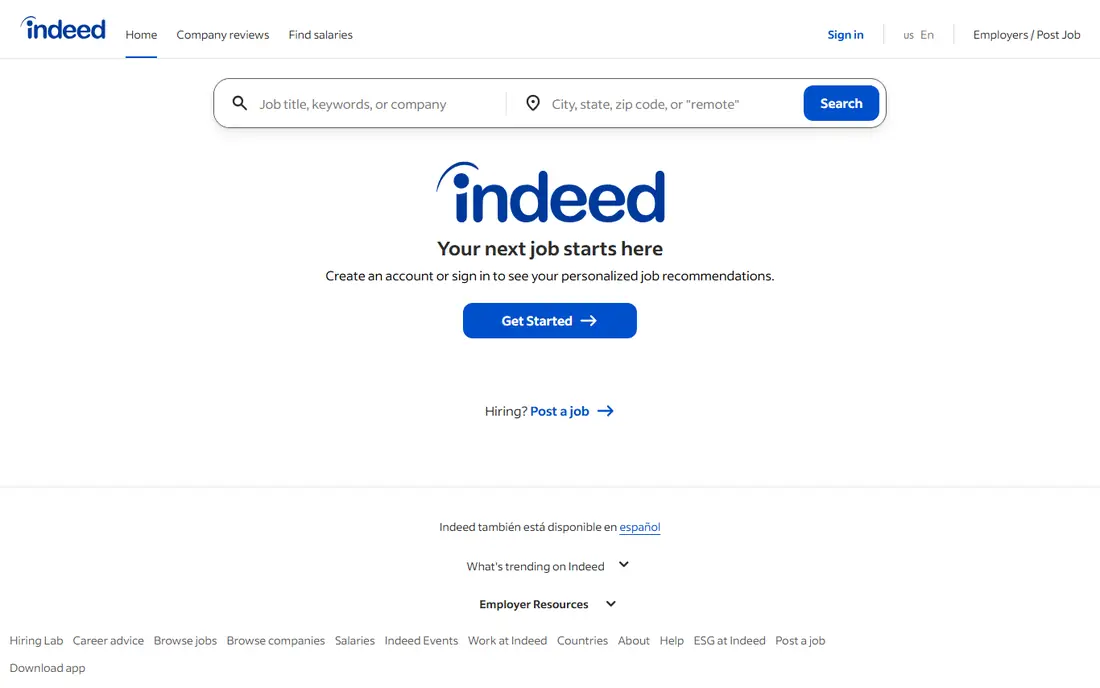
Indeed is the largest job board in this list by volume, and it is free for job seekers. You can search by title, location, salary, and job type, save searches, set alerts, and apply through Indeed or through the employer's site. Uploading a resume and keeping your profile current makes applying faster, since many postings accept a stored resume.
The catch is noise. Popular roles attract many applicants, and some listings stay live after a role fills or repeat across employers. Use tight filters, check the posting date, and confirm key details on the employer's site before you invest in a tailored application. For sheer coverage, though, Indeed remains the first board to check each week.
- Very large listing volume
- Free for job seekers
- Saved searches and alerts
- Listing quality varies
- Duplicate posts appear
- Competition is high on popular roles
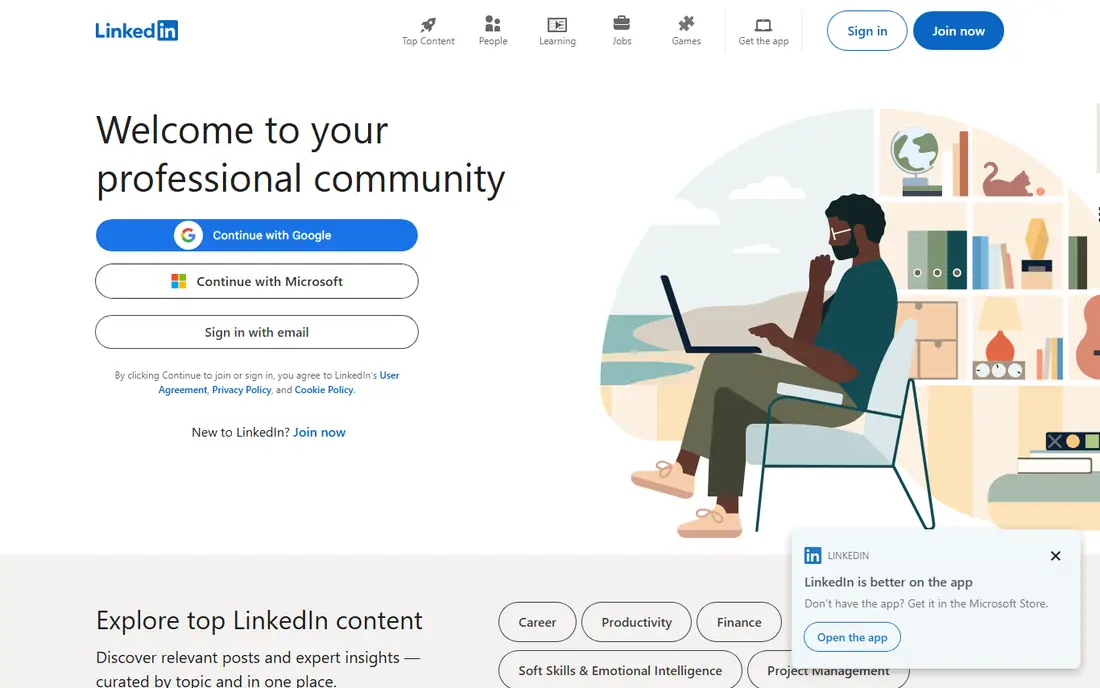
LinkedIn combines job search with professional networking, which gives it an edge that pure boards lack. Many roles offer Easy Apply, where your LinkedIn profile serves as the application, and recruiters can find you even when you are not actively applying. A complete profile with a clear headline, recent roles, and skills helps both search ranking and recruiter outreach.
The free version covers search and Easy Apply, while Premium Career, published around 39.99 dollars per month in recent guides, adds applicant insights and extra messaging options. LinkedIn works best when you treat it as two tools at once: a board for applying, and a network for referrals and research. Message contacts with a short, specific note rather than a generic request, and follow companies you genuinely want to join.
- Easy Apply speeds up many applications
- Recruiter visibility
- Networking alongside search
- Premium features cost extra
- Feed can distract from search
- Profile quality affects results

Glassdoor pairs job listings with salary ranges, company reviews, and interview reports, which helps you judge a role before you apply. Seeing a realistic pay range and common interview questions can shape your application and your preparation, and it can also help you spot employers with repeated concerns. Job search itself is free with an account, with no charge for job seekers.
Treat reviews as signals rather than verdicts. A single angry review tells you little, while a pattern across many reviews tells you more, and salary data should be checked against the posting and the offer. Use Glassdoor as a research step after Indeed or LinkedIn finds a promising role, not as your only board, since its listing volume is smaller than the leaders.
- Salary data and reviews beside listings
- Job search with an account
- Interview insights
- Review quality varies
- Some data is dated
- Account needed for full access
ZipRecruiter uses your profile and search history to send matched job alerts, which suits job seekers who want new roles to come to them. Applying is free for job seekers, and the mobile app makes it easy to review matches during a short break. Alerts work best when your profile is specific, since vague titles produce vague matches.
The main limit is control. A match is a suggestion, not a fit, and some listings redirect you to complete the application elsewhere, which breaks the flow. Review each alert before applying, and keep a tracker, such as Teal or Huntr below, so redirected applications do not disappear from your pipeline. For passive searching alongside an active board, ZipRecruiter is a useful second net.
- Free for job seekers
- Matching alerts push relevant roles
- Simple mobile applying
- Match quality varies
- Some roles redirect to employer sites
- Fewer networking tools than LinkedIn
Handshake is built for students and recent graduates, and it is free for students with a school login. Employers post roles specifically for students at partner schools, including internships and entry-level jobs that may not appear on general boards. That focus gives new graduates a fairer field, since you compete mainly with peers rather than experienced hires.
The catch is access. Handshake works best while you are enrolled at a partner school, and its value fades after graduation, when LinkedIn and Indeed take over. If you are a student, set up Handshake early, complete your profile, and use its employer events and messaging tools. Add LinkedIn from day one, so your professional profile exists when the Handshake window closes.
- Free for students
- Employers who hire from your school
- Internships and entry roles
- Needs a school connection
- Less useful after graduation
- Listing mix varies by school
Teal turns job searching into a managed pipeline. A browser extension saves jobs from any site into a tracker, where you move each role through stages, store contacts, and plan follow-ups. Its keyword tool compares your resume with a job description and highlights missing skills and phrases, which helps you tailor each application without rewriting from scratch.
The tracker and base resumes are free with unlimited job tracking, while Teal Plus costs around 29 dollars per month, or 13 dollars per week, with a quarterly option near 79 dollars. The weekly plan looks cheap but costs more over a long search, so choose monthly or quarterly if you upgrade. Teal suits applicants who tailor resumes and want one place for every application, contact, and follow-up date.
- Unlimited free job tracking
- Keyword matching against job descriptions
- Resume builder and follow-up tools
- Advanced AI writing sits behind Teal Plus
- Weekly billing can cost more than monthly
- Browser extension needed for best use
Huntr gives you a visual board for your search, with columns for saved, applied, interviewing, and offer stages. Each card holds notes, tasks, contacts, and a timeline, so you can see at a glance where every application stands. A browser clipper pulls jobs into the board, and autofill speeds up repeated forms, which matters when you apply to many roles in a week.
The free plan tracks a limited number of jobs, with recent guides listing caps between 40 and 100 depending on the source and plan version, so check the current Huntr pricing page. Pro costs around 40 dollars per month, with cheaper quarterly and half-year options. Huntr suits visual thinkers and relationship-driven searches, where contacts and interview stages matter as much as the job list itself.
- Clear kanban board
- Contact and interview tracking
- Autofill and job clipper
- Free plan caps tracked jobs
- Pro price is high monthly
- Metrics need Pro for full detail
Simplify focuses on speed. Its autofill fills common application fields from your profile, and its tracker logs applications automatically as you apply on supported sites, which removes the manual entry that causes many trackers to go stale. A free tier covers autofill, tracking, and matching, while Simplify Plus, published around 39.99 dollars per month in recent guides, adds extra features.
Autofill still needs a human check. Review every field before submitting, especially work history dates and location preferences, since a fast error can cost a good role. Simplify suits high-volume searches where typing the same details into dozens of forms eats your week. Pair it with Teal or Huntr if you want deeper resume tailoring, since Simplify's strength is speed rather than rewriting.
- Free autofill speeds up applications
- Automatic tracking as you apply
- Job matching
- Paid Simplify Plus costs extra
- Autofill needs checking on each form
- Best on supported sites
Monster is a long-running job board that remains useful as a second check, especially for roles that do not appear on newer platforms. Job search and applying are free for job seekers, with resume uploads, saved searches, and alerts to support a steady search. Its employer base covers a wide mix of industries, which helps when your field sits outside tech and startup hiring.
The honest limit is freshness. Monster's volume is smaller than Indeed's, and some listings stay live longer than they should, so check posting dates and employer sites before applying. Use Monster to cross-check a role or to find employers you missed, rather than as your only board, and keep your resume current so alerts match your real skills.
- Free for job seekers
- Long-running employer base
- Resume and alert tools
- Listing volume trails Indeed
- Interface feels older
- Some listings are dated
CareerBuilder offers a broad set of employer listings with free search and applying for job seekers, plus resume tools and job alerts. It is worth checking for roles in traditional industries and larger employers, where its long history gives it a steady listing base. Saved searches help you monitor a niche without checking the site daily.
Like Monster, CareerBuilder works best as a second board rather than a sole source. Listing volume is lower than Indeed, and the application flow varies, since some roles redirect to employer systems. Add it to a weekly routine: search Indeed and LinkedIn first, then run the same search on CareerBuilder and Monster to catch roles the leaders missed.
- Free for job seekers
- Broad employer coverage
- Resume and alert tools
- Smaller volume than leading boards
- Some features feel dated
- Application flow varies by employer
How we picked these
We compared official pricing pages, feature descriptions, and recent published guides, and we kept only tools that are live and free for job seekers at the basic level. We favoured a mix of wide boards, student tools, and trackers, since finding jobs and managing applications are different tasks. Prices for paid upgrades were taken from vendor pages and recent guides where they differed, and we marked uncertain figures for checking at checkout.
Choosing the right job app mix
Start with one wide board, one research or networking tool, and one tracker. Indeed or LinkedIn can anchor the search, Glassdoor can check pay and culture, and Teal, Huntr, or Simplify can hold the pipeline. Students should add Handshake while enrolled, and everyone should keep a short list of target employers rather than applying at random.
Apply with care, not just volume
Tailor the top lines of your resume to each role, using the job description's own language where it honestly matches your experience. Write a short cover note only when the posting asks for one or when you have a specific reason to stand out. Track every application, follow up once after a reasonable wait, and keep notes on each conversation so interviews build on earlier contact.
Stay safe while applying
Never pay to apply for a job, never share bank details or passwords with a recruiter, and check any employer that asks for fees or personal data early in the process. Use official company sites to confirm a posting, and be cautious with roles that promise earnings or guaranteed hiring, since no legitimate app can promise an outcome.
Frequently asked questions
What is the best app to apply for jobs?
Indeed is the best starting board for volume, while LinkedIn is best if networking and Easy Apply matter to you. Pair either board with Teal or Huntr for tracking, since a board alone does not manage follow-ups.
What is the best job tracking app?
Teal suits most applicants, with unlimited free tracking and resume keyword matching, while Huntr suits visual planners who want contacts and interviews on the same board. Simplify suits high-volume searches, since it logs applications automatically on supported sites.
What is the best job tracking software for a long search?
Teal and Huntr both handle long searches, but check their free limits and paid prices before you commit. Teal's free tracking is unlimited, while Huntr's free plan caps tracked jobs, so Teal is the safer free choice for a very long search.
Which app is best for students applying for jobs?
Handshake is best for students, since employers post internships and entry roles for partner schools. Students should also build a LinkedIn profile early, so networking continues after graduation.
Are job apps free for job seekers?
Yes, the boards on this list are free for job seekers at the basic level, including Indeed, LinkedIn, Glassdoor, ZipRecruiter, Handshake, Monster, and CareerBuilder. Paid upgrades, such as LinkedIn Premium or Teal Plus, add extras but are not required to search or apply.
Can an app guarantee I get hired?
No. No app can promise earnings or guaranteed hiring, and any service that does should be treated with caution. Apps help you find roles, tailor applications, and track follow-ups, while hiring decisions rest with employers.
Sources
See where you really rank - block by block
ProMapRanker scans Google Maps across a grid of your service area. Simple monthly plans from $19, white-label on every plan.
Start freeKeep reading
 zoro.to alternatives
Best Zoro.to Alternatives in 2026
We compare the best zoro.to alternatives in 2026, listing only legal licensed anime streaming services, from Crunchyroll to free options for fans today.
Read → zip alternatives
Best Zip Alternatives in 2026
We compare the best zip alternatives for buy now, pay later in 2026, covering pay-in-4 plans, fees, spending limits, and credit reporting options today.
Read → yesware alternatives
Best Yesware Alternatives in 2026
Compare the best yesware alternatives for sales email tracking, templates, and sequences, with current pricing and honest tradeoffs for small sales teams.
Read →